The 5 Best Prototype Design Software in 2026, Ranked
5 products for the best prototype design software, ranked by fit, with starting costs and free tiers. Caveats come with every verdict. Checked this month.
- Editor's choice
 ProtoPie
Advanced interaction and motion prototyping
Starts atSee websiteVisit protopie.ioFull review - Great alternative
 Balsamiq
Quick, low-fidelity wireframing
Starts at$16 per editor a monthVisit balsamiq.comFull review - Also consider
 Framer
Turning designs into live websites
Starts at$10 a monthVisit framer.comFull review
Direct answer
ProtoPie is the first pick on this list for advanced interaction and motion prototyping. Listed starting prices: Balsamiq from $16 per editor a month, Framer from $10 a month and Figma from $3 a month. If your case is different, Balsamiq suits quick, low-fidelity wireframing and Framer suits turning designs into live websites. Prices, free plans and limits for all 5 tools follow.
TL;DR:
- ProtoPie takes the first slot, best suited to advanced interaction and motion prototyping.
- Sketch suits Mac designers who value a focused workflow.
- Just one of the 5 tools, Framer, has a free plan.
- Before buying ProtoPie, weigh this: narrower scope than full design suites.
Last checked November 2026. Prices and plan details were read from the vendors' own pages in November 2026; vendors change plans often, so confirm the current price on the vendor site before you buy.
Quick comparison
| Tool | Best for | Starts at | Free plan? | |
|---|---|---|---|---|
| ProtoPie | Advanced interaction and motion prototyping | See website | Not stated | Visit |
| Balsamiq | Quick, low-fidelity wireframing | $16 per editor a month | Free trial | Visit |
| Framer | Turning designs into live websites | $10 a month | Yes | Visit |
 Figma | Collaborative design and prototyping at scale | $3 a month | Not stated | Visit |
 Sketch | Mac designers who value a focused workflow | $12 per editor a month | Free trial | Visit |
Our 5 picks for prototype design software
Choosing prototype design software usually comes down to price, fit and limits. This LinkVetted guide sets 5 tools side by side on those three points, with the facts kept short and checkable.
ProtoPie is designed for advanced interaction and motion prototyping. It is a prototyping specialist instead of a full visual design environment.
So teams still need another tool for interface design and asset management. Pricing for ProtoPie is not stated here, so ask the vendor for current figures. Free options: Not stated.
Where it is weaker: Advanced interactions take time to learn.
- Hands off clean specifications
- AI-assisted interaction generation
- Narrower scope than full design suites
Think of Balsamiq for quick, low-fidelity wireframing. Balsamiq describes itself as quick, focused wireframing and prototyping software for product, tech and business minds. Its sketch-like style keeps early discussions about structure and flow instead of colors and pixels, which fits product managers, founders and teams validating ideas before committing to visual design.
What to check first: Limited visual fidelity.
The deliberately rough look is not meant for high-fidelity or production-ready interfaces. Once a concept is settled, teams usually move to a fuller design tool for in-depth visuals and interactive prototypes. Balsamiq pricing: $16 per editor per month. Free access: Free trial.
Best features of Balsamiq: A decent match for early concept testing.
- Fast sketch-style wireframes
- Low friction for non-designers
- Not designed for polished final interfaces
Framer is a good fit for turning designs into live websites. Framer describes itself as a website builder with a design agent that takes you from idea to launch, with hosting, CMS, analytics, SEO and AEO built in.
Its strengths lean toward web publishing instead of complicated product or app prototyping. Teams building in-depth application flows may find a dedicated design and prototyping tool a better fit. Framer starts at: $10 per month. Framer has a free plan.
What to check first: Optimized for web output instead of app design.
- Design agent moves idea to launch
- Hosting
- Publishing features add complexity
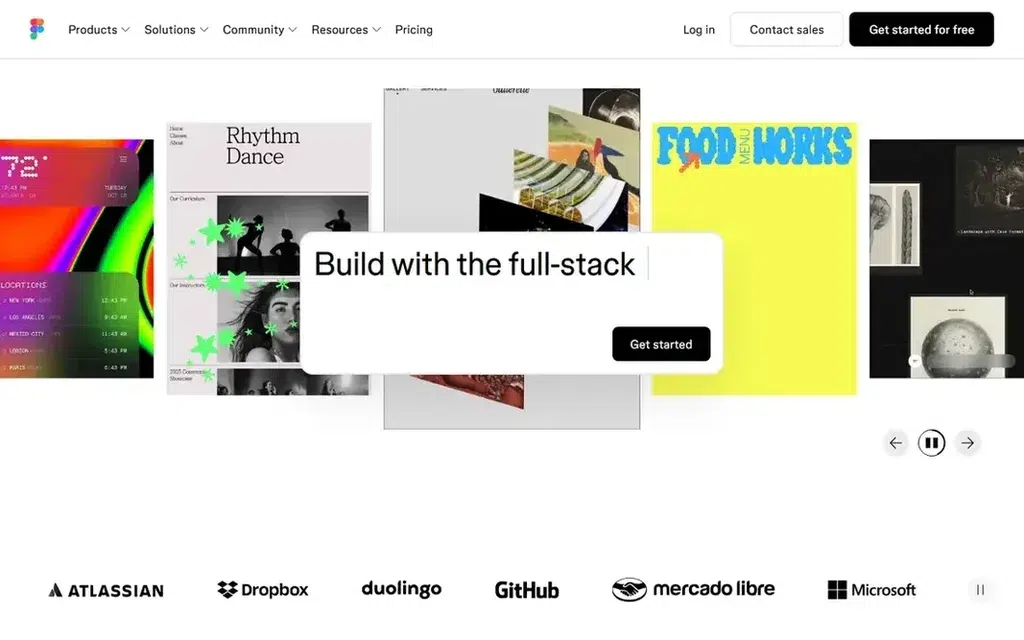
Figma is a good fit for collaborative design and prototyping at scale. It suits product teams, designers and developers who want to prototype and collaborate inside a shared workspace instead of passing files back and forth.
Trade-offs to know: Needs a stable internet connection.
Teams that only need fast, low-fidelity wireframes may find a more straightforward dedicated wireframing tool quicker to adopt. What you pay to start with Figma: $3 per month. Free plan details: Not stated.
Where Figma stands out: Design.
- Capable live team collaboration
- Code and AI in one canvas
- Feature depth can overwhelm beginners
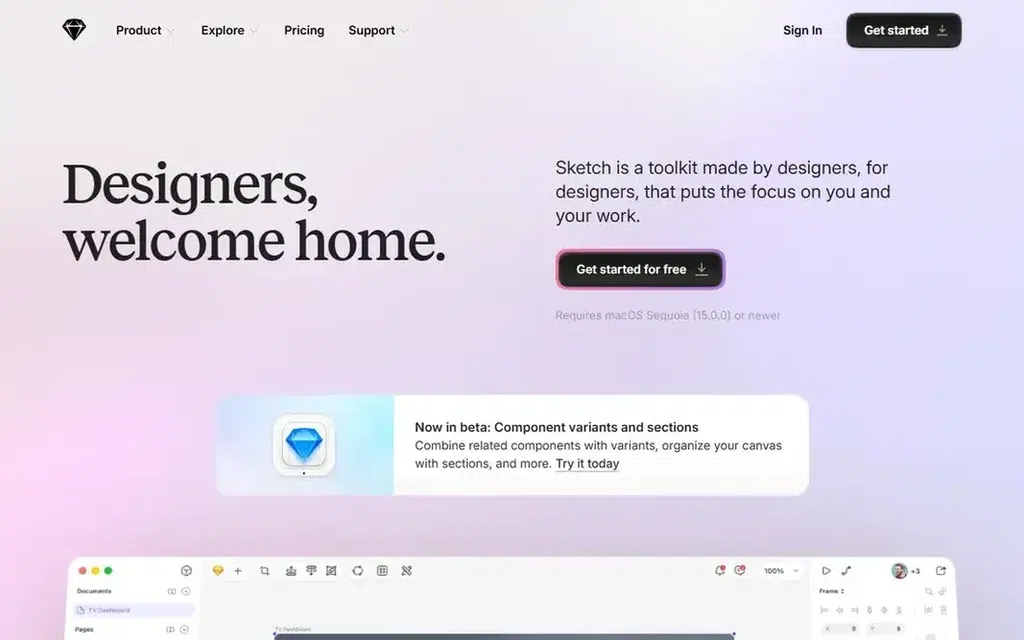
Choose Sketch for Mac designers who value a focused workflow. The workflow is built around producing polished interface work and sharing it with developers.
Main advantages: Design.
Where it falls short: Collaboration is less central than in browser tools.
What you pay to start with Sketch: $12 per editor per month. On free options: Free trial.
- Clean
- Well established in Mac design workflows
- Tied to the Apple ecosystem
How we compared the tools
We compared the tools on published pricing, free plan or trial availability, feature coverage for prototype design software, and the limits each vendor documents. Treat prices as a snapshot: vendors change plans often, so check the vendor site for the figure that applies today. Tools are placed by general fit for prototype design software, with price clarity and free access as tie-breakers. A different team can reasonably rank them differently.
A buyer's checklist
- Get a written quote from ProtoPie; the list shows no starting price for them.
- Look at the free plan from Framer closely: its caps decide whether it is usable for real work.
- Take the trial from Balsamiq and Sketch and push a live task through it before you pay.
- Before choosing ProtoPie, weigh its main limit: narrower scope than full design suites.
- Find out what support ProtoPie includes on your plan, and whether onboarding help costs extra.
- Before rolling out Figma, verify the integrations your workflow depends on.
FAQ
How are the tools for prototype design software ordered?
ProtoPie sits first and Sketch last because the order follows typical fit for prototype design software, then price clarity and free access. It is a judgement call, so read each profile for fit and limits.
Which options for prototype design software have a free plan?
Framer is the only tool in this list with a free plan. Free plans usually cap users, projects or features, so check the limits on the vendor page. Several others offer a trial instead. For the full picture, the cards above cover all 5 entries of this Prototype design software list, including price, free plan and limits.
Can I try these options before paying?
Often, yes. Framer has a free plan and Balsamiq and Sketch offer a free trial. Use your own data and a real task during the test, and check what the free tier or trial limits before you rely on it.
Do these tools publish their prices?
Not all of them. ProtoPie publishes no starting price, so expect a quote request for it. The rest, Balsamiq included, show a starting price, though seats and billing terms still change the final cost.
Sources
- https://www.protopie.io
- https://balsamiq.com
- https://www.framer.com
- https://www.figma.com
- https://www.sketch.com