The 5 Best Photography Software for Beginners in 2026, Ranked
Compare 5 best photography software for beginners, with prices, free plans and who each fits. Honest caveats for every entry. Reviewed in November 2026.
- Editor's choice
 Adobe Lightroom
Beginners who want editing and organizing
Starts atSee websiteVisit adobe.comFull review - Great alternative
 ON1 Photo RAW
Beginners who prefer one-time purchase
Starts at$49.99Visit on1.comFull review - Also consider
 Affinity Photo
Beginners seeking professional tools
Starts atSee websiteVisit affinity.serif.comFull review
Direct answer
If you need beginners who want editing and organizing, Adobe Lightroom is the first tool to look at here. Listed starting prices: ON1 Photo RAW from $49.99. Look at ON1 Photo RAW for beginners who prefer one-time purchase, and at Affinity Photo for beginners seeking professional tools. Details, prices and limits for the rest of the 5 tools are below.
TL;DR:
- Adobe Lightroom takes the first slot, best suited to beginners who want editing and organizing.
- Adobe Photoshop Elements suits beginners who want guided editing.
- A permanent free plan is missing from all 5 tools, Adobe Lightroom and Adobe Photoshop Elements included; plan for a trial or a premium start.
- No starting price is published for Adobe Lightroom, Affinity Photo, Skylum Luminar Neo and Adobe Photoshop Elements; expect a quote.
Last checked November 2026. Prices and plan details were read from the vendors' own pages in November 2026; vendors change plans often, so confirm the current price on the vendor site before you buy.
Quick comparison
| Tool | Best for | Starts at | Free plan? | |
|---|---|---|---|---|
| Adobe Lightroom | Beginners who want editing and organizing | See website | Not stated | Visit |
| ON1 Photo RAW | Beginners who prefer one-time purchase | $49.99 | Free trial | Visit |
| Affinity Photo | Beginners seeking professional tools | See website | Not stated | Visit |
| Skylum Luminar Neo | Beginners who want AI-powered editing | See website | No | Visit |
| Adobe Photoshop Elements | Beginners who want guided editing | See website | Not stated | Visit |
Photography Software for Beginners compared in detail
Choosing photography software for beginners usually comes down to price, fit and limits. This LinkVetted guide sets 5 tools side by side on those three points, with the facts kept short and checkable.
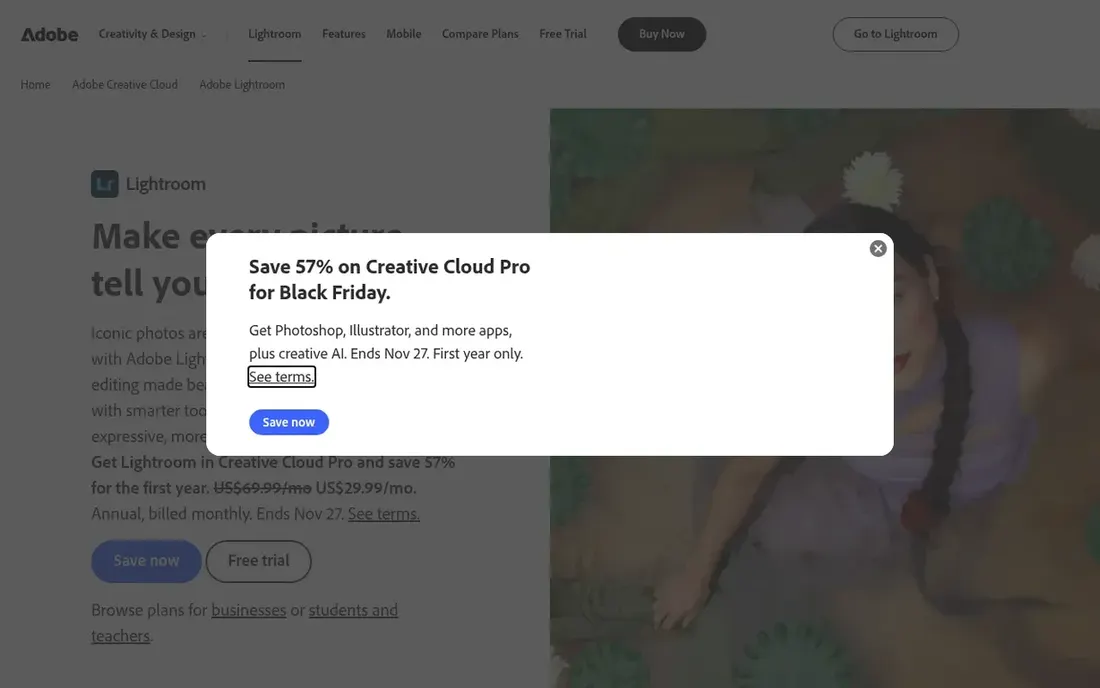
Adobe Lightroom is built with beginners who want editing and organizing in mind. If you prefer a more guided experience, Elements might be a better starting point. It permits photographers to make amazing photos from anywhere, with a focus on workflow and organization.
In daily use, Lightroom needs a subscription, which may not appeal to those seeking a one-time purchase. It also gives you fewer step-by-step guides than Photoshop Elements. Adobe Lightroom does not show a starting price in this comparison, so check the vendor site for current pricing. Free plan details: Not stated.
Trade-offs to know: Subscription required.
- Non-destructive editing
- Solid organizing tools
- Less guided than Elements
ON1 Photo RAW works best for beginners who prefer one-time purchase. ON1 Photo RAW is an AI-powered raw photo editing software that lets you edit, organize, and process photos with pro-level quality.
The all-in-one approach can be overwhelming for beginners due to the numerous features. The starting price for ON1 Photo RAW: $49.99. On free options: Free trial.
Watch-outs: Can be overwhelming.
- All-in-one raw editor
- AI-powered
- Ramp-up time
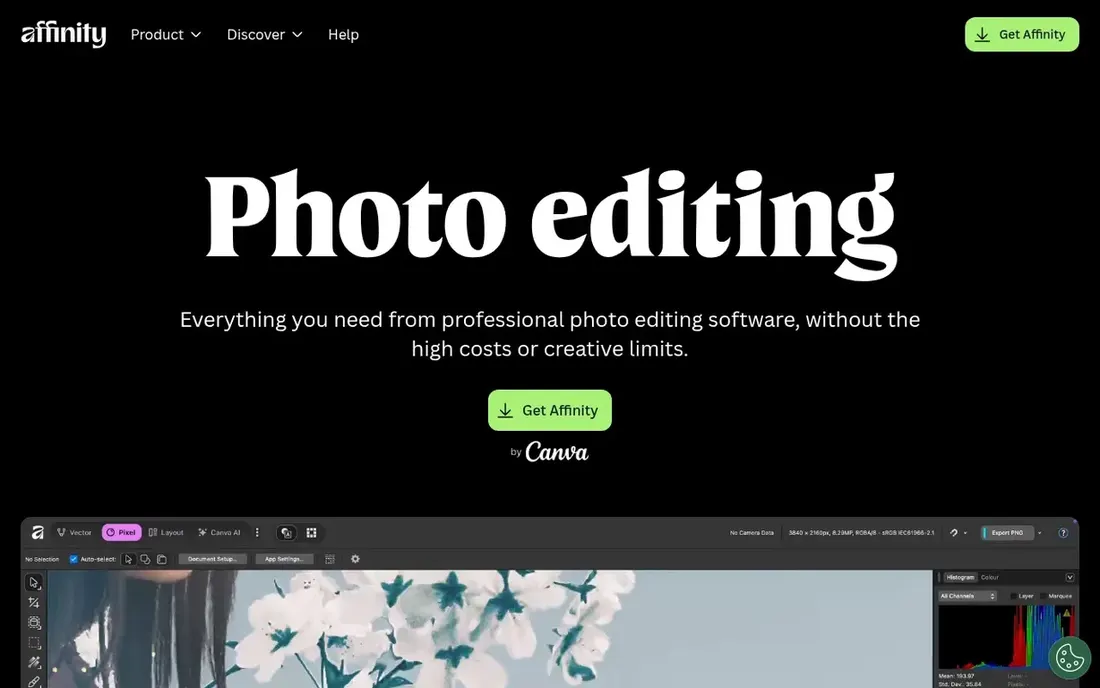
Affinity Photo is aimed squarely at beginners seeking professional tools. Affinity Photo is a capable, precise photo editor aimed at speed and creative freedom. It provides professional-level tools without the price tag of some competitors, making it attractive for beginners who want room to grow.
Trade-offs to know: Less beginner guidance.
Its interface is simplified for efficiency. Also, consider starting with a more guided tool and moving to Affinity Photo later. The ramp-up time can be steep for absolute beginners, as it lacks the hand-holding found in Elements. On top of that, if you are fully new to photo editing, you might find it overwhelming at first. No starting price is listed for Affinity Photo here; confirm pricing on the vendor site. Free options: Not stated.
- No subscription
- Quick performance
- Steeper ramp-up time
Skylum Luminar Neo
Best for: Beginners who want AI-powered editing
Skylum Luminar Neo serves beginners who want AI-powered editing. Skylum Luminar Neo is a straightforward photo editor with AI that helps edit your photos as you imagine them. It is aimed at PC and Mac, offering an easy-to-learn experience for beginners.
Honest limits: Restricted advanced controls.
What users get: AI-driven edits.
Its AI features automate complicated tasks, making it simple to achieve professional-looking results quickly. Whereas Luminar Neo is well suited to fast edits, it may lack the depth of control that advanced users need. It can also be resource-intensive on older computers. This comparison lists no price for Skylum Luminar Neo; ask the vendor. Skylum Luminar Neo has no free tier.
- Straightforward interface
- Creative choices
- Can be slow on older hardware
Adobe Photoshop Elements
Best for: Beginners who want guided editing

Adobe Photoshop Elements targets beginners who want guided editing. If you need mobile editing or more precise control, consider other choices like Lightroom or Affinity Photo.
Trade-offs to know: Desktop only.
Pricing for Adobe Photoshop Elements is not stated here, so ask the vendor for current figures. Trial and free access: Not stated.
- Automatic editing choices
- Adobe AI features
- Restricted advanced controls
How we built this list
What to check before you buy
- Confirm the entry price on the vendor page. For Adobe Lightroom, Affinity Photo, Skylum Luminar Neo and Adobe Photoshop Elements that means a quote rather than a fixed price.
- Take the trial from ON1 Photo RAW and push a live task through it before you pay.
- Read the limits listed for Adobe Lightroom first: subscription required.
- List the apps you already depend on and check that Affinity Photo supports each one on the plan you would buy.
- Ask Skylum Luminar Neo about contract length, onboarding fees and user minimums before you sign.
FAQ
Is Adobe Lightroom the right pick for everyone comparing photography software for beginners?
No single tool suits every team. Adobe Lightroom comes first because it fits beginners who want editing and organizing, while ON1 Photo RAW suits beginners who prefer one-time purchase and Affinity Photo suits beginners seeking professional tools. Match the tool to your own size, budget and workflow before deciding.
Does any tool for photography software for beginners here have a free plan?
A permanent free plan is not offered by Adobe Lightroom, Adobe Photoshop Elements or the other tools here. ON1 Photo RAW offer a trial. Plan a short evaluation period instead.
Do these tools publish their prices?
Not all of them. Adobe Lightroom, Affinity Photo, Skylum Luminar Neo and Adobe Photoshop Elements publish no starting price, so expect a quote request for those. The rest, ON1 Photo RAW included, show a starting price, though seats and billing terms still change the final cost.
Can I use beginner photo editing software on multiple devices?
Some tools like Adobe Lightroom offer cross-device support for desktop, web, and mobile. Others like Photoshop Elements are desktop-only. Check the software's compatibility with your devices.
How are the tools for photography software for beginners ordered?
The order follows typical fit for photography software for beginners, with Adobe Lightroom first and Adobe Photoshop Elements last, then price clarity and free access. It is editorial judgement, not a score, so another team could rank the tools differently.
Sources
- https://www.adobe.com/products/photoshop-lightroom.html
- https://www.on1.com/products/photo-raw
- https://affinity.serif.com/en-us/photo
- https://skylum.com/luminar
- https://www.adobe.com/products/photoshop-elements.html