7 Animation Software Beginners Compared on Price and Fit
7 best animation software beginners, compared on pricing, free plans and best-fit use. Notes on cost and gaps for each tool. Current for November 2026.
- Editor's choice
 Pencil2D
Straightforward frame-by-frame drawing
Starts atFreeVisit pencil2d.orgFull review - Great alternative
 Moho
Rigged character animation, one-time price
Starts at$59.99 one-timeVisit moho.lostmarble.comFull review - Also consider
 Synfig Studio
Vector tweening without frame-by-frame work
Starts atFreeVisit synfig.orgFull review
TL;DR:
- This list starts with Pencil2D, which is built for straightforward frame-by-frame drawing.
- Only 4 of the 7 tools have a free plan (Pencil2D, Synfig Studio, Animaker, Blender), so check the caps.
- Toon Boom Harmony suits professional 2D cartoon pipeline.
- The lowest published monthly entry price here is $22.99/month, from Adobe Animate.
Direct answer
Our first pick is Pencil2D, best for straightforward frame-by-frame drawing. Moho fits rigged character animation, one-time price; Synfig Studio fits vector tweening without frame-by-frame work. The full list of 7 tools follows, with prices and free plan facts.
Quick comparison
| Tool | Best for | Starts at | Free plan? | |
|---|---|---|---|---|
| Pencil2D | Straightforward frame-by-frame drawing | Free | Yes | Visit |
| Moho | Rigged character animation, one-time price | $59.99 one-time | Free trial | Visit |
| Synfig Studio | Vector tweening without frame-by-frame work | Free | Yes | Visit |
 Animaker | Template-based animated videos | Free | Yes | Visit |
 Adobe Animate | Vector animation and web interactivity | $22.99/month (annual, billed monthly) | Free trial | Visit |
 Blender | Free 3D animation, pro quality | Free | Yes | Visit |
 Toon Boom Harmony | Professional 2D cartoon pipeline | $30/month | Free trial | Visit |
Tool-by-tool breakdown
LinkVetted put together this guide to animation software beginners for readers who want a clear shortlist without reading every vendor page. It compares 7 tools on starting price, free plans, who each one suits and where each one falls short.
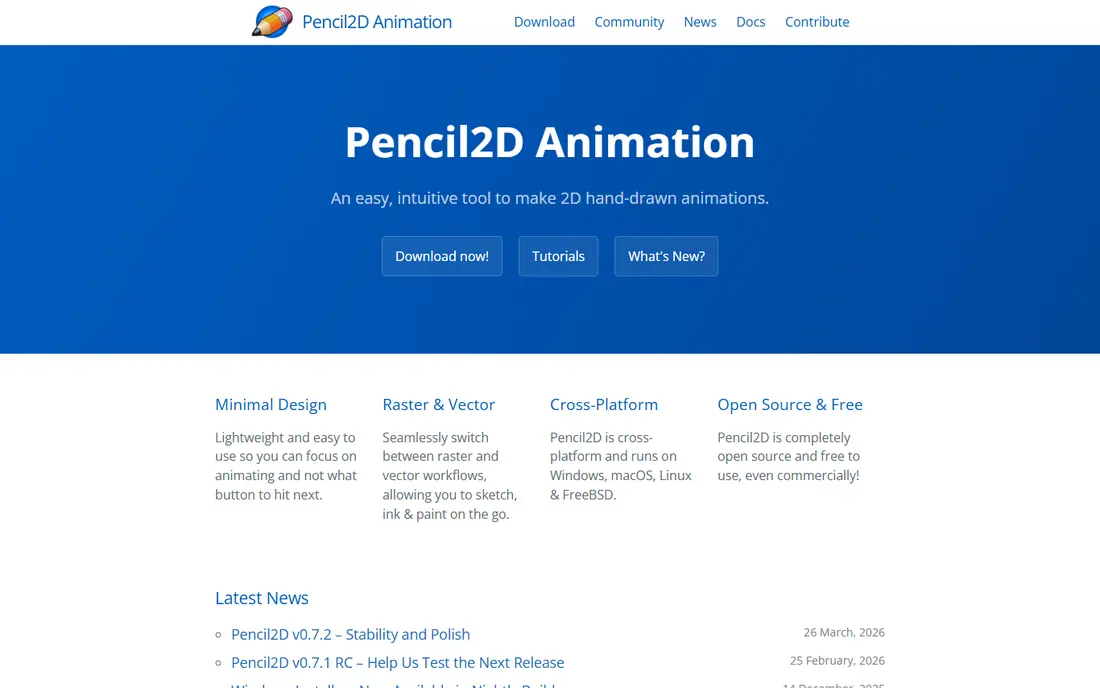
Think of Pencil2D for straightforward frame-by-frame drawing. Pencil2D is the digital equivalent of a flipbook, and that is its entire point. In daily use, a beginner can make their first bouncing ball in an evening, which matters more than it sounds, since early wins keep you animating.
Points against: Crashes were historically typical on large projects.
It supports both bitmap and vector drawing layers and runs happily on modest machines. It is not a tool you grow into for years. There is no character rigging, no effects pipeline and no real compositing, and very large projects have historically been unstable. But as a first step into traditional animation, nothing is friendlier. Pencil2D cost at the entry level: Free. Pencil2D includes a free tier.
- Bitmap and vector layers in one timeline
- Light and runs on old hardware
- No rigging
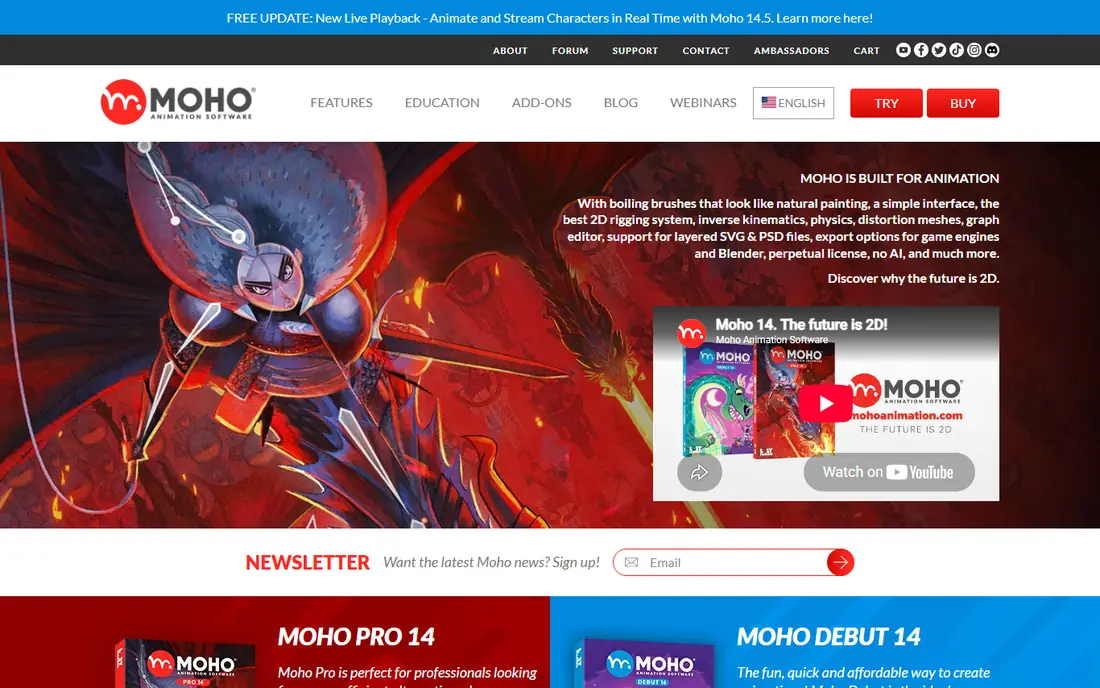
Think of Moho for rigged character animation, one-time price. The Pro version at $399.99 brings advanced rigging, physics and 3D object import for serious production work. For everyday use, the Debut version costs $59.99 once, no subscription, and bundles the bone rigging system that made the software famous: smart bones that automatically deal with joint bending, squash and stretch, and character turnarounds.
Beyond that, the free trial lets you test the rigging workflow before buying. But for the popular YouTube style of rigged 2D characters talking and acting, Moho Debut does the job for the price of two months of Adobe Animate, forever. Moho starts at: $59.99 one-time. Free options: Free trial.
Limits to weigh: Frame-by-frame drawing tools are weaker than Harmony's.
- Used for YouTube cartoons and web series
- Debut level is a $59.99 one-time purchase
- Smaller community than the Adobe tools

Synfig Studio is aimed squarely at vector tweening without frame-by-frame work. Synfig Studio answers the beginner's biggest complaint about 2D animation: redrawing every frame is exhausting. Instead, you draw your character once as vector shapes, set keyframes for the poses, and Synfig tweens the in-between frames automatically.
Upsides: Free on Windows.
Drawbacks to consider: Rendering can be slow on complicated scenes. It includes a bone system for rigging characters, a library of over 50 layer types for effects, and full control over the animation curves. The trade-off is the ramp-up time of its unusual workflow. Synfig Studio cost at the entry level: Free. You can start on Synfig Studio without paying.
- Mac and Linux
- Automatic tweening between keyframes saves drawing time
- The workflow is unusual and takes getting used
Pick Animaker if this describes you: template-based animated videos. Animaker is for beginners who want a finished animated video, not animation skills. It spans 2D character animation, whiteboard videos, infographics and more, with AI-assisted features for script and voice.
Where it falls short: Template look is recognizable.
In daily use, the honest limitation is originality: template-based videos look template-based, and viewers can tell. For explainer videos, internal training, school projects and social content, that trade is fine. If you want to develop as an animator, this is a video maker, not a training ground. More specifically, the premium plans start at $15 a month billed yearly for the Basic level, which removes watermarks and raises quality. Animaker pricing: Free. You can start on Animaker without paying.
- Exports up to 4K on premium plans
- Thousands of templates and pre-made characters
- The free plan watermarks videos and caps quality
Adobe Animate works best for vector animation and web interactivity. Adobe Animate is the modern descendant of Flash, and it remains the standard for vector-based 2D animation for the web, TV and games. The 2026 version contains camera tools, layer parenting and auto-lip-sync features that accelerate real projects.
Drawbacks to consider: Subscription brings up quick.
For everyday use, a 7-day free trial lets you test it. You draw with vectors that stay crisp at any size, animate with tweens rather than redrawing every frame, and publish to HTML5, video or interactive content. What you pay to start with Adobe Animate: $22.99/month. Trial and free access: Free trial.
- Connects with the Creative Cloud workflow
- Camera and layer parenting ease scenes
- Overkill if you only want simple frame-by-frame drawing
Blender is aimed squarely at free 3D animation, pro quality. It is a complete 3D animation suite, modeling, rigging, animation, rendering, video editing, that costs nothing and is genuinely used in professional productions.
Where it is weaker: 3D fundamentals take months to learn properly.
Blender's interface packs a decade of professional features into one window, and your first week will feel like sitting in a cockpit. Blender asks only for your time. The starting price for Blender: Free. A free plan is available with Blender.
- Grease pencil for 2D animation inside 3D
- Full 3D pipeline used by real studios
- The interface overwhelms at first
Toon Boom Harmony targets professional 2D cartoon pipeline. Toon Boom Harmony is what professional 2D studios use, from TV series to feature films. The Essentials level at $30 a month (or $252 billed annually) puts that pipeline within a beginner's reach.
Honest limits: Professional pricing beyond the entry level.
Its strength is cut-out animation: you build a character once as separate pieces, rig it with bones, and animate by posing the rig rather than redrawing. The 14-day trial is ample enough to finish a short test scene. Worth adding: essentials is deliberately restricted compared with Advanced and Premium, but it spans the full animation process a beginner needs. If your goal is working in animation professionally, learning Harmony is the most direct path, since the studios you want to join already use it. Toon Boom Harmony pricing: $30/month. Free options: Free trial.
- The software behind major TV productions
- 14-day trial on all levels
- Essentials level limits some advanced effects
Selection criteria
The comparison looks at four things: starting price, free access, how well the feature set matches animation software beginners, and the main limit of each tool. Treat prices as a snapshot: vendors change plans often, so check the vendor site for the figure that applies today. The sequence is a judgement call: typical use case first, then pricing transparency, then free access. Use the profiles to check fit.
Pre-purchase checklist
- Check the vendor page for the current price: Adobe Animate starts at $22.99/month here, and seats or billing terms can move it.
- Read the fine print on the free plans from Pencil2D, Synfig Studio, Animaker and Blender; seat, project and feature caps differ.
- Take the trial from Moho, Adobe Animate and Toon Boom Harmony and push a live task through it before you pay.
- Read the limits listed for Pencil2D first: no rigging, effects or advanced compositing.
- Test how quickly Blender answers a pre-sales question; it hints at how support will feel later.
- Compare total cost, not headline price: for Pencil2D, add extra seats, add-ons and any usage-based charges.
FAQ
Do these tools publish their prices?
Yes. Every tool from Pencil2D to Toon Boom Harmony shows a starting price, though seats, add-ons and billing terms still change the final cost.
How are the animation software beginners ordered?
Pencil2D sits first and Toon Boom Harmony last because the order follows typical fit for animation software beginners, then price clarity and free access. It is a judgement call, so read each profile for fit and limits.
Can I try these tools before paying?
Often, yes. Pencil2D, Synfig Studio, Animaker and Blender have a free plan and Moho, Adobe Animate and Toon Boom Harmony offer a free trial. Use your own data and a real task during the test, and check what the free tier or trial limits before you rely on it.
What is the best free animation software for beginners?
This list starts with Pencil2D, which fits straightforward frame-by-frame drawing. For other needs, Moho is aimed at rigged character animation, one-time price, and Synfig Studio at vector tweening without frame-by-frame work. Check each tool's price and main limit first.
Is Pencil2D the right pick for everyone comparing animation software beginners?
No single tool suits every team. Pencil2D comes first because it fits simple frame-by-frame drawing, while Moho suits rigged character animation, one-time price and Synfig Studio suits vector tweening without frame-by-frame work. Match the tool to your own size, budget and workflow before deciding.