6 Wedding Planning Software for Photographers Worth Shortlisting in 2026
Compare 6 best wedding planning software for photographers, with prices, free plans and who each fits. Every tool lists pros and cons. Pick by budget.
- Editor's choice
 Pixieset
All-in-one system with galleries
Starts at$8 a monthVisit pixieset.comFull review - Great alternative
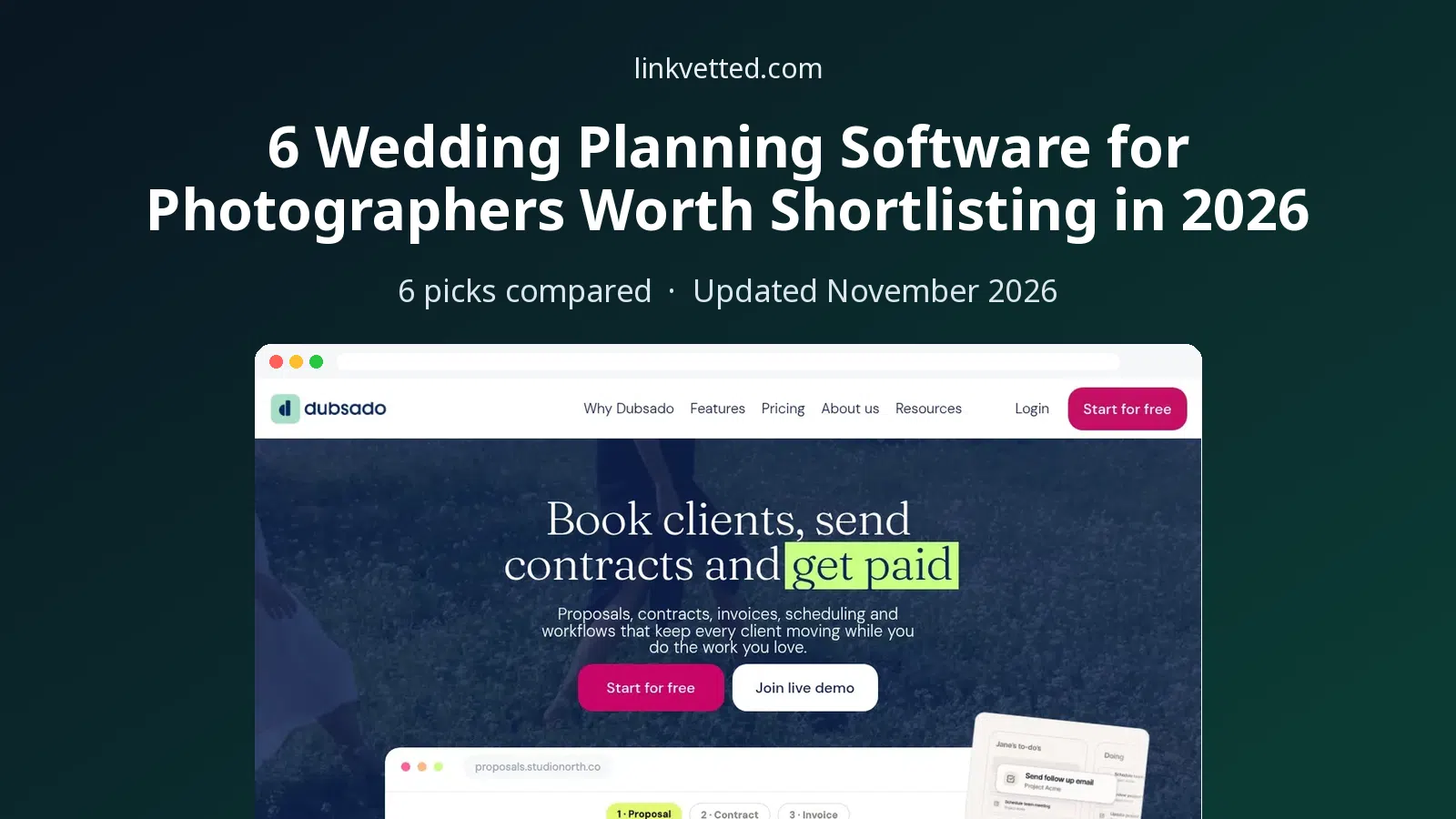
 Dubsado
Creative service business management
Starts atSee websiteVisit dubsado.comFull review - Also considerAisle Planner
Dedicated wedding planning features
Starts atSee websiteVisit aisleplanner.comFull review
Direct answer
Pixieset comes first here, mainly for all-in-one product with galleries. Listed starting prices: Pixieset from $8 a month, Tave from $4.99 per month and 17hats from $60 a month. Dubsado is better for creative service business management, and Aisle Planner is better for dedicated wedding planning features. The other 3 tools in the list cover narrower or pricier cases.
TL;DR:
- Pixieset sits first on this list: all-in-one system with galleries.
- Starting prices begin at $4.99 per month with Tave.
- Before buying Pixieset, weigh this: wedding planning features are basic.
- Pixieset is the only tool of the 6 with a free plan.
Last checked November 2026. Prices and plan details were read from the vendors' own pages in November 2026; vendors change plans often, so confirm the current price on the vendor site before you buy.
Quick comparison
| Tool | Best for | Starts at | Free plan? | |
|---|---|---|---|---|
| Pixieset | All-in-one system with galleries | $8 a month | Yes | Visit |
| Dubsado | Creative service business management | See website | Not stated | Visit |
| Aisle Planner | Dedicated wedding planning features | See website | Free trial | Visit |
 HoneyBook | All-in-one client relationship management | See website | Not stated | Visit |
| Tave | Photography studio management | $4.99 per month | Free trial | Visit |
 17hats | Small business CRM and automation | $60 a month | Free trial | Visit |
Every option for wedding planning software for photographers explained
If you are comparing wedding planning software for photographers, this page covers 6 tools in one place: what each is best for, what it costs to start, whether it has a free plan, and the main limit to know about.
Where Pixieset fits: all-in-one product with galleries. It permits photographers to deliver galleries, book clients, and accept payments.
Beyond that, Whereas Pixieset gives you CRM features, its wedding planning capabilities are not as deep as dedicated planning software like Aisle Planner. Starting cost for Pixieset: $8 per month. Free access exists with Pixieset.
Limits to weigh: May lack advanced CRM automation.
- CRM and payment tools
- Website builder
- Wedding planning features are entry-level

Where Dubsado fits: creative service business management. Dubsado's adaptability includes a ramp-up time, and setting up workflows can take time. For everyday use, Dubsado is software for creative service companies, offering tools to run clients, projects, and finances.
It contains features like client portals, automatic workflows, and invoicing. If you prefer a more straightforward, photography-focused tool, those alternatives might be better. Even so, for creatives who want deep customization, Dubsado is a capable choice. Worth adding: photographers can use Dubsado to simplify their wedding planning processes, from initial inquiry to final delivery, with a high degree of customization to fit their specific business needs. Dubsado shows no starting price here, so confirm the cost on the vendor site. Free plan details: Not stated.
Points against: Steeper ramp-up time.
- Automation for tasks
- Configurable workflows
- Needs setup time
Aisle Planner
Best for: Dedicated wedding planning features
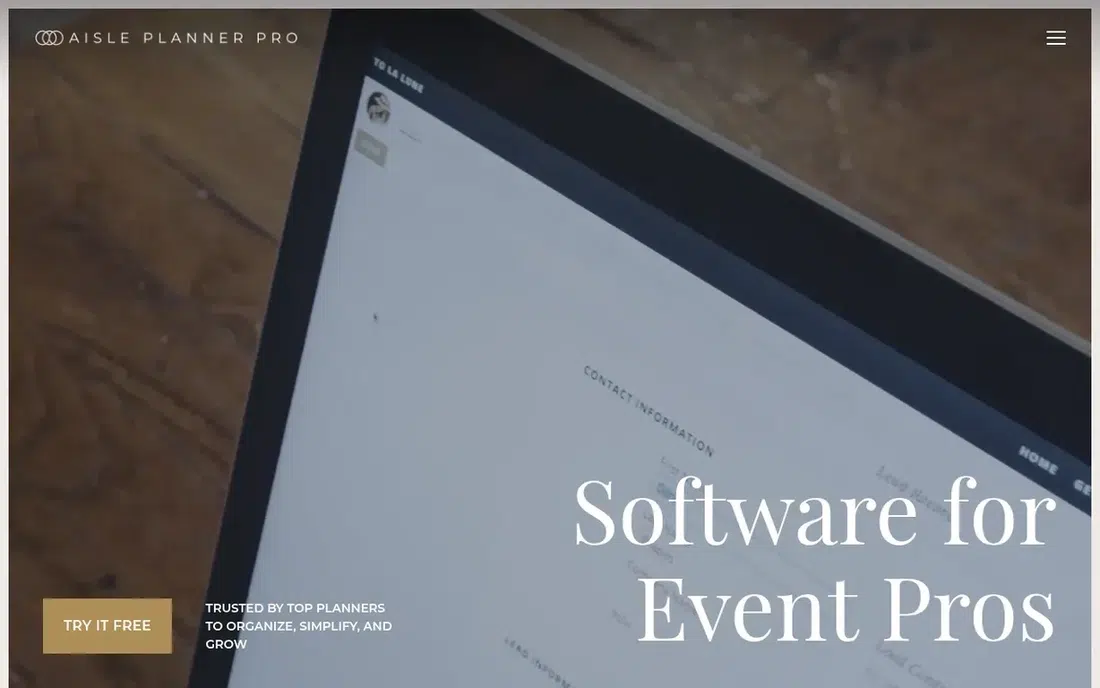
Aisle Planner was built for dedicated wedding planning features. Photographers who also offer planning services or work closely with planners will find it handy for keeping all wedding-related information organized and accessible. It may lack features like invoicing or contract management that photographers need for their business operations.
The main drawbacks: Restricted photography business management.
If you need an all-in-one business option, you might have to pair it with another tool or choose a system like HoneyBook or Dubsado. On top of that, Aisle Planner is a wedding planning software made for professional planners and photographers who are involved in event planning. It supplies tools for managing wedding details, timelines, and client collaboration. Aisle Planner shows no starting price here, so confirm the cost on the vendor site. Free access: Free trial.
- Checklists and timelines
- Wedding-specific tools
- May need extra tools for invoicing

For all-in-one client relationship management, HoneyBook is a natural candidate. Whereas HoneyBook is feature-rich, it may be more than needed for photographers who only need basic wedding planning features.
No starting price is listed for HoneyBook here; confirm pricing on the vendor site. Free plan details: Not stated.
Where it falls short: Focus on general small companies.
- Manages proposals, contracts, invoices
- Integrated payments
- May be complicated for straightforward needs
Tave
Best for: Photography studio management
Think of Tave for Photography studio management. Tave, now known as VSCO Workspace, is a CRM and studio management software for photographers. It bundles advanced CRM tools to help run a photography business, for example client tracking, job management, and scheduling.
Where it is weaker: Now part of VSCO Workspace.
From a buyer's view, photographers who require a system tailored to the photography industry will find Tave's features aligned with their workflow, particularly for managing weddings and other shoots. As Tave has transitioned to VSCO Workspace, some photographers may have to adapt to the new system. It is primarily a photography CRM and may not offer deep wedding planning features like timelines or checklists. Also, if you need dedicated wedding planning tools, consider Aisle Planner. What you pay to start with Tave: $4.99 per month. On free options: Free trial.
- Studio management tools
- Client and job tracking
- May need adaptation for wedding planning
17hats works best for small business CRM and automation. 17hats is a CRM and small business management software option that helps organize and automate business tasks. It bundles features like client management, invoicing, and scheduling.
In practice, for a general business management solution, 17hats is a solid choice. Also, photographers can use 17hats to handle their wedding photography business, from lead capture to final payment, with tools that simplify operations and support growth. What you pay to start with 17hats: $60 per month. As for free access: Free trial.
Where it falls short: May need customization for weddings.
- Automation for tasks
- Organizes client information
- Not photography-specific
How we chose
Selection started from tools commonly considered for wedding planning software for photographers, then narrowed to 6 that have clear pricing information or a clear quote process. Where a price is missing, the vendor does not list one publicly or ties it to a quote. Always confirm before budgeting. Order on the page follows fit for the typical buyer first, then price transparency and free access. Your own requirements should decide the final pick.
What to check before you buy
- Get a written quote from Dubsado, Aisle Planner and HoneyBook; the list shows no starting price for them.
- Look at the free plan from Pixieset closely: its caps decide whether it is usable for real work.
- Run a trial of Aisle Planner, Tave and 17hats with real work before paying for a year; your own workflow is the best test.
- Read the limits listed for Pixieset first: wedding planning features are basic.
- Look at which plan of HoneyBook unlocks the features you need; entry tiers are often cut down.
- Ask Tave how an export works before you move any records in; an easy exit lowers the risk.
FAQ
Do these tools publish their prices?
Not all of them. Dubsado, Aisle Planner and HoneyBook publish no starting price, so expect a quote request for those. The rest, Pixieset included, show a starting price, though seats and billing terms still change the final cost.
Can I try these tools before paying?
Often, yes. Pixieset has a free plan and Aisle Planner, Tave and 17hats offer a free trial. Use your own data and a real task during the test, and check what the free tier or trial limits before you rely on it.
Can I use general business software like HoneyBook for wedding photography?
Yes, HoneyBook is made for small companies and comes with tools for proposals, contracts, and payments that suit wedding photographers. That said, it may lack some wedding-specific planning features. You might have to supplement with a dedicated planning tool.
Is Pixieset a decent choice for wedding photographers?
Even so, its wedding planning features are entry-level. For thorough planning, consider pairing it with a dedicated tool like Aisle Planner.
What features should photographers look for in wedding planning software?
Photographers should look for client management, scheduling, invoicing, and contract tools. Wedding-specific features like timelines and checklists are also valuable. Integration with galleries and payment processing can simplify workflow.
Is Pixieset the right pick for everyone comparing wedding planning software for photographers?
No single tool suits every team. Pixieset comes first because it fits all-in-one platform with galleries, while Dubsado suits creative service business management and Aisle Planner suits dedicated wedding planning features. Match the tool to your own size, budget and workflow before deciding.
Sources
- https://pixieset.com
- https://www.dubsado.com
- https://www.aisleplanner.com
- https://www.honeybook.com
- https://tave.com
- https://www.17hats.com