6 Video Editing Software for Slow Computers Worth Shortlisting in 2026
6 best video editing software for slow computers, with entry costs, free tiers and the buyer each one serves. Caveats come with every verdict. Start here.
- Editor's choice
 Filmora
Beginners who want light, guided editing
Starts atSee websiteVisit filmora.wondershare.comFull review - Great alternativeCorel VideoStudio
Approachable Windows editing with guided tools
Starts atSee websiteVisit videostudiopro.comFull review - Also consider
 Final Cut Pro
Mac and iPad editors with Apple hardware
Starts atSee websiteVisit apple.comFull review
Direct answer
Our first pick is Filmora, best for beginners who want light, guided editing. Listed starting prices: CyberLink PowerDirector from $54.99 a month. For a different need, Corel VideoStudio covers approachable Windows editing with guided tools and Final Cut Pro covers Mac and iPad editors with Apple hardware. Prices, free plans and limits for all 6 tools follow.
TL;DR:
- Filmora is the opening pick, best for beginners who want light, guided editing.
- A fair warning about Final Cut Pro: Mac and iPad only.
- CyberLink PowerDirector has the lowest monthly starting price in this list: $54.99 per month.
- A permanent free plan is missing from all 6 tools, Filmora and Adobe Premiere Pro included; plan for a trial or a premium start.
- Adobe Premiere Pro suits professional editing with proxy workflows.
Last checked November 2026. Prices and plan details were read from the vendors' own pages in November 2026; vendors change plans often, so confirm the current price on the vendor site before you buy.
Quick comparison
| Tool | Best for | Starts at | Free plan? | |
|---|---|---|---|---|
| Filmora | Beginners who want light, guided editing | See website | Not stated | Visit |
| Corel VideoStudio | Approachable Windows editing with guided tools | See website | Not stated | Visit |
| Final Cut Pro | Mac and iPad editors with Apple hardware | See website | Not stated | Visit |
 CyberLink PowerDirector | Quick Windows editing with AI assistance | $54.99 a month | Not stated | Visit |
 DaVinci Resolve | Pro editing with proxy media on modest hardware | See website | Not stated | Visit |
 Adobe Premiere Pro | Professional editing with proxy workflows | See website | Not stated | Visit |
The full video editing software for slow computers list
LinkVetted put together this guide to video editing software for slow computers for readers who want a clear shortlist without reading every vendor page. It compares 6 tools on starting price, free plans, who each one suits and where each one falls short.
Filmora targets beginners who want light, guided editing. Editors who chiefly trim clips, add captions and apply templates will find it quicker to learn than full professional suites, and the mobile choice helps when the desktop is busy.
Filmora is AI-powered video editing software for desktop and mobile with easy-to-learn timeline tools, effects, captions and audio. On top of that, heavy effect stacks and high-resolution timelines can still slow an older machine, and the toolset is shallower than professional editors. Pricing for Filmora is not stated here, so ask the vendor for current figures. As for free access: Not stated.
Drawbacks to consider: Fewer deep pro controls.
- AI features and built-in effects
- Easy-to-learn timeline for new editors
- Effects can tax weak machines
Corel VideoStudio
Best for: Approachable Windows editing with guided tools
Where Corel VideoStudio fits: approachable Windows editing with guided tools. Guided workflows and templates help beginners finish projects, and the modest footprint suits slower computers better than heavyweight suites.
Downsides: Windows only.
It lacks the deep color, audio and effects tools of professional applications, and it runs only on Windows. Check the vendor site for Corel VideoStudio pricing; none is listed in this comparison. Trial and free access: Not stated.
- Friendly interface for hobbyists
- Guided and template-based editing
- Restricted advanced postproduction depth
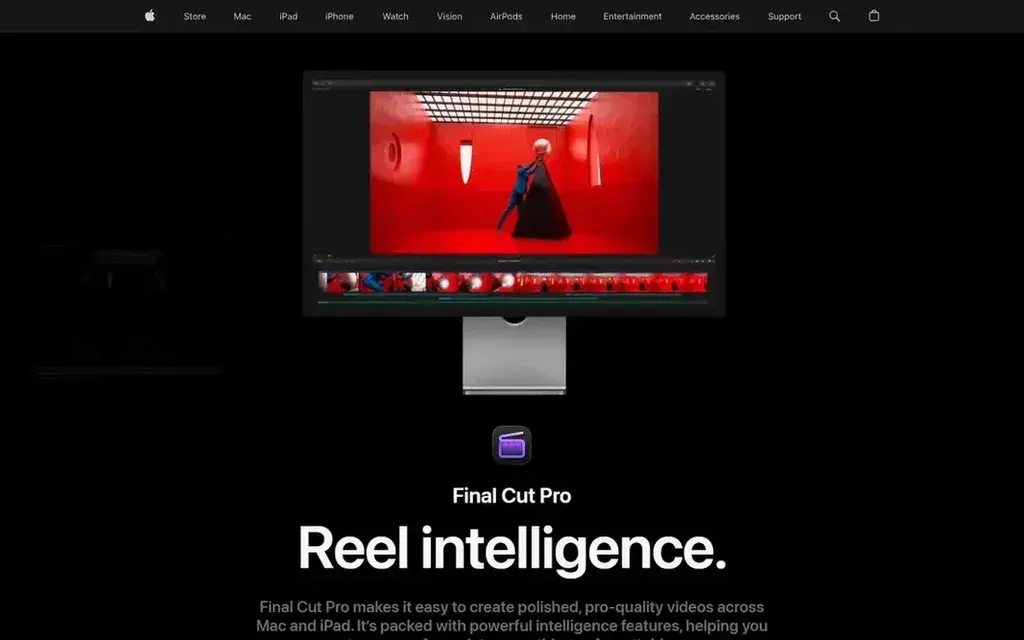
Final Cut Pro is a good fit for Mac and iPad editors with Apple hardware. Final Cut Pro is Apple's professional editing application for Mac and iPad, packed with intelligence features that make pro-quality creation simpler. Also, the magnetic timeline and background rendering help keep straightforward projects moving on modest laptops.
Watch-outs: Mac and iPad only.
It is unavailable on Windows, and older Intel Macs can feel slow with high-resolution footage. Beyond that, on Apple silicon machines it manages media efficiently. If you edit on a PC or need the widest hardware choice, DaVinci Resolve or Premiere Pro are more adaptable alternatives. Check the vendor site for Final Cut Pro pricing; none is listed in this comparison. Trial and free access: Not stated.
- Magnetic timeline accelerates assembly
- Optimized for modern Apple systems
- Older Intel Macs may struggle
CyberLink PowerDirector targets quick Windows editing with AI assistance. CyberLink PowerDirector is video editing software with AI tools, pro-grade effects and a large royalty-free asset library.
If you prefer a more straightforward path, Filmora or Corel VideoStudio are gentler starting points. In daily use, the breadth of features can slow older machines when plenty of effects stack up, and the interface may overwhelm absolute beginners. On cost, CyberLink PowerDirector starts like this: $54.99 per month. Trial and free access: Not stated.
Watch-outs: Feature depth can overwhelm beginners.
- Large library of effects and assets
- Responsive timeline for consumer projects
- Windows-focused
DaVinci Resolve
Best for: Pro editing with proxy media on modest hardware
DaVinci Resolve works best for Pro editing with proxy media on modest hardware. The color and visual effects pages are the most demanding, so a slow machine should stay in the editing page and use proxies.
Reasons to shortlist it: Available for Mac.
DaVinci Resolve merges professional editing, color correction, visual effects and audio postproduction in a single application. This comparison lists no price for DaVinci Resolve; ask the vendor. Free plan details: Not stated.
Drawbacks to consider: Ramp-up time for new editors.
- Windows and Linux
- Editing, color
- Color and Fusion pages need more power
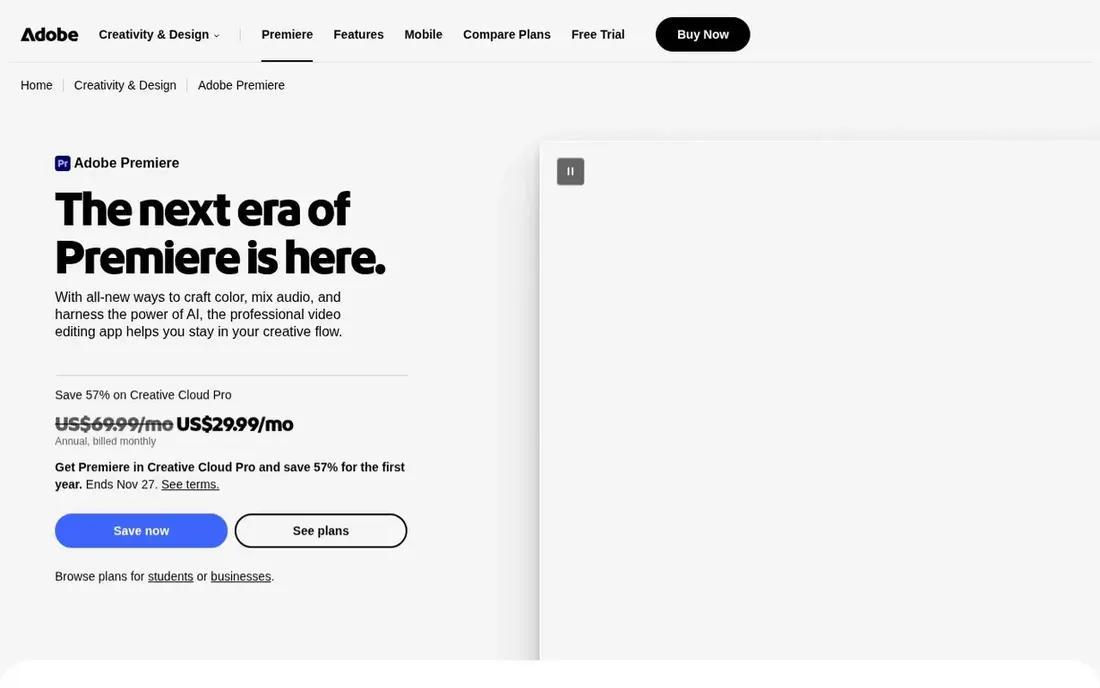
Adobe Premiere Pro is aimed squarely at professional editing with proxy workflows. Adobe Premiere Pro is professional editing and postproduction software for trimming, effects, audio mixing and more.
If your machine is very old or you only need straightforward cuts, a lighter editor for example Filmora or Corel VideoStudio may be a better match. In practice, on a slow computer it suits editors who can work with proxy media and lower playback resolution, since the full toolset rewards planning. Adobe Premiere Pro shows no starting price here, so confirm the cost on the vendor site. Free access: Not stated.
What works well: Broad format and codec support.
Downsides: Subscription-based access.
- Proxy and transcode choices ease playback
- Wide effects
- Demanding on older hardware
How these tools were picked
We compared the tools on published pricing, free plan or trial availability, feature coverage for video editing software for slow computers, and the limits each vendor documents. Where a vendor does not publish a price, the entry says quote. Where a price depends on seats or billing term, the entry says so. The order reflects how well each tool fits the most common buying scenario for video editing software for slow computers, then price clarity, then free plan access. It is a starting point, not a verdict.
What to check before you buy
- Get a written quote from Filmora, Corel VideoStudio, Final Cut Pro and others; the list shows no starting price for them.
- Read the limits listed for Filmora first: fewer deep pro controls.
- Involve the people who will use Corel VideoStudio daily; a short pilot beats a long feature checklist.
- The entry price of Adobe Premiere Pro is only the starting point; model the full cost with seats and extras.
- Test how quickly CyberLink PowerDirector answers a pre-sales question; it hints at how support will feel later.
FAQ
Is Filmora the right pick for everyone comparing video editing software for slow computers?
No single tool suits every team. Filmora comes first because it fits beginners who want light, guided editing, while Corel VideoStudio suits approachable Windows editing with guided tools and Final Cut Pro suits Mac and iPad editors with Apple hardware. Match the tool to your own size, budget and workflow before deciding.
What is the cheapest option for video editing software for slow computers in this list?
On published monthly entry prices, CyberLink PowerDirector is the lowest here at $54.99 per month. Entry price is only part of the cost, because seats, add-ons and billing terms can change the total. Prices, free plan details and limits for all 6 tools in this video editing software for slow computers roundup sit on the individual cards above.
Does any tool for video editing software for slow computers here have a free plan?
A permanent free plan is not offered by Filmora, Adobe Premiere Pro or the other tools here. Plan a short evaluation period instead.
What is proxy editing and why does it help?
Proxy editing builds smaller, lower-resolution copies of your footage for smooth timeline playback while the original files are used for final export. This cuts strain on older processors and drives, making editing feel quicker.
Can I try these tools before paying?
Not by default. None of the tools, from Filmora to Adobe Premiere Pro, lists a free plan or a free trial here, so ask each vendor for a demo before committing.
Sources
- https://filmora.wondershare.com
- https://www.videostudiopro.com
- https://www.apple.com/final-cut-pro
- https://www.cyberlink.com/products/powerdirector/overview_en_US.html
- https://www.blackmagicdesign.com/products/davinciresolve
- https://www.adobe.com/products/premiere.html