Best Urban Planning and Design Software for Startups (2026): 5 Picks Checked on Vendor Pages
Best urban planning and design software for startups, compared. 5 tools with published prices, free plans and limits. Each pick comes with its main catch.
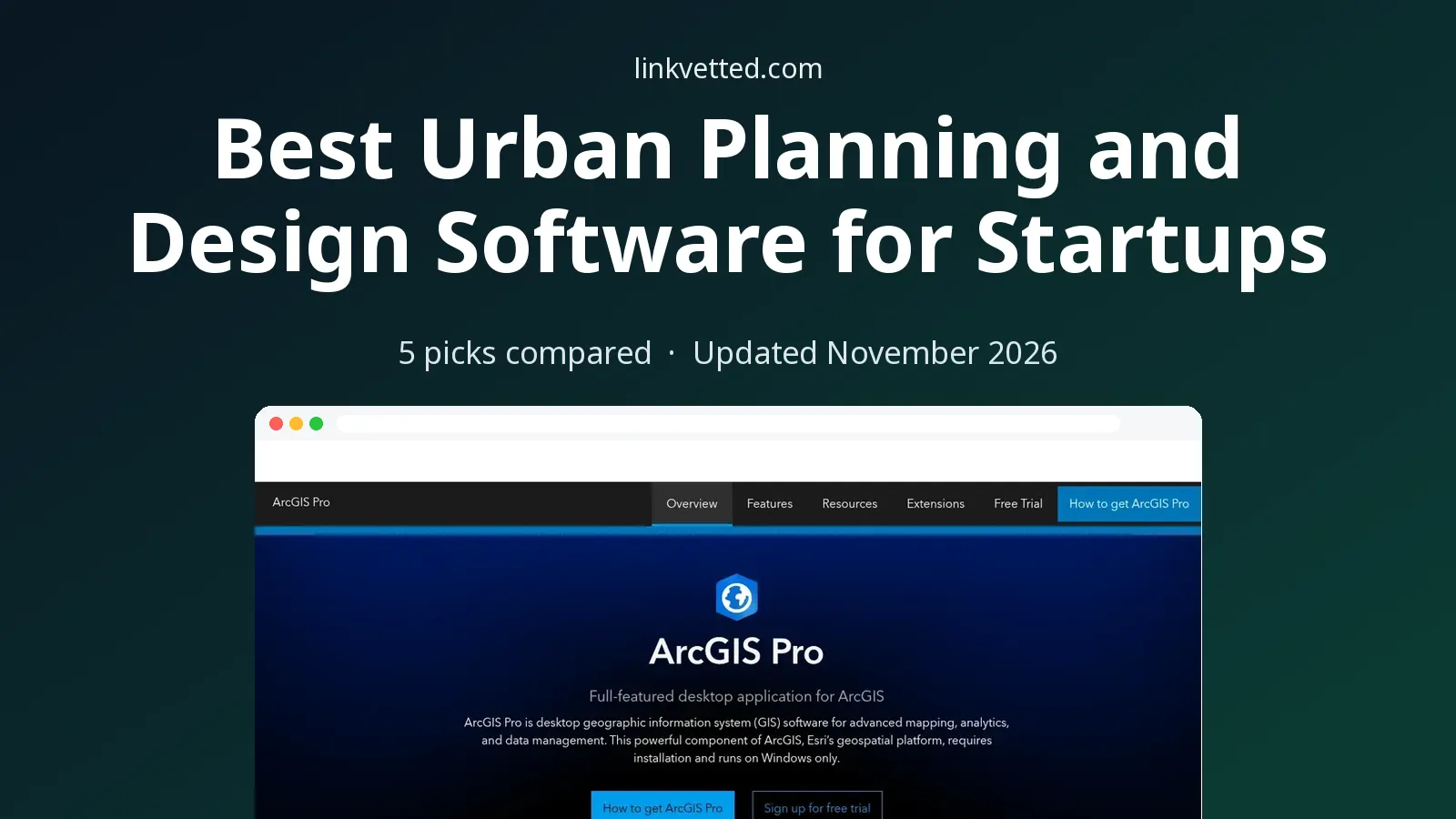
- Editor's choice
 Vectorworks
Adaptable BIM and CAD modeling
Starts atSee websiteVisit vectorworks.netFull review - Great alternative
 Lumion
Quick architectural visualization
Starts at$96 named user a monthVisit lumion.comFull review - Also considerCityEngine
Procedural 3D city scenarios
Starts atSee websiteVisit esri.comFull review
Direct answer
If you need adaptable BIM and CAD modeling, Vectorworks is the first tool to look at here. Listed starting prices: Lumion from $96 named user a month. For a different need, Lumion covers quick architectural visualization and CityEngine covers Procedural 3D city scenarios. Prices, free plans and limits for all 5 tools follow.
TL;DR:
- Vectorworks sits first on this list: adaptable BIM and CAD modeling.
- A fair warning about Esri ArcGIS: desktop GIS has a ramp-up time.
- A permanent free plan is missing from all 5 tools, Vectorworks and Autodesk AutoCAD included; plan for a trial or a premium start.
- For the cheapest start, look at Lumion: $96 named user per month.
- Autodesk AutoCAD fits drafting and DWG collaboration.
Last checked November 2026. Prices and plan details were read from the vendors' own pages in November 2026; vendors change plans often, so confirm the current price on the vendor site before you buy.
Quick comparison
| Tool | Best for | Starts at | Free plan? | |
|---|---|---|---|---|
| Vectorworks | Adaptable BIM and CAD modeling | See website | Not stated | Visit |
| Lumion | Quick architectural visualization | $96 named user a month | Free trial | Visit |
| CityEngine | Procedural 3D city scenarios | See website | Not stated | Visit |
| Esri ArcGIS | Advanced spatial data and mapping analytics | See website | Not stated | Visit |
| Autodesk AutoCAD | Drafting and DWG collaboration | See website | Not stated | Visit |
Urban Planning and Design Software for Startups, one by one
If you are comparing urban planning and design software for startups, this page covers 5 tools in one place: what each is best for, what it costs to start, whether it has a free plan, and the main limit to know about.
Vectorworks serves adaptable BIM and CAD modeling. It suits best when design modeling and documentation are the priority, with GIS and visualization handled by complementary software.
Where it falls short: Not a dedicated GIS or city-simulation tool.
No starting price is listed for Vectorworks here; confirm pricing on the vendor site. Free options: Not stated.
- 3D modeling and design in one environment
- Adaptable and collaborative CAD process
- Wide feature set takes time to learn
Pick Lumion if this describes you: quick architectural visualization. Startups that require to present urban design ideas to clients, committees or investors can use it to turn models into compelling images and animations without a long rendering setup.
It complements instead of replaces design and analysis tools, so you still need software to produce the underlying models and spatial data. Lumion cost at the entry level: $96 named user per month. Trial and free access: Free trial.
Watch-outs: Hardware demands for smooth live work.
- Visualization from concept to final render
- Emphasis on speed and simplicity
- Rendering tool
CityEngine
Best for: Procedural 3D city scenarios
Pick CityEngine if this describes you: Procedural 3D city scenarios. ArcGIS CityEngine is Esri's procedural city maker and 3D city design option, described as creating and iterating on urban environments and scenarios using either synthetic or real-world GIS data.
The procedural approach is capable but demands an investment in learning rule-based modeling, and it is not a replacement for in-depth architectural design or drafting. No starting price is listed for CityEngine here; confirm pricing on the vendor site. On free options: Not stated.
Honest limits: Specialized instead of a general design tool.
- Supports rapid iteration on urban scenarios
- Works with synthetic or real-world GIS data
- Rule-based workflow needs training
Esri ArcGIS
Best for: Advanced spatial data and mapping analytics
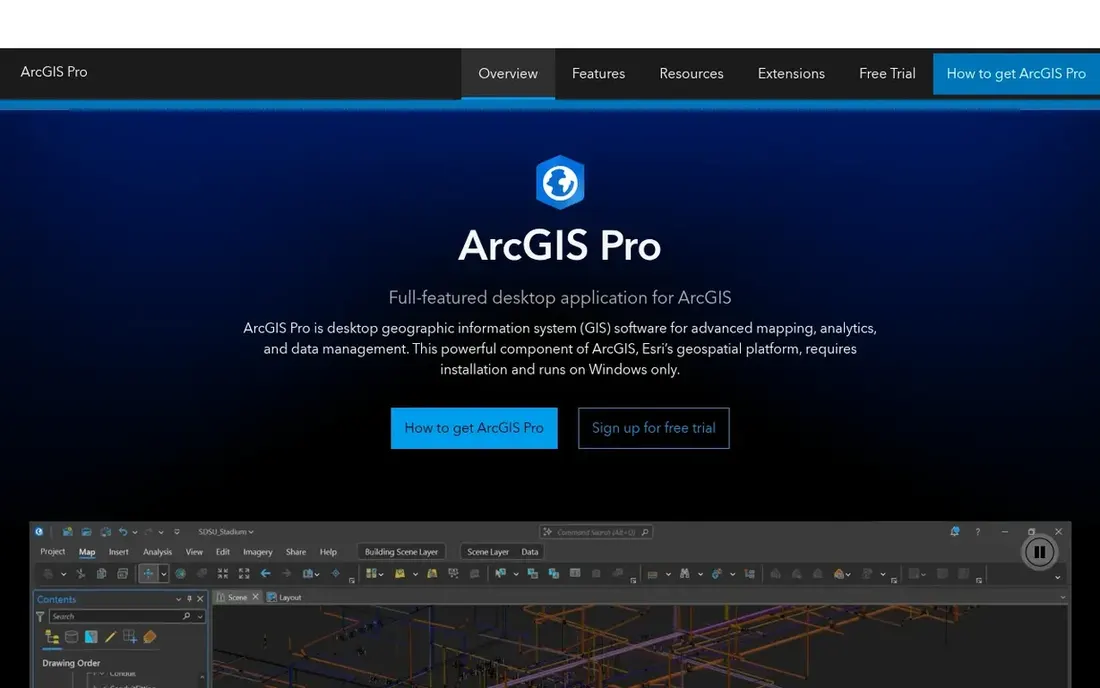
Esri ArcGIS targets advanced spatial data and mapping analytics. ArcGIS Pro is Esri's desktop GIS software, described on its official page as a feature-rich tool for managing spatial data, performing advanced mapping and analytics, and creating visualizations. On top of that, the depth that makes it handy also makes it demanding: teams without GIS experience should expect a learning period, and pure drafting or 3D massing work is better handled elsewhere.
On top of that, startups working with parcels, demographics, infrastructure or environmental layers can use it to build the evidence base behind plans and to produce maps that communicate findings plainly. For everyday use, consider it when spatial analysis and data management are central to your planning product. Check the vendor site for Esri ArcGIS pricing; none is listed in this comparison. Free access: Not stated.
Drawbacks to consider: Overkill for straightforward drafting tasks.
- Advanced tools for managing spatial data
- Fits data-heavy planning work
- Desktop GIS has a ramp-up time
Autodesk AutoCAD
Best for: Drafting and DWG collaboration
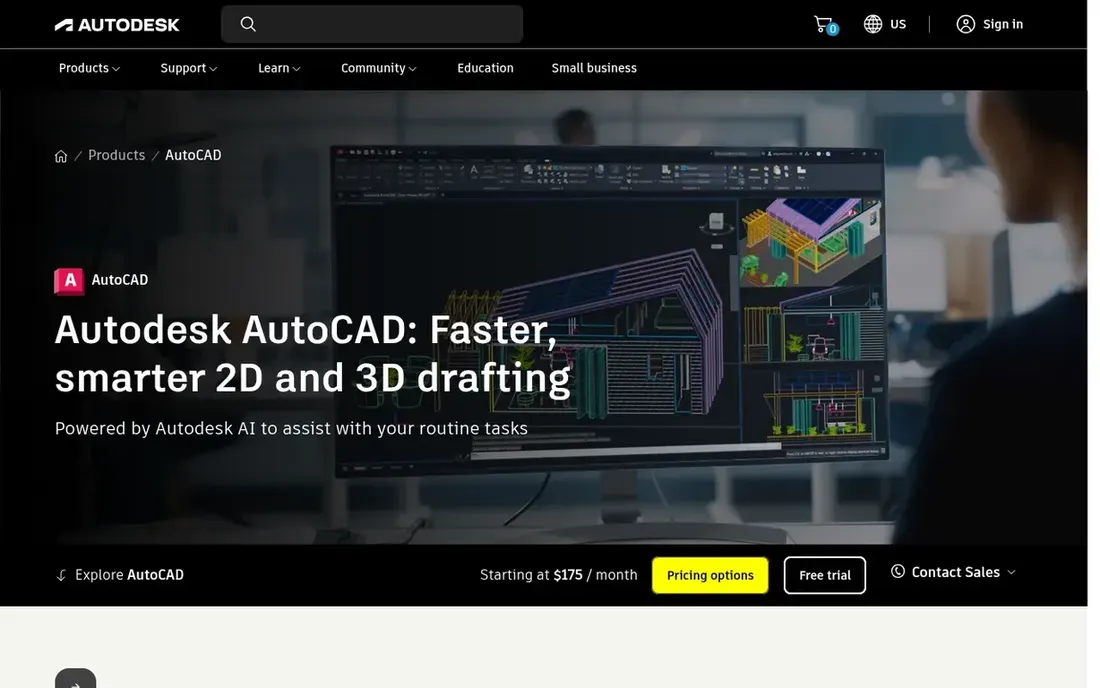
Autodesk AutoCAD is built with drafting and DWG collaboration in mind. It is a general-purpose CAD tool instead of an urban planning system, so GIS analysis, procedural city generation and photoreal visualization sit outside its core scope.
Where it falls short: General drafting tool, not urban-planning specific.
No starting price is listed for Autodesk AutoCAD here; confirm pricing on the vendor site. As for free access: Not stated.
- Wide industry familiarity
- AI automation features promoted by the vendor
- Needs setup and training for new users
How we chose
LinkVetted used vendor pricing pages and product documentation as the base, then compared plans, free access and documented limits for 5 tools. Where a vendor does not publish a price, the entry says quote. Where a price depends on seats or billing term, the entry says so. The order reflects how well each tool fits the most common buying scenario for urban planning and design software for startups, then price clarity, then free plan access. It is a starting point, not a verdict.
Pre-purchase checklist
- Get a written quote from Vectorworks, CityEngine, Esri ArcGIS and Autodesk AutoCAD; the list shows no starting price for them.
- Run a trial of Lumion with real work before paying for a year; your own workflow is the best test.
- Read the limits listed for Vectorworks first: wide feature set takes time to learn.
- Find out what support Esri ArcGIS includes on your plan, and whether onboarding help costs extra.
- Let daily users try CityEngine on real work; their feedback beats any feature checklist.
FAQ
Can I try these tools before paying?
Often, yes. Lumion offers a free trial. Use your own data and a real task during the test, and check what the free tier or trial limits before you rely on it. Each of the 5 options in this Urban planning and design software for startups guide has its own card above with the price, free plan and limits.
What is the cheapest option for urban planning and design software for startups in this list?
On published monthly entry prices, Lumion is the lowest here at $96 named user per month. Entry price is only part of the cost, because seats, add-ons and billing terms can change the total. All 5 picks in this Urban planning and design software for startups comparison list a starting price, free plan details and the main limits on their cards above.
Do these tools publish their prices?
Not all of them. Vectorworks, CityEngine, Esri ArcGIS and Autodesk AutoCAD publish no starting price, so expect a quote request for those. The rest, Lumion included, show a starting price, though seats and billing terms still change the final cost.
Does any tool for urban planning and design software for startups here have a free plan?
No tool in this list, Vectorworks and Autodesk AutoCAD included, has a permanent free plan. Lumion offer a trial. Trials and quotes are the usual route, so plan a short evaluation period.
Sources
- https://www.vectorworks.net
- https://lumion.com
- https://www.esri.com/en-us/arcgis/products/arcgis-cityengine/overview
- https://www.esri.com/en-us/arcgis/products/arcgis-pro/overview
- https://www.autodesk.com/products/autocad