8 Best Animation Apps for PC in 2026: Software Compared
Looking for the best animation apps for pc, free and paid? We compare 8 PC animation tools on price, 2D and 3D features, and ease of use for makers today.
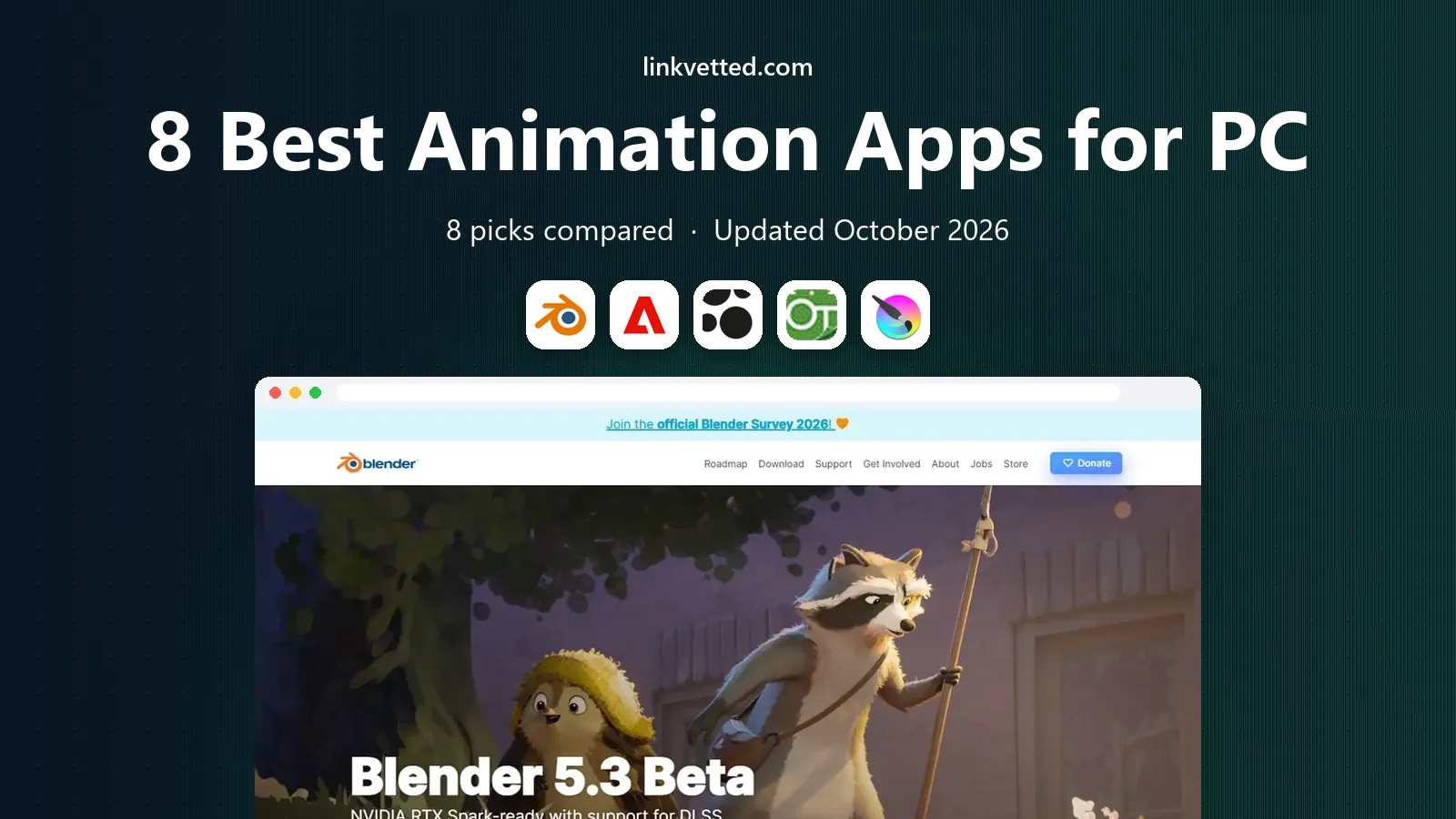
- Editor's choice
 Blender
Free 3D animation
Starts atFreeVisit blender.orgFull review - Great alternative
 Adobe Animate
Professional 2D web animation
Starts atSee websiteVisit adobe.comFull review - Also consider
 Toon Boom Harmony
Professional 2D studio animation
Starts atSee websiteVisit toonboom.comFull review
TL;DR:
- Blender is the best free all-round pick, covering 3D animation, modeling, and video editing in one app.
- OpenToonz, Pencil2D, Krita, and Synfig Studio give you free 2D animation routes at different skill levels.
- Adobe Animate and Toon Boom Harmony suit professional 2D work, while Moho Pro suits character animation with rigs.
- Pick by animation type first: 2D hand-drawn, 2D rigged, or 3D, since no single app is best at all three.
Quick comparison
| Tool | Best for | Starts at | Free plan? | |
|---|---|---|---|---|
| Blender | Free 3D animation | Free | Yes | Visit |
| Adobe Animate | Professional 2D web animation | See website | Free trial | Visit |
| Toon Boom Harmony | Professional 2D studio animation | See website | Free trial | Visit |
 OpenToonz | Free 2D studio-style animation | Free | Yes | Visit |
 Krita | Free 2D painting and animation | Free | Yes | Visit |
 Pencil2D | Simple free hand-drawn animation | Free | Yes | Visit |
 Moho Pro | Rigged character animation | See website | Free trial | Visit |
 Synfig Studio | Free vector tweening animation | Free | Yes | Visit |
The best animation apps for PC
Animation on a PC splits into three jobs: hand-drawn 2D, rigged 2D with bones and tweening, and full 3D. The apps below cover all three, with free options that are genuinely usable and paid options that studios rely on. Start from the type of animation you want to make, then check price and learning curve.

Blender is the rare free app that can carry a whole animation project, from modeling and rigging to animation, rendering, and editing. Its 3D tools cover character animation, motion graphics, and visual effects, and the Grease Pencil tools add 2D drawing inside a 3D space. For students and independent animators, that range at no cost is unmatched.
The learning curve is real. Blender packs many tools into one interface, and a beginner can spend weeks learning the basics before a first polished shot. The tutorial community helps a lot, with free courses for every stage. If you want 3D animation on a PC and you do not want to pay for software, Blender is the clear first install.
- Free and open source
- Full 3D pipeline with rigging and rendering
- Large tutorial community
- Interface and learning curve are steep for beginners
- 2D Grease Pencil work needs practice
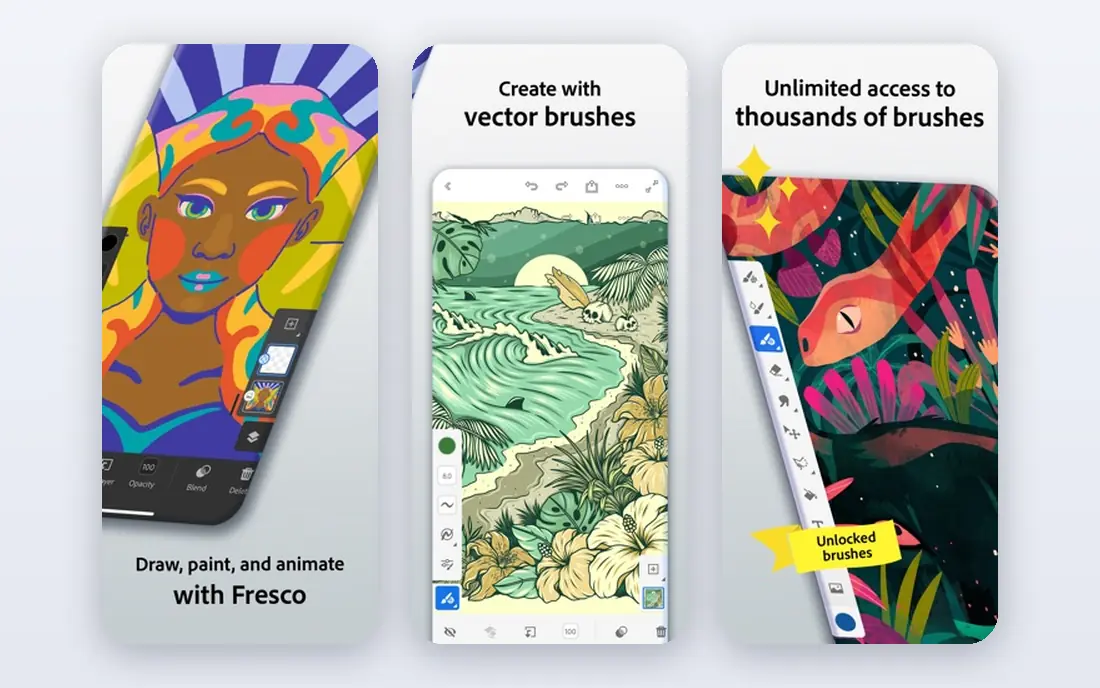
Adobe Animate is a vector animation tool built for web, explainer, and interactive work, with timeline animation, symbols, and export options for video and web formats. It suits animators who make short, clean 2D pieces for clients, social channels, and websites, and who already work in Adobe apps. The drawing tools favor crisp shapes over textured hand-drawn frames.
Animate is sold by subscription, so check the current Adobe plan page for the price that fits your Creative Cloud setup. It is less common for long-form television or film pipelines than Toon Boom Harmony, but it is faster to learn for web-focused work. Choose Animate when your animation lives mostly online and needs a clean, vector look.
- Vector animation for web and video
- Good for interactive and explainer work
- Adobe workflow fit
- Subscription pricing
- Less suited to long-form film animation than Toon Boom Harmony
Toon Boom Harmony is the professional standard for 2D television and film animation, used by studios for both hand-drawn and rigged character work. It supports paperless drawing, cut-out rigs, camera moves, and compositing in one pipeline, so a studio can take a project from storyboard to final composite without switching apps. That depth is why it appears in so many professional credits.
The price and learning curve reflect that studio focus, with subscription plans that are dearer than hobby tools. A free trial lets you test the workflow, but a serious user should budget for a paid plan. Harmony fits animators aiming at professional 2D work, or teams that need a pipeline clients and studios already recognize.
- Industry standard for 2D TV and film
- Paperless and cut-out workflows
- Strong compositing
- Subscription cost is high for hobbyists
- Learning curve suits studio work more than quick sketches
OpenToonz is the open source version of software used in professional 2D production, including work at Studio Ghibli, and it shows in its toolset. It covers drawing, scanning, coloring, effects, and compositing, with a workflow built for series and film rather than quick social clips. For a free 2D studio tool, its depth is remarkable.
The interface is technical and less friendly than Krita or Pencil2D, and new users should expect a learning period. Documentation and community tutorials help, but OpenToonz rewards animators who want a real production pipeline and are willing to learn it. If you aim at serious 2D work and want it free, OpenToonz is the most capable free pick after Blender.
- Free and open source
- Used in professional 2D production
- Scanning and effects tools
- Interface feels dated and technical
- Setup and learning take patience
Krita is best known as a painting app, but its animation timeline makes it a solid free choice for hand-drawn 2D animation on PC. You draw frames with the same brushes you use for illustration, onion skinning shows nearby frames, and you can export to video or image sequences. That blend suits illustrators who want to animate their own art without learning a separate studio app.
Krita animation is simpler than a full studio pipeline, with fewer rigging and compositing tools than OpenToonz or Harmony. Large frame counts and high resolutions can also strain a modest PC. Still, for short hand-drawn animations, storyboards that move, and learning the basics of timing, Krita is friendly, free, and already familiar to many artists.
- Free painting plus animation timeline
- Strong brushes for hand-drawn frames
- Runs on Windows, Mac, and Linux
- Animation tools are simpler than OpenToonz or Harmony
- Large projects need a capable PC
Pencil2D is the simplest serious animation app in this list, and that simplicity is its appeal. It focuses on traditional frame-by-frame animation with bitmap and vector layers, onion skinning, and a clean timeline, without the menus and panels that slow beginners down. Students, teachers, and hobbyists can make a first moving sketch in an afternoon.
The limits appear when a project grows. Pencil2D has fewer effects, camera tools, and compositing options than OpenToonz or Krita, and it is not built for large studio pipelines. Use it to learn timing, squash and stretch, and walk cycles, or to make short hand-drawn pieces. When you outgrow it, Krita or OpenToonz are natural next steps on the same free path.
- Free, simple, and focused on traditional animation
- Bitmap and vector layers
- Easy to learn
- Fewer effects and compositing tools
- Not suited to large studio projects
Moho Pro, formerly Anime Studio, is built around rigged character animation, where you build a character once with bones and then pose it across scenes. Smart bones, mesh deformation, and physics tools help characters move naturally without redrawing every frame, which speeds up series, explainer videos, and YouTube animation a lot. That efficiency is why many small studios choose Moho Pro over frame-by-frame tools.
The rigged style has a tell, since characters can look smoother and less textured than hand-drawn animation unless you add drawn detail. Moho Pro also asks for setup time up front, since a good rig pays off only across many scenes. Check the current Moho site for pricing and trial terms. If you make recurring characters and want speed, Moho Pro is a strong mid-priced pick.
- Bone rigging for fast character animation
- Smart bones and mesh deformation
- Good for series and explainer work
- Rigged look can feel less hand-drawn
- Full version price needs checking on the vendor site
Synfig Studio is a free, open source vector animation app that uses tweening to fill movement between key poses, so you do not need to draw every frame. That approach suits motion graphics, explainer animation, and simple character work where clean shapes matter more than textured drawing. A bone system adds rigged character options, and the price is zero.
The interface is dated and the learning curve is steeper than Pencil2D, so new users should follow a tutorial for their first project. Synfig Studio also lacks the polish and community size of Blender or Krita. It earns its place for animators who want free vector tweening on PC and who prefer keyframe logic to drawing every frame by hand.
- Free vector animation with tweening, so fewer frames are needed
- Bone system
- Runs on Windows, Mac, and Linux
- Interface is dated and technical
- Hand-drawn feel is weaker than Krita or Pencil2D
How we picked these
We compared official feature pages, pricing pages, and download pages for PC animation software, and we kept only apps that are currently offered and that cover 2D or 3D animation on Windows PCs. We favored a mix of free and paid apps, hand-drawn and rigged workflows, and beginner and studio tools, since animation buyers differ widely in skill and budget. Prices are listed as See website where pricing is subscription-based or varies by plan, and free apps are marked Free.
How to choose an animation app for PC
Match the app to the animation type before you compare prices. Hand-drawn work favors Krita, Pencil2D, OpenToonz, and Harmony. Rigged character work favors Moho Pro and Synfig Studio. Full 3D favors Blender, with paid 3D suites beyond this list for studio pipelines. A mismatch here costs more time than any price difference, since learning a second app mid-project is painful.
Hardware, files, and learning time
Animation needs a capable PC, especially for 3D rendering and large 2D projects. Check RAM, GPU, and storage needs on the vendor page, and test a short project at your target resolution before you commit to a series. File export matters too: video, image sequences, and project formats decide whether you can finish a piece in an editor or hand it to a client. Finally, budget learning time honestly, since Blender and Harmony reward weeks of practice, while Pencil2D and Krita reward an afternoon.
A first project test
Make the same 10-second test on your top two picks: a character walk, a bouncing ball, or a simple logo move. Time the setup, the drawing or rigging, and the export, and note where you got stuck. The app that lets you finish a clean test with the fewest workarounds is usually the right one, even if a rival has a longer feature list.
FAQ
What is the best free animation software for PC?
Blender is the best free animation software for PC overall, covering 3D animation and 2D Grease Pencil work at no cost. For 2D hand-drawn animation, Krita and OpenToonz are the strongest free picks, with Krita easier to learn and OpenToonz deeper for studio work. Pencil2D is the simplest free start for traditional frame-by-frame animation.
Is Blender good for 2D animation?
Yes, through Grease Pencil, which lets you draw 2D animation inside Blender 3D space, with layers, onion skinning, and camera moves. It suits artists who want 2D looks with 3D camera freedom, but it takes practice to learn. Pure 2D animators who want a simpler timeline may prefer Krita or OpenToonz for hand-drawn work.
What animation software do professionals use?
Professionals use different tools by field: Toon Boom Harmony for 2D television and film, Blender and other 3D suites for 3D animation, and Moho Pro for rigged character series. Adobe Animate appears in web and explainer work. No single app covers every professional pipeline, so studios often combine a drawing or rigging app with a compositing and editing app.
Can I animate on a low-end PC?
Yes, for simple 2D work. Pencil2D, Krita at modest resolutions, and Synfig Studio run well on many everyday PCs, while Blender 3D rendering and large Harmony projects need more power. Start with short clips at a lower resolution, close other apps while rendering, and upgrade hardware only when a real project demands it.
Is Adobe Animate still worth it in 2026?
Adobe Animate is still worth it for vector web animation, explainer videos, and interactive projects, especially inside an Adobe workflow. It is less central for long-form film animation, where Toon Boom Harmony leads, and it costs a subscription. If your work is mainly short web animation, Animate remains a practical, well-supported pick.
What is the easiest animation app for beginners on PC?
Pencil2D is the easiest start for hand-drawn animation, with a simple timeline and few distractions. Krita is the next step, adding painting tools and a fuller timeline while staying free. Both let beginners learn timing and movement before moving to OpenToonz, Moho Pro, or Blender for larger projects.