Best Animation Software for Low End PC in 2026: Prices, Free Plans and 5 Picks
Best Animation software for low end PC in 2026: 5 tools with starting prices, free plans and limits. Each entry gets a plain verdict. See the full list.
- Editor's choice
 TVPaint Animation
Traditional 2D animation
Starts atPricing on requestVisit tvpaint.comFull review - Great alternative
 Toon Boom Harmony
Professional 2D animation pipelines
Starts atPricing on requestVisit toonboom.comFull review - Also consider
 Clip Studio Paint
Illustration and frame-by-frame animation
Starts atPricing on requestVisit clipstudio.netFull review
Direct answer
Start with TVPaint Animation if you need traditional 2D animation. Toon Boom Harmony is the stronger choice for professional 2D animation pipelines, while Clip Studio Paint suits illustration and frame-by-frame animation. Details and limits for the rest of the 5 tools are below. None of these vendors publish plan prices, so pricing is on request for every option.
TL;DR:
- Top of the list is TVPaint Animation, which targets traditional 2D animation.
- Neither TVPaint Animation nor Moho Pro, nor any of the other 3 tools, has a permanent free plan; trials and quotes are the norm.
- Moho Pro is the one to check for efficient 2D vector animation.
- One limit worth knowing about Clip Studio Paint: Animation features are secondary.
Last checked November 2026. Pricing on request: vendors did not publish plan prices when this guide was last checked (November 2026), so ask each vendor for a written quote.
Quick comparison
| Tool | Best for | Starts at | Free plan? | |
|---|---|---|---|---|
| TVPaint Animation | Traditional 2D animation | Pricing on request | Not stated | Visit |
| Toon Boom Harmony | Professional 2D animation pipelines | Pricing on request | Not stated | Visit |
| Clip Studio Paint | Illustration and frame-by-frame animation | Pricing on request | Not stated | Visit |
 OpenToonz | Free open-source animation | Pricing on request | Not stated | Visit |
 Moho Pro | Efficient 2D vector animation | Pricing on request | Not stated | Visit |
Animation Software for Low End PC profiles
Short on time? The summary and table above give the quick view of 5 tools for Animation software for low end PC, and the profiles that follow give the detail behind each entry.
In short, TVPaint Animation is for traditional 2D animation. TVPaint Animation is a 2D animation software developed for students, studios, and professional animators. It centres on traditional animation techniques with a natural drawing experience, supporting both raster and vector layers.
Its full toolset is well suited to frame-by-frame animation. Even so, TVPaint may demand more from low end PCs because of its broad features. For everyday use, choose TVPaint if you need solid traditional animation tools and have sufficient hardware. From a buyer's view, if performance is a concern, consider lighter alternatives. TVPaint Animation shows no starting price here, so confirm the cost on the vendor site. Trial and free access: Not stated.
Limits to weigh: May be resource-intensive.
- Supports raster and vector
- Used by studios and students
- Higher ramp-up time
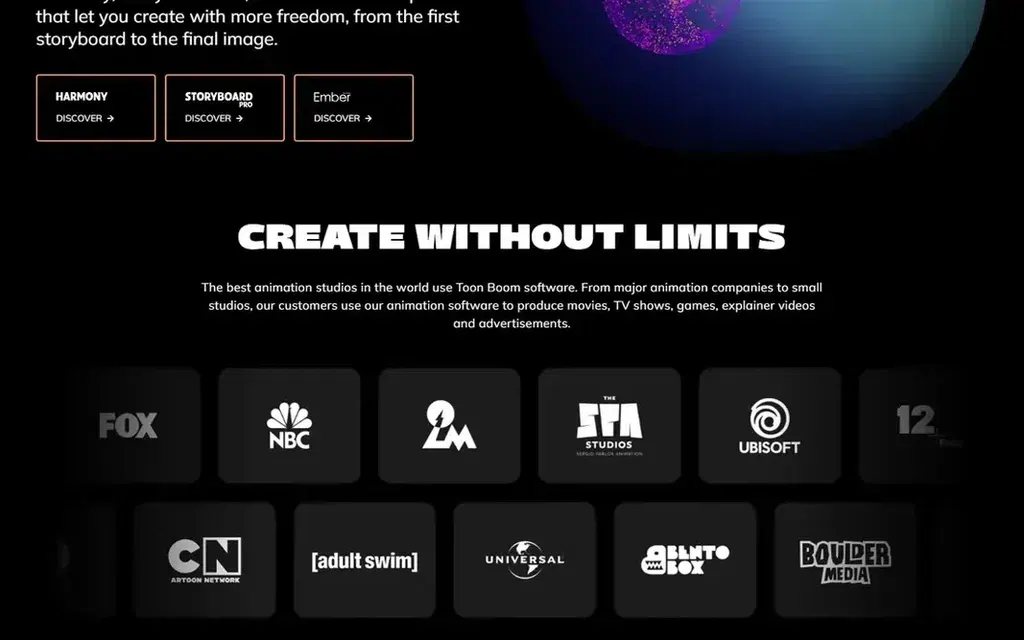
Toon Boom Harmony is designed for professional 2D animation pipelines. Toon Boom Harmony is a feature-rich 2D animation software that permits animators to build art in every style with one end-to-end option. It is widely used in professional studios for creating worlds of animation, offering advanced rigging, compositing, and effects.
Whereas it is feature-rich, it may demand more from low end PCs. More specifically, if you have a low end PC, consider lighter alternatives. Check the vendor site for Toon Boom Harmony pricing; none is listed in this comparison. Trial and free access: Not stated.
Where it falls short: Higher system requirements.
- End-to-end 2D animation
- Supports several art styles
- Complicated interface for beginners
Clip Studio Paint works best for illustration and frame-by-frame animation. If you need advanced animation features, consider other choices. As for the details, Clip Studio Paint is a versatile paint app for digital illustration, manga, and animation, available on PC, tablets, and smartphones.
Points against: Animation features are secondary.
It gives you easy-to-use brushes and convenient features for creating artwork, with animation capabilities for frame-by-frame projects. Also, whereas it bundles animation tools, they are not as broad as dedicated animation software. Clip Studio Paint does not show a starting price in this comparison, so check the vendor site for current pricing. On free options: Not stated.
- Available on several systems
- Supports animation frames
- Can be demanding for complicated scenes
Choose OpenToonz for free open-source animation. OpenToonz is an open-source animation production tool that gives you a free alternative for 2D animation.
Drawbacks to consider: Steep ramp-up time.
It supplies a mix of features for creating animations, from drawing to compositing, and can run on modest hardware because of its light design. In daily use, if you need deep support or a refined experience, consider other choices. Pricing for OpenToonz is not stated here, so ask the vendor for current figures. On free options: Not stated.
- Light and configurable
- Open-source and free
- Less refined interface
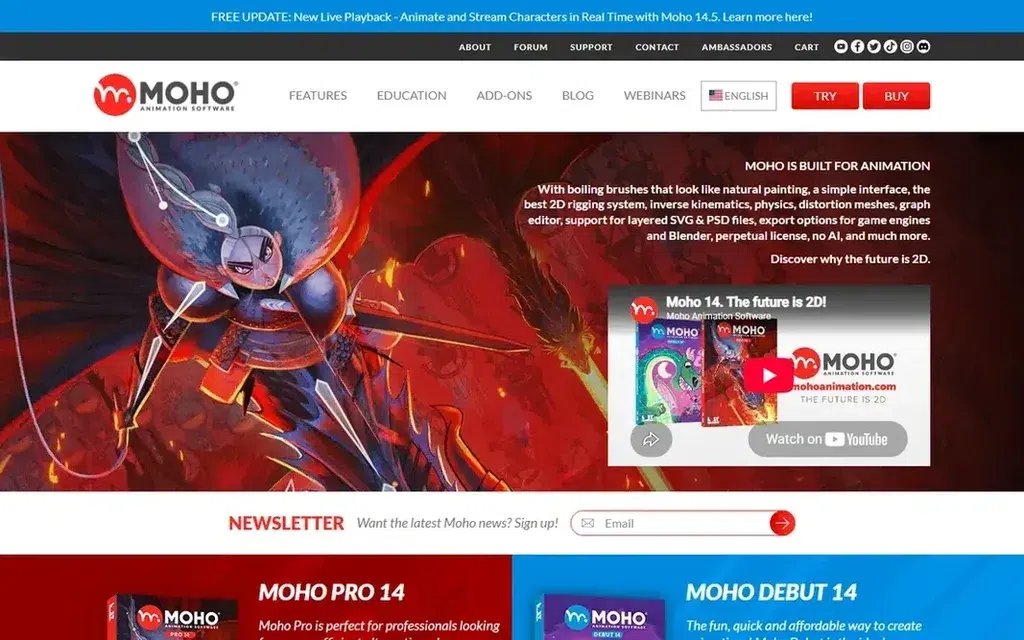
Think of Moho Pro for efficient 2D vector animation. Moho Pro is a 2D animation program made for hobbyists and professionals seeking an efficient alternative for quality animation. It provides a complete toolset for creating 2D movies, films, and commercials, with vector-based drawing and rigging.
Its efficient engine makes it a good match for low end PCs, as it does not demand high-end graphics hardware. Even so, Moho Pro may lack some advanced collaborative features found in studio-oriented software. If you need broad 3D integration or team-based workflows, consider other choices. Moho Pro does not show a starting price in this comparison, so check the vendor site for current pricing. As for free access: Not stated.
Downsides: Steeper ramp-up time for advanced features.
- Supports bone rigging
- Vector-based animation
- Limited 3D integration
How we compared the tools
The comparison looks at four things: starting price, free access, how well the feature set matches Animation software for low end PC, and the main limit of each tool. Seat minimums, billing terms and add-ons can move the real cost, so the starting prices here are a guide and not a quote. The sequence is a judgement call: typical use case first, then pricing transparency, then free access. Use the profiles to check fit.
What to check before you buy
- Request quotes from TVPaint Animation, Moho Pro and the others; the list shows no fixed prices.
- Read the limits listed for TVPaint Animation first: higher ramp-up time.
- See whether Toon Boom Harmony offers onboarding or training, and whether it is included in the price.
- Run a one or two week pilot of Moho Pro with the people who will use it every day.
- Confirm the exact OpenToonz plan that includes your must-have features.
FAQ
Does any tool for Animation software for low end PC here have a free plan?
No tool in this list, TVPaint Animation and Moho Pro included, has a permanent free plan. Trials and quotes are the usual route, so plan a short evaluation period.
How are the tools for Animation software for low end PC ordered?
TVPaint Animation sits first and Moho Pro last because the order follows typical fit for Animation software for low end PC, then price clarity and free access. It is a judgement call, so read each profile for fit and limits.
Is free animation software like OpenToonz a decent match for low end PCs?
OpenToonz is a capable open-source choice that can run on low end PCs because of its light design. It is a solid choice for budget-conscious users.
Is TVPaint Animation the right pick for everyone comparing Animation software for low end PC?
No single tool suits every team. TVPaint Animation comes first because it fits traditional 2D animation, while Toon Boom Harmony suits professional 2D animation pipelines and Clip Studio Paint suits illustration and frame-by-frame animation. Match the tool to your own size, budget and workflow before deciding.
Do these tools publish their prices?
No. None of the tools, from TVPaint Animation to Moho Pro, shows a fixed starting price here, so budget time for quotes.
Which animation software is a good match for beginners with low end PCs?
The first pick on this list is TVPaint Animation, because it suits traditional 2D animation. Toon Boom Harmony is better for professional 2D animation pipelines, and Clip Studio Paint for illustration and frame-by-frame animation. Check price and limits against your own needs before choosing.
Sources
- https://www.tvpaint.com
- https://www.toonboom.com/products/harmony
- https://www.clipstudio.net
- https://opentoonz.github.io
- https://moho.lostmarble.com