Best Animation Software for Beginners in 2026: 8 Tools Compared
Compare the best animation software for beginners for 2026, from Blender and Pencil2D to OpenToonz, Synfig, and Adobe Animate, with free picks for learners.
- Editor's choice
 Blender
Free 3D and 2D animation
Starts atFreeVisit blender.orgFull review - Great alternative
 Pencil2D
Simple frame-by-frame 2D
Starts atFreeVisit pencil2d.orgFull review - Also consider
 OpenToonz
Studio-grade free 2D
Starts atFreeVisit opentoonz.github.ioFull review
TL;DR:
- Pencil2D is the gentlest start for frame-by-frame 2D animation, while Blender is the best free path to 3D and to 2D animation inside a 3D space.
- OpenToonz and Synfig offer studio-style 2D tools for free, with OpenToonz focused on traditional animation and Synfig focused on vector tweening.
- Adobe Animate and Toon Boom Harmony suit beginners who want industry-standard 2D tools and can pay for a subscription.
- Animaker and Moho suit different goals, with Animaker for fast template videos and Moho for rigged character animation.
Quick comparison
| Tool | Best for | Starts at | Free plan? | |
|---|---|---|---|---|
| Blender | Free 3D and 2D animation | Free | Yes | Visit |
| Pencil2D | Simple frame-by-frame 2D | Free | Yes | Visit |
| OpenToonz | Studio-grade free 2D | Free | Yes | Visit |
 Synfig Studio | Vector tweening | Free | Yes | Visit |
 Adobe Animate | Vector animation and web | See website | Free trial | Visit |
 Toon Boom Harmony | Professional 2D pipeline | See website | Free trial | Visit |
 Moho | Rigged character animation | See website | Free trial | Visit |
 Animaker | Template animated videos | Free | Yes | Visit |
The best animation software for beginners
Animation software for beginners should teach timing, spacing, and storytelling without hiding those ideas behind a maze of menus. The eight tools below cover frame-by-frame drawing, vector tweening, rigged characters, 3D animation, and template videos, so you can pick by the kind of animation you want to make first.
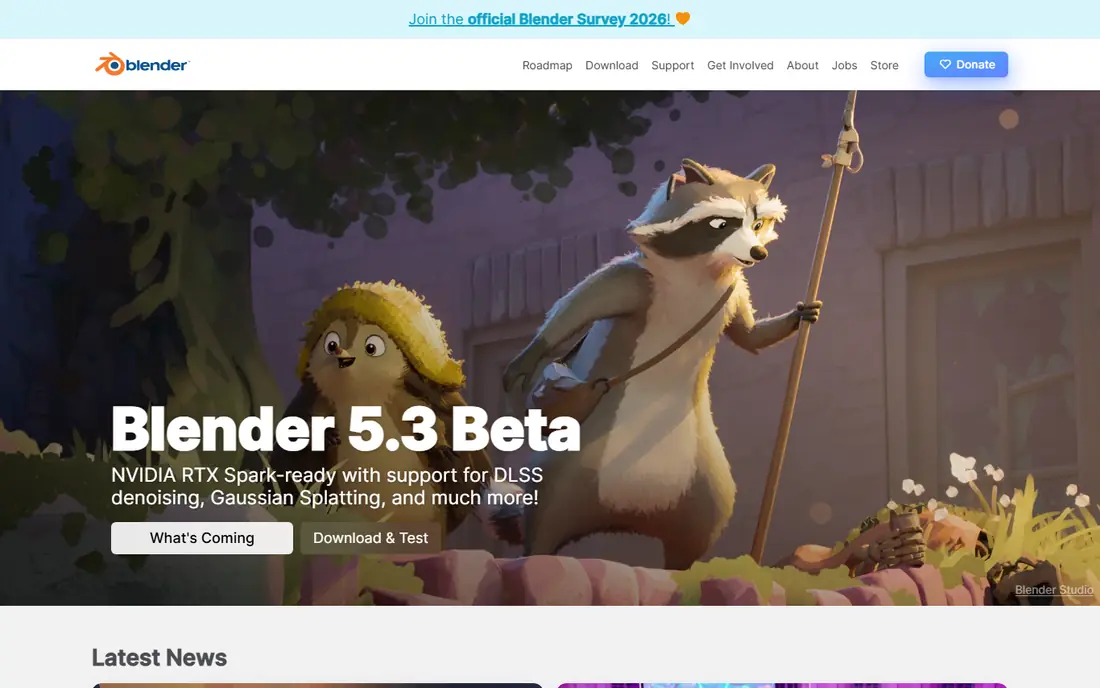
Blender is a complete, free, open-source 3D animation suite with modeling, rigging, animation, rendering, and video editing. It is used in professional productions, yet it costs nothing, which makes it the best value in creative software. For beginners, the Grease Pencil tools are a hidden advantage, because they let you draw 2D frame-by-frame animation inside a 3D space.
The honest catch is the learning curve. Blender packs many professional features into one interface, and the first week can feel confusing. A structured beginner course and a simple first project, such as a bouncing ball or a short character loop, help a lot. If your goal is 3D characters, short films, or game art, starting with Blender saves money and builds skills that transfer to studio work.
- Complete 3D pipeline for free
- Grease Pencil for 2D drawing in 3D space
- Huge free tutorial community
- Interface can overwhelm beginners
- 3D skills take months to build
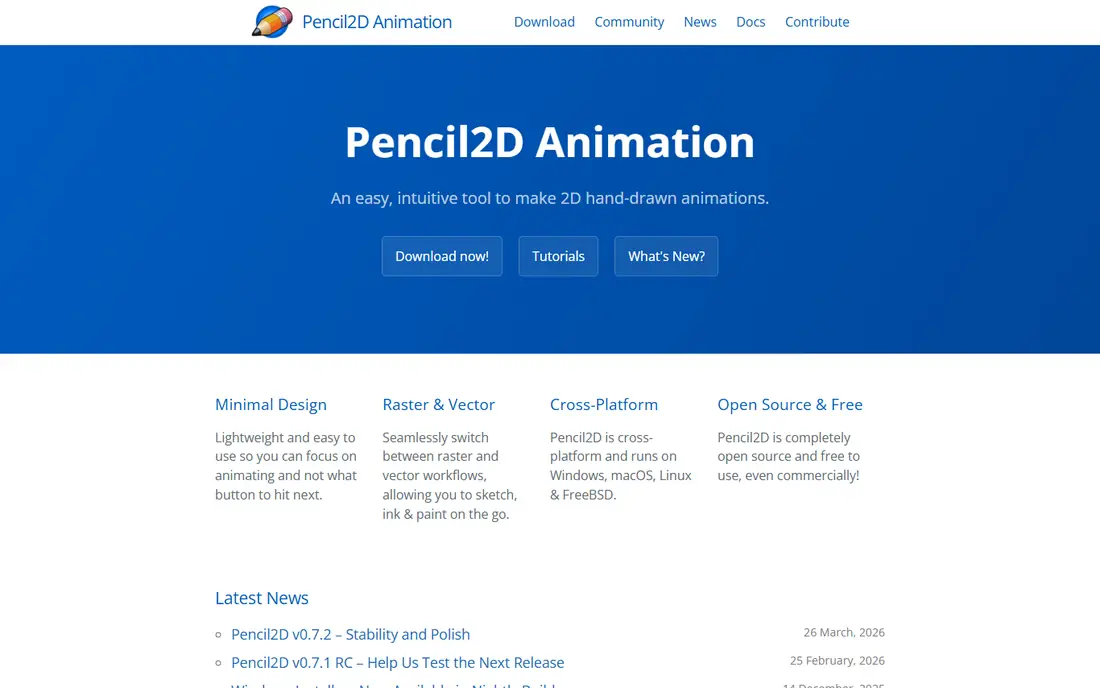
Pencil2D is the simplest serious animation tool on this list, and that simplicity is its strength. It focuses on traditional frame-by-frame animation, with bitmap and vector layers, onion skinning to see previous frames, and a timeline that is easy to understand. Beginners can draw, duplicate frames, and play back a short loop within minutes.
Pencil2D does not try to be a full video editor or compositing suite, so larger projects may need another tool for sound and final editing. That limit is fine for learning, because it keeps the focus on drawing and timing. If you want to learn real animation principles with the least friction, start with Pencil2D and move to a larger tool when you outgrow it.
- Very simple interface
- Onion skinning for frame-by-frame drawing
- Lightweight and free
- Fewer advanced features than studio tools
- Limited sound and compositing options
OpenToonz is an open-source 2D animation program based on software used in professional studios. It supports traditional hand-drawn animation, scanning, coloring, compositing, and effects in one pipeline. That depth makes it a strong free choice for students who want to learn how studio 2D animation actually works.
The interface is more technical than Pencil2D, and beginners may need tutorials to set up scenes, levels, and effects. The payoff is a tool that can handle a full short film, not just a short loop. If you already understand basic frame-by-frame animation and want a free studio-grade step up, OpenToonz is the logical next tool.
- Free and open source
- Studio-style 2D pipeline
- Strong scanning and effects features
- Interface feels technical
- Setup and learning curve are steeper than Pencil2D
Synfig Studio is a free, open-source 2D animation tool built around vector graphics and tweening. Instead of drawing every frame, you set key poses and let Synfig calculate the frames in between. That approach suits character animation, motion graphics, and explainer-style videos, where smooth movement matters more than hand-drawn texture.
Synfig also supports bone rigging, which lets you move a character by its skeleton rather than redrawing limbs. The interface is less polished than commercial tools, and beginners should expect a learning period. For vector animators who want free tweening without a subscription, Synfig is a practical and powerful choice.
- Free vector animation
- Automatic tweening reduces frame-by-frame work
- Bone rigging for characters
- Interface can feel dated
- Rendering and workflow take practice
Adobe Animate is a professional 2D animation tool for vector characters, interactive web animation, and video. Its timeline, drawing tools, and rigging features suit cartoon shorts, explainer videos, and motion graphics. Integration with other Adobe tools, such as Photoshop and Illustrator, helps users who already work in that ecosystem.
Adobe Animate is a paid subscription product, with a free trial for testing. Beginners who are serious about a career in 2D animation will find the industry familiarity valuable, but casual learners may prefer a free tool first. Start with a structured course if you choose Animate, because self-teaching from menus alone can be slow.
- Industry-standard vector tools
- Timeline and rigging for characters
- Web and video export options
- Subscription pricing
- Learning curve for full feature set
Toon Boom Harmony is the professional standard for many 2D animation studios, covering drawing, rigging, compositing, and effects in one pipeline. It supports both traditional frame-by-frame animation and cut-out rigged characters, which makes it flexible for TV, film, and web work. Students aiming for studio jobs benefit from learning its workflow and terminology.
Harmony is a paid subscription product, and its depth can overwhelm a first-time animator. It is best for learners who already understand animation basics and want to move toward professional production. Beginners should start with Pencil2D or OpenToonz, then move to Harmony when they need studio-level compositing and pipeline features.
- Professional 2D animation pipeline
- Strong drawing, rigging, and compositing
- Used by studios
- Subscription pricing
- Steeper learning curve than beginner tools
Moho, formerly Anime Studio, focuses on rigged 2D character animation. Users build a character once, rig it with bones, and then animate poses, walks, and expressions without redrawing every frame. That workflow suits YouTube series, explainer characters, and short films with recurring characters, where reuse saves a lot of time.
Moho is less ideal for hand-drawn, frame-by-frame animation with a sketchy style, because its strength is rigging rather than drawing. Pricing is listed as a one-time purchase on some plans, with a trial available, so check the current store page before buying. For character animators who want rigging without a monthly subscription, Moho is a strong option.
- Powerful bone rigging
- One-time purchase option on listed plans
- Good for character-driven shorts
- Less suited to pure frame-by-frame drawing
- Advanced features need practice
Animaker is a browser-based animation tool for template videos, explainer clips, and social content. Users pick characters, props, and scenes, add text and voice, and export a finished video without drawing every frame. That speed suits teachers, marketers, and small businesses who need a clear animated video quickly.
Animaker is not a drawing or 3D animation tool, so it will not teach traditional animation principles in the same way as Pencil2D or Blender. The free plan has limits and watermarking on some exports, with paid plans for higher quality and more assets. If your goal is a finished video this week, Animaker is the fastest path on this list.
- Template-based videos for fast results
- Browser-based
- Characters, props, and voice options
- Less control than drawing tools
- Watermark and limits on free plan
How we picked these
We compared official product pages, pricing pages, and public documentation for animation software operating in October 2026. We favored tools that are still available, actively maintained, and suitable for beginners, not just professional tools with a beginner label. We also included a mix of free and paid options, and a mix of 2D, 3D, rigged, and template workflows, so readers can match a tool to their first project.
We did not claim hands-on testing. Our comparison is based on vendor documentation and public reviews. Where pricing varies by plan or billing period, we list See website, and readers should check the current pricing page for their region.
How to choose animation software for beginners
Start with the animation you want to make first, not the tool with the longest feature list. For hand-drawn cartoons, start with Pencil2D. For 3D characters or short films, start with Blender. For vector characters with smooth movement, try Synfig. For a fast explainer video, try Animaker. A clear first project makes learning faster than a vague goal.
Next, commit to one tool for your first three projects. Switching tools every week prevents you from learning timing, spacing, and easing, which are the same in every program. Make a bouncing ball, a walk cycle, and a short scene with dialogue or sound, and you will learn more than from reading ten tool comparisons.
Finally, use free tutorials and community feedback. Blender, Pencil2D, OpenToonz, and Synfig all have free tutorials and forums, and posting a short loop for feedback helps you spot timing problems early. Keep your first projects short, because a 10-second loop finished well teaches more than a 2-minute film that never gets done.
First project checklist
- Pick one tool and one short idea, such as a bouncing ball or a waving character.
- Sketch key poses before you open the software.
- Animate timing first, then add polish and sound.
- Export a short loop and watch it on a phone and a computer.
- Ask for feedback on timing, not just on drawing quality.
FAQ
What is the best free animation software for beginners?
Pencil2D is the best free starting point for simple 2D animation, because it is focused and easy to learn. Blender is the best free choice for 3D animation and for 2D animation inside a 3D space, while OpenToonz and Synfig offer deeper free 2D pipelines.
Is Blender good for beginners?
Blender is free and professional, but its interface takes time to learn. It suits beginners who are patient and want to learn 3D animation properly, especially with a structured course. Beginners who want a quick 2D start should try Pencil2D first and add Blender later.
Do I need a drawing tablet for animation?
A drawing tablet helps for hand-drawn 2D animation, but it is not required to start. Pencil2D and Blender can be used with a mouse, and vector tweening in Synfig or rigging in Moho relies more on posing than on freehand drawing. Add a tablet when hand drawing becomes your main workflow.
What is the difference between frame-by-frame and tweening?
Frame-by-frame animation draws or adjusts each frame by hand, which gives a hand-drawn feel but takes more time. Tweening sets key poses and lets the software calculate the frames in between, which is faster for smooth character movement and motion graphics. Many animators use both in one project.
How long does it take to learn animation software?
You can learn the basics of a simple tool in a few weeks, and make a short loop in your first month. Building portfolio-quality work usually takes several months of regular practice, depending on the tool and the complexity of your projects. Short, finished projects build skill faster than long, unfinished ones.