Best 3D Design Software for Beginners for 2026: Our 5 Vetted Picks
Compare 5 best 3D design software for beginners, with prices, free plans and who each fits. Every profile names its biggest catch. Last reviewed November 2026.
- Editor's choice
 FreeCAD
Open-source parametric modeling
Starts atSee websiteVisit freecad.orgFull review - Great alternative3ds Max
Professional modeling and animation
Starts atSee websiteVisit autodesk.comFull review - Also consider
 Cinema 4D
Motion graphics and visualization
Starts atSee websiteVisit maxon.netFull review
Direct answer
This list puts FreeCAD first for open-source parametric modeling. Listed starting prices: Shapr3D from $299 per editor seat a year. For a different need, 3ds Max covers professional modeling and animation and Cinema 4D covers motion graphics and visualization. The remaining 2 options are covered below with prices and limits.
TL;DR:
- Top of the list is FreeCAD, which targets open-source parametric modeling.
- Shapr3D is the only tool of the 5 with a free plan.
- Fusion 360 fits all-in-one CAD and engineering.
- One limit worth knowing about Shapr3D: restricted advanced simulation tools.
Last checked November 2026. Prices and plan details were read from the vendors' own pages in November 2026; vendors change plans often, so confirm the current price on the vendor site before you buy.
Quick comparison
| Tool | Best for | Starts at | Free plan? | |
|---|---|---|---|---|
| FreeCAD | Open-source parametric modeling | See website | Not stated | Visit |
| 3ds Max | Professional modeling and animation | See website | Not stated | Visit |
| Cinema 4D | Motion graphics and visualization | See website | Not stated | Visit |
 Shapr3D | Easy-to-learn modeling on iPad and Mac | $299 per editor seat a year | Yes | Visit |
 Fusion 360 | All-in-one CAD and engineering | See website | Not stated | Visit |
5 3D design software for beginners in detail
LinkVetted compared 5 3D design software for beginners. The goal is a practical shortlist: published prices, free plan facts, best-fit use cases and honest limits for every entry.
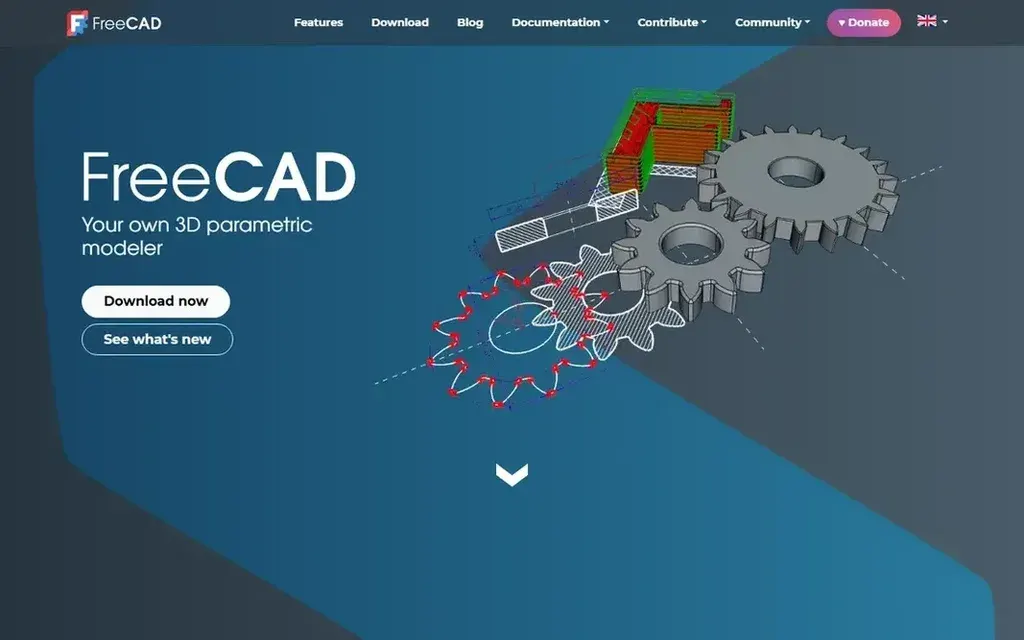
FreeCAD serves open-source parametric modeling. FreeCAD is an open-source 3D parametric modeler that provides users full control over their designs without any cost.
Downsides: Restricted official technical support.
For everyday use, beginners who prefer a refined, guided experience might find other tools more welcoming, but FreeCAD is a capable choice for those committed to open-source options. No starting price is listed for FreeCAD here; confirm pricing on the vendor site. Trial and free access: Not stated.
- Active community support
- Parametric modeling capabilities
- Less refined user interface
3ds Max
Best for: Professional modeling and animation
Pick 3ds Max if this describes you: professional modeling and animation. 3ds Max is a professional 3D modeling and animation software used extensively in game development, film, and architectural visualization. It supplies a vast array of tools for creating expansive worlds and high-quality designs.
What to check first: Steep ramp-up time.
Beginners with a specific interest in these fields may find it a powerful system to learn, though it needs dedication. The software's depth and complexity can be overwhelming for beginners, and its subscription cost may be prohibitive for those just starting out. No starting price is listed for 3ds Max here; confirm pricing on the vendor site. As for free access: Not stated.
- Full modeling tools
- Strong animation and rendering
- Subscription-based pricing
Think of Cinema 4D for motion graphics and visualization. Cinema 4D is a professional 3D modeling, animation, and rendering application known for its easy-to-learn interface and solid motion graphics capabilities. It is widely used in the entertainment and advertising industries.
On top of that, Cinema 4D is primarily built for animation and visualization. So it may not be the best fit for product design or engineering-focused beginners. Its cost is also higher than some alternatives, which could be a barrier for hobbyists. Those seeking a tool for technical design might prefer CAD-oriented software instead. For beginners interested in animation and visual effects, Cinema 4D provides a relatively gentle ramp-up time compared with other high-end 3D suites. Cinema 4D shows no starting price here, so confirm the cost on the vendor site. Free access: Not stated.
Downsides: Primarily concentrated on animation.
- Feature-rich motion graphics tools
- Approachable interface
- Pricey for beginners
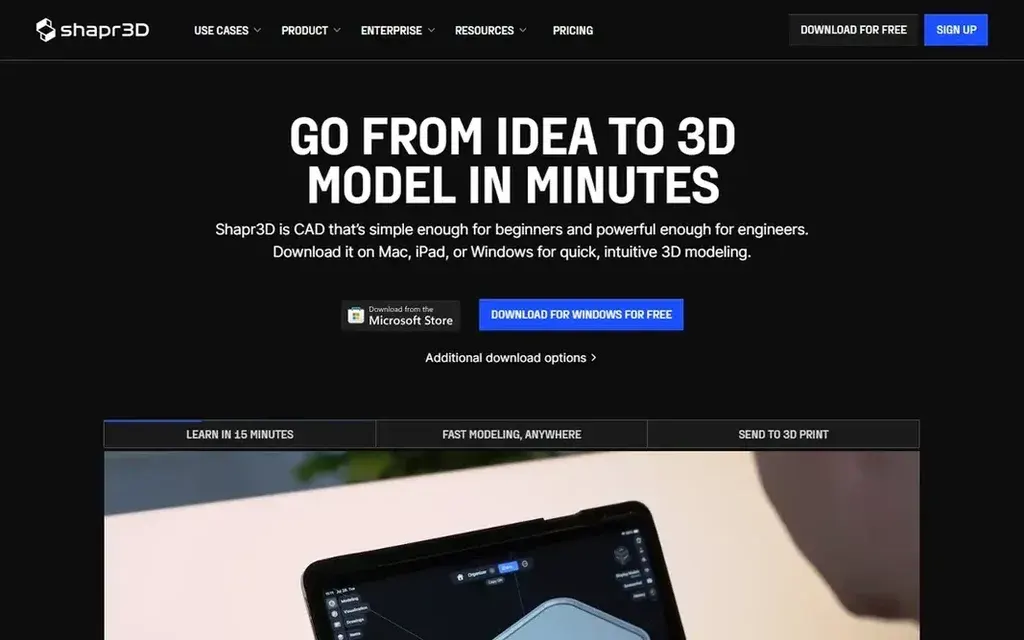
In short, Shapr3D is for easy-to-learn modeling on iPad and Mac. For beginners who prioritize simplicity and mobility, it is a very good choice, but those needing deep simulation or manufacturing tools should look elsewhere. From a buyer's view, Shapr3D gives you 3D modeling that is straightforward enough for beginners yet precise enough for engineers, available on Mac, Windows, iPad, and iPhone.
Trade-offs to know: Needs subscription for full features.
Its intuitive interface and touch-optimized controls make it a strong match for users who want to sketch and model on the go. It also needs a subscription for advanced capabilities, which might not suit hobbyists on a tight budget. The starting price for Shapr3D: $299 per editor seat per year. Shapr3D offers a free plan.
- Cross-platform availability
- Straightforward and precise modeling
- Restricted advanced simulation tools
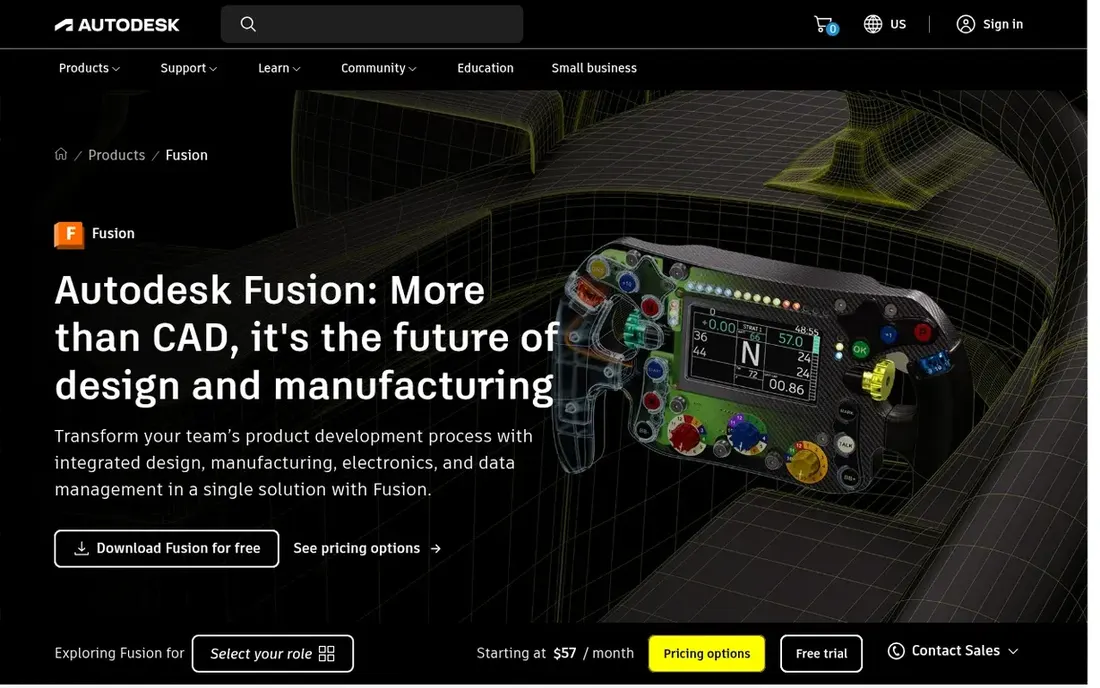
Fusion 360 is a good fit for all-in-one CAD and engineering. Fusion 360, now known as Autodesk Fusion, is a cloud-based product that covers 3D CAD, modeling, manufacturing, industrial design, electronics, and mechanical engineering. It is well-suited for beginners who want a single tool that can grow with their skills, from straightforward designs to complicated projects.
Limits to weigh: Steeper ramp-up time for advanced features.
On top of that, Whereas Fusion 360 is capable, its deep feature set can be overwhelming at first, and some advanced capabilities need a subscription. The integrated environment helps users learn several aspects of product development without switching software. Beginners focused solely on organic modeling or animation might find dedicated tools more straightforward. That said, for those interested in engineering and manufacturing, it remains a thorough choice. Pricing for Fusion 360 is not stated here, so ask the vendor for current figures. As for free access: Not stated.
- Integrated CAD, CAM, CAE
- Free for personal use
- Needs internet for full functionality
Selection criteria
LinkVetted looked at what each vendor publishes: pricing, plan limits, feature coverage for 3D design software for beginners and stated drawbacks. No hands-on testing is claimed. Plan names, prices and limits change often. Treat the figures here as a starting point and verify them with the vendor. Order on the page follows fit for the typical buyer first, then price transparency and free access. Your own requirements should decide the final pick.
What to check before you buy
- Confirm the entry price on the vendor page. For FreeCAD, 3ds Max, Cinema 4D and Fusion 360 that means a quote rather than a fixed price.
- Test the free plan from Shapr3D against your real workload before relying on it.
- Before choosing FreeCAD, weigh its main limit: less refined user interface.
- Confirm the exact FreeCAD plan that includes your must-have features.
- Involve the people who will use 3ds Max daily; a short pilot beats a long feature checklist.
FAQ
Can I try these tools before paying?
Often, yes. Shapr3D has a free plan. Use your own data and a real task during the test, and check what the free tier or trial limits before you rely on it.
Do these tools publish their prices?
Not all of them. FreeCAD, 3ds Max, Cinema 4D and Fusion 360 publish no starting price, so expect a quote request for those. The rest, Shapr3D included, show a starting price, though seats and billing terms still change the final cost.
How are the tools for 3D design software for beginners ordered?
FreeCAD sits first and Fusion 360 last because the order follows typical fit for 3D design software for beginners, then price clarity and free access. It is a judgement call, so read each profile for fit and limits.
Which options for 3D design software for beginners have a free plan?
Shapr3D is the only tool in this list with a free plan. Free plans usually cap users, projects or features, so check the limits on the vendor page.
Which 3D software is a good match for animation beginners?
For most readers this guide would start with FreeCAD, built for open-source parametric modeling. 3ds Max is the alternative for professional modeling and animation, and Cinema 4D for motion graphics and visualization. The right answer depends on budget and workflow.
Sources
- https://www.freecad.org
- https://www.autodesk.com/products/3ds-max
- https://www.maxon.net/en/cinema-4d
- https://www.shapr3d.com
- https://www.autodesk.com/products/fusion-360