Best 3D Design Software for Remote Teams in 2026: Prices, Free Plans and 6 Picks
Best 3D design software for remote teams: 6 contenders ranked by fit, with entry costs and free tiers. Read the caveats before you buy. Clear verdicts.

- Editor's choice
 Onshape
Cloud-native CAD with built-in PDM
Starts at$1,500 per user a yearVisit onshape.comFull review - Great alternative
 Cinema 4D
Motion graphics and visualization
Starts atSee websiteVisit maxon.netFull review - Also consider
 Autodesk Fusion
Integrated cloud CAD for product teams
Starts atSee websiteVisit autodesk.comFull review
Direct answer
This list puts Onshape first for cloud-native CAD with built-in PDM. Listed starting prices: Onshape from $1,500 per user a year, Shapr3D from $299 per editor seat a year and Spline from $12 per seat per month. Look at Cinema 4D for motion graphics and visualization, and at Autodesk Fusion for integrated cloud CAD for product teams. The remaining 3 options are covered below with prices and limits.
TL;DR:
- Onshape sits first on this list: cloud-native CAD with built-in PDM.
- Spline fits browser-based live 3D collaboration.
- Spline has the lowest monthly starting price in this list: $12 per seat per month.
- 3 of 6 tools offer a free plan: Onshape, Shapr3D, Spline.
Last checked November 2026. Prices and plan details were read from the vendors' own pages in November 2026; vendors change plans often, so confirm the current price on the vendor site before you buy.
Quick comparison
| Tool | Best for | Starts at | Free plan? | |
|---|---|---|---|---|
| Onshape | Cloud-native CAD with built-in PDM | $1,500 per user a year | Yes | Visit |
| Cinema 4D | Motion graphics and visualization | See website | Not stated | Visit |
| Autodesk Fusion | Integrated cloud CAD for product teams | See website | Not stated | Visit |
| 3ds Max | Animation and rendering for design visualization | See website | Not stated | Visit |
 Shapr3D | Precise modeling on iPad and desktop | $299 per editor seat a year | Yes | Visit |
 Spline | Browser-based live 3D collaboration | $12 per seat per month | Yes | Visit |
The best 3D design software for remote teams
Short on time? The summary and table above give the quick view of 6 3D design software for remote teams, and the profiles that follow give the detail behind each entry.
Onshape is a good fit for cloud-native CAD with built-in PDM. Onshape is a cloud-native CAD and product development system with built-in PDM and AI-powered customization, accessible on any device with zero IT required.
Watch-outs: Subscription required for full access.
It is aimed at production CAD and makes it possible for remote teams to collaborate in live without managing local software. Teams concentrated on animation or organic modeling might find it less specialized. Entry price for Onshape: $1,500 per user per year. Free access exists with Onshape.
- Completely cloud-native with no installation
- AI-powered customization
- May need training for advanced features

Cinema 4D is a good fit for motion graphics and visualization. Cinema 4D is a professional 3D modeling, animation, and rendering application known for its use in motion graphics, visual effects, and design. It gives you a solid toolset for creating complicated animations and high-quality visuals.
Cinema 4D is not a cloud-native product, so remote collaboration depends on file sharing and version control practices. It may be overkill for straightforward product design or architectural modeling. Remote teams in creative industries commonly use it for collaborative projects, though it is primarily desktop software. Check the vendor site for Cinema 4D pricing; none is listed in this comparison. As for free access: Not stated.
Downsides: Steeper ramp-up time for beginners.
- Powerful modeling and animation tools
- Widely used in broadcast and film
- Desktop-based, not cloud-native
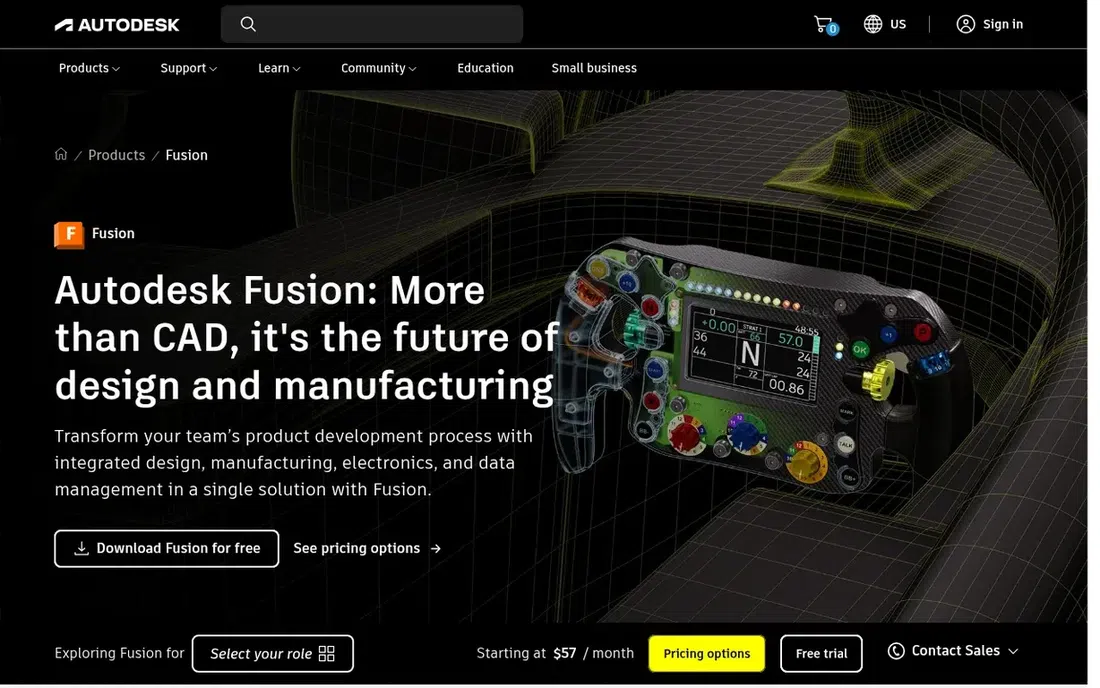
Autodesk Fusion targets integrated cloud CAD for product teams. Teams can access projects from several locations and work on integrated workflows.
Autodesk Fusion, formerly Fusion 360, is a cloud-based product for 3D CAD, modeling, manufacturing, industrial design, electronics, and mechanical engineering. No starting price is listed for Autodesk Fusion here; confirm pricing on the vendor site. Free options: Not stated.
Where it is weaker: Needs subscription for full features.
What Autodesk Fusion does well: PCB in one product.
- Supports industrial and mechanical design
- Cloud-based for remote access
- Ramp-up time for advanced modules
3ds Max
Best for: Animation and rendering for design visualization
Where 3ds Max fits: animation and rendering for design visualization. Autodesk 3ds Max is professional 3D modeling, animation, and rendering software used to produce expansive worlds and high-quality designs. It is often used in architecture, entertainment, and design visualization.
Honest limits: Needs feature-rich hardware.
In practice, remote teams can collaborate by sharing project files, though the software itself is desktop-based. 3ds Max is not made for cloud-based live collaboration, so remote teams must depend on file sharing and communication tools. 3ds Max does not show a starting price in this comparison, so check the vendor site for current pricing. Free plan details: Not stated.
- Professional modeling and animation tools
- Widely used in architecture and entertainment
- Desktop-only, not cloud-native
Shapr3D is built with precise modeling on iPad and desktop in mind. Shapr3D is 3D modeling software that is straightforward enough for beginners and precise enough for engineers, available on Mac, Windows, iPad, and iPhone. It permits remote team members to model on their preferred device, making it adaptable for distributed workflows.
What to check first: Restricted advanced simulation tools.
Teams needing integrated CAM or CAE should consider other choices. Shapr3D may not bundle the full range of simulation or manufacturing tools found in more full CAD systems. Entry price for Shapr3D: $299 per editor seat per year. Free access exists with Shapr3D.
- Available on Mac, Windows, iPad, iPhone
- Beginner-friendly yet precise
- Mobile version may have fewer features
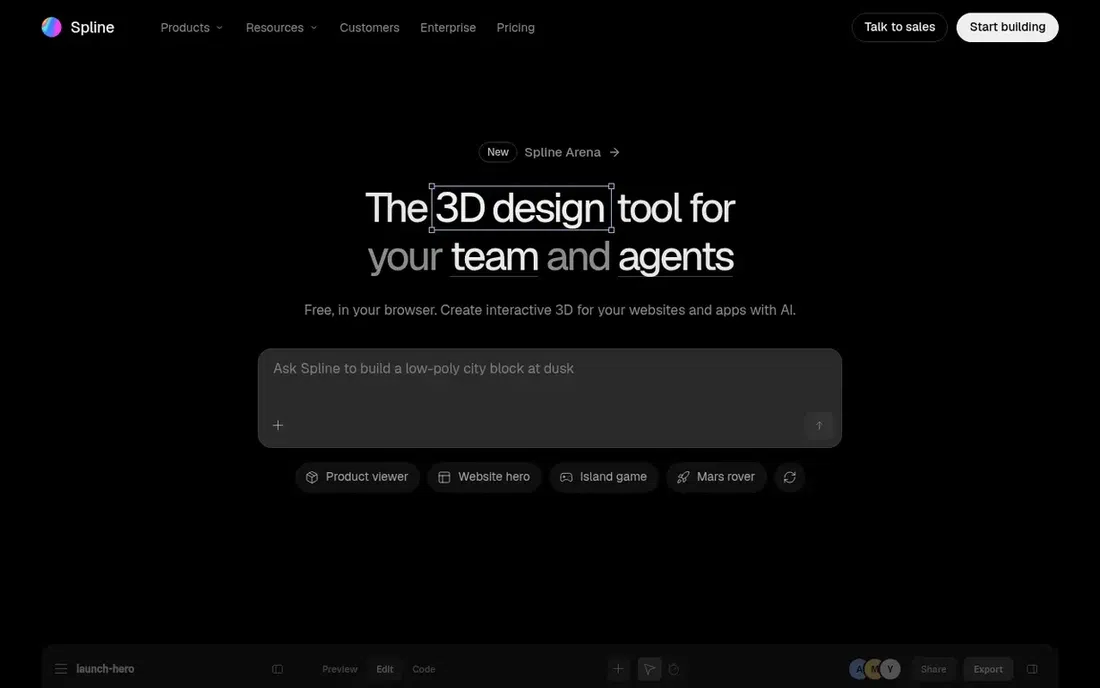
Think of Spline for browser-based real-time 3D collaboration. The live collaboration features make it simple for distributed teams to work together on interactive 3D content. As for the details, Spline is not intended for engineering-grade CAD or complicated manufacturing design.
It may lack the precision and advanced modeling tools required for product development. Choose Spline for web-based interactive 3D and collaborative design, but consider other tools for technical CAD work. Price to start with Spline: $12 per seat per month. Spline offers a free plan.
Where it falls short: Less suited for precision engineering.
- Runs entirely in a web browser
- Live collaboration features
- Restricted advanced CAD capabilities
What went into this list
We compared the tools on published pricing, free plan or trial availability, feature coverage for 3D design software for remote teams, and the limits each vendor documents. Prices and plan limits come from vendor pages and can change, so confirm them on the vendor site before you buy. Order on the page follows fit for the typical buyer first, then price transparency and free access. Your own requirements should decide the final pick.
A buyer's checklist
- Confirm the entry price on the vendor page. For Cinema 4D, Autodesk Fusion and 3ds Max that means a quote rather than a fixed price.
- Look at free plan limits closely: Onshape, Shapr3D and Spline have one, and the caps decide whether it is usable for real work.
- Before choosing Onshape, weigh its main limit: subscription required for full access.
- Before you load data into Shapr3D, check what an export looks like and who can run it.
- Check the support hours and onboarding help Cinema 4D offers; smaller vendors vary a lot here.
FAQ
Is Shapr3D right for remote teams with mixed devices?
Shapr3D is available on Mac, Windows, iPad, and iPhone, making it adaptable for teams using different devices. Even so, it may lack advanced simulation tools found in other systems.
Do these tools publish their prices?
Not all of them. Cinema 4D, Autodesk Fusion and 3ds Max publish no starting price, so expect a quote request for those. The rest, Onshape included, show a starting price, though seats and billing terms still change the final cost.
Can remote teams use desktop-based 3D software like Cinema 4D or 3ds Max effectively?
Yes, but collaboration depends on file sharing and version control instead of live co-editing. These tools are better suited for asynchronous workflows.
How are the tools for 3D design software for remote teams ordered?
Onshape sits first and Spline last because the order follows typical fit for 3D design software for remote teams, then price clarity and free access. It is a judgement call, so read each profile for fit and limits.
What is the best 3D design software for remote teams that require live collaboration?
Start with Onshape if you need cloud-native CAD with built-in PDM. Cinema 4D is the better match for motion graphics and visualization, and Autodesk Fusion for integrated cloud CAD for product teams. The best choice depends on budget, team size and workflow.
Which options for 3D design software for remote teams have a free plan?
On this list, Onshape, Shapr3D and Spline include a free plan. Caps on seats, usage or features are common, so test the free plan against your real workload.
Sources
- https://www.onshape.com
- https://www.maxon.net/en/cinema-4d
- https://www.autodesk.com/products/fusion-360
- https://www.autodesk.com/products/3ds-max
- https://www.shapr3d.com
- https://spline.design