Best 3D Parts Catalog Software for Remote Teams in 2026: Prices, Free Plans and 6 Picks
6 best 3D parts catalog software for remote teams, compared on pricing, free plans and best-fit use. Every profile names its biggest catch. Checked this month.
- Editor's choiceTeamcenter
Enterprise product lifecycle data
Starts atSee websiteVisit sw.siemens.comFull review - Great alternativeAltium 365
Electronics parts and component data
Starts atSee websiteVisit altium.comFull review - Also consider
 Onshape
Browser-based CAD with built-in data management
Starts at$1,500 per user a yearVisit onshape.comFull review
Direct answer
Start with Teamcenter if you need enterprise product lifecycle data. Listed starting prices: Onshape from $1,500 per user a year. For a different need, Altium 365 covers electronics parts and component data and Onshape covers browser-based CAD with built-in data management. The full list of 6 tools follows, with prices and free plan facts.
TL;DR:
- Number one here is Teamcenter, a fit for enterprise product lifecycle data.
- Before buying Teamcenter, weigh this: enterprise focus can mean heavier setup.
- Autodesk Vault fits organizing design data and revisions.
- Onshape stands alone as the one tool in this list with a free plan.
Last checked November 2026. Prices and plan details were read from the vendors' own pages in November 2026; vendors change plans often, so confirm the current price on the vendor site before you buy.
Quick comparison
| Tool | Best for | Starts at | Free plan? | |
|---|---|---|---|---|
| Teamcenter | Enterprise product lifecycle data | See website | Not stated | Visit |
| Altium 365 | Electronics parts and component data | See website | Not stated | Visit |
| Onshape | Browser-based CAD with built-in data management | $1,500 per user a year | Yes | Visit |
 Autodesk Fusion | Cloud CAD with connected parts data | See website | Not stated | Visit |
| PTC Creo | Parametric 3D CAD for design teams | See website | Not stated | Visit |
| Autodesk Vault | Organizing design data and revisions | See website | Not stated | Visit |
The best 3D parts catalog software for remote teams
Choosing 3D parts catalog software for remote teams usually comes down to price, fit and limits. This LinkVetted guide sets 6 tools side by side on those three points, with the facts kept short and checkable.
Teamcenter
Best for: Enterprise product lifecycle data
Teamcenter targets enterprise product lifecycle data. Remote teams in larger organizations use it to keep parts, documents and change processes aligned across departments and sites.
Also, Teamcenter is designed for enterprise lifecycle management, so implementation and administration demand real effort. Teamcenter shows no starting price here, so confirm the cost on the vendor site. On free options: Not stated.
Downsides: Enterprise focus can mean heavier setup.
- Links people and processes
- Single source of product lifecycle data
- Overkill for small design teams
Altium 365
Best for: Electronics parts and component data
Think of Altium 365 for electronics parts and component data. Altium 365 is a secure cloud system that links electronics development teams, described as powering Altium Develop and Altium Lifecycle.
Altium 365 shows no starting price here, so confirm the cost on the vendor site. As for free access: Not stated.
Points against: Not a general mechanical CAD catalog.
- Targeted at speeding product development
- Cloud system aimed at electronics development
- Concentrated on electronics instead of mechanical parts
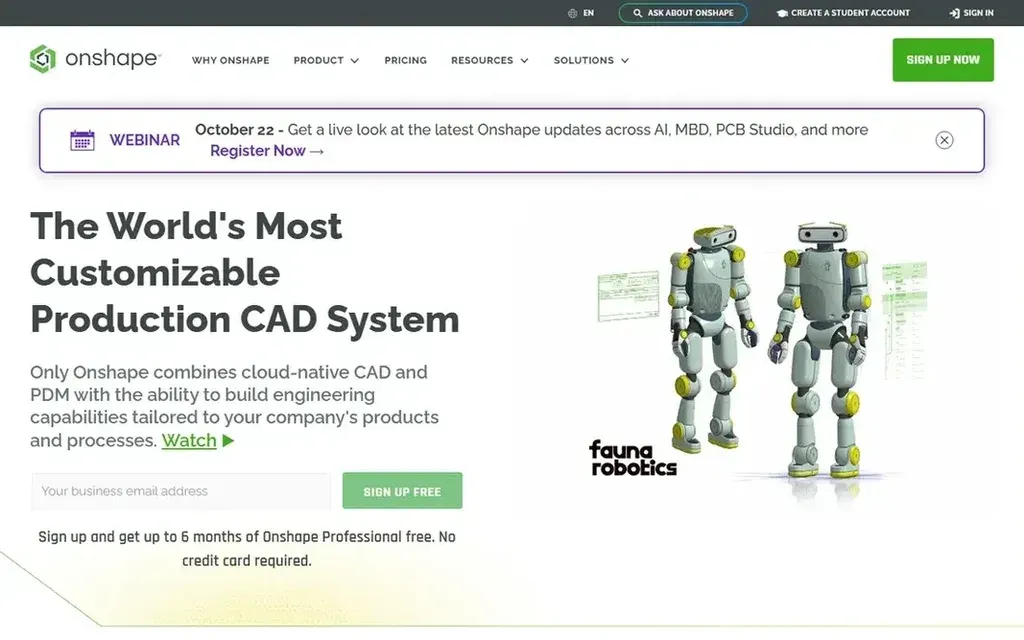
Choose Onshape for browser-based CAD with built-in data management. Since it runs in a browser on any device, remote teams can open and edit designs without installing software locally.
Consider a different product if you need deep enterprise lifecycle processes instead of design-focused data management. Starting cost for Onshape: $1,500 per user per year. Onshape offers a free plan.
Where it is weaker: Cloud dependence needs steady connectivity.
- Described as requiring zero IT
- Built-in product data management
- Less suited to teams needing heavy on-premises control
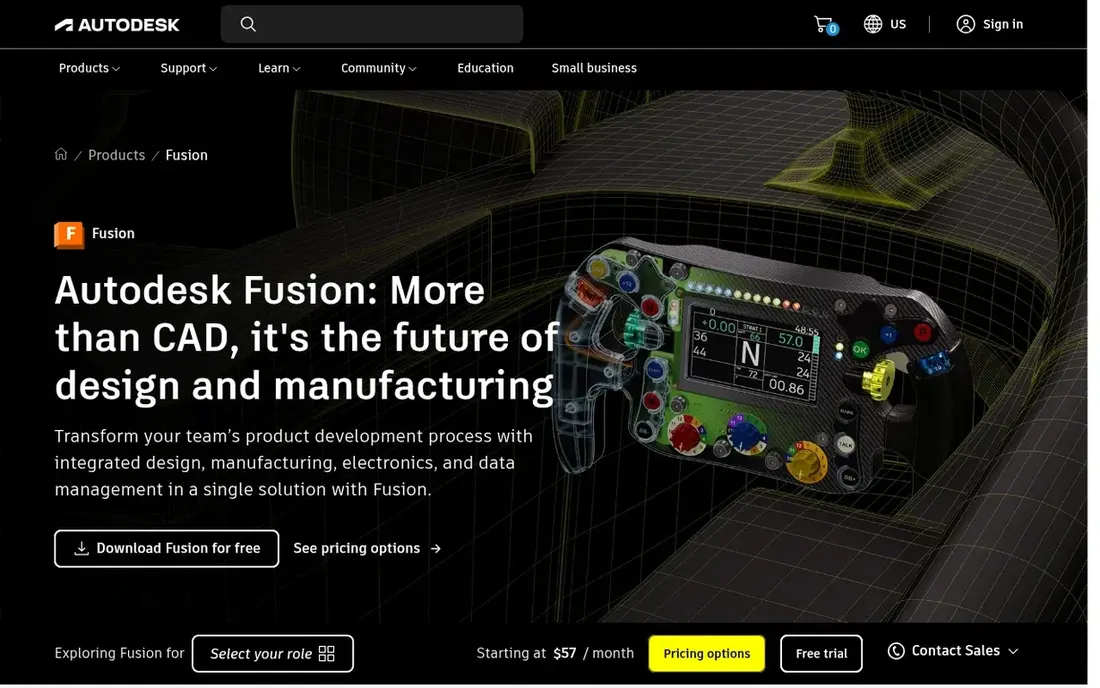
For cloud CAD with connected parts data, Autodesk Fusion is a natural candidate. Autodesk Fusion, formerly Fusion 360, is a cloud-based system spanning 3D CAD, modeling, manufacturing, industrial design, electronics and mechanical engineering. For remote teams, its appeal is having design and parts work in a single connected environment instead of scattered files.
Pick something else if your priority is purely electronics parts data or enterprise-scale lifecycle governance instead of integrated design. The system is wide, so teams with narrow needs may find it heavier than required, and very specialized workflows can call for dedicated tools. Check the vendor site for Autodesk Fusion pricing; none is listed in this comparison. On free options: Not stated.
Watch-outs: Advanced manufacturing work may need deeper tooling.
Highlights: manufacturing and industrial design.
- Includes modeling
- Accessible to distributed teams through the cloud
- Wide scope can mean a steeper ramp-up time
PTC Creo
Best for: Parametric 3D CAD for design teams
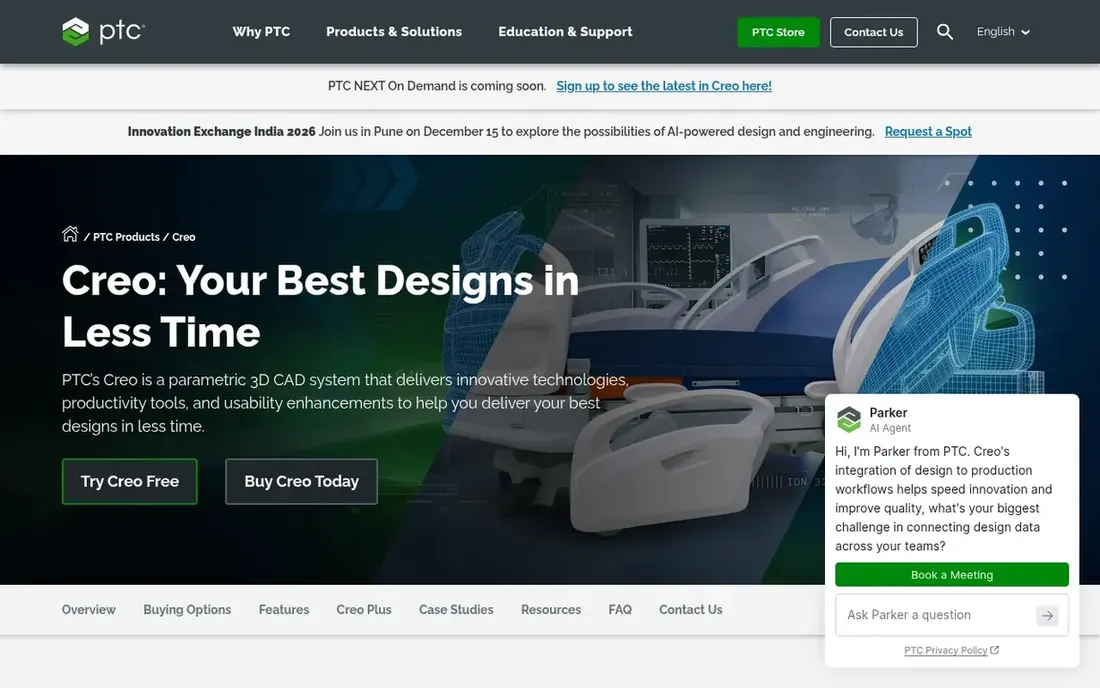
PTC Creo was built for Parametric 3D CAD for design teams. Remote design teams use it for in-depth parametric modeling of parts and assemblies. Teams wanting browser-first access or built-in data management may find a cloud-native option more straightforward to run.
Limits to weigh: Can be demanding for occasional users.
On top of that, PTC Creo is positioned as 3D CAD software for advancing design capabilities, with Creo Parametric as its core modeling application. Creo is a design tool first, so remote parts catalog sharing usually depends on companion products instead of the CAD application alone. This comparison lists no price for PTC Creo; ask the vendor. Free options: Not stated.
- Suits established engineering organizations
- Suited to in-depth mechanical design work
- Collaboration frequently relies on added data systems
Autodesk Vault
Best for: Organizing design data and revisions
Autodesk Vault serves organizing design data and revisions. Autodesk Vault is product data management software that helps designers and engineers organize design data, run documentation and track revisions and other development processes.
For everyday use, teams outside the Autodesk ecosystem, or those wanting modeling and data management in one cloud service, may prefer a different product. On top of that, Vault runs data instead of creating models, so it works alongside CAD software instead of replacing it. Autodesk Vault shows no starting price here, so confirm the cost on the vendor site. On free options: Not stated.
Watch-outs: Primarily data management, not modeling.
- Product data management for design files
- Tracks revisions and documentation
- Frequently paired with separate CAD tools
Our selection method
The comparison looks at four things: starting price, free access, how well the feature set matches 3D parts catalog software for remote teams, and the main limit of each tool. Treat prices as a snapshot: vendors change plans often, so check the vendor site for the figure that applies today. The ranking is editorial: typical fit first, then clear pricing, then free access. If your needs are unusual, read the profiles rather than relying on position.
A buyer's checklist
- Confirm the entry price on the vendor page. For Teamcenter, Altium 365, Autodesk Fusion and others that means a quote rather than a fixed price.
- Test the free plan from Onshape against your real workload before relying on it.
- Read the limits listed for Teamcenter first: enterprise focus can mean heavier setup.
- Price PTC Creo for your actual team size; headline prices rarely include add-ons or overage.
- Before rolling out Autodesk Fusion, verify the integrations your workflow depends on.
FAQ
What should remote teams look for in 3D parts catalog software?
Prioritize cloud or browser access so distributed engineers can reach parts data without local servers, plus revision tracking and clear permissions. Built-in data management alongside CAD cuts the number of systems a team must maintain.
Which choice suits electronics parts instead of mechanical parts?
Altium 365 is made for electronics development and links component and design data in a cloud product. Mechanical-focused teams are typically better served by a CAD system or a product data management system.
Which options for 3D parts catalog software for remote teams have a free plan?
Onshape is the only tool in this list with a free plan. Free plans usually cap users, projects or features, so check the limits on the vendor page. All 6 picks in this 3D parts catalog software for remote teams comparison list a starting price, free plan details and the main limits on their cards above.
Can I try these tools before paying?
Often, yes. Onshape has a free plan. Use your own data and a real task during the test, and check what the free tier or trial limits before you rely on it. For the full picture, the cards above cover all 6 entries of this 3D parts catalog software for remote teams list, including price, free plan and limits.
What is the cheapest option for 3D parts catalog software for remote teams in this list?
On published monthly entry prices, Onshape is the lowest here at $1,500 per user per year. Entry price is only part of the cost, because seats, add-ons and billing terms can change the total. Prices, free plan details and limits for all 6 tools in this 3D parts catalog software for remote teams roundup sit on the individual cards above.
How do we choose between a CAD platform and a PLM system?
CAD systems focus on creating and sharing models, whereas PLM systems for example Teamcenter govern data across the full product lifecycle. Start with your team size and process complexity, then confirm integrations on vendor sites before deciding.
Sources
- https://www.sw.siemens.com/en-US/teamcenter
- https://www.altium.com/altium-365
- https://www.onshape.com
- https://www.autodesk.com/products/fusion-360
- https://www.ptc.com/en/products/creo
- https://www.autodesk.com/products/vault