Best 3D Painting Software for Enterprise in 2026: Prices, Free Plans and 5 Picks
Best 3D painting software for enterprise: 5 tools compared on price, free plans and fit. Each listing flags where it falls short. Pick with confidence.
- Editor's choice
 Cinema 4D
Motion graphics and general 3D with painting
Starts atPricing on requestVisit maxon.netFull review - Great alternative3D-Coat
All-in-one sculpting and texturing for small teams
Starts atPricing on requestVisit 3dcoat.comFull review - Also considerMaya
Full 3D animation and VFX with painting
Starts atPricing on requestVisit autodesk.comFull review
Direct answer
This list puts Cinema 4D first for motion graphics and general 3D with painting. 3D-Coat is the stronger choice for all-in-one sculpting and texturing for small teams, while Maya suits full 3D animation and VFX with painting. The remaining 2 options are covered below with prices and limits. None of these vendors publish plan prices, so pricing is on request for every option.
TL;DR:
- Top of the list is Cinema 4D, which targets motion graphics and general 3D with painting.
- Cinema 4D, Adobe Substance 3D Painter and the 3 others all need a premium plan or a trial, since no free plan is listed.
- Adobe Substance 3D Painter fits live PBR texturing for enterprise pipelines.
- Cinema 4D, Adobe Substance 3D Painter and the 3 others all sell by quote; expect sales conversations before you see a price.
- What to know about Cinema 4D first: painting tools less advanced.
Last checked November 2026. Pricing on request: vendors did not publish plan prices when this guide was last checked (November 2026), so ask each vendor for a written quote.
Quick comparison
| Tool | Best for | Starts at | Free plan? | |
|---|---|---|---|---|
| Cinema 4D | Motion graphics and general 3D with painting | Pricing on request | Not stated | Visit |
| 3D-Coat | All-in-one sculpting and texturing for small teams | Pricing on request | Not stated | Visit |
| Maya | Full 3D animation and VFX with painting | Pricing on request | Not stated | Visit |
 ZBrush | High-detail sculpting with painting capabilities | Pricing on request | Not stated | Visit |
| Adobe Substance 3D Painter | Live PBR texturing for enterprise pipelines | Pricing on request | Not stated | Visit |
Tool-by-tool breakdown
This LinkVetted guide covers 5 options for 3D painting software for enterprise. Each profile lists a starting price, free plan details, strengths and drawbacks, so you can drop poor fits quickly.
Cinema 4D targets motion graphics and general 3D with painting. Maxon Cinema 4D is a professional 3D modeling, animation, and rendering software that comes with entry-level painting and texturing capabilities. It is widely used in motion graphics and broadcast design, where teams have to quickly create and texture 3D elements.
Enterprises centred on dynamic graphics or product visualizations may find Cinema 4D's integrated workflow efficient. Cinema 4D's painting tools are not as deep as dedicated 3D painting software, so it may not suit complicated texture projects. Cinema 4D does not show a starting price in this comparison, so check the vendor site for current pricing. Trial and free access: Not stated.
Watch-outs: Primarily a modeling and animation tool.
- Approachable interface
- Capable motion graphics tools
- Painting tools less advanced
3D-Coat
Best for: All-in-one sculpting and texturing for small teams
3D-Coat makes the most sense for all-in-one sculpting and texturing for small teams. 3D-Coat is an application that provides tools to take a 3D idea from digital clay to a production-ready, completely textured model. In daily use, choose 3D-Coat when you want a single tool for sculpting and texturing without integrating several software packages.
Honest limits: Interface can be overwhelming.
The GPU node system helps accelerate texture creation. From a buyer's view, 3D-Coat has less industry adoption than some competitors, which may affect file compatibility and talent availability. Check the vendor site for 3D-Coat pricing; none is listed in this comparison. Free access: Not stated.
- Perpetual license choice
- Merges voxel sculpting and texturing
- Less industry adoption
Maya
Best for: Full 3D animation and VFX with painting
Maya serves thorough 3D animation and VFX with painting. Autodesk Maya is a professional 3D animation and VFX software for creating expansive worlds, complicated characters, and realistic effects. It includes a 3D Paint tool that permits artists to paint textures straight on models, making it handy for fast touch-ups and concept work.
Choose Maya when you need a full 3D package and painting is a secondary requirement, or when it is already the core of your pipeline. On top of that, enterprises in film and games frequently use Maya as a central hub, integrating it with dedicated painting tools. Pricing for Maya is not stated here, so ask the vendor for current figures. Free plan details: Not stated.
Honest limits: High complexity and cost.
- Comes with 3D Paint tool
- Widely used in enterprise pipelines
- Painting features are entry-level
ZBrush serves high-detail sculpting with painting capabilities. ZBrush is not a full-fledged texture painting software; its polypainting is restricted compared with dedicated tools and does not manage complicated PBR workflows natively. It also has a steep ramp-up time.
Where it falls short: Not a dedicated texture painting tool.
From a buyer's view, pick ZBrush when sculpting is the primary task and painting is secondary, or when you have to prototype concepts rapidly. In daily use, enterprises that require to produce in-depth organic models with painted details will find ZBrush indispensable, particularly when combined with other texturing tools. No starting price is listed for ZBrush here; confirm pricing on the vendor site. As for free access: Not stated.
- Feature-rich brush system
- Supports polypainting
- Steep ramp-up time
Adobe Substance 3D Painter
Best for: Live PBR texturing for enterprise pipelines
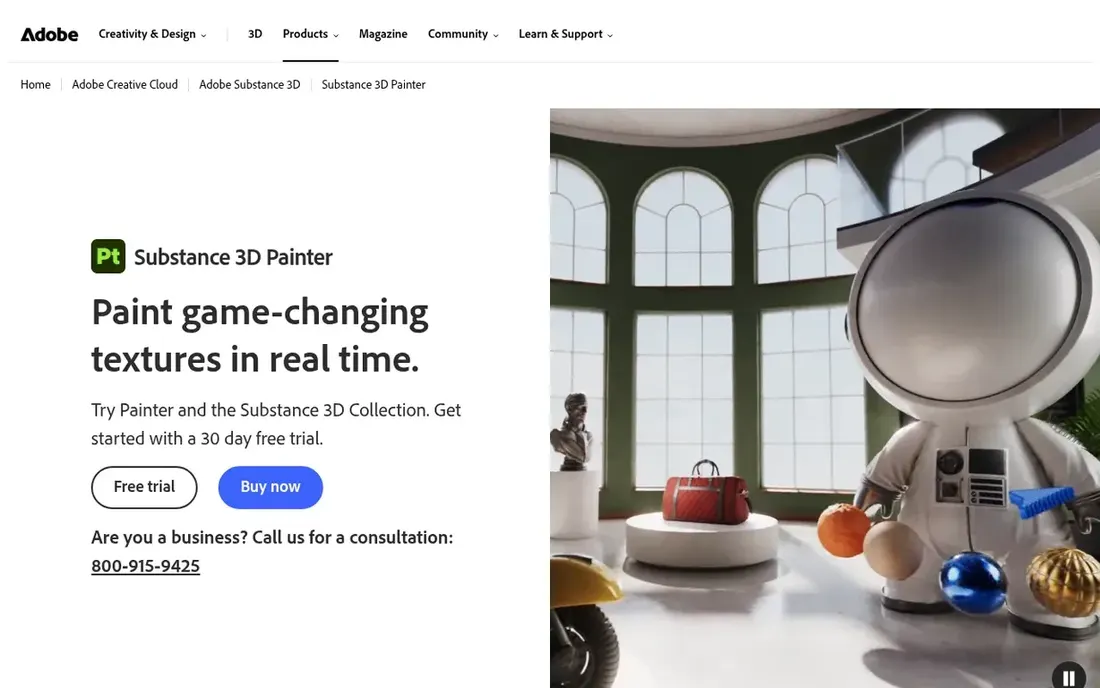
Adobe Substance 3D Painter serves live PBR texturing for enterprise pipelines. Choose it when live PBR texturing is the priority and your pipeline already uses Adobe tools.
Honest limits: May need training for advanced features.
It is widely used in game development, product design, and VFX for its easy-to-learn layer-based workflow and smart materials. Adobe Substance 3D Painter does not show a starting price in this comparison, so check the vendor site for current pricing. Trial and free access: Not stated.
- Smooth integration with Adobe ecosystem
- Supports industry-standard formats
- Subscription-based licensing
How we built this list
LinkVetted used vendor pricing pages and product documentation as the base, then compared plans, free access and documented limits for 5 tools. Seat minimums, billing terms and add-ons can move the real cost, so the starting prices here are a guide and not a quote. Tools are placed by general fit for 3D painting software for enterprise, with price clarity and free access as tie-breakers. A different team can reasonably rank them differently.
Pre-purchase checklist
- Confirm the entry price with every vendor: no tool from Cinema 4D to Adobe Substance 3D Painter shows a fixed starting price.
- Read the limits listed for Cinema 4D first: painting tools less advanced.
- Verify that exporting from 3D-Coat is possible on your plan and covers all your records.
- Price Adobe Substance 3D Painter for your actual team size; headline prices rarely include add-ons or overage.
- Ask whether ZBrush integrates with your current software, and whether that comes standard or as an add-on.
FAQ
How are the tools for 3D painting software for enterprise ordered?
Cinema 4D sits first and Adobe Substance 3D Painter last because the order follows typical fit for 3D painting software for enterprise, then price clarity and free access. It is a judgement call, so read each profile for fit and limits.
Can I try these tools before paying?
Not by default. None of the tools, from Cinema 4D to Adobe Substance 3D Painter, lists a free plan or a free trial here, so ask each vendor for a demo before committing.
Is Cinema 4D the right pick for everyone comparing 3D painting software for enterprise?
No single tool suits every team. Cinema 4D comes first because it fits motion graphics and general 3D with painting, while 3D-Coat suits all-in-one sculpting and texturing for small teams and Maya suits comprehensive 3D animation and VFX with painting. Match the tool to your own size, budget and workflow before deciding.
What is the best 3D painting software for enterprise use?
For most readers this guide would start with Cinema 4D, built for motion graphics and general 3D with painting. 3D-Coat is the alternative for all-in-one sculpting and texturing for small teams, and Maya for comprehensive 3D animation and VFX with painting. The right answer depends on budget and workflow.
Does any tool for 3D painting software for enterprise here have a free plan?
A permanent free plan is not offered by Cinema 4D, Adobe Substance 3D Painter or the other tools here. Plan a short evaluation period instead.
Sources
- https://www.maxon.net/en/cinema-4d
- https://3dcoat.com
- https://www.autodesk.com/products/maya/overview
- https://www.maxon.net/en/zbrush
- https://www.adobe.com/products/substance3d-painter.html