6 3D Painting Software for Remote Teams Worth Shortlisting in 2026
Best 3D painting software for remote teams, compared. 6 tools with published prices, free plans and limits. Each pick comes with its main catch. Quick to scan.

- Editor's choice
 Cinema 4D
Motion and product visualization teams
Starts atPricing on requestVisit maxon.netFull review - Great alternativeMaya
Full animation and VFX pipelines
Starts atPricing on requestVisit autodesk.comFull review - Also considerMudbox
Digital sculpting and texture painting
Starts atPricing on requestVisit autodesk.comFull review
Direct answer
This list puts Cinema 4D first for motion and product visualization teams. Maya is better for full animation and VFX pipelines, and Mudbox is better for digital sculpting and texture painting. The full list of 6 tools follows, with prices and free plan facts. None of these vendors publish plan prices, so pricing is on request for every option.
TL;DR:
- Cinema 4D sits first on this list: motion and product visualization teams.
- Cinema 4D comes with a trade-off: not a dedicated texture painting app.
- No starting price is shown for any of the 6 tools, Cinema 4D and Adobe Substance 3D Painter included, so plan time for sales calls.
- None of the 6 tools, from Cinema 4D to Adobe Substance 3D Painter, has a free plan, so budget for a subscription or use a trial.
- Adobe Substance 3D Painter fits live PBR texturing for teams.
Last checked November 2026. Pricing on request: vendors did not publish plan prices when this guide was last checked (November 2026), so ask each vendor for a written quote.
Quick comparison
| Tool | Best for | Starts at | Free plan? | |
|---|---|---|---|---|
| Cinema 4D | Motion and product visualization teams | Pricing on request | Not stated | Visit |
| Maya | Full animation and VFX pipelines | Pricing on request | Not stated | Visit |
| Mudbox | Digital sculpting and texture painting | Pricing on request | Not stated | Visit |
| Mari | Large-scale texture painting projects | Pricing on request | Not stated | Visit |
| 3D Coat | Sculpting and texturing in one app | Pricing on request | Not stated | Visit |
| Adobe Substance 3D Painter | Live PBR texturing for teams | Pricing on request | Not stated | Visit |
The full 3D painting software for remote teams list
Choosing 3D painting software for remote teams usually comes down to price, fit and limits. This LinkVetted guide sets 6 tools side by side on those three points, with the facts kept short and checkable.
Cinema 4D is a good fit for motion and product visualization teams. Teams focused purely on texturing may find it an unnecessary addition. In practice, choose it when animation, motion design and rendering are the primary deliverables and texturing is a supporting step.
As for the details, Cinema 4D is not a dedicated 3D painting application, so in-depth texture work typically happens in Substance 3D Painter, Mari or 3D Coat. In daily use, Cinema 4D from Maxon is a 3D modeling, animation and rendering application widely used with motion graphics and product visualization teams. From a buyer's view, for remote studios, it can serve as the central scene tool where assets are assembled and presented, with texturing handled by dedicated painting software. Cinema 4D does not show a starting price in this comparison, so check the vendor site for current pricing. Trial and free access: Not stated.
Trade-offs to know: Not a dedicated texture painting app.
- Animation and rendering together
- Modeling
- Wide scope means plenty of areas to learn
Maya
Best for: Full animation and VFX pipelines
Maya targets full animation and VFX pipelines. Remote production teams commonly use it as the backbone where modeling, animation and effects come together, with dedicated painting tools feeding textures into the pipeline. Its breadth makes it a fit for studios with varied shot work instead of single-purpose texturing.
Choose Maya when animation and VFX are central and the team wants a shared production hub alongside its painting tools. From a buyer's view, small teams doing only texture painting may find it heavier than needed. Maya shows no starting price here, so confirm the cost on the vendor site. Free options: Not stated.
Honest limits: Texturing is one part of a wider toolset.
- Typical in studio pipelines
- Modeling and VFX tools
- Large application with a ramp-up time
Mudbox
Best for: Digital sculpting and texture painting
Mudbox was built for digital sculpting and texture painting. Confirm current availability and system support with Autodesk before standardizing. More specifically, Autodesk Mudbox is a digital sculpting and texture painting application that lets artists shape high-detail models and paint straight on them.
Limits to weigh: Needs separate purchase from other tools.
It is often used alongside Maya in Autodesk-oriented studios, which can ease file exchange for remote teams already working in that ecosystem. For everyday use, choose it when existing Autodesk workflows and sculpt-plus-paint tasks line up. Pricing for Mudbox is not stated here, so ask the vendor for current figures. Free options: Not stated.
- Suits Autodesk-centered pipelines
- Layered painting workflow
- Less central to plenty of modern pipelines
Mari
Best for: Large-scale texture painting projects
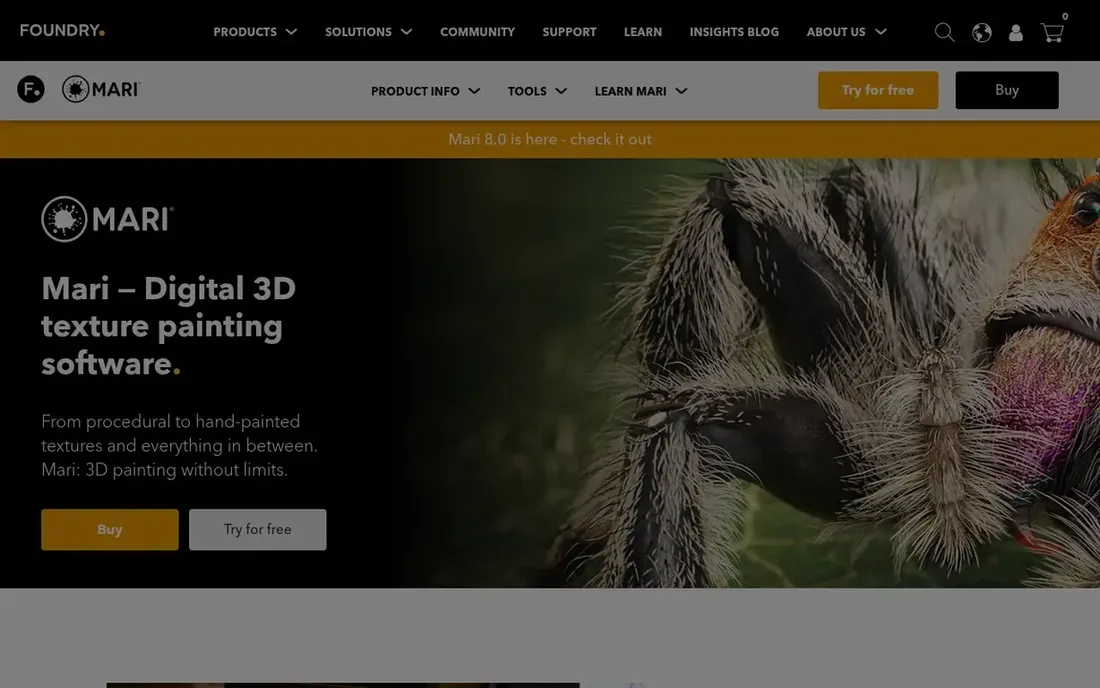
Mari is aimed squarely at large-scale texture painting projects. Mari from Foundry is 3D painting and digital texture software positioned for handling all aspects of texture work without practical limits. That makes it a fit for teams producing high-detail assets where texture sets grow large and layered.
Honest limits: Demanding on workstation resources.
Mari asks more of both artists and machines, so onboarding and hardware planning take effort. Choose Mari when texture scale and detail are the deciding factors and the team can invest in training and capable workstations. In practice, smaller teams with more straightforward assets may find Substance 3D Painter or 3D Coat quicker to adopt. This comparison lists no price for Mari; ask the vendor. As for free access: Not stated.
- Made for high-resolution asset work
- Deals with extensive texture painting
- Steeper ramp-up time
3D Coat
Best for: Sculpting and texturing in one app
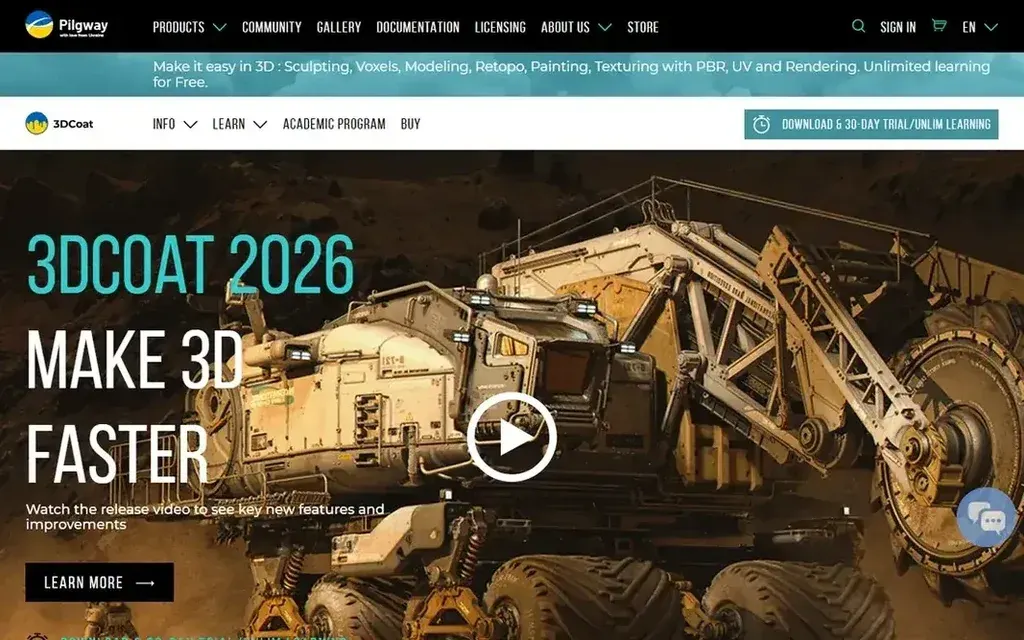
3D Coat is designed for sculpting and texturing in one app. 3D Coat describes itself as an application that takes a 3D idea from digital clay through to a production-ready, fully textured organic or hard surface model. It merges voxel sculpting, retopology, texturing and a GPU node system, so remote artists can move between stages without switching tools.
Where it is weaker: Dense interface for newcomers.
That consolidation helps small distributed teams that want fewer handoffs between modeling and texture passes. Beyond that, pick 3D Coat when the workflow genuinely starts with sculpting and ends with finished texturing. Since it spans so plenty of disciplines, the interface and feature set can overwhelm beginners, and teams may need structured onboarding. Pricing for 3D Coat is not stated here, so ask the vendor for current figures. Free access: Not stated.
- Spans organic and hard surface models
- Voxel sculpting and retopology included
- Numerous features to learn at once
Adobe Substance 3D Painter
Best for: Live PBR texturing for teams
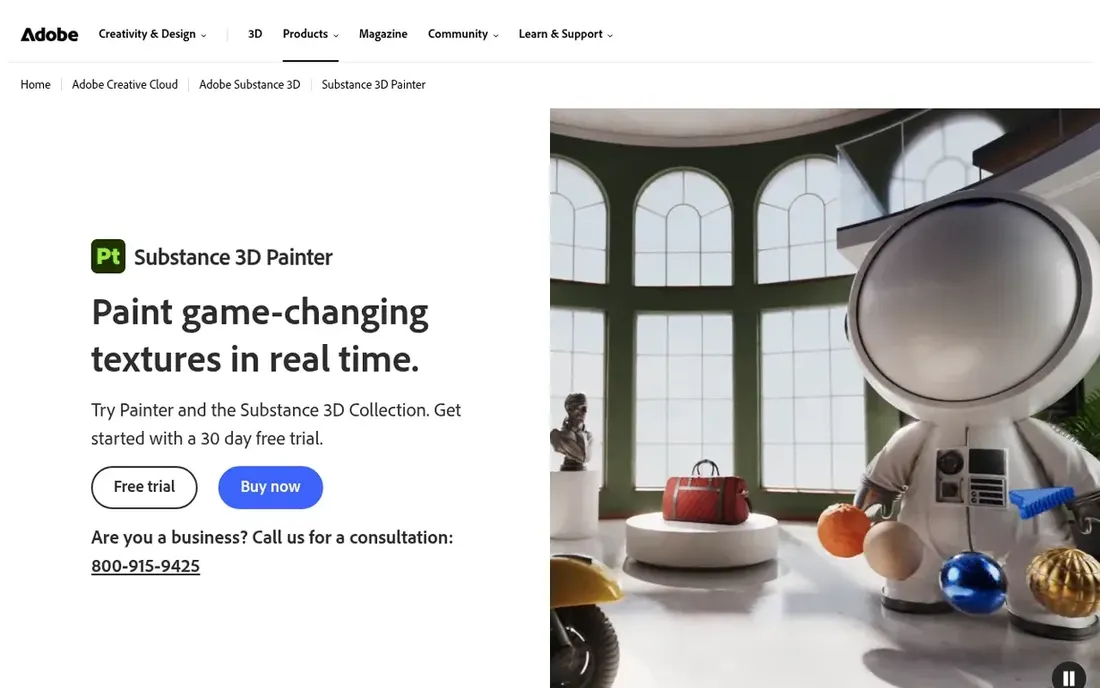
Think of Adobe Substance 3D Painter for live PBR texturing for teams. Its live painting approach lets artists see results as they work, which fits game, product and entertainment pipelines. Worth adding: the central limits are hardware appetite on large scenes and reliance on a continuing Adobe relationship for access.
Drawbacks to consider: Subscription-based access model.
Reasons to shortlist it: Widely used in game and product pipelines.
In daily use, teams that largely need sculpting first, or that want a single tool handling modeling and texturing, may look at 3D Coat instead. In daily use, for remote teams it is a typical shared reference point, so freelancers and studios often already know the interface and can exchange project files with fewer surprises. Check the vendor site for Adobe Substance 3D Painter pricing; none is listed in this comparison. Free plan details: Not stated.
- Live painting on 3D assets
- Masks and UV workflows
- Heavy scenes need capable hardware
What went into this list
What to confirm before you sign up
- Ask each vendor, from Cinema 4D to Adobe Substance 3D Painter, for a written quote; none of them publishes a starting price.
- Read the limits listed for Cinema 4D first: not a dedicated texture painting app.
- Price Adobe Substance 3D Painter for your actual team size; headline prices rarely include add-ons or overage.
- Involve the people who will use Cinema 4D daily; a short pilot beats a long feature checklist.
- List the apps you already depend on and check that Mudbox supports each one on the plan you would buy.
FAQ
Can I try these tools before paying?
Not by default. None of the tools, from Cinema 4D to Adobe Substance 3D Painter, lists a free plan or a free trial here, so ask each vendor for a demo before committing. Each of the 6 options in this 3D Painting software for remote teams guide has its own card above with the price, free plan and limits.
Is Cinema 4D the right pick for everyone comparing 3D painting software for remote teams?
No single tool suits every team. Cinema 4D comes first because it fits motion and product visualization teams, while Maya suits full animation and VFX pipelines and Mudbox suits digital sculpting and texture painting. Match the tool to your own size, budget and workflow before deciding.
How are the tools for 3D painting software for remote teams ordered?
Cinema 4D sits first and Adobe Substance 3D Painter last because the order follows typical fit for 3D painting software for remote teams, then price clarity and free access. It is a judgement call, so read each profile for fit and limits.
Do these tools publish their prices?
No. None of the tools, from Cinema 4D to Adobe Substance 3D Painter, shows a fixed starting price here, so budget time for quotes.
Sources
- https://www.maxon.net/en/cinema-4d
- https://www.autodesk.com/products/maya/overview
- https://www.autodesk.com/products/mudbox/overview
- https://www.foundry.com/products/mari
- https://3dcoat.com
- https://www.adobe.com/products/substance3d-painter.html