6 3D Home Software for Virtual Reality Worth Shortlisting in 2026
Need the best 3D home software for virtual reality? We compare 6 tools on cost, free access and who each suits. Caveats come with every verdict. No filler.
- Editor's choice3ds Max
In-depth modeling and animation for VR
Starts atSee websiteVisit autodesk.comFull review - Great alternative
 Lumion
Quick live architectural visualization
Starts at$96 named user per monthVisit lumion.comFull review - Also consider
 Enscape
Live VR walkthroughs from CAD models
Starts atSee websiteVisit enscape3d.comFull review
Direct answer
Our first pick is 3ds Max, best for in-depth modeling and animation for VR. Listed starting prices: Lumion from $96 named user per month. For a different need, Lumion covers quick real-time architectural visualization and Enscape covers live VR walkthroughs from CAD models. Details, prices and limits for the rest of the 6 tools are below.
TL;DR:
- 3ds Max is the opening pick, best for in-depth modeling and animation for VR.
- None of the 6 tools, from 3ds Max to Autodesk Revit, has a free plan, so budget for a subscription or use a trial.
- Autodesk Revit fits BIM-based home modeling for VR pipelines.
- Lumion comes with a trade-off: rendering focus, not plan drafting.
- The lowest published monthly entry price here is $96 named user per month, from Lumion.
Last checked November 2026. Prices and plan details were read from the vendors' own pages in November 2026; vendors change plans often, so confirm the current price on the vendor site before you buy.
Quick comparison
| Tool | Best for | Starts at | Free plan? | |
|---|---|---|---|---|
| 3ds Max | In-depth modeling and animation for VR | See website | Not stated | Visit |
| Lumion | Quick live architectural visualization | $96 named user per month | Free trial | Visit |
| Enscape | Live VR walkthroughs from CAD models | See website | Not stated | Visit |
 Chief Architect | Professional residential design and remodeling | See website | Not stated | Visit |
 V-Ray | Photorealistic rendering for VR-ready scenes | See website | Not stated | Visit |
 Autodesk Revit | BIM-based home modeling for VR pipelines | See website | Not stated | Visit |
3D Home Software for Virtual Reality, one by one
This LinkVetted guide covers 6 options for 3D home software for virtual reality. Each profile lists a starting price, free plan details, strengths and drawbacks, so you can drop poor fits quickly.
3ds Max
Best for: In-depth modeling and animation for VR
3ds Max is designed for in-depth modeling and animation for VR. In home visualization it commonly serves as the in-depth scene-building environment where furniture, materials and camera paths are refined before VR delivery. Also, 3ds Max is not a BIM or drafting tool.
So it does not produce construction documentation and can be overkill for straightforward residential planning. In practice, if your priority is coordinated home design, pair a design tool with a renderer rather than starting here. 3ds Max shows no starting price here, so confirm the cost on the vendor site. On free options: Not stated.
Drawbacks to consider: Not a BIM or drafting tool.
- Rendering tools for high-quality designs
- Professional 3D modeling and animation
- Complicated for residential planning alone
Lumion works best for quick live architectural visualization. Lumion is 3D rendering software for architects that emphasizes live visualization from concept through final render, combining speed, quality and simplicity. It does well as the visualization layer once a model exists in a compatible design tool.
Downsides: Large scenes need capable hardware.
From a buyer's view, if your need is model creation and documentation first, start with a design tool and add Lumion for presentation. More specifically, live visualization of in-depth scenes also rewards a capable workstation. Lumion pricing: $96 named user per month. Free access: Free trial.
- Aimed at architects and designers
- Visualizes from concept to final render
- Rendering focus, not plan drafting
Enscape makes the most sense for live VR walkthroughs from CAD models. It is built to let designers move from a working model to an immersive walkthrough rapidly, making it a good fit for architects and interior designers who want VR review inside their existing modeling workflow.
Its live approach favors speed and interactivity over the most elaborate offline rendering. Enscape does not show a starting price in this comparison, so check the vendor site for current pricing. Free access: Not stated.
Points against: Not a modeling application itself.
- ArchiCAD and Vectorworks
- Live rendering and virtual reality focus
- Needs a compatible host design tool
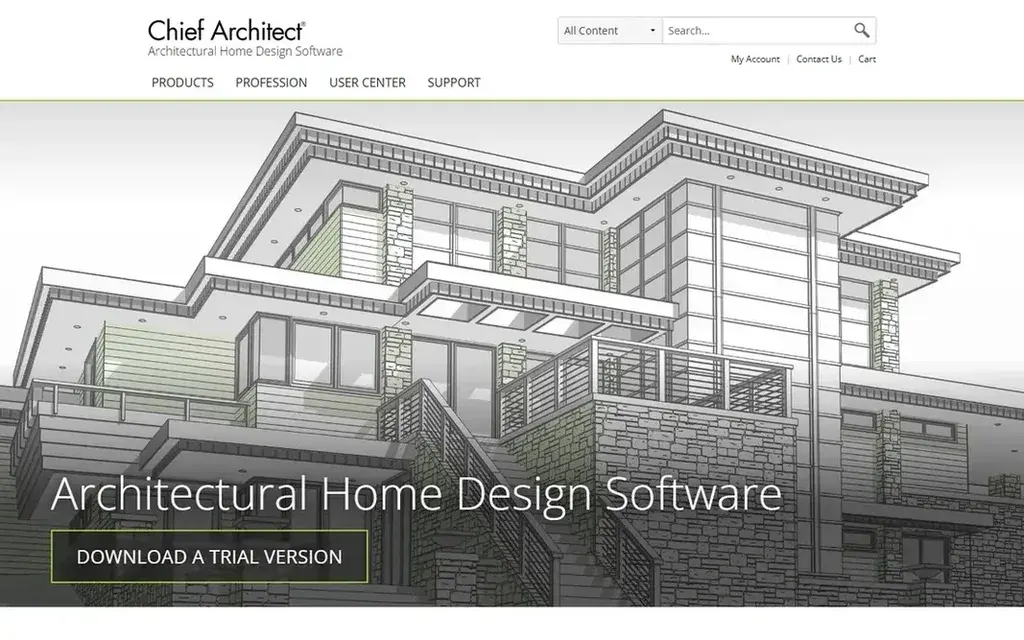
Where Chief Architect fits: professional residential design and remodeling. Chief Architect is professional home design software targeted at residential work, interior design and remodeling. In practice, since it concentrates on residential projects, teams working on commercial or mixed-use buildings may find it narrow.
Its professional feature set also carries a learning period. Worth adding: if you chiefly need rendering horsepower instead of plan development, a dedicated visualization tool may be the better companion. No starting price is listed for Chief Architect here; confirm pricing on the vendor site. Free options: Not stated.
Limits to weigh: Professional depth takes time to learn.
- Handles interior design and remodeling
- Aimed at residential home design
- Residential focus limits other building types
Choose V-Ray for Photorealistic rendering for VR-ready scenes. V-Ray is Chaos rendering software available as a plugin for widely used design products including 3ds Max, SketchUp, Rhino, Maya and Blender. It is recognised for photorealistic output, which makes it handy when a home model must look convincing in stills, animations or panoramic VR views.
Watch-outs: Rendering only, no modeling.
Beyond that, for fast interactive walkthroughs during design review, a live tool may serve better, with V-Ray reserved for final imagery. Photorealistic rendering can also be more time intensive than live engines. V-Ray shows no starting price here, so confirm the cost on the vendor site. On free options: Not stated.
- Broad host application support
- Plugin for plenty of widely used design products
- Photoreal output can be time intensive
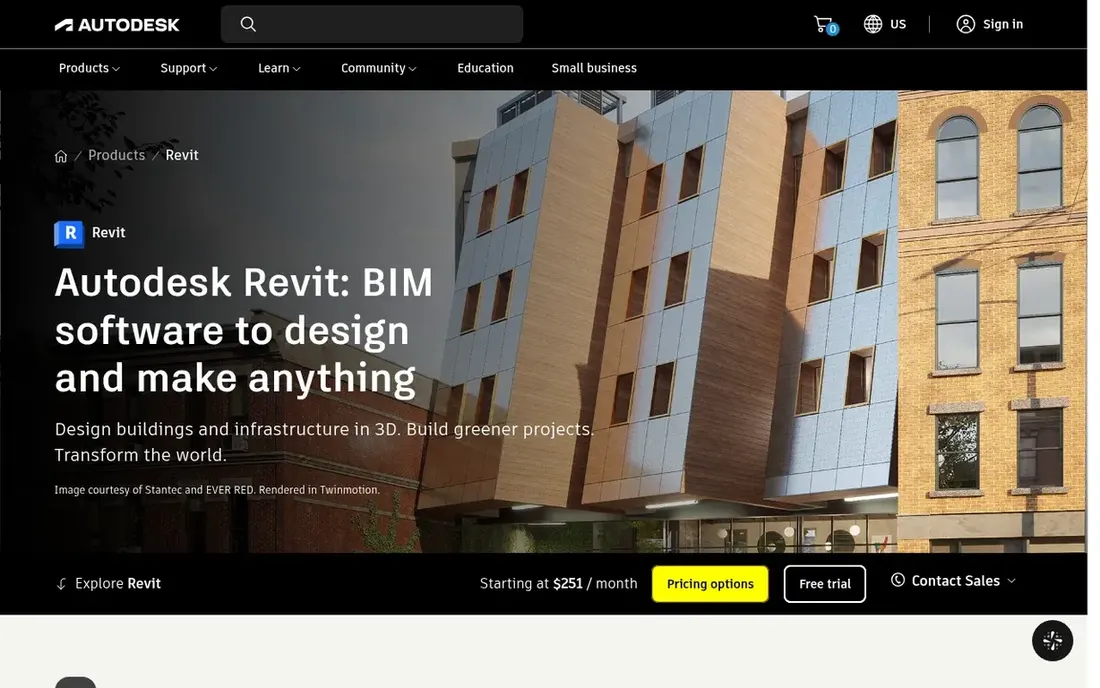
Choose Autodesk Revit for BIM-based home modeling for VR pipelines. The tradeoff is complexity: Revit demands training and disciplined modeling practices, and it is more than a casual DIY remodeler needs.
Trade-offs to know: Steep ramp-up time for beginners.
Also, Revit is Autodesk's BIM product for designing, documenting and coordinating building projects. Autodesk Revit does not show a starting price in this comparison, so check the vendor site for current pricing. Free plan details: Not stated.
- Intelligent 3D models tied to documentation
- Optional AI-assisted workflows
- Heavy for straightforward residential concepts
Selection criteria
What to check before you buy
- Get a written quote from 3ds Max, Enscape, Chief Architect and others; the list shows no starting price for them.
- Take the trial from Lumion and push a live task through it before you pay.
- Before choosing 3ds Max, weigh its main limit: complicated for residential planning alone.
- Look at which plan of Chief Architect unlocks the features you need; entry tiers are often cut down.
- Ask V-Ray which support channels and response times come with the plan you would buy.
FAQ
Which tool is best for quick VR walkthroughs?
The first pick on this list is 3ds Max, because it suits in-depth modeling and animation for VR. Lumion is better for quick live architectural visualization, and Enscape for live VR walkthroughs from CAD models. Check price and limits against your own needs before choosing.
What is the cheapest option for 3D home software for virtual reality in this list?
On published monthly entry prices, Lumion is the lowest here at $96 named user per month. Entry price is only part of the cost, because seats, add-ons and billing terms can change the total.
Does any tool for 3D home software for virtual reality here have a free plan?
No tool in this list, 3ds Max and Autodesk Revit included, has a permanent free plan. Lumion offer a trial. Trials and quotes are the usual route, so plan a short evaluation period.
Do these tools publish their prices?
Not all of them. 3ds Max, Enscape, Chief Architect and others publish no starting price, so expect a quote request for those. The rest, Lumion included, show a starting price, though seats and billing terms still change the final cost.
How are the tools for 3D home software for virtual reality ordered?
3ds Max sits first and Autodesk Revit last because the order follows typical fit for 3D home software for virtual reality, then price clarity and free access. It is a judgement call, so read each profile for fit and limits.
Sources
- https://www.autodesk.com/products/3ds-max
- https://lumion.com
- https://enscape3d.com
- https://www.chiefarchitect.com
- https://www.chaos.com/vray
- https://www.autodesk.com/products/revit