Best Graphic Design for Augmented Reality in 2026: Prices, Free Plans and 5 Picks
Best graphic design for augmented reality in 2026: 5 tools with starting prices, free plans and limits. Fit and flaws are laid out for each entry. Plain facts.
- Editor's choice
 ZBrush
Sculpting in-depth organic 3D models
Starts atSee websiteVisit maxon.netFull review - Great alternativeSubstance 3D Painter
Live texturing of 3D assets
Starts atSee websiteVisit adobe.comFull review - Also consider
 Unity
Live AR scenes and XR deployment
Starts at$210.00 a monthVisit unity.comFull review
Direct answer
ZBrush is the first pick on this list for sculpting in-depth organic 3D models. Listed starting prices: Unity from $210.00 a month and Figma from $3 a month. Alternatives: Substance 3D Painter for live texturing of 3D assets, and Unity for real-time AR scenes and XR deployment. Prices, free plans and limits for all 5 tools follow.
TL;DR:
- ZBrush sits first on this list: sculpting in-depth organic 3D models.
- ZBrush, Lens Studio and the 3 others all need a premium plan or a trial, since no free plan is listed.
- Lens Studio is the one to check for building AR lenses for Snapchat and SPECS.
- The main caution on Substance 3D Painter: Texturing only, not scene assembly.
Last checked November 2026. Prices and plan details were read from the vendors' own pages in November 2026; vendors change plans often, so confirm the current price on the vendor site before you buy.
Quick comparison
| Tool | Best for | Starts at | Free plan? | |
|---|---|---|---|---|
| ZBrush | Sculpting in-depth organic 3D models | See website | Not stated | Visit |
| Substance 3D Painter | Live texturing of 3D assets | See website | Not stated | Visit |
| Unity | Live AR scenes and XR deployment | $210.00 a month | Free trial | Visit |
 Figma | AR interface and layout design | $3 a month | Not stated | Visit |
 Lens Studio | Building AR lenses for Snapchat and SPECS | See website | Not stated | Visit |
Our 5 picks for graphic design for augmented reality
LinkVetted put together this guide to graphic design for augmented reality for readers who want a clear shortlist without reading every vendor page. It compares 5 tools on starting price, free plans, who each one suits and where each one falls short.
Where ZBrush fits: sculpting in-depth organic 3D models. ZBrush from Maxon is a digital sculpting application widely used for in-depth organic models like characters and creatures. Worth adding: sculpted models commonly need cleanup and optimization before they perform well in AR, and ZBrush does not deal with texturing or deployment.
Where it is weaker: Sculpting workflow differs from polygon modeling.
It is a specialist stage instead of a complete option. In an augmented reality pipeline it usually produces high-detail source models that are later retopologized, textured and optimized for live use. For straightforward props or interface graphics, lighter modeling tools are more efficient. This comparison lists no price for ZBrush; ask the vendor. As for free access: Not stated.
- Digital sculpting for high-detail models
- Solid for characters and organic forms
- Not a texturing or AR runtime tool
Substance 3D Painter
Best for: Live texturing of 3D assets
Substance 3D Painter is built with live texturing of 3D assets in mind. Adobe Substance 3D Painter is 3D painting software for applying textures, materials, masks and UV mapping onto 3D assets in live. It does not model, animate or deploy AR content, so it relies on assets created elsewhere.
Drawbacks to consider: Texturing only, not scene assembly.
Beyond that, very straightforward flat-shaded AR graphics may not need this level of texturing. As for the details, pick a full engine or modeling suite when you need an all-in-one pipeline instead of a focused texturing stage. Substance 3D Painter does not show a starting price in this comparison, so check the vendor site for current pricing. Free options: Not stated.
Strengths: Widely used for asset look development.
- Deals with UV mapping workflows
- Materials and masks in live
- Needs assets from other tools
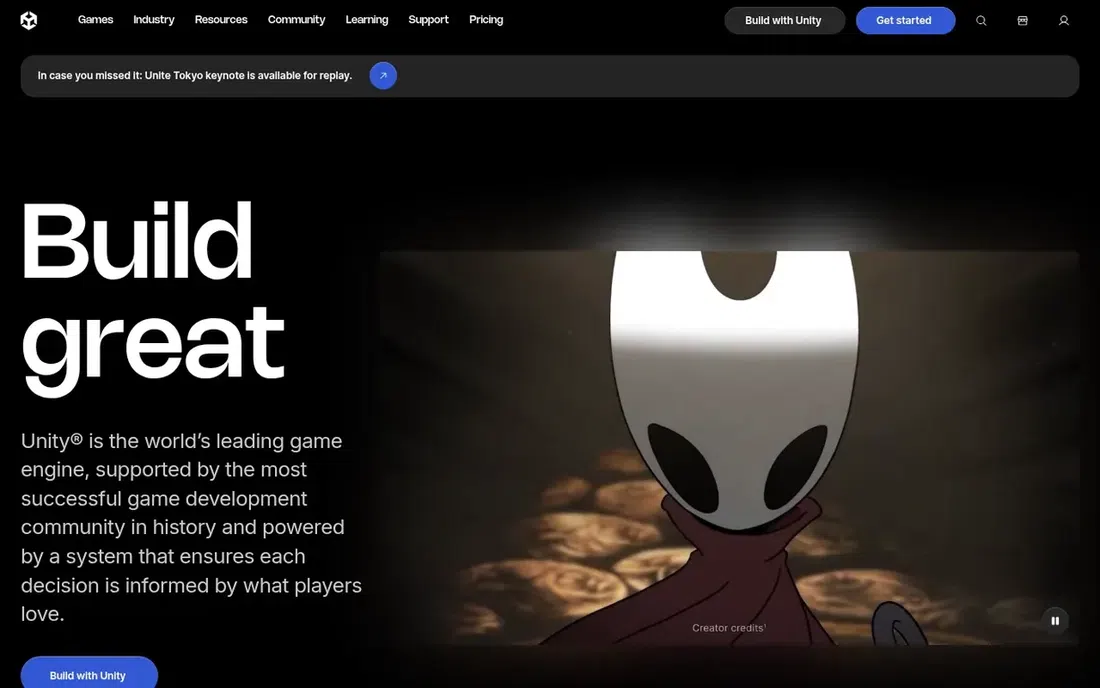
Where Unity fits: live AR scenes and XR deployment. Designers focused only on 2D layout or hand-painted textures may find it heavy.
Drawbacks to consider: Heavier setup than a pure design app.
The engine is wide, which means more configuration and scripting than a dedicated lens or modeling tool. For everyday use, Unity is a live 3D engine used to develop, deploy and grow interactive content, with stated support for mobile, PC, console and XR targets alongside industrial applications. On cost, Unity starts like this: $210.00 per month. Free plan details: Free trial.
- Live 3D engine with wide product reach
- Builds for mobile, PC
- Steep ramp-up time for newcomers
Figma makes the most sense for AR interface and layout design. In AR projects it is generally used for interface overlays, UI kits, storyboards and design handoff instead of 3D content. Figma does not author 3D assets or deploy AR experiences, so spatial and live work happens in other tools.
Also, teams needing in-engine UI systems will still build final interfaces in their engine. For everyday use, choose a 3D suite when the core deliverable is a modeled AR object rather than a screen layout. Figma cost at the entry level: $3 per month. On free options: Not stated.
Trade-offs to know: Restricted for spatial 3D asset work.
- Brings design
- Code and AI together
- Not a 3D or AR runtime tool
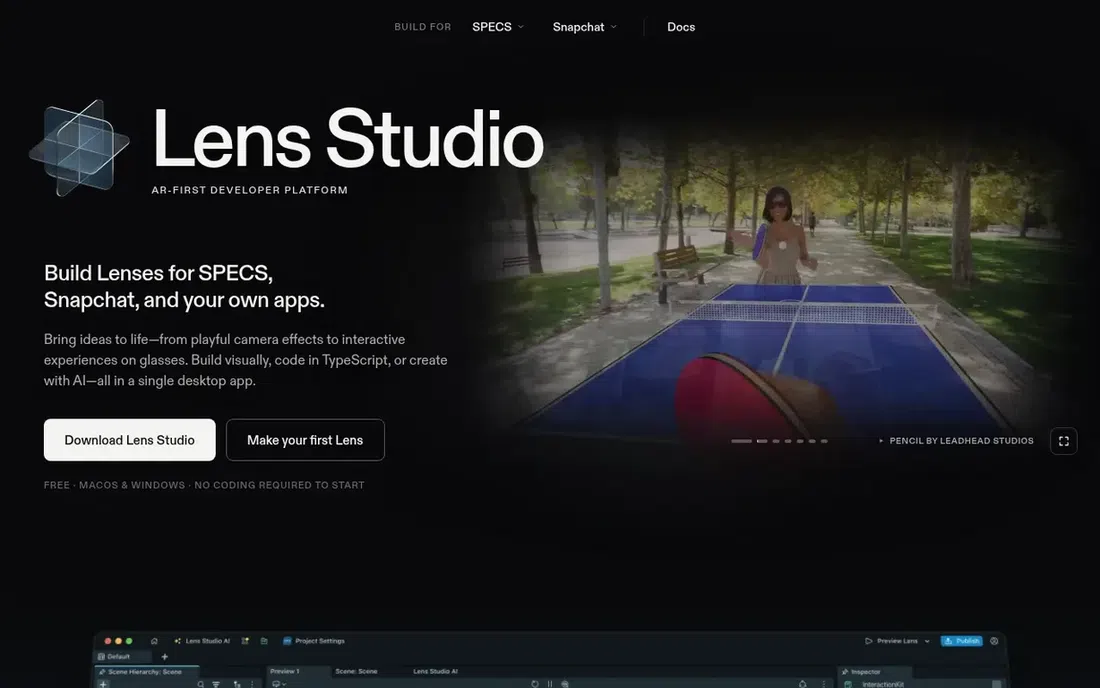
Lens Studio is designed for building AR lenses for Snapchat and SPECS. It supports visual building, TypeScript coding and AI-assisted creation on macOS and Windows. This makes it a solid fit for designers who want to prototype and publish AR experiences rapidly without assembling a full game engine pipeline, particularly when the target audience lives in Snapchat or uses SPECS devices.
Downsides: Less suited to general 3D production.
Its strengths are tied to the Snap system, so projects pitched at other AR runtimes may need a different authoring tool. Complicated 3D asset creation is better handled elsewhere and imported. In daily use, pick a general engine when you need broad cross-platform deployment or deeper simulation features. Pricing for Lens Studio is not stated here, so ask the vendor for current figures. Free options: Not stated.
- Purpose-built for AR lens creation
- Runs on macOS and Windows desktops
- Centered on the Snap ecosystem
How we compared the tools
LinkVetted looked at what each vendor publishes: pricing, plan limits, feature coverage for graphic design for augmented reality and stated drawbacks. No hands-on testing is claimed. Prices and plan limits come from vendor pages and can change, so confirm them on the vendor site before you buy. We ordered the tools by general fit, then by how clearly pricing is shown, then by free access. A buyer with unusual needs may reorder them.
Pre-purchase checklist
- Ask ZBrush, Substance 3D Painter and Lens Studio for a written quote, since no starting price is shown.
- Run a trial of Unity with real work before paying for a year; your own workflow is the best test.
- Before choosing ZBrush, weigh its main limit: not a texturing or AR runtime tool.
- Check whether the features you need in Substance 3D Painter sit on the entry plan or only on higher tiers.
- Let daily users try Lens Studio on real work; their feedback beats any feature checklist.
FAQ
Does any tool for graphic design for augmented reality here have a free plan?
No tool in this list, ZBrush and Lens Studio included, has a permanent free plan. Unity offer a trial. Trials and quotes are the usual route, so plan a short evaluation period.
How are the tools for graphic design for augmented reality ordered?
ZBrush sits first and Lens Studio last because the order follows typical fit for graphic design for augmented reality, then price clarity and free access. It is a judgement call, so read each profile for fit and limits.
Do I need a game engine for AR graphic design?
Not always, but a live engine like Unity is typical when you need interactivity and deployment across devices. For everyday use, more straightforward social lenses can be built in a dedicated lens tool instead.
Do these tools publish their prices?
Not all of them. ZBrush, Substance 3D Painter and Lens Studio publish no starting price, so expect a quote request for those. The rest, Unity included, show a starting price, though seats and billing terms still change the final cost.
Which tool should beginners start with?
Lens Studio is approachable for social AR lenses, whereas Unity provides a broader path into interactive AR development with a steeper ramp-up time.
What is the cheapest option for graphic design for augmented reality in this list?
On published monthly entry prices, Figma is the lowest here at $3 per month. Entry price is only part of the cost, because seats, add-ons and billing terms can change the total. All 5 picks in this Graphic design for Augmented reality comparison list a starting price, free plan details and the main limits on their cards above.
Sources
- https://www.maxon.net/en/zbrush
- https://www.adobe.com/products/substance3d-painter.html
- https://unity.com
- https://www.figma.com
- https://ar.snap.com/lens-studio