Best Graphic Design Companies Software for Remote Teams for 2026: Our 5 Vetted Picks
Searching for the best graphic design companies software for remote teams? Here are 5 options with prices and free plans. Real limits included. Choose faster.
- Editor's choice
 Miro
Visual ideation and planning
Starts at$8 per member per monthVisit miro.comFull review - Great alternative
 Sketch
Mac-based design and handoff
Starts at$12 per editor a monthVisit sketch.comFull review - Also consider
 Mural
Guided team collaboration sessions
Starts at$9.99 per member a monthVisit mural.coFull review
Direct answer
Start with Miro if you need visual ideation and planning. Listed starting prices: Miro from $8 per member per month, Sketch from $12 per editor a month and Mural from $9.99 per member a month. Sketch fits Mac-based design and handoff; Mural fits guided team collaboration sessions. Details, prices and limits for the rest of the 5 tools are below.
TL;DR:
- Top of the list is Miro, which targets visual ideation and planning.
- Before buying Sketch, weigh this: tied to the Apple ecosystem.
- The lowest published monthly entry price here is $3 per month, from Figma.
- For quick visuals for non-designers, Canva is worth a look.
Last checked November 2026. Prices and plan details were read from the vendors' own pages in November 2026; vendors change plans often, so confirm the current price on the vendor site before you buy.
Quick comparison
| Tool | Best for | Starts at | Free plan? | |
|---|---|---|---|---|
| Miro | Visual ideation and planning | $8 per member per month | Yes | Visit |
| Sketch | Mac-based design and handoff | $12 per editor a month | Free trial | Visit |
| Mural | Guided team collaboration sessions | $9.99 per member a month | Yes | Visit |
 Figma | Collaborative interface and product design | $3 per month | Not stated | Visit |
 Canva | Quick visuals for non-designers | See website | Not stated | Visit |
Graphic Design Companies Software for Remote Teams profiles
If you are comparing graphic design companies software for remote teams, this page covers 5 tools in one place: what each is best for, what it costs to start, whether it has a free plan, and the main limit to know about.
Miro targets visual ideation and planning. Miro is an AI innovation workspace built to speed product development from ideation to launch, aligning teams and breaking tool silos in one visual product.
Where it falls short: Large boards can get cluttered.
Miro supports thinking and alignment instead of pixel-level design, so final artwork still belongs in a dedicated design application. The starting price for Miro: $8 per member per month. Miro offers a free plan.
- Supports ideation through launch
- Shared visual workspace
- Not a precision design tool
Sketch targets Mac-based design and handoff. Sketch positions itself as design, prototype, collaborate and handoff software made by designers for designers. It performs well when a team standardizes on Apple hardware and a shared design library.
For everyday use, organizations that require everyone editing in one shared web canvas should weigh a browser-based alternative first. For everyday use, because it centers on the Apple ecosystem, mixed Windows and Mac teams may find access uneven, and browser-first collaboration is not its primary strength. Sketch starts at: $12 per editor per month. Free plan details: Free trial.
Honest limits: Smaller cross-platform reach.
- Clean interface for focused work
- Designer-focused workflow
- Tied to the Apple ecosystem
Think of Mural for guided team collaboration sessions. Mural provides an AI-powered visual workspace for team collaboration, helping groups plan, strategize and execute projects on one easy-to-learn tool.
Watch-outs: Best value with structured facilitation.
As for the details, like other whiteboard-style products, Mural is not intended for producing final graphic assets, and unstructured boards can become hard to navigate. Mural pricing: $9.99 per member per month. A free plan is available with Mural.
- Supports remote facilitation
- Visual workspace for planning and strategy
- Restricted for in-depth design output
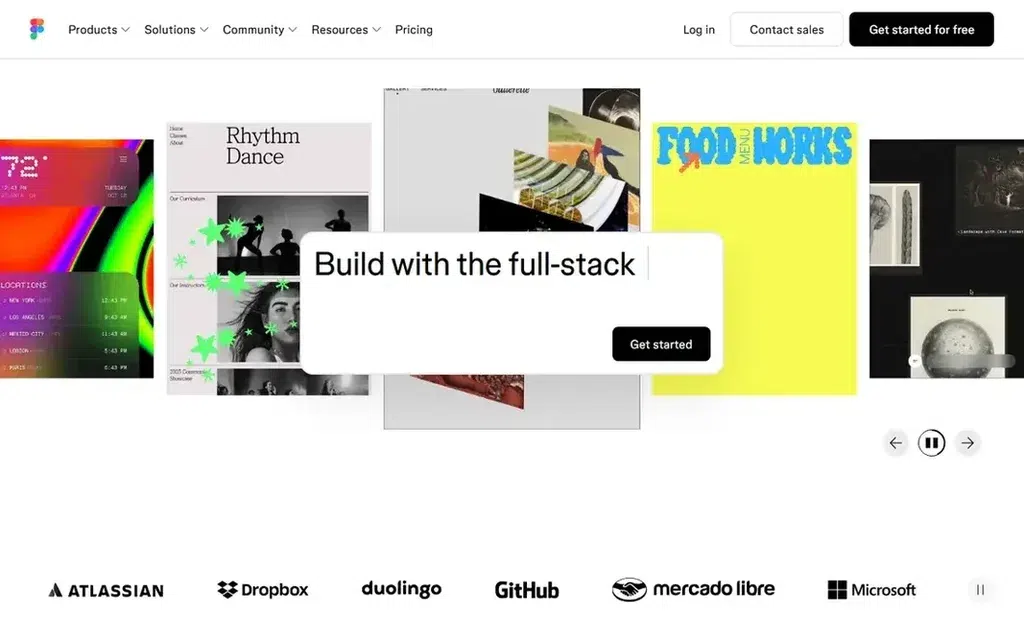
Think of Figma for collaborative interface and product design. Figma presents itself as a collaborative canvas where design, code and AI come together from first idea to shipped product.
What Figma does well: Runs in the browser.
Trade-offs to know: Complicated files can feel heavy.
Since work happens in the browser, remote teammates can open the same file, comment and iterate without passing exports around. What you pay to start with Figma: $3 per month. As for free access: Not stated.
- Live multiplayer editing
- Code and AI in one canvas
- Needs stable connectivity
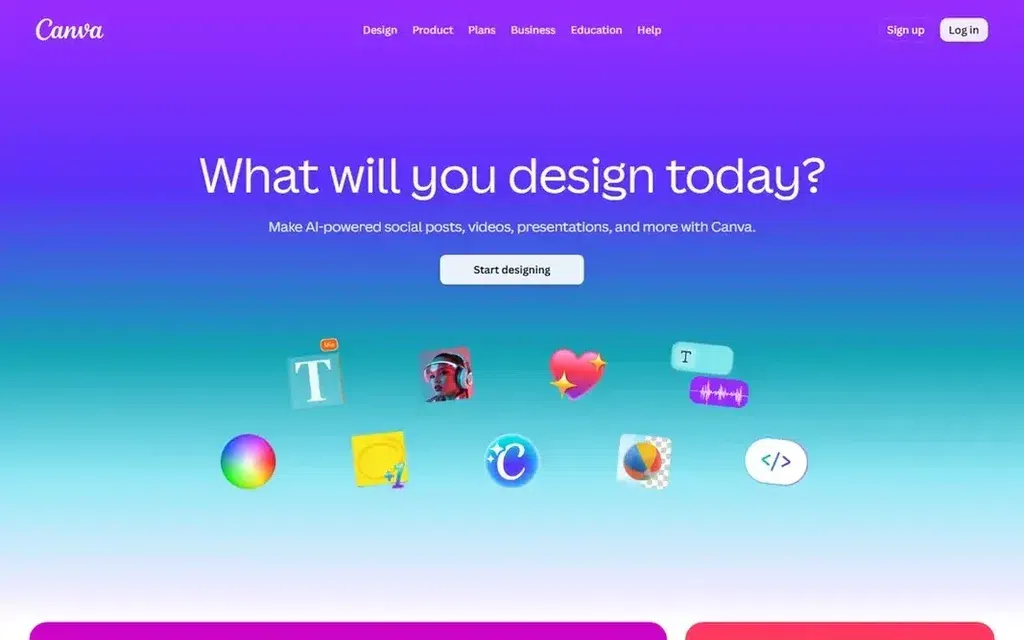
Think of Canva for quick visuals for non-designers. It lets designers hand off repeatable templates to the rest of a remote organization.
Teams producing complicated product interfaces or print-ready artwork should treat Canva as a supplement instead of the core design environment. No starting price is listed for Canva here; confirm pricing on the vendor site. As for free access: Not stated.
Where it is weaker: Less control for complicated vector work.
- Low ramp-up time
- Presentations and posters
- Template-driven output can look similar
How these tools were picked
Things to verify first
- Confirm the entry price on the vendor page. For Canva that means a quote rather than a fixed price.
- Check what the free option really includes: Miro and Mural offer a free plan, and usage caps differ.
- Use real work to test the free trial from Sketch, rather than a demo project.
- Read the limits listed for Miro first: not a precision design tool.
- List the apps you already depend on and check that Canva supports each one on the plan you would buy.
- Involve the people who will use Sketch daily; a short pilot beats a long feature checklist.
FAQ
Do these tools publish their prices?
Not all of them. Canva publishes no starting price, so expect a quote request for it. The rest, Miro included, show a starting price, though seats and billing terms still change the final cost.
Can I try these tools before paying?
Often, yes. Miro and Mural have a free plan and Sketch offers a free trial. Use your own data and a real task during the test, and check what the free tier or trial limits before you rely on it. Prices, free plan details and limits for all 5 tools in this Graphic design companies software for remote teams roundup sit on the individual cards above.
What is the cheapest option for graphic design companies software for remote teams in this list?
On published monthly entry prices, Figma is the lowest here at $3 per month. Entry price is only part of the cost, because seats, add-ons and billing terms can change the total. Each of the 5 options in this Graphic design companies software for remote teams guide has its own card above with the price, free plan and limits.
How are the graphic design companies software for remote teams ordered?
The order follows typical fit for graphic design companies software for remote teams, with Miro first and Canva last, then price clarity and free access. It is editorial judgement, not a score, so another team could rank the tools differently.
Which tool is a good match for a completely remote design team?
This list starts with Miro, which fits visual ideation and planning. For other needs, Sketch is aimed at Mac-based design and handoff, and Mural at guided team collaboration sessions. Check each tool's price and main limit first.
Sources
- https://miro.com
- https://www.sketch.com
- https://www.mural.co
- https://www.figma.com
- https://www.canva.com