Graphic Design Software for Animation in 2026: The 5 Best Options Side by Side
Compare 5 picks for the best graphic design software for animation, with prices, free plans and who each fits. Caveats come with every verdict. No hype.
- Editor's choice
 Cinema 4D
3D motion graphics and design
Starts atPricing on requestVisit maxon.netFull review - Great alternative
 Autodesk Maya
3D animation and visual effects
Starts atPricing on requestVisit autodesk.comFull review - Also consider
 Moho
Efficient 2D animation
Starts atPricing on requestVisit moho.lostmarble.comFull review
Direct answer
Our first pick is Cinema 4D, best for 3D motion graphics and design. Autodesk Maya is the stronger choice for 3D animation and visual effects, while Moho suits efficient 2D animation. The other 2 tools in the list cover narrower or pricier cases. None of these vendors publish plan prices, so pricing is on request for every option.
TL;DR:
- Number one here is Cinema 4D, a fit for 3D motion graphics and design.
- Pricing across the list, from Cinema 4D to Adobe Animate, is by quote only.
- What to know about Moho first: less industry-standard than Harmony.
- Adobe Animate fits 2D animation and interactive content.
Last checked November 2026. Pricing on request: vendors did not publish plan prices when this guide was last checked (November 2026), so ask each vendor for a written quote.
Quick comparison
| Tool | Best for | Starts at | Free plan? | |
|---|---|---|---|---|
| Cinema 4D | 3D motion graphics and design | Pricing on request | Not stated | Visit |
| Autodesk Maya | 3D animation and visual effects | Pricing on request | Not stated | Visit |
| Moho | Efficient 2D animation | Pricing on request | Not stated | Visit |
 Adobe After Effects | Motion graphics and compositing | Pricing on request | Not stated | Visit |
 Adobe Animate | 2D animation and interactive content | Pricing on request | Not stated | Visit |
The best graphic design software for animation
Short on time? The summary and table above give the quick view of 5 tools for graphic design software for animation, and the profiles that follow give the detail behind each entry.
Cinema 4D is aimed squarely at 3D motion graphics and design. Cinema 4D is a 3D modeling, animation, and rendering application known for its accessibility and integration with motion graphics workflows.
It is commonly used for broadcast design, product visualization, and abstract animation. It also needs a subscription. Pricing for Cinema 4D is not stated here, so ask the vendor for current figures. Free options: Not stated.
What to check first: Restricted advanced character tools.
- Strong motion graphics integration
- Approachable 3D interface
- Subscription-based
For 3D animation and visual effects, Autodesk Maya is a natural candidate. Maya is complicated and demands significant training and feature-rich hardware.
Where it falls short: Steep ramp-up time.
It is not well suited to straightforward 2D motion graphics or fast cartoon animation. It is widely used in film, television, and game production for its solid modeling, rigging, and animation toolset. Check the vendor site for Autodesk Maya pricing; none is listed in this comparison. Free options: Not stated.
- Complicated character rigging
- Professional 3D animation tools
- Heavy hardware requirements
Moho works best for efficient 2D animation. Moho is professional 2D animation software that is perfect for hobbyists and professional animators looking for a more efficient alternative when creating quality animations.
Points against: Less industry-standard than Harmony.
It suits animators who want a balance of power and simplicity. No starting price is listed for Moho here; confirm pricing on the vendor site. Free access: Not stated.
- Complete 2D animation toolset
- Efficient workflow for quality animation
- Smaller community
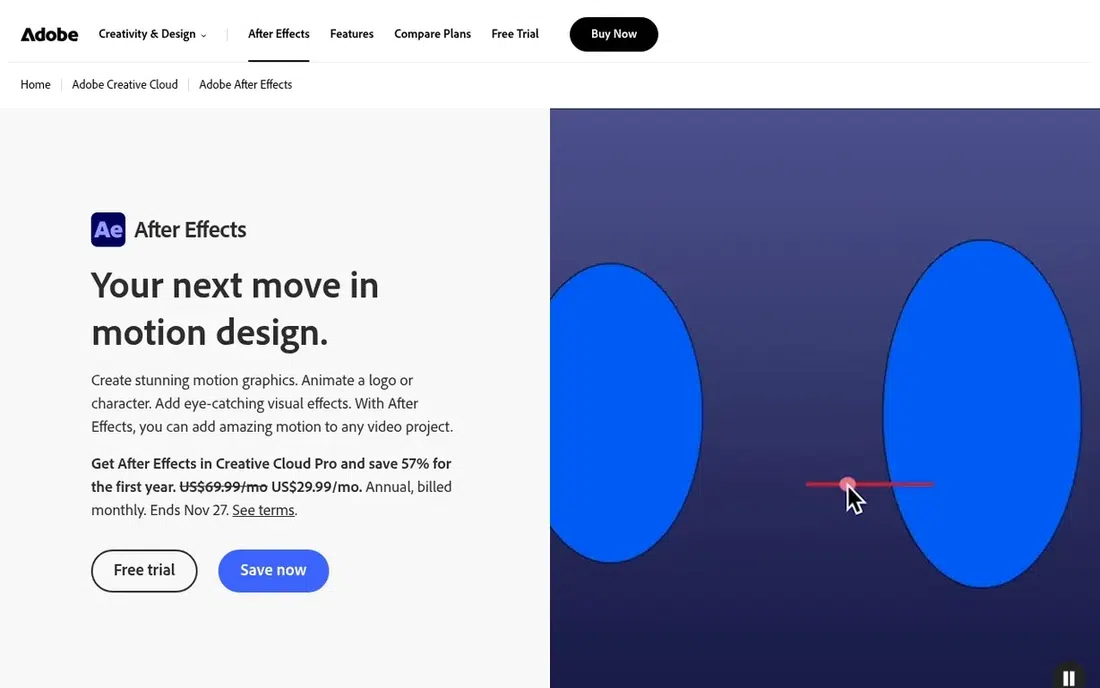
Adobe After Effects is built with motion graphics and compositing in mind. Adobe After Effects is a motion graphics and compositing application used for film, TV, video, and web. It lets you take any idea and make it move, with tools for animation, keyframing, and visual effects.
Downsides: Subscription required.
For everyday use, After Effects is not a dedicated 2D character animation tool and can be overkill for straightforward GIFs. It also demands a capable computer and a ramp-up time. No starting price is listed for Adobe After Effects here; confirm pricing on the vendor site. Free options: Not stated.
- Capable compositing and effects
- Plugs into Adobe creative apps
- Can be resource-intensive
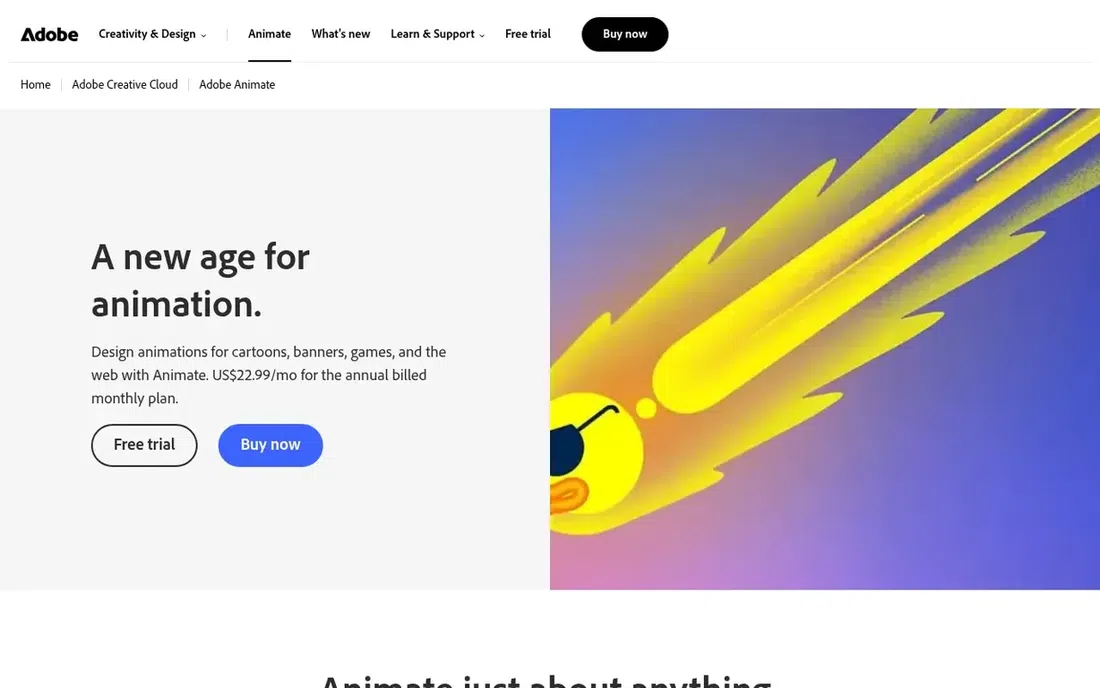
Adobe Animate is designed for 2D animation and interactive content. Adobe Animate is 2D animation software for creating Flash animation films, GIFs, and cartoons.
It suits animators and designers who want a straightforward path from illustration to animation within Adobe's ecosystem. Adobe Animate shows no starting price here, so confirm the cost on the vendor site. Free plan details: Not stated.
Downsides: Flash output is legacy.
- Produces Flash animation and GIFs
- Familiar Adobe interface
- Restricted 3D capabilities
How the list was put together
The comparison looks at four things: starting price, free access, how well the feature set matches graphic design software for animation, and the main limit of each tool. Prices and plan limits come from vendor pages and can change, so confirm them on the vendor site before you buy. The order reflects how well each tool fits the most common buying scenario for graphic design software for animation, then price clarity, then free plan access. It is a starting point, not a verdict.
What to confirm before you sign up
- Request quotes from Cinema 4D, Adobe Animate and the others; the list shows no fixed prices.
- Read the limits listed for Cinema 4D first: restricted advanced character tools.
- Ask Adobe Animate about contract length, onboarding fees and user minimums before you sign.
- Price Adobe After Effects for your actual team size; headline prices rarely include add-ons or overage.
- List the apps you already depend on and check that Cinema 4D supports each one on the plan you would buy.
FAQ
Can I try these tools before paying?
Not by default. None of the tools, from Cinema 4D to Adobe Animate, lists a free plan or a free trial here, so ask each vendor for a demo before committing.
Do these tools publish their prices?
No. None of the tools, from Cinema 4D to Adobe Animate, shows a fixed starting price here, so budget time for quotes.
Is Cinema 4D the right pick for everyone comparing graphic design software for animation?
No single tool suits every team. Cinema 4D comes first because it fits 3D motion graphics and design, while Autodesk Maya suits 3D animation and visual effects and Moho suits efficient 2D animation. Match the tool to your own size, budget and workflow before deciding.
How are the tools for graphic design software for animation ordered?
Cinema 4D sits first and Adobe Animate last because the order follows typical fit for graphic design software for animation, then price clarity and free access. It is a judgement call, so read each profile for fit and limits.
What is the best animation software for beginners?
The first pick on this list is Cinema 4D, because it suits 3D motion graphics and design. Autodesk Maya is better for 3D animation and visual effects, and Moho for efficient 2D animation. Check price and limits against your own needs before choosing.
Sources
- https://www.maxon.net/en/cinema-4d
- https://www.autodesk.com/products/maya/overview
- https://moho.lostmarble.com
- https://www.adobe.com/products/aftereffects.html
- https://www.adobe.com/products/animate.html