Best Graphic Design Software for Churches for 2026: Our 5 Vetted Picks
Best graphic design software for churches, compared. 5 tools with published prices, free plans and limits. The catches are listed up front. Checked this month.
- Editor's choice
 Affinity Designer
Professional vector design without subscription
Starts atPricing on requestVisit affinity.serif.comFull review - Great alternative
 Adobe Photoshop
Photo editing and image compositing
Starts atPricing on requestVisit adobe.comFull review - Also consider
 CorelDRAW
Vector illustration and layout
Starts atPricing on requestVisit coreldraw.comFull review
Direct answer
Affinity Designer is the first pick on this list for professional vector design without subscription. Adobe Photoshop fits Photo editing and image compositing; CorelDRAW fits vector illustration and layout. All 5 tools are compared below on fit, free plan and limits. None of these vendors publish plan prices, so pricing is on request for every option.
TL;DR:
- Affinity Designer takes the first slot, best suited to professional vector design without subscription.
- No starting price is shown for any of the 5 tools, Affinity Designer and Procreate included, so plan time for sales calls.
- Procreate suits iPad drawing and animation.
- The main caution on Canva: less precise vector control.
Last checked November 2026. Pricing on request: vendors did not publish plan prices when this guide was last checked (November 2026), so ask each vendor for a written quote.
Quick comparison
| Tool | Best for | Starts at | Free plan? | |
|---|---|---|---|---|
| Affinity Designer | Professional vector design without subscription | Pricing on request | Not stated | Visit |
| Adobe Photoshop | Photo editing and image compositing | Pricing on request | Not stated | Visit |
| CorelDRAW | Vector illustration and layout | Pricing on request | Not stated | Visit |
 Canva | Fast social posts and presentations | Pricing on request | Not stated | Visit |
 Procreate | IPad drawing and animation | Pricing on request | Not stated | Visit |
Tool-by-tool breakdown
This LinkVetted guide covers 5 graphic design software for churches. Each profile lists a starting price, free plan details, strengths and drawbacks, so you can drop poor fits quickly.
Affinity Designer
Best for: Professional vector design without subscription
Affinity Designer serves professional vector design without subscription. Affinity Designer is professional graphic and vector design software made for precision, speed, and creative freedom.
It deals with crisp vector art and bold graphics, making it a good fit for churches that want to produce logos, posters, and print materials in-house without a recurring subscription. In daily use, designers who value a focused workspace will appreciate its balance of vector and raster tools. Affinity Designer shows no starting price here, so confirm the cost on the vendor site. Trial and free access: Not stated.
The main drawbacks: Less familiar to new volunteers.
- Fast performance
- One-time purchase model
- Smaller template ecosystem
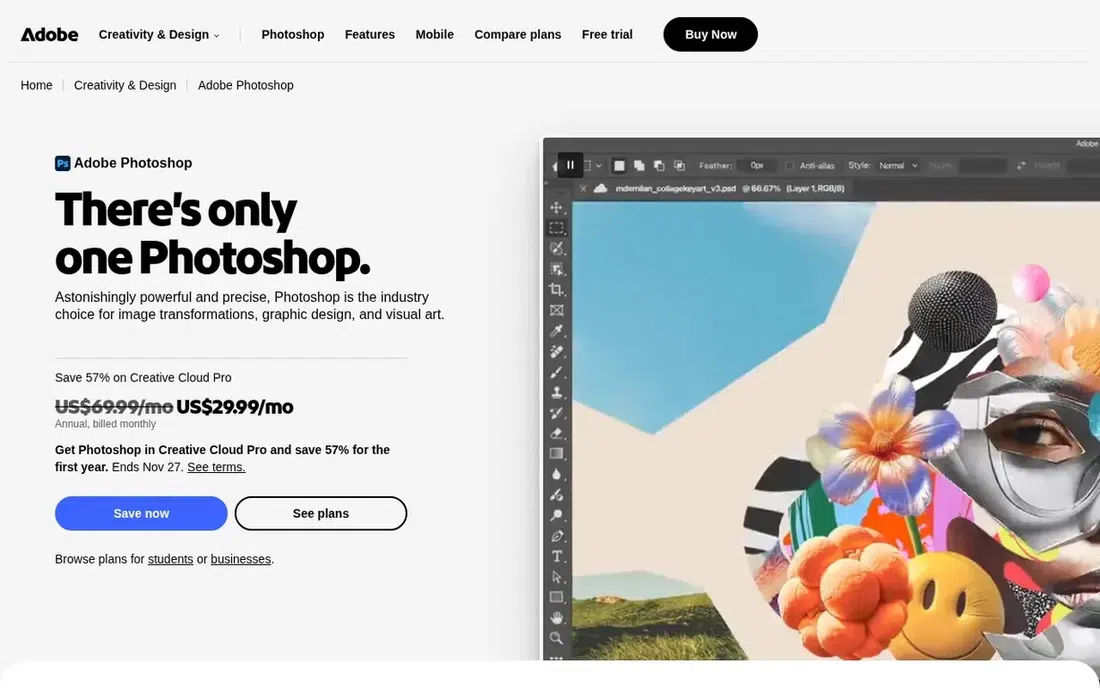
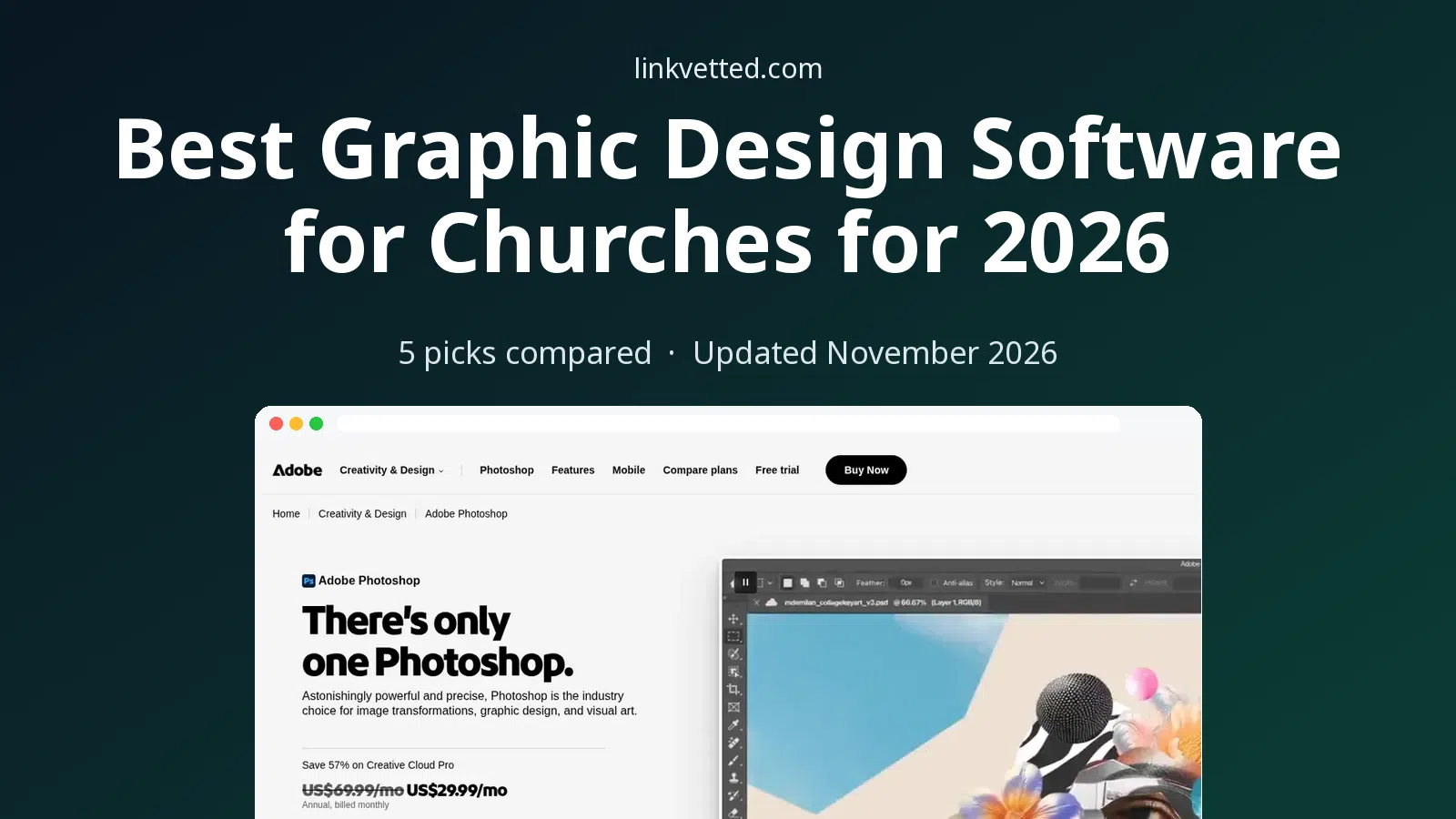
Adobe Photoshop was built for Photo editing and image compositing. Adobe Photoshop is a professional photo and design application for complex edits, custom scenes, and combining images online or on mobile.
Where it is weaker: Steeper ramp-up time.
Worth adding: Photoshop is not the simplest choice for fast flyers or slide graphics, and its depth can slow down casual users. For everyday use, churches that on a regular basis retouch event photos, prepare print-ready imagery, or build layered graphics will find its toolset well suited to in-depth visual work. Adobe Photoshop does not show a starting price in this comparison, so check the vendor site for current pricing. As for free access: Not stated.
- Works online and on mobile
- Solid compositing tools
- Subscription required for full access
CorelDRAW was built for vector illustration and layout. CorelDRAW is professional graphic design software with vector, technical illustration, and CAD choices for logos, posters, drafting, and prototypes. CorelDRAW is less typical in volunteer church environments, which can make collaboration and file sharing harder.
It also has a ramp-up time. As for the details, for straightforward social graphics or slide decks, a web-based design tool is usually quicker, whereas CorelDRAW fits dedicated print and illustration projects. CorelDRAW shows no starting price here, so confirm the cost on the vendor site. As for free access: Not stated.
Drawbacks to consider: Less typical in volunteer teams.
- Technical illustration choices
- Long-standing professional toolset
- Windows-centric workflow
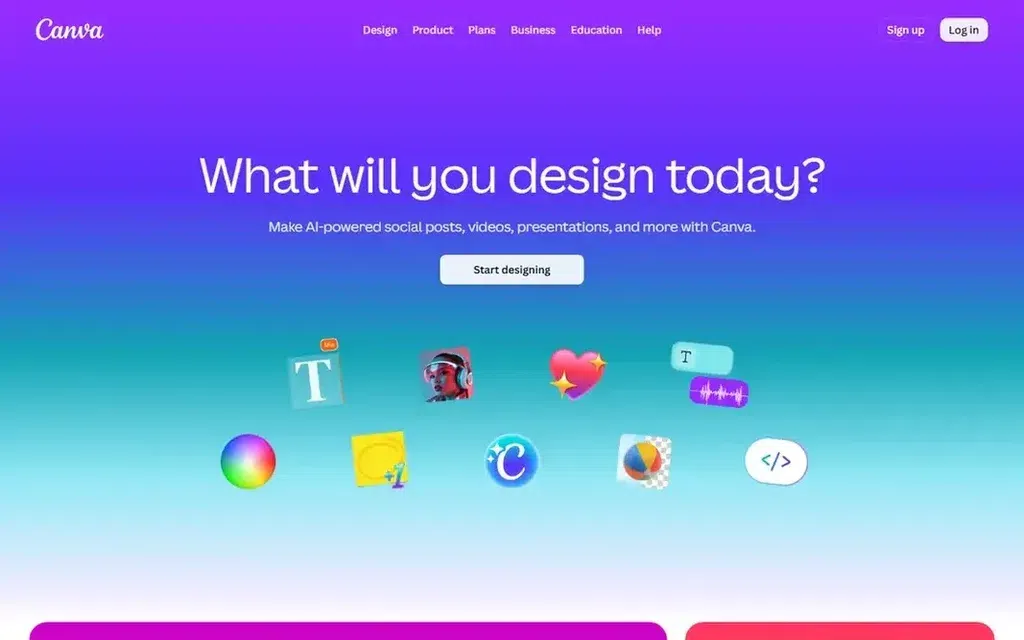
Think of Canva for fast social posts and presentations. Canva is an online graphic design tool for creating social media posts, presentations, posters, videos, logos, and more.
Teams with dedicated designers who require advanced typography or prepress features should consider a professional vector or photo editor alongside it. Canva may feel restricted for complicated vector illustration or fine print production where precise control matters. Canva shows no starting price here, so confirm the cost on the vendor site. Free access: Not stated.
Where it falls short: Less precise vector control.
- All-in-one visual suite
- Web-based and simple to pick up
- Advanced print workflows may need another tool
Choose Procreate for iPad drawing and animation. It is a solid fit for creatives who prefer drawing straight on a tablet.
It fits best as a complement to a layout or presentation tool instead of a complete church communications option. Check the vendor site for Procreate pricing; none is listed in this comparison. Free options: Not stated.
Watch-outs: Not a layout or template tool.
- Simple to use on iPad
- Capable drawing tools
- IPad only
Our selection method
Questions to settle before buying
- Request quotes from Affinity Designer, Procreate and the others; the list shows no fixed prices.
- Read the limits listed for Affinity Designer first: smaller template ecosystem.
- Find out what support Procreate includes on your plan, and whether onboarding help costs extra.
- Compare total cost, not headline price: for Canva, add extra seats, add-ons and any usage-based charges.
- Look at which plan of Affinity Designer unlocks the features you need; entry tiers are often cut down.
FAQ
Is Affinity Designer the right pick for everyone comparing graphic design software for churches?
No single tool suits every team. Affinity Designer comes first because it fits professional vector design without subscription, while Adobe Photoshop suits Photo editing and image compositing and CorelDRAW suits vector illustration and layout. Match the tool to your own size, budget and workflow before deciding.
Does any tool for graphic design software for churches here have a free plan?
No tool in this list, Affinity Designer and Procreate included, has a permanent free plan. Trials and quotes are the usual route, so plan a short evaluation period.
How are the tools for graphic design software for churches ordered?
The order follows typical fit for graphic design software for churches, with Affinity Designer first and Procreate last, then price clarity and free access. It is editorial judgement, not a score, so another team could rank the tools differently.
What is the easiest graphic design software for church volunteers?
Canva is commonly the easiest starting point since it is web-based and built around templates for social posts, presentations, and posters. Worth adding: more advanced tools like Photoshop or Illustrator are better suited to trained designers.
Can I try these tools before paying?
Not by default. None of the tools, from Affinity Designer to Procreate, lists a free plan or a free trial here, so ask each vendor for a demo before committing.
Sources
- https://affinity.serif.com/en-us/designer
- https://www.adobe.com/products/photoshop.html
- https://www.coreldraw.com
- https://www.canva.com
- https://procreate.com