Best Graphic Design Software for Print Media (2026): 6 Picks Checked on Vendor Pages
Compare 6 picks for the best graphic design software for print media, with prices, free plans and who each fits. We note where every tool falls short. No hype.
- Editor's choiceAffinity Publisher
Page layout with precision control
Starts atPricing on requestVisit affinity.serif.comFull review - Great alternative
 Adobe Photoshop
Image editing and composite artwork
Starts atPricing on requestVisit adobe.comFull review - Also consider
 Adobe Illustrator
Vector graphics and scalable print artwork
Starts atPricing on requestVisit adobe.comFull review
Direct answer
Affinity Publisher comes first here, mainly for page layout with precision control. Adobe Photoshop is the stronger choice for image editing and composite artwork, while Adobe Illustrator suits vector graphics and scalable print artwork. The remaining 3 options are covered below with pricing notes and limits. None of these vendors publish plan prices, so pricing is on request for every option.
TL;DR:
- The list opens with Affinity Publisher, aimed at page layout with precision control.
- Adobe InDesign suits page layout and desktop publishing.
- Affinity Publisher, Adobe InDesign and the 4 others all need a premium plan or a trial, since no free plan is listed.
- Pricing across the list, from Affinity Publisher to Adobe InDesign, is by quote only.
- A fair warning about Affinity Publisher: smaller ecosystem than Adobe.
Last checked November 2026. Pricing on request: vendors did not publish plan prices when this guide was last checked (November 2026), so ask each vendor for a written quote.
Quick comparison
| Tool | Best for | Starts at | Free plan? | |
|---|---|---|---|---|
| Affinity Publisher | Page layout with precision control | Pricing on request | Not stated | Visit |
| Adobe Photoshop | Image editing and composite artwork | Pricing on request | Not stated | Visit |
| Adobe Illustrator | Vector graphics and scalable print artwork | Pricing on request | Not stated | Visit |
 CorelDRAW Graphics Suite | Combined vector, photo and layout work | Pricing on request | Not stated | Visit |
 Affinity Designer | Crisp vector art and bold graphics | Pricing on request | Not stated | Visit |
 Adobe InDesign | Page layout and desktop publishing | Pricing on request | Not stated | Visit |
Graphic Design Software for Print Media compared in detail
Choosing graphic design software for print media usually comes down to price, fit and limits. This LinkVetted guide sets 6 tools side by side on those three points, with the facts kept short and checkable.
Affinity Publisher
Best for: Page layout with precision control
Affinity Publisher serves page layout with precision control. Affinity Publisher is page layout and desktop publishing software, and Affinity describes it as professional, with total control and no compromise on crafting striking layouts.
As a layout application, it is not intended for detailed vector drawing or photo retouching, so companion tools are still needed for those tasks. Check the vendor site for Affinity Publisher pricing; none is listed in this comparison. Free plan details: Not stated.
Watch-outs: Smaller ecosystem than Adobe.
- Crafted layouts
- Emphasis on precision and control
- Layout only
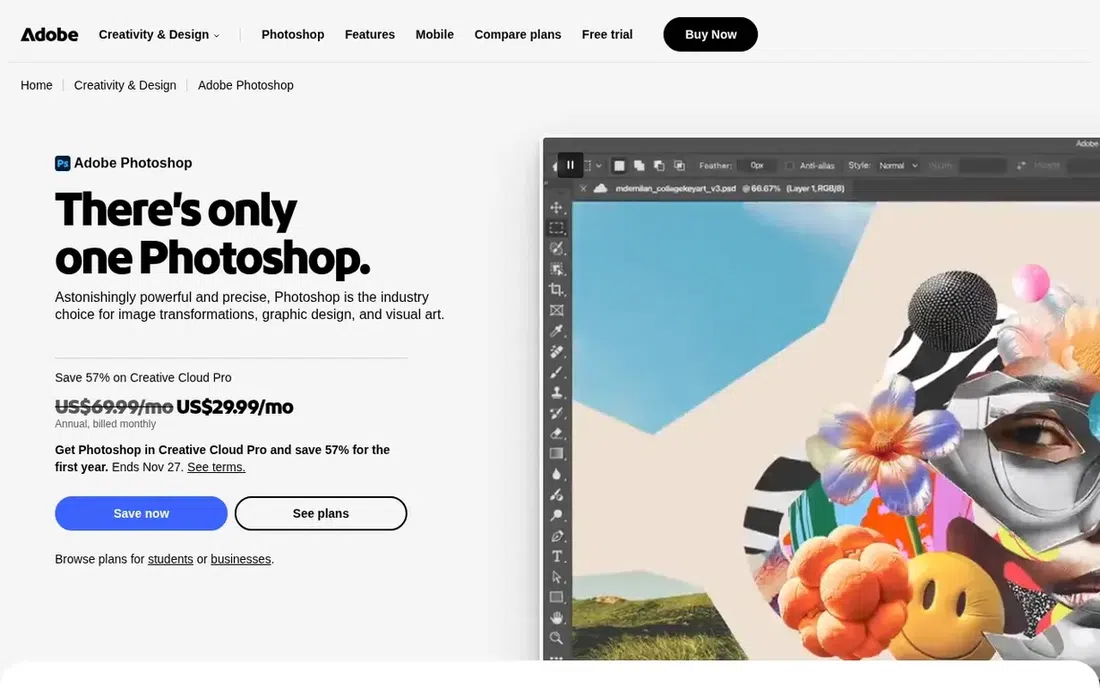
Adobe Photoshop serves image editing and composite artwork. In print workflows, it is generally where photographs are corrected, retouched and prepared before placement into a layout document. Photoshop works with pixels, so print output relies on setting sufficient resolution and correct color handling for the target press.
It does not run multi-page layouts or precise vector illustration. For everyday use, Adobe flags fast ways to build custom scenes, make complicated edits and combine images, whether online or through the mobile app. Adobe Photoshop shows no starting price here, so confirm the cost on the vendor site. Free options: Not stated.
Downsides: Raster-based, so resolution matters.
- Handles complicated retouching tasks
- Works online and on mobile
- Not a page layout tool
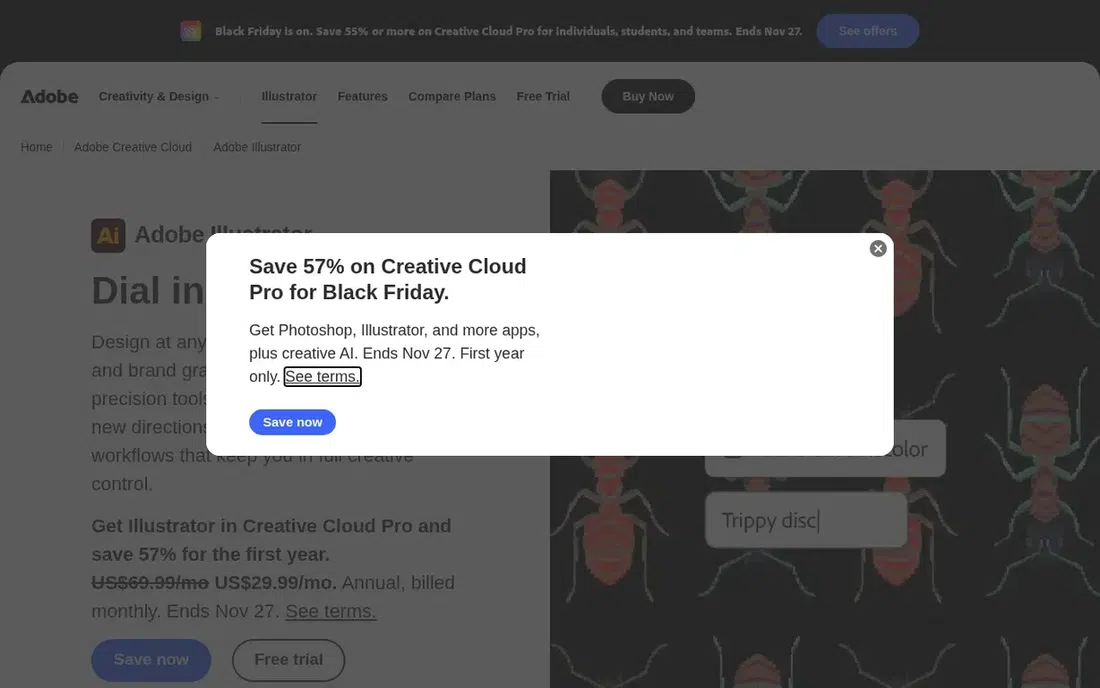
Adobe Illustrator works best for vector graphics and scalable print artwork. Its generative AI feature can turn a text prompt into a completely editable vector graphic. As for the details, for print media, vector artwork is valuable since it stays crisp at any size, which fits logos, icons, packaging graphics and illustrations that require to reproduce cleanly.
It also carries a ramp-up time for people new to vector editing. If your print project is primarily page assembly with placed images, a desktop publishing tool is the more direct choice. Adobe Illustrator shows no starting price here, so confirm the cost on the vendor site. Free plan details: Not stated.
Trade-offs to know: Steeper ramp-up time for beginners.
- Industry-standard vector graphics software
- Artwork scales cleanly for print
- Not aimed at long documents
CorelDRAW Graphics Suite works best for combined vector, photo and layout work. If you only need one narrow task, like page layout alone, a focused tool may be more straightforward. Otherwise the combined approach can handle most print design needs.
CorelDRAW Graphics Suite is professional graphic design software that merges vector illustration, photo editing and layout, based on Corel. That breadth makes it relevant for print work where one project spans drawing, image adjustment and page composition, and for designers who prefer a single suite instead of switching between separate applications. CorelDRAW Graphics Suite shows no starting price here, so confirm the cost on the vendor site. On free options: Not stated.
Where it falls short: Different workflow from Adobe tools.
- Bundles layout capabilities
- Vector illustration and photo editing together
- Wide suite can feel complicated
In short, Affinity Designer is for Crisp vector art and bold graphics. Designer does not deal with long document layout, so multi-page print projects need a separate publishing tool. It is also not a full photo editor, meaning image retouching belongs elsewhere.
Honest limits: Vector work only, restricted photo editing.
More specifically, Affinity positions it for creating crisp vector art and bold graphics, with professional tools designed for precision, speed and freedom. Worth adding: for print media, it fits logo design, illustration, icons and graphic elements that must remain sharp when enlarged or reproduced at high output sizes. Check the vendor site for Affinity Designer pricing; none is listed in this comparison. Trial and free access: Not stated.
What Affinity Designer does well: Suited to crisp.
- Professional vector design software
- Scalable artwork
- Not a multi-page layout tool
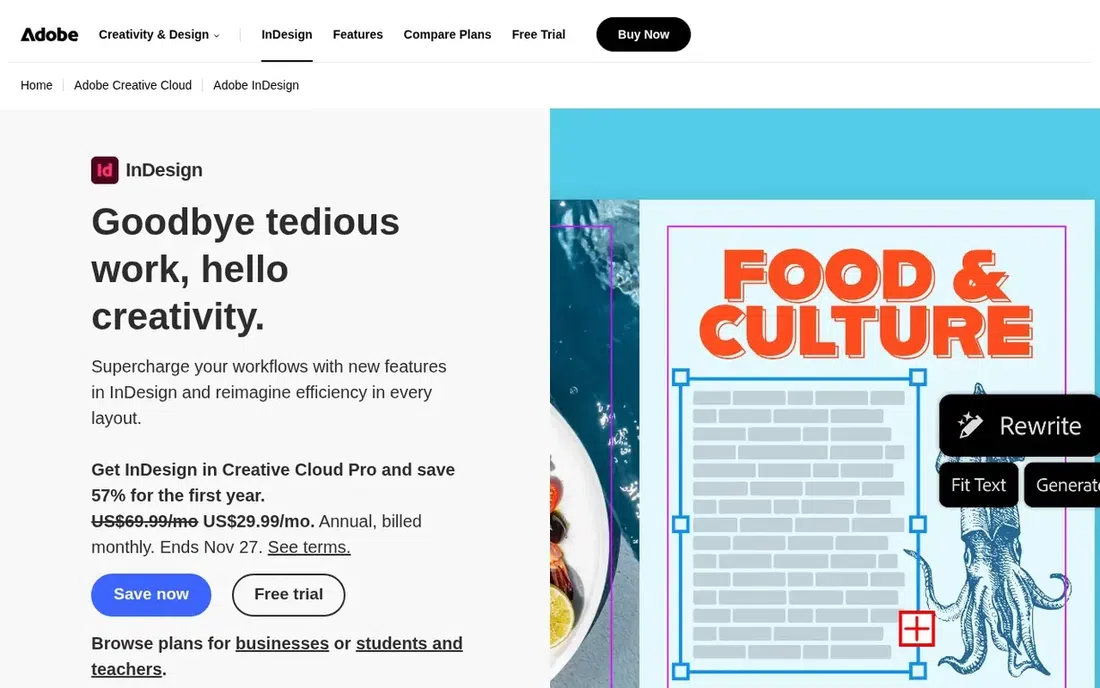
Adobe InDesign targets page layout and desktop publishing. Adobe InDesign is desktop publishing software centered on layout design.
In daily use, if your print work is largely single-page graphics or illustrations instead of multi-page documents, a vector-focused tool may suit you better. Pricing for Adobe InDesign is not stated here, so ask the vendor for current figures. Free options: Not stated.
The main drawbacks: Centred on layout instead of drawing.
- Brochures and flyers
- Supports print and digital publishing
- Part of a broader Adobe ecosystem
What went into this list
We compared the tools on published pricing, free plan or trial availability, feature coverage for graphic design software for print media, and the limits each vendor documents. Plan names, prices and limits change often. Treat the figures here as a starting point and verify them with the vendor. We ordered the tools by general fit, then by how clearly pricing is shown, then by free access. A buyer with unusual needs may reorder them.
Pre-purchase checklist
- Ask each vendor, from Affinity Publisher to Adobe InDesign, for a written quote; none of them publishes a starting price.
- Read the limits listed for Affinity Publisher first: smaller ecosystem than Adobe.
- Test the integrations you rely on with CorelDRAW Graphics Suite before committing; some connectors sit on upper tiers.
- Before you load data into Affinity Publisher, check what an export looks like and who can run it.
- Run a one or two week pilot of Affinity Designer with the people who will use it every day.
FAQ
Can these tools handle both print and digital output?
Multiple can. Adobe notes that InDesign publishes printed books and brochures along with digital magazines and interactive online documents. Other tools focus on preparing artwork and images that are then placed into a layout for print or digital delivery, so check each vendor page for output choices.
Is Affinity Publisher the right pick for everyone comparing graphic design software for print media?
No single tool suits every team. Affinity Publisher comes first because it fits page layout with precision control, while Adobe Photoshop suits image editing and composite artwork and Adobe Illustrator suits vector graphics and scalable print artwork. Match the tool to your own size, budget and workflow before deciding.
Does any tool for graphic design software for print media here have a free plan?
A permanent free plan is not offered by Affinity Publisher, Adobe InDesign or the other tools here. Plan a short evaluation period instead.
Do these tools publish their prices?
No. None of the tools, from Affinity Publisher to Adobe InDesign, shows a fixed starting price here, so budget time for quotes.
How are the tools for graphic design software for print media ordered?
Affinity Publisher sits first and Adobe InDesign last because the order follows typical fit for graphic design software for print media, then price clarity and free access. It is a judgement call, so read each profile for fit and limits.
Sources
- https://affinity.serif.com/en-us/publisher
- https://www.adobe.com/products/photoshop.html
- https://www.adobe.com/products/illustrator.html
- https://www.coreldraw.com/en/product/coreldraw
- https://affinity.serif.com/en-us/designer
- https://www.adobe.com/products/indesign.html