Best Graphic Design Software for Startups for 2026: Our 6 Vetted Picks
Need the best graphic design software for startups? We compare 6 tools on cost, free access and who each suits. Prices and drawbacks included. Pick by budget.
- Editor's choice
 Affinity Designer
Precise vector art and graphics
Starts atSee websiteVisit affinity.serif.comFull review - Great alternative
 Affinity Photo
Precise photo editing work
Starts atSee websiteVisit affinity.serif.comFull review - Also consider
 Canva
Quick marketing and social visuals
Starts atSee websiteVisit canva.comFull review
Direct answer
Our first pick is Affinity Designer, best for precise vector art and graphics. Listed starting prices: Figma from $3 per month. Affinity Photo is the stronger choice for precise photo editing work, while Canva suits quick marketing and social visuals. All 6 tools are compared below on price, free plan and limits.
TL;DR:
- Affinity Designer takes the first slot, best suited to precise vector art and graphics.
- What to know about Canva first: less precise for advanced vector work.
- Figma has the lowest monthly starting price in this list: $3 per month.
- Adobe Photoshop suits Photo editing and image composites.
Last checked November 2026. Prices and plan details were read from the vendors' own pages in November 2026; vendors change plans often, so confirm the current price on the vendor site before you buy.
Quick comparison
| Tool | Best for | Starts at | Free plan? | |
|---|---|---|---|---|
| Affinity Designer | Precise vector art and graphics | See website | Not stated | Visit |
| Affinity Photo | Precise photo editing work | See website | Not stated | Visit |
| Canva | Quick marketing and social visuals | See website | Not stated | Visit |
 Figma | Collaborative product and UI design | $3 per month | Not stated | Visit |
 Adobe Illustrator | Vector logos and brand identity | See website | Not stated | Visit |
 Adobe Photoshop | Photo editing and image composites | See website | Not stated | Visit |
6 graphic design software for startups in detail
Short on time? The summary and table above give the quick view of 6 graphic design software for startups, and the profiles that follow give the detail behind each entry.
In short, Affinity Designer is for precise vector art and graphics. Affinity Designer has a smaller surrounding ecosystem than Adobe Illustrator, which can matter when hiring freelancers or sharing files with partners. It is also a dedicated vector tool, so photo editing and layout belong elsewhere.
Drawbacks to consider: Less familiar to numerous freelancers.
In practice, pick it when vector precision is the priority and the team is comfortable with professional design software. In daily use, Affinity Designer is professional graphic and vector design software aimed at precision, speed, and creative freedom. Its homepage positions it around crisp vector art and bold graphics, which fits startups producing logos, icons, and marketing illustrations. Pricing for Affinity Designer is not stated here, so ask the vendor for current figures. On free options: Not stated.
- Focused workflow
- Crisp vector art and bold graphics
- Smaller ecosystem than Adobe
For precise photo editing work, Affinity Photo is a natural candidate. Affinity Photo is a professional photo editor designed for precision, speed, and creative freedom.
Downsides: Not a vector or layout tool.
For everyday use, startups that manage their own product photography or campaign imagery can use it to produce clean, consistent visuals for web and print. Check the vendor site for Affinity Photo pricing; none is listed in this comparison. On free options: Not stated.
- Professional photo editor designed for precision
- Capable fit for retouching and composites
- Needs photo editing knowledge
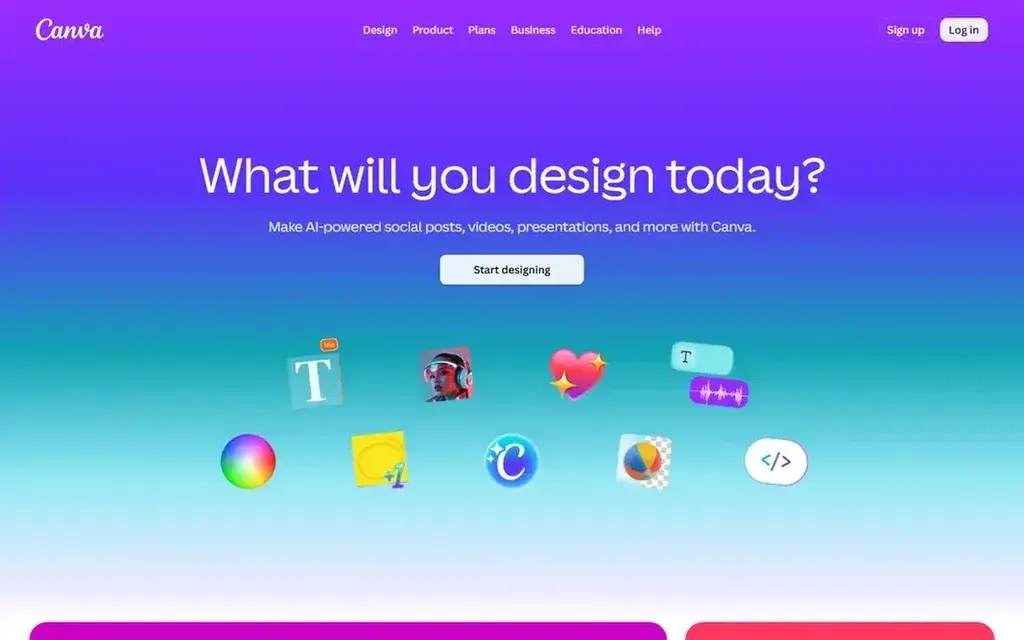
Think of Canva for quick marketing and social visuals. Pick Canva when speed and accessibility matter most, and move to Illustrator or Affinity Designer when the work demands exact geometry and print-ready control. The trade-off is precision.
Canva is not made for complicated vector illustration or advanced photo retouching, so brand marks and in-depth artwork may need a dedicated tool. Worth adding: founders, marketers, and operations staff can produce on-brand assets rapidly, making it a practical default for teams that require volume and speed more than pixel-level control. Canva does not show a starting price in this comparison, so check the vendor site for current pricing. Free options: Not stated.
Watch-outs: Template-driven output can feel generic.
- Browser-based and simple for non-designers
- Spans social posts, presentations, posters, videos, logos
- Less precise for advanced vector work
Choose Figma for collaborative product and UI design. Figma describes itself as a collaborative canvas where design, code, and AI come together from first idea to shipped product. That makes it a natural fit for startups building digital products, where designers, developers, and founders have to review the same file.
Where it is weaker: Needs some design literacy.
Main advantages: Live collaboration across teams; Capable for interface and product work. Beyond that, founders without design experience may also find it less approachable than Canva. Choose Figma when product interfaces and cross-team collaboration are the core need, and use a separate tool for marketing print assets. Teams can move from concept to production in one place, which cuts handoff friction and keeps interface work close to the people shipping it. Starting cost for Figma: $3 per month. On free options: Not stated.
- Brings design, code
- AI together
- Less suited to print and photo editing
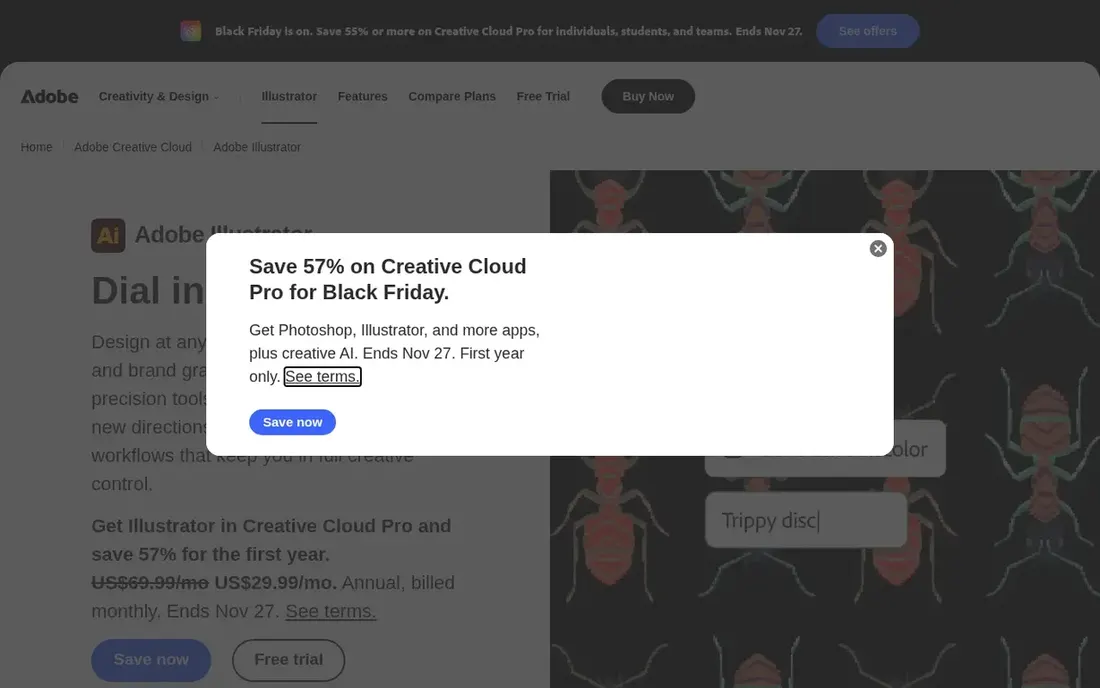
Choose Adobe Illustrator for vector logos and brand identity. Adobe Illustrator is vector graphics software used for logos, icons, illustrations, and print-ready brand assets.
Drawbacks to consider: Needs design skill to use well.
Its homepage emphasizes generative AI that can transform a text prompt into a completely editable vector graphic, which can accelerate early concept exploration. Choose it when vector precision is the priority, and pair it with a more straightforward tool like Canva for daily marketing output so the entire team can contribute. Adobe Illustrator shows no starting price here, so confirm the cost on the vendor site. Trial and free access: Not stated.
- Generative AI can turn text prompts into editable vectors
- Precise control over shapes, type, paths
- Steeper ramp-up time for beginners
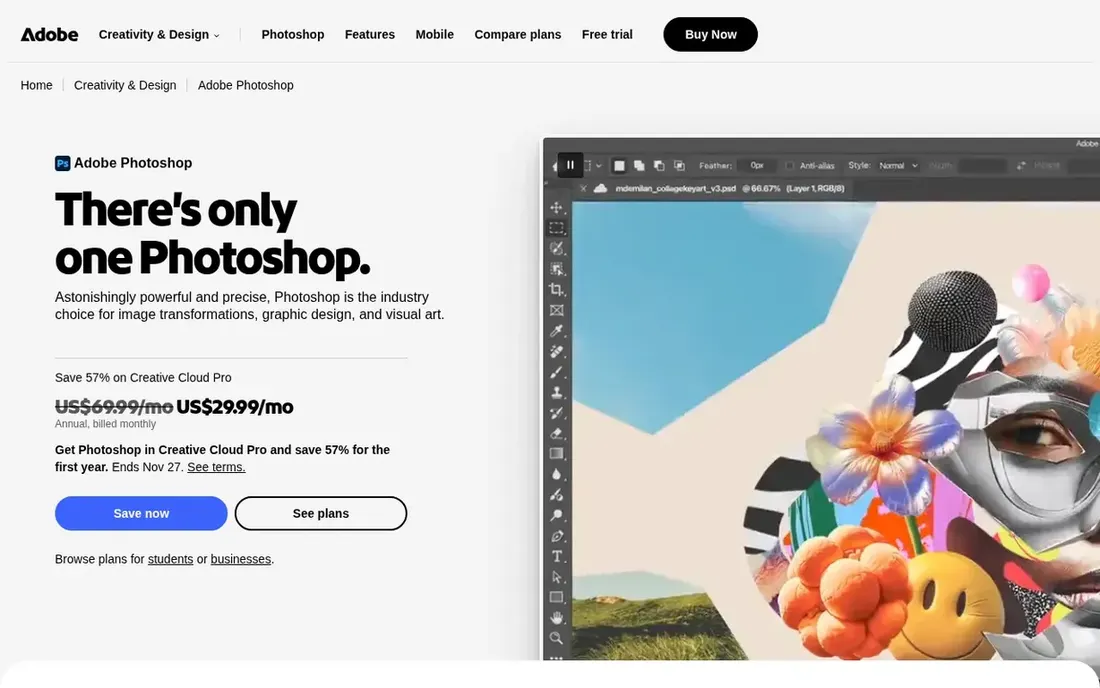
Adobe Photoshop is built with Photo editing and image composites in mind. Adobe Photoshop is the long-standing standard for photo editing, retouching, and image compositing. Photoshop is not a vector design tool, so logos and crisp typographic marks belong in Illustrator or Affinity Designer.
Where it is weaker: Not a strong match for vector logo work.
As for the details, startups that depend on product photography, campaign imagery, or visual storytelling will find the depth they need for high-quality output across web and print. As for the details, pick Photoshop when image quality is central, and keep more straightforward tools for routine social graphics. Pricing for Adobe Photoshop is not stated here, so ask the vendor for current figures. Free plan details: Not stated.
- Mobile app for quick edits
- Deep image editing and compositing
- Complicated interface for occasional users
What went into this list
A buyer's checklist
- Confirm the entry price on the vendor page. For Affinity Designer, Affinity Photo, Canva and others that means a quote rather than a fixed price.
- Read the limits listed for Affinity Designer first: smaller ecosystem than Adobe.
- Ask Canva which support channels and response times come with the plan you would buy.
- Check whether the features you need in Adobe Illustrator sit on the entry plan or only on higher tiers.
- List the apps you already depend on and check that Affinity Designer supports each one on the plan you would buy.
FAQ
Does any tool for graphic design software for startups here have a free plan?
A permanent free plan is not offered by Affinity Designer, Adobe Photoshop or the other tools here. Plan a short evaluation period instead.
Do these tools publish their prices?
Not all of them. Affinity Designer, Affinity Photo, Canva and others publish no starting price, so expect a quote request for those. The rest, Figma included, show a starting price, though seats and billing terms still change the final cost.
Is Affinity Designer the right pick for everyone comparing graphic design software for startups?
No single tool suits every team. Affinity Designer comes first because it fits precise vector art and graphics, while Affinity Photo suits precise photo editing work and Canva suits fast marketing and social visuals. Match the tool to your own size, budget and workflow before deciding.
When should a startup choose Figma over Canva?
Canva is better for marketing and social output. If product design is central to the business, Figma is the more solid fit.
How are the tools for graphic design software for startups ordered?
Affinity Designer sits first and Adobe Photoshop last because the order follows typical fit for graphic design software for startups, then price clarity and free access. It is a judgement call, so read each profile for fit and limits.
Sources
- https://affinity.serif.com/en-us/designer
- https://affinity.serif.com/en-us/photo
- https://www.canva.com
- https://www.figma.com
- https://www.adobe.com/products/illustrator.html
- https://www.adobe.com/products/photoshop.html