Graphic Design Companies Software in 2026: The 5 Best Options Side by Side
Weighing the best graphic design companies software? We lined up 5 products by cost, free access and fit. Caveats come with every verdict. Refreshed for 2026.
- Editor's choice
 Affinity Designer
Precise vector art on a budget
Starts atSee websiteVisit affinity.serif.comFull review - Great alternative
 CorelDRAW Graphics Suite
Vector and technical illustration work
Starts atSee websiteVisit coreldraw.comFull review - Also consider
 Figma
Collaborative product and interface design
Starts at$3 per monthVisit figma.comFull review
Direct answer
If you need precise vector art on a budget, Affinity Designer is the first tool to look at here. Listed starting prices: Figma from $3 per month and Sketch from $12 per editor per month. For a different need, CorelDRAW Graphics Suite covers vector and technical illustration work and Figma covers collaborative product and interface design. Prices, free plans and limits for all 5 tools follow.
TL;DR:
- Affinity Designer sits first on this list: precise vector art on a budget.
- The main caution on Affinity Designer: smaller ecosystem than the Adobe suite.
- A permanent free plan is missing from all 5 tools, Affinity Designer and Sketch included; plan for a trial or a premium start.
- Sketch is the one to check for Mac-based interface design and handoff.
- Figma has the lowest monthly starting price in this list: $3 per month.
Last checked November 2026. Prices and plan details were read from the vendors' own pages in November 2026; vendors change plans often, so confirm the current price on the vendor site before you buy.
Quick comparison
| Tool | Best for | Starts at | Free plan? | |
|---|---|---|---|---|
| Affinity Designer | Precise vector art on a budget | See website | Not stated | Visit |
| CorelDRAW Graphics Suite | Vector and technical illustration work | See website | Not stated | Visit |
| Figma | Collaborative product and interface design | $3 per month | Not stated | Visit |
| Adobe Creative Cloud | Wide professional creative workflows | See website | Not stated | Visit |
 Sketch | Mac-based interface design and handoff | $12 per editor per month | Free trial | Visit |
Tool-by-tool breakdown
Choosing graphic design companies software usually comes down to price, fit and limits. This LinkVetted guide sets 5 tools side by side on those three points, with the facts kept short and checkable.
Pick Affinity Designer if this describes you: precise vector art on a budget. Affinity Designer is professional design software for creating crisp vector art and bold graphics, built around precision, speed and creative freedom. It performs well for those who value a clean workspace over a sprawling app collection.
If you need raster editing, motion or a wide app library in one subscription, Creative Cloud includes more ground. From a buyer's view, Affinity Designer concentrates on vector design, so it does not replace a full photo or video workflow. Affinity Designer does not show a starting price in this comparison, so check the vendor site for current pricing. Trial and free access: Not stated.
Watch-outs: Fewer integrated photo and video tools.
- Emphasis on speed and creative freedom
- Aimed at precision vector work
- Smaller ecosystem than the Adobe suite
Think of CorelDRAW Graphics Suite for vector and technical illustration work. Choose CorelDRAW when vector and technical drawing are central.
What to check first: Interface differs from Adobe conventions.
Best features of CorelDRAW Graphics Suite: Vector and technical illustration tools. No starting price is listed for CorelDRAW Graphics Suite here; confirm pricing on the vendor site. Trial and free access: Not stated.
- Posters and drafting
- Choices for logos
- Windows-centric workflow reputation
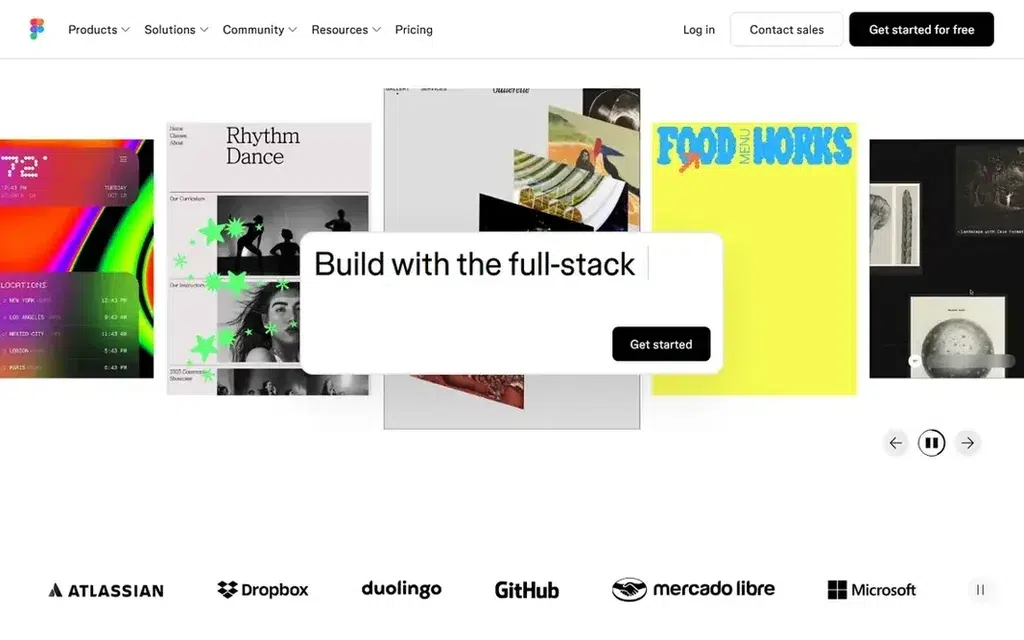
In short, Figma is for collaborative product and interface design. Figma is built around interface and product work, so it is not the natural choice for photo editing, long-document layout or heavy print production.
Downsides: Not geared toward print or photo editing.
Worth adding: if your output is print collateral or raster imagery, a suite like Creative Cloud or CorelDRAW suits better. On cost, Figma starts like this: $3 per month. Free access: Not stated.
- Made for team collaboration
- Moves from concept to production
- Interface assumes some design familiarity
Adobe Creative Cloud
Best for: Wide professional creative workflows
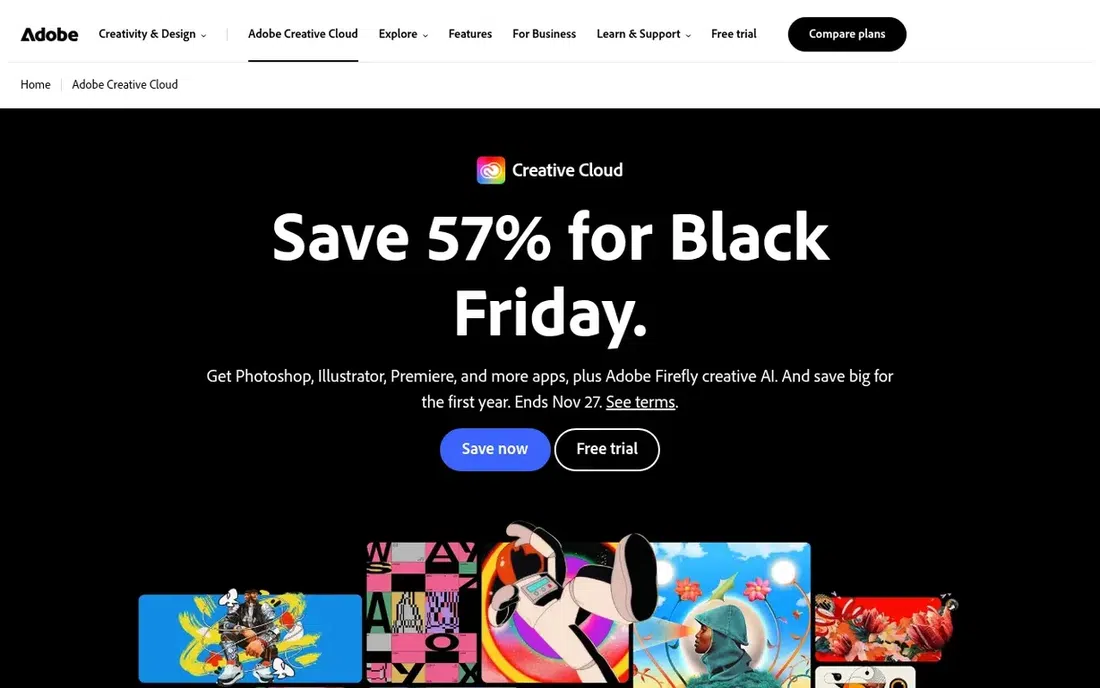
Adobe Creative Cloud is built with wide professional creative workflows in mind. The breadth of the suite means a steeper ramp-up time and more setup than a single-purpose tool.
Honest limits: Subscription model required to use apps.
Pricing for Adobe Creative Cloud is not stated here, so ask the vendor for current figures. Trial and free access: Not stated.
- Spans photo, vector
- Video and more
- Large suite can be complicated to learn
Sketch makes the most sense for Mac-based interface design and handoff. Sketch is tied to the Apple ecosystem, so Windows-based teams cannot use it as their primary tool.
Points against: Smaller plugin and community reach.
In daily use, choose Sketch when your designers work on Macs and value a simplified design-first workflow. In daily use, Sketch is a design tool for prototyping, collaboration and handoff, positioned as software made by designers for designers. What you pay to start with Sketch: $12 per editor per month. Free plan details: Free trial.
- Made by designers for designers
- Design
- Restricted to the Apple ecosystem
What went into this list
Things to verify first
- Ask Affinity Designer, CorelDRAW Graphics Suite and Adobe Creative Cloud for a written quote, since no starting price is shown.
- Run a trial of Sketch with real work before paying for a year; your own workflow is the best test.
- Read the limits listed for Affinity Designer first: smaller ecosystem than the Adobe suite.
- Before you load data into Figma, check what an export looks like and who can run it.
- See whether CorelDRAW Graphics Suite offers onboarding or training, and whether it is included in the price.
FAQ
Do these tools publish their prices?
Not all of them. Affinity Designer, CorelDRAW Graphics Suite and Adobe Creative Cloud publish no starting price, so expect a quote request for those. The rest, Figma included, show a starting price, though seats and billing terms still change the final cost.
Do I need a full creative suite or a single design app?
If your work is chiefly vector illustration, a single app like Affinity Designer, CorelDRAW or Illustrator may handle your needs with less overhead.
Is Affinity Designer the right pick for everyone comparing graphic design companies software?
No single tool suits every team. Affinity Designer comes first because it fits precise vector art on a budget, while CorelDRAW Graphics Suite suits vector and technical illustration work and Figma suits collaborative product and interface design. Match the tool to your own size, budget and workflow before deciding.
Does any tool for graphic design companies software here have a free plan?
A permanent free plan is not offered by Affinity Designer, Sketch or the other tools here. Sketch offer a trial. Plan a short evaluation period instead. For the full picture, the cards above cover all 5 entries of this Graphic design companies software list, including price, free plan and limits.
What is the cheapest option for graphic design companies software in this list?
On published monthly entry prices, Figma is the lowest here at $3 per month. Entry price is only part of the cost, because seats, add-ons and billing terms can change the total. Prices, free plan details and limits for all 5 tools in this Graphic design companies software roundup sit on the individual cards above.
Sources
- https://affinity.serif.com/en-us/designer
- https://www.coreldraw.com
- https://www.figma.com
- https://www.adobe.com/creativecloud.html
- https://www.sketch.com