5 Graphic Design Companies Software for Enterprise Worth Shortlisting in 2026
Searching for the best graphic design companies software for enterprise? Here are 5 options with prices and free plans. Each listing flags where it falls short.
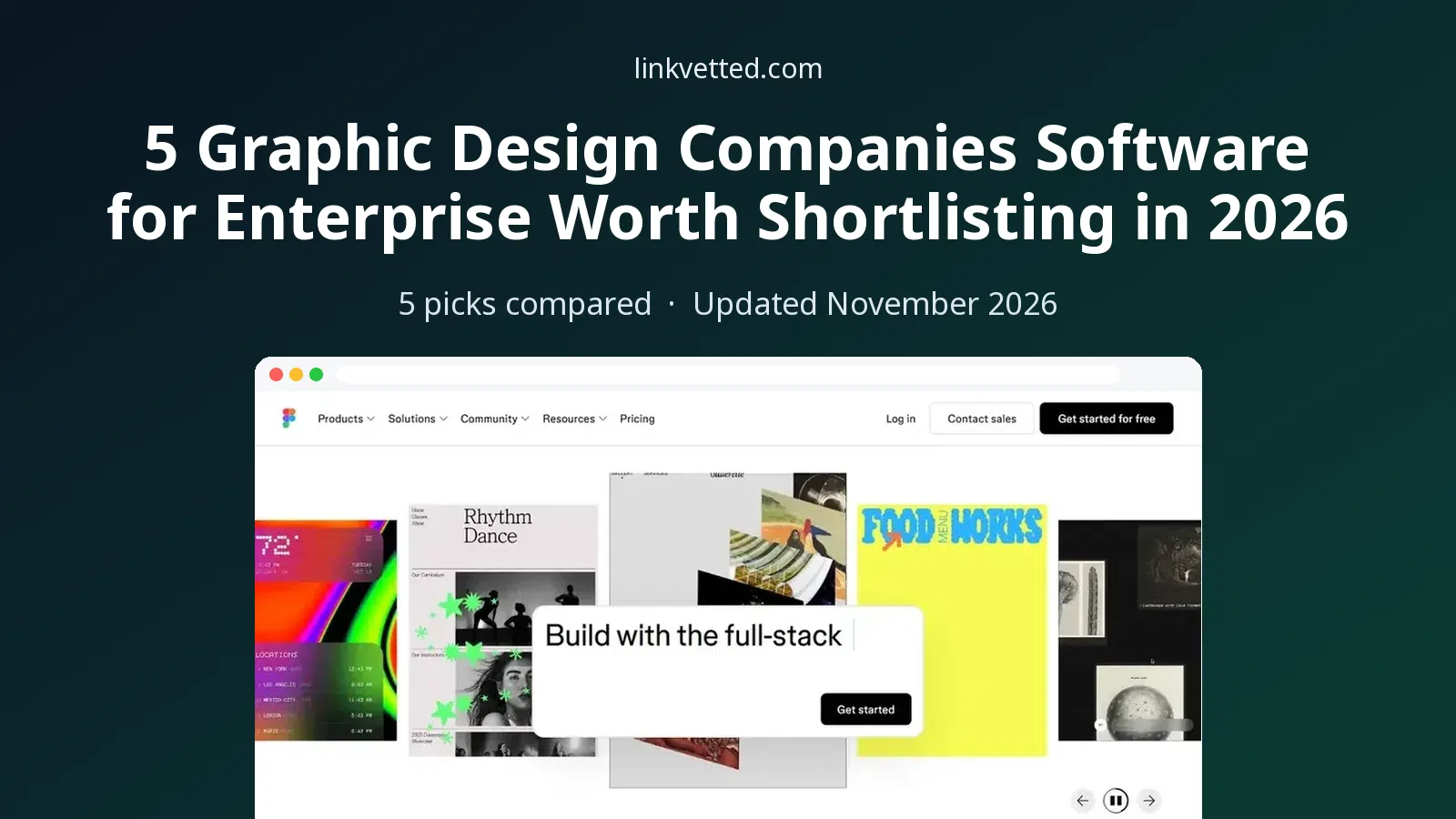
- Editor's choice
 CorelDRAW Graphics Suite
Vector illustration and technical design
Starts atSee websiteVisit coreldraw.comFull review - Great alternative
 Figma
Collaborative design and prototyping
Starts at$3 a monthVisit figma.comFull review - Also consider
 Canva
Fast visual content for non-designers
Starts atSee websiteVisit canva.comFull review
Direct answer
For vector illustration and technical design, CorelDRAW Graphics Suite is where this list starts. Listed starting prices: Figma from $3 a month and Sketch from $12 per editor per month. Figma fits collaborative design and prototyping; Canva fits fast visual content for non-designers. The other 2 tools in the list cover narrower or pricier cases.
TL;DR:
- The list opens with CorelDRAW Graphics Suite, aimed at vector illustration and technical design.
- A permanent free plan is missing from all 5 tools, CorelDRAW Graphics Suite and Sketch included; plan for a trial or a premium start.
- Sketch suits Mac-based UI design and handoff.
- A fair warning about CorelDRAW Graphics Suite: Windows-centric, with restricted Mac support.
Last checked November 2026. Prices and plan details were read from the vendors' own pages in November 2026; vendors change plans often, so confirm the current price on the vendor site before you buy.
Quick comparison
| Tool | Best for | Starts at | Free plan? | |
|---|---|---|---|---|
| CorelDRAW Graphics Suite | Vector illustration and technical design | See website | Not stated | Visit |
| Figma | Collaborative design and prototyping | $3 a month | Not stated | Visit |
| Canva | Fast visual content for non-designers | See website | Not stated | Visit |
| Adobe Creative Cloud | All-in-one creative suite for enterprises | See website | Not stated | Visit |
 Sketch | Mac-based UI design and handoff | $12 per editor per month | Free trial | Visit |
Graphic Design Companies Software for Enterprise profiles
LinkVetted put together this guide to graphic design companies software for enterprise for readers who want a clear shortlist without reading every vendor page. It compares 5 tools on starting price, free plans, who each one suits and where each one falls short.
CorelDRAW Graphics Suite is designed for vector illustration and technical design. CorelDRAW Graphics Suite provides professional graphic design software with vector, technical illustration, and CAD software choices to design logos, posters, drafting, prototypes, and more. In daily use, CorelDRAW is primarily Windows-oriented, which may not suit organizations with a solid Mac presence.
Its interface can also be daunting for beginners, so teams seeking a more easy-to-learn collaborative tool might look at Figma or Canva. From a buyer's view, industries like manufacturing and engineering frequently use it for its precision and drafting capabilities. CorelDRAW Graphics Suite does not show a starting price in this comparison, so check the vendor site for current pricing. On free options: Not stated.
Where it falls short: Windows-centric, with restricted Mac support.
- Contains choices for technical illustration and CAD
- Full vector and illustration tools
- Interface can be complicated for new users

Enterprises that prioritize cross-functional collaboration between designers and developers frequently find Figma to be a solid fit. As for the details, Figma is centred on digital product design and may not cover the full range of print or video needs that some creative teams have. Figma pricing: $3 per month. As for free access: Not stated.
Where it falls short: Primarily for digital product design.
- Live collaboration on a shared canvas
- Supports end-to-end product development
- May lack advanced print features
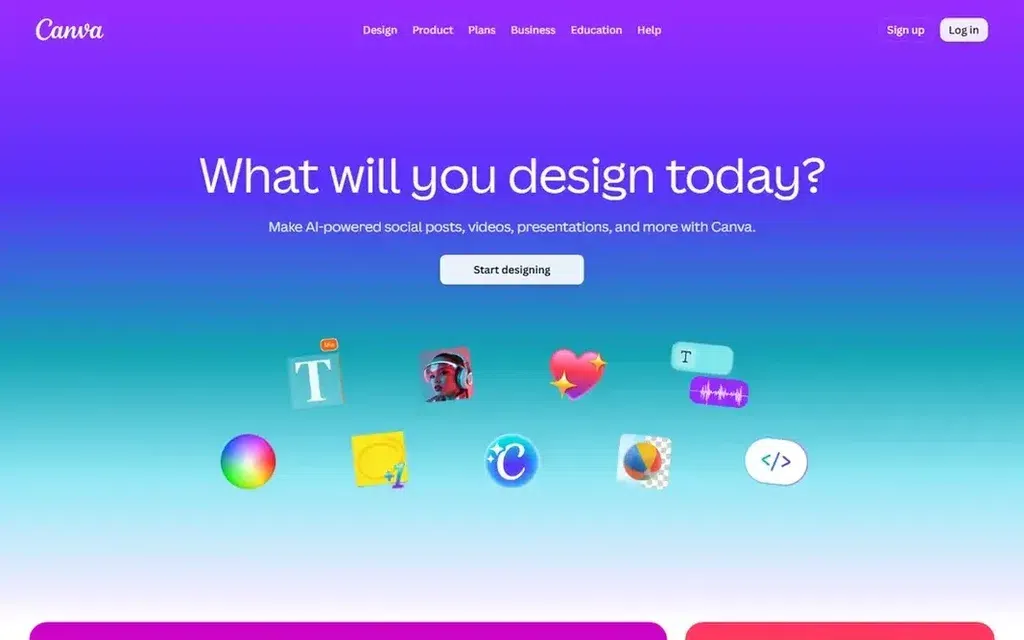
Canva makes the most sense for fast visual content for non-designers. Canva is a visual suite for everyone, offering an online graphic design tool to build social media posts, presentations, posters, videos, logos, and more. It is a strong match for enterprise teams that require to produce on-brand visual content rapidly without deep design expertise.
Limits to weigh: Restricted precision for complicated vector work.
In practice, Whereas Canva is capable for everyday design tasks, it may not offer the precision and control that professional designers need for complicated vector graphics or in-depth illustrations. Also, marketing and communications departments commonly use it to maintain a consistent look across materials. This comparison lists no price for Canva; ask the vendor. Free options: Not stated.
- Straightforward to use for creating social media posts and presentations
- Accessible on web and mobile
- Less advanced customization for professional designers
Adobe Creative Cloud
Best for: All-in-one creative suite for enterprises
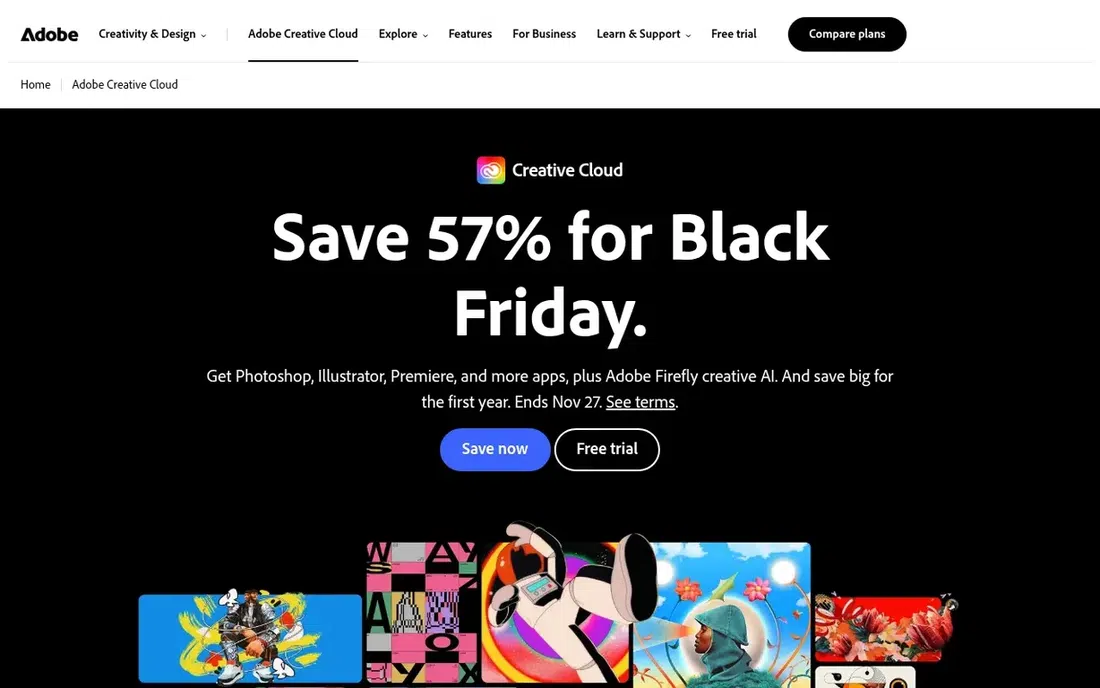
In short, Adobe Creative Cloud is for all-in-one creative suite for enterprises. The suite's depth can be overwhelming for teams that only need entry-level design capabilities, and managing several applications may add administrative overhead.
No starting price is listed for Adobe Creative Cloud here; confirm pricing on the vendor site. On free options: Not stated.
The main drawbacks: Needs managing several applications.
- Available on desktop, mobile, web
- Contains Photoshop, Illustrator, Premiere, more
- Can be complicated for beginners
Sketch is aimed squarely at Mac-based UI design and handoff. On top of that, its ecosystem is smaller than some cross-platform alternatives, so teams needing broader collaboration features might consider Figma.
The main drawbacks: Restricted to Mac system.
Price to start with Sketch: $12 per editor per month. As for free access: Free trial.
- Centred on design, prototyping, collaboration
- Made by designers for designers
- Smaller ecosystem compared with some competitors
How the list was put together
We compared the tools on published pricing, free plan or trial availability, feature coverage for graphic design companies software for enterprise, and the limits each vendor documents. Where a price is missing, the vendor does not list one publicly or ties it to a quote. Always confirm before budgeting. Tools are placed by general fit for graphic design companies software for enterprise, with price clarity and free access as tie-breakers. A different team can reasonably rank them differently.
Pre-purchase checklist
- Confirm the entry price on the vendor page. For CorelDRAW Graphics Suite, Canva and Adobe Creative Cloud that means a quote rather than a fixed price.
- Take the trial from Sketch and push a live task through it before you pay.
- Read the limits listed for CorelDRAW Graphics Suite first: Windows-centric, with restricted Mac support.
- Ask Figma whether prices are locked for the first term and what happens at renewal.
- The entry price of Canva is only the starting point; model the full cost with seats and extras.
FAQ
What is the best graphic design software for enterprise teams?
CorelDRAW Graphics Suite is the pick this page puts first, mainly for vector illustration and technical design. If your situation differs, Figma suits collaborative design and prototyping, and Canva suits fast visual content for non-designers. Compare price and limits before you decide.
Do these tools publish their prices?
Not all of them. CorelDRAW Graphics Suite, Canva and Adobe Creative Cloud publish no starting price, so expect a quote request for those. The rest, Figma included, show a starting price, though seats and billing terms still change the final cost.
What is the cheapest option for graphic design companies software for enterprise in this list?
On published monthly entry prices, Figma is the lowest here at $3 per month. Entry price is only part of the cost, because seats, add-ons and billing terms can change the total. Prices, free plan details and limits for all 5 tools in this Graphic design companies software for enterprise roundup sit on the individual cards above.
Is CorelDRAW Graphics Suite the right pick for everyone comparing graphic design companies software for enterprise?
No single tool suits every team. CorelDRAW Graphics Suite comes first because it fits vector illustration and technical design, while Figma suits collaborative design and prototyping and Canva suits quick visual content for non-designers. Match the tool to your own size, budget and workflow before deciding.
Does any tool for graphic design companies software for enterprise here have a free plan?
A permanent free plan is not offered by CorelDRAW Graphics Suite, Sketch or the other tools here. Sketch offer a trial. Plan a short evaluation period instead.
Sources
- https://www.coreldraw.com
- https://www.figma.com
- https://www.canva.com
- https://www.adobe.com/creativecloud.html
- https://www.sketch.com