5 Engineering Design Software Worth Shortlisting in 2026
Searching for the best engineering design software? Here are 5 options with prices and free plans. Each pick comes with its main catch. Budget notes included.

- Editor's choice
 AutoCAD
2D drafting and design documentation
Starts atSee websiteVisit autodesk.comFull review - Great alternativeInventor
Professional mechanical design and documentation
Starts atSee websiteVisit autodesk.comFull review - Also considerAnsys Mechanical
Structural FEA analysis
Starts atSee websiteVisit ansys.comFull review
Direct answer
Our first pick is AutoCAD, best for 2D drafting and design documentation. Listed starting prices: Onshape from $1,500 per user a year. Inventor is the stronger choice for professional mechanical design and documentation, while Ansys Mechanical suits structural FEA analysis. All 5 tools are compared below on price, free plan and limits.
TL;DR:
- Top of the list is AutoCAD, which targets 2D drafting and design documentation.
- Just one of the 5 tools, Onshape, has a free plan.
- For integrated CAD, CAM, and CAE in the cloud, Autodesk Fusion is worth a look.
- Onshape has the lowest monthly starting price in this list: $1,500 per user per year.
- What to know about Ansys Mechanical first: not a design tool itself.
Last checked November 2026. Prices and plan details were read from the vendors' own pages in November 2026; vendors change plans often, so confirm the current price on the vendor site before you buy.
Quick comparison
| Tool | Best for | Starts at | Free plan? | |
|---|---|---|---|---|
| AutoCAD | 2D drafting and design documentation | See website | Not stated | Visit |
| Inventor | Professional mechanical design and documentation | See website | Not stated | Visit |
| Ansys Mechanical | Structural FEA analysis | See website | Not stated | Visit |
 Onshape | Cloud-native CAD with built-in PDM | $1,500 per user a year | Yes | Visit |
 Autodesk Fusion | Integrated CAD, CAM, and CAE in the cloud | See website | Not stated | Visit |
Our 5 picks for engineering design software
If you are comparing engineering design software, this page covers 5 tools in one place: what each is best for, what it costs to start, whether it has a free plan, and the main limit to know about.
AutoCAD is designed for 2D drafting and design documentation. AutoCAD is a widely used design and drafting software known for its 2D and 3D capabilities. It is often employed for creating technical drawings, layouts, and documentation across engineering and architecture.
In daily use, for complicated mechanical design requiring history-based features, those specialized tools are typically more appropriate. More specifically, the latest version bundles automation features and shared DWG collaboration. Pricing for AutoCAD is not stated here, so ask the vendor for current figures. As for free access: Not stated.
Downsides: Less suited for complicated 3D parametric modeling.
- Deep file compatibility
- Available on desktop and web
- Subscription-based
Inventor
Best for: Professional mechanical design and documentation
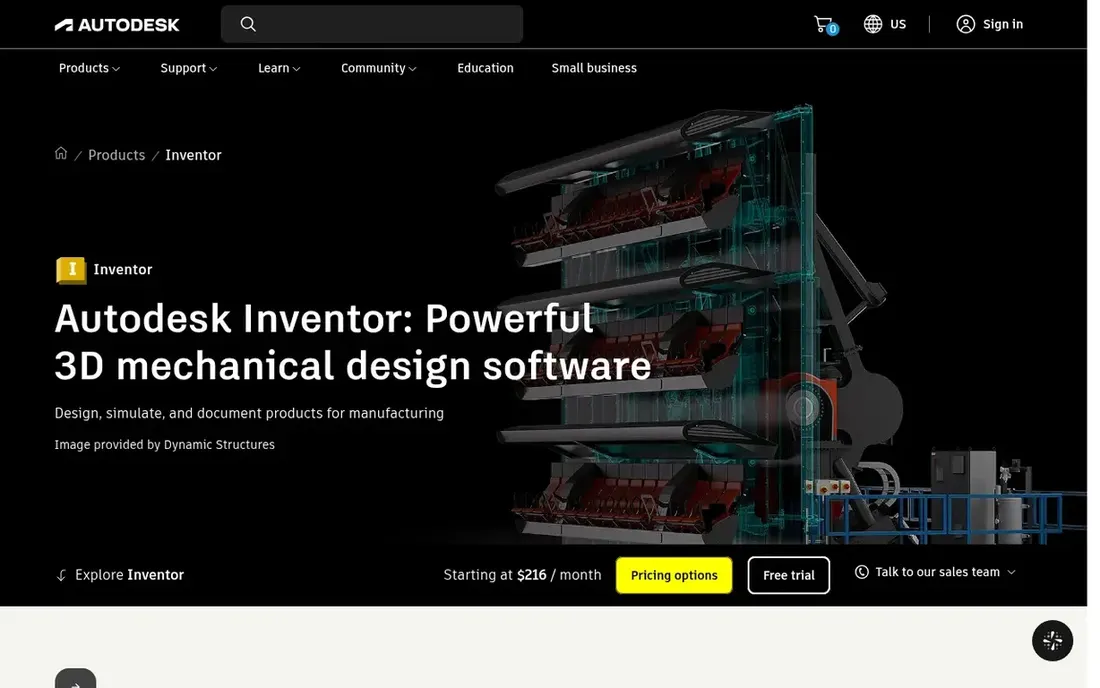
Inventor is built with professional mechanical design and documentation in mind. Autodesk Inventor is a 3D CAD application for mechanical design, simulation, and documentation.
On top of that, Inventor is a desktop application, so it lacks the native cloud collaboration of Fusion or Onshape. Check the vendor site for Inventor pricing; none is listed in this comparison. Free options: Not stated.
Where it falls short: Windows-only.
- Integrated simulation choices
- Solid documentation capabilities
- Needs subscription
Ansys Mechanical
Best for: Structural FEA analysis
Ansys Mechanical was built for structural FEA analysis. It offers implicit and explicit structural analysis for validating designs and predicting performance.
The main drawbacks: Not a design tool itself.
It is generally used alongside CAD software by analysts and engineers concentrated on simulation. No starting price is listed for Ansys Mechanical here; confirm pricing on the vendor site. On free options: Not stated.
- Deep structural analysis capabilities
- Plugs into numerous CAD tools
- Needs expertise to interpret results
Onshape was built for cloud-native CAD with built-in PDM. It is aimed at teams that want to collaborate in live without managing local servers or IT infrastructure.
Onshape runs in a web browser and supports customization and automation. Entry price for Onshape: $1,500 per user per year. You can start on Onshape without paying.
Where it falls short: Fewer manufacturing tools than some suites.
- Accessible from any device
- Built-in product data management
- Needs steady internet
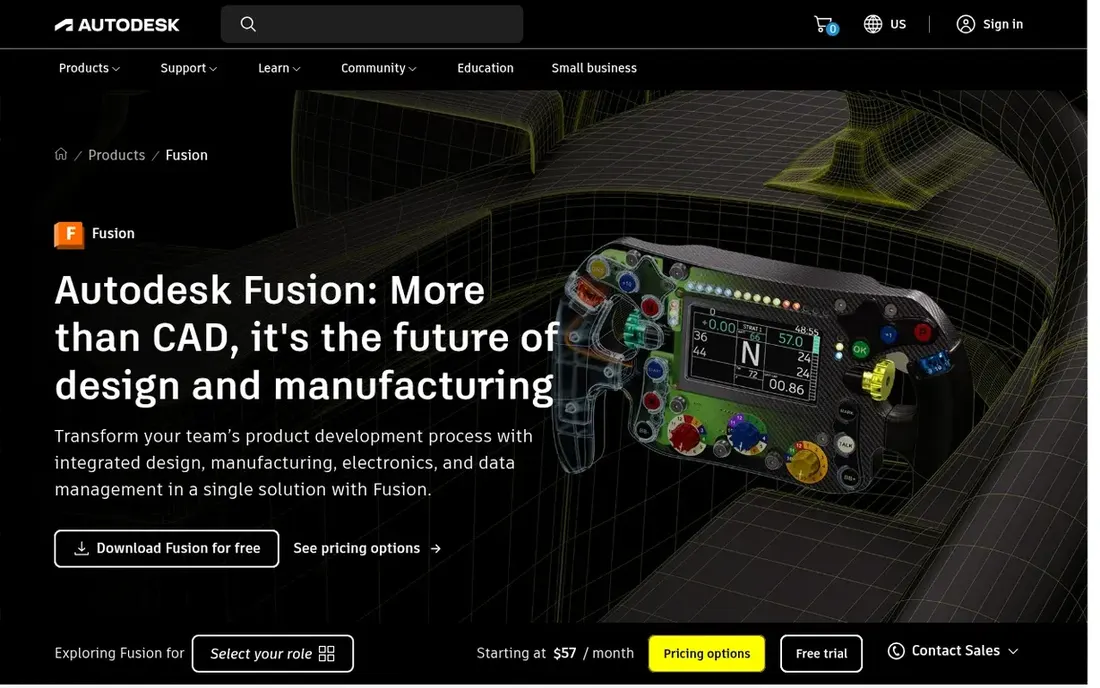
Autodesk Fusion targets integrated CAD, CAM, and CAE in the cloud. Since Fusion is cloud-centric, teams with strict data residency requirements or restricted internet access may prefer desktop-first tools.
Points against: Can be complicated for straightforward 2D work.
Check the vendor site for Autodesk Fusion pricing; none is listed in this comparison. Free access: Not stated.
- Merges design, simulation, manufacturing
- Bundles PCB design tools
- Cloud dependency for full functionality
What went into this list
Selection started from tools commonly considered for engineering design software, then narrowed to 5 that have clear pricing information or a clear quote process. Treat prices as a snapshot: vendors change plans often, so check the vendor site for the figure that applies today. The order reflects how well each tool fits the most common buying scenario for engineering design software, then price clarity, then free plan access. It is a starting point, not a verdict.
Pre-purchase checklist
- Get a written quote from AutoCAD, Inventor, Ansys Mechanical and Autodesk Fusion; the list shows no starting price for them.
- Look at the free plan from Onshape closely: its caps decide whether it is usable for real work.
- Read the limits listed for AutoCAD first: less suited for complicated 3D parametric modeling.
- Confirm you can export your data from Onshape, so leaving later does not mean losing records.
- Before rolling out Autodesk Fusion, verify the integrations your workflow depends on.
FAQ
Do these tools publish their prices?
Not all of them. AutoCAD, Inventor, Ansys Mechanical and Autodesk Fusion publish no starting price, so expect a quote request for those. The rest, Onshape included, show a starting price, though seats and billing terms still change the final cost.
What is the cheapest option for engineering design software in this list?
On published monthly entry prices, Onshape is the lowest here at $1,500 per user per year. Entry price is only part of the cost, because seats, add-ons and billing terms can change the total. For the full picture, the cards above cover all 5 entries of this engineering design software list, including price, free plan and limits.
Is cloud-based CAD secure for engineering data?
Cloud-based CAD providers like Onshape and Autodesk Fusion implement security measures, but requirements vary by organization. Evaluate data residency, access controls, and compliance needs. Some teams prefer desktop options for sensitive projects.
Which options for engineering design software have a free plan?
Onshape is the only tool in this list with a free plan. Free plans usually cap users, projects or features, so check the limits on the vendor page. Prices, free plan details and limits for all 5 tools in this engineering design software roundup sit on the individual cards above.
Is AutoCAD the right pick for everyone comparing engineering design software?
No single tool suits every team. AutoCAD comes first because it fits 2D drafting and design documentation, while Inventor suits professional mechanical design and documentation and Ansys Mechanical suits structural FEA analysis. Match the tool to your own size, budget and workflow before deciding.
Sources
- https://www.autodesk.com/products/autocad
- https://www.autodesk.com/products/inventor
- https://www.ansys.com/products/structures/ansys-mechanical
- https://www.onshape.com
- https://www.autodesk.com/products/fusion-360