6 Civil Engineering Design Software for Startups Worth Shortlisting in 2026
Best Civil engineering design software for startups: 6 contenders ranked by fit, with entry costs and free tiers. Prices and drawbacks included. Facts only.
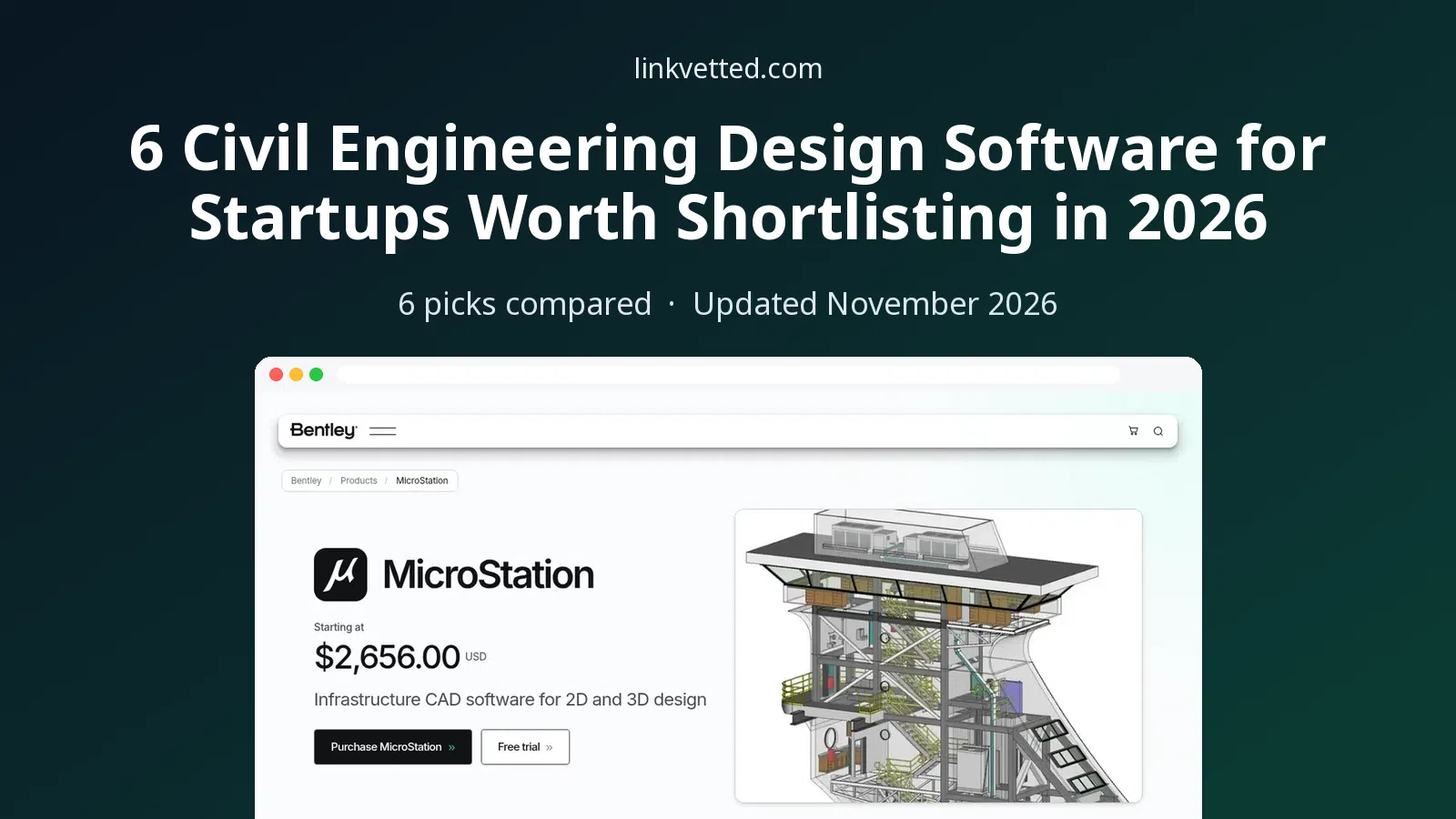
- Editor's choiceMicroStation
Infrastructure modeling and visualization
Starts atPricing on requestVisit bentley.comFull review - Great alternativeCivil 3D
Civil infrastructure design and documentation
Starts atPricing on requestVisit autodesk.comFull review - Also consider
 ETABS
Building analysis and design
Starts atPricing on requestVisit csiamerica.comFull review
Direct answer
If you need infrastructure modeling and visualization, MicroStation is the first tool to look at here. Civil 3D fits Civil infrastructure design and documentation; ETABS fits building analysis and design. Details and limits for the rest of the 6 tools are below. None of these vendors publish plan prices, so pricing is on request for every option.
TL;DR:
- Number one here is MicroStation, a fit for infrastructure modeling and visualization.
- SAP2000 suits general structural analysis and design.
- Every tool from MicroStation to SAP2000 works by quote, with no list price shown.
- A fair warning about MicroStation: different workflow from DWG-centric tools.
- MicroStation, SAP2000 and the 4 others all need a premium plan or a trial, since no free plan is listed.
Last checked November 2026. Pricing on request: vendors did not publish plan prices when this guide was last checked (November 2026), so ask each vendor for a written quote.
Quick comparison
| Tool | Best for | Starts at | Free plan? | |
|---|---|---|---|---|
| MicroStation | Infrastructure modeling and visualization | Pricing on request | Not stated | Visit |
| Civil 3D | Civil infrastructure design and documentation | Pricing on request | Not stated | Visit |
| ETABS | Building analysis and design | Pricing on request | Not stated | Visit |
 STAAD.Pro | Structural analysis and design | Pricing on request | Not stated | Visit |
 AutoCAD | General drafting and documentation | Pricing on request | Not stated | Visit |
 SAP2000 | General structural analysis and design | Pricing on request | Not stated | Visit |
The 6 tools in detail
Short on time? The summary and table above give the quick view of 6 Civil engineering design software for startups, and the profiles that follow give the detail behind each entry.
MicroStation
Best for: Infrastructure modeling and visualization
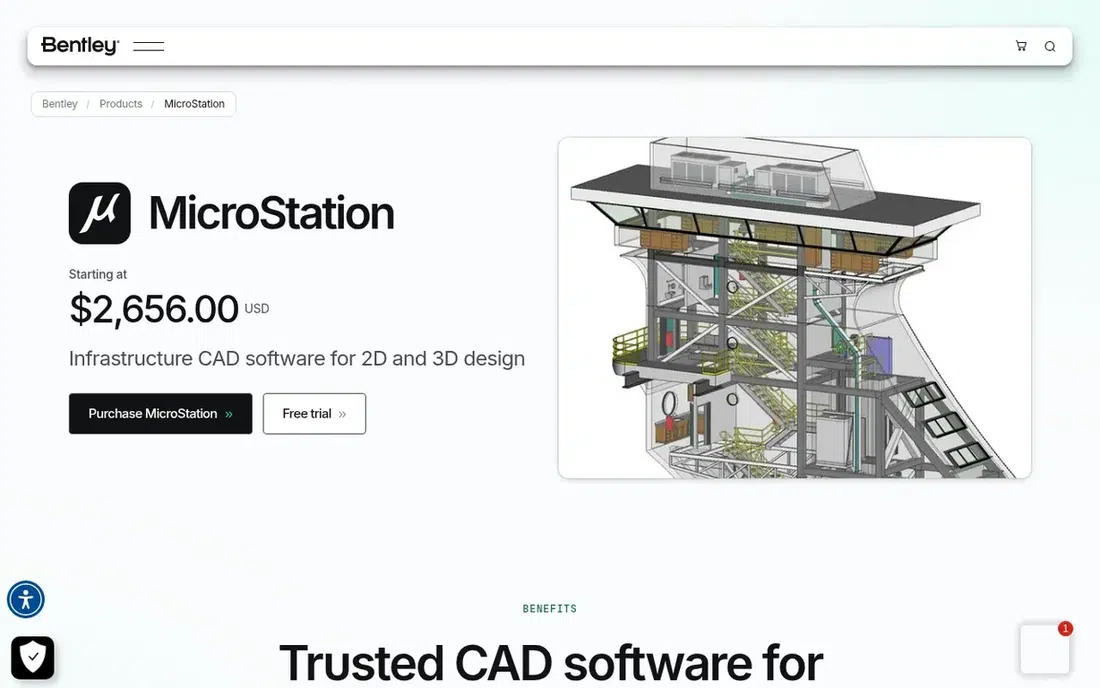
MicroStation makes the most sense for infrastructure modeling and visualization. It deals with projects of several sizes and types, making it a good match for startups that work across different infrastructure sectors.
MicroStation uses workflows that differ from AutoCAD-based tools, so teams already standardized on DWG may face a transition. MicroStation shows no starting price here, so confirm the cost on the vendor site. Free options: Not stated.
Honest limits: Different workflow from DWG-centric tools.
- Modeling and documentation
- Visualization capabilities
- Needs training for new users
Civil 3D
Best for: Civil infrastructure design and documentation
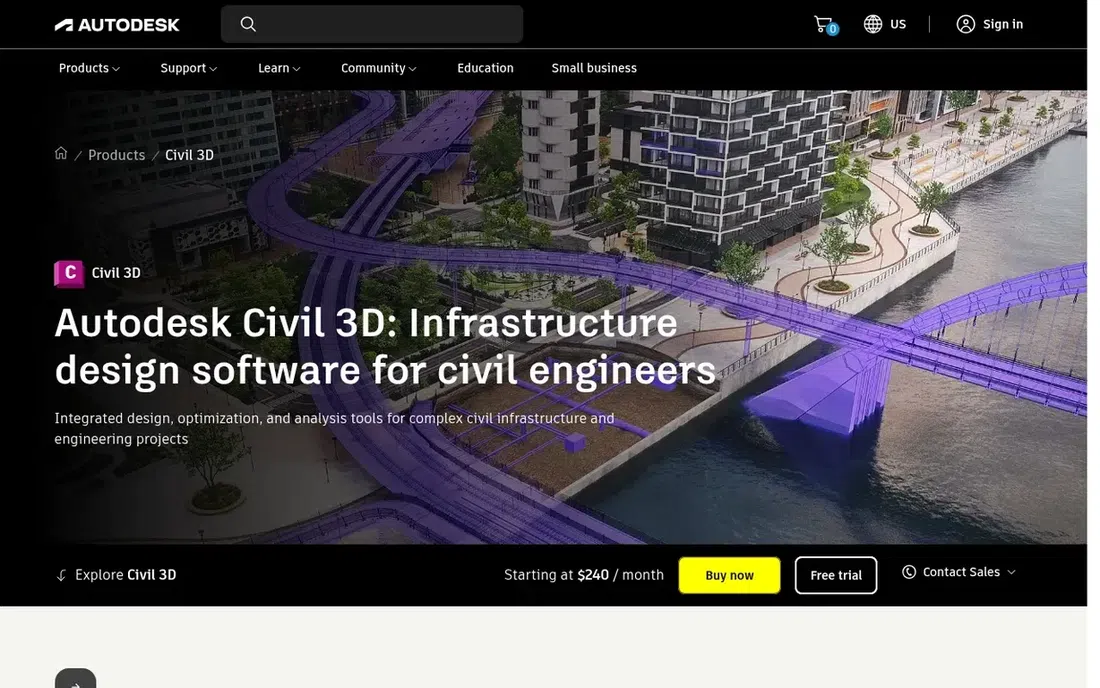
Civil 3D is a good fit for Civil infrastructure design and documentation. Civil 3D is made for civil infrastructure projects for example roads, land development, and surfaces. It merges design and documentation in one environment, which fits startups that require to produce civil engineering deliverables.
Teams working on site grading, alignments, and utilities will find relevant tools for their workflows. As for the details, Civil 3D can be complicated for small teams without dedicated CAD managers. It may be more than needed for entry-level drafting. No starting price is listed for Civil 3D here; confirm pricing on the vendor site. Free access: Not stated.
Honest limits: Overkill for straightforward drafting.
- Surface and corridor modeling
- Documentation workflows
- Steeper ramp-up time
ETABS makes the most sense for building analysis and design. ETABS is specialized for buildings and does not address civil infrastructure or drafting. Startups with mixed project types may need extra software, and those analyzing non-building structures might consider SAP2000 or STAAD.Pro.
It supplies tools for modeling and analyzing building systems, making it a fit for startups that focus on building projects. In daily use, structural teams can use it to assess performance and design members. This comparison lists no price for ETABS; ask the vendor. Free access: Not stated.
Honest limits: Needs structural background.
- Suited to structural engineers
- Analysis and design in one tool
- Restricted to building structures
STAAD.Pro is a good fit for structural analysis and design. STAAD.Pro is structural analysis and design software that can manage straightforward or complicated structures.
Points against: Structural focus only.
It is suited to structural engineers and businesses offering structural services. STAAD.Pro shows no starting price here, so confirm the cost on the vendor site. Trial and free access: Not stated.
- Synchronized model sharing
- Examines straightforward to complicated structures
- Ramp-up time for new users
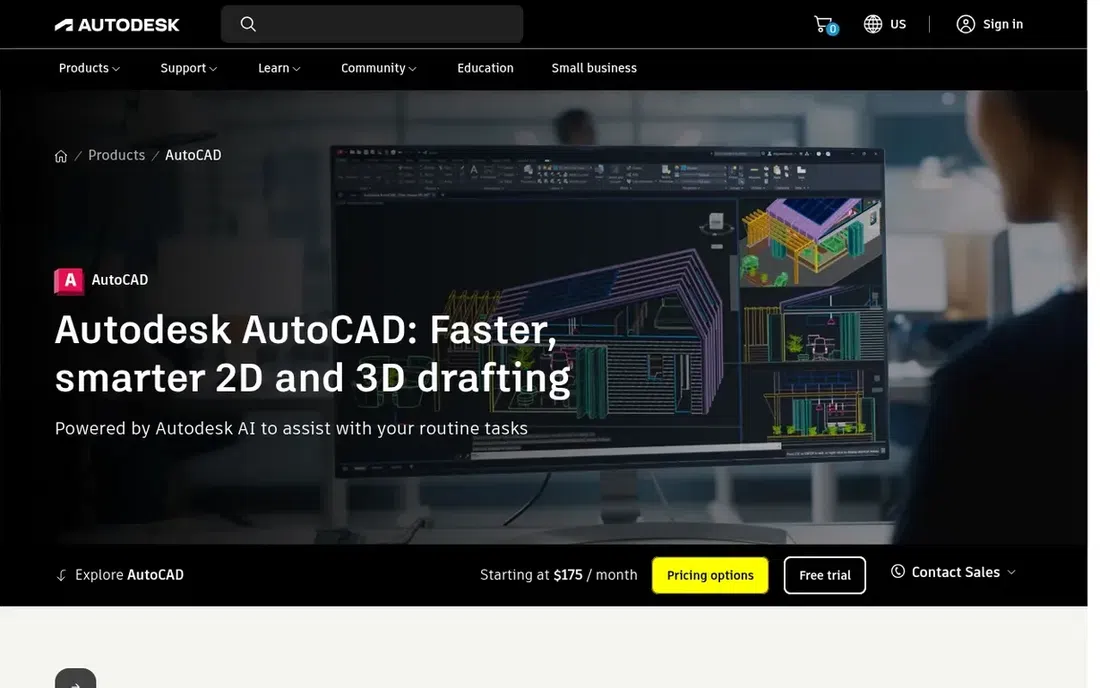
AutoCAD is designed for general drafting and documentation. AutoCAD is a general-purpose design and drafting tool used across plenty of engineering disciplines. AutoCAD is not a dedicated civil engineering package, so advanced tasks like corridor modeling or pipe networks may need specialized tools.
More specifically, teams that produce plans, sections, and detail drawings will find it familiar and adaptable for everyday work. Startups focused primarily on civil infrastructure should consider Civil 3D instead, whereas those needing structural analysis should look at STAAD.Pro or SAP2000. AutoCAD shows no starting price here, so confirm the cost on the vendor site. On free options: Not stated.
Where it falls short: Needs extras for advanced civil tasks.
- Desktop and web collaboration
- Widely used DWG format
- General-purpose, not civil-specific
Pick SAP2000 if this describes you: general structural analysis and design. It offers modeling and analysis features that suit startups with structural engineering needs, from straightforward frames to more complicated systems.
Drawbacks to consider: Not a drafting tool.
For everyday use, SAP2000 concentrates on analysis and design instead of documentation, so it complements drafting tools instead of replacing them. Pricing for SAP2000 is not stated here, so ask the vendor for current figures. Free plan details: Not stated.
- Design capabilities
- Wide structural analysis
- Needs structural expertise
How the list was put together
LinkVetted looked at what each vendor publishes: pricing, plan limits, feature coverage for Civil engineering design software for startups and stated drawbacks. No hands-on testing is claimed. Figures are shown as the vendors publish them. Billing terms, seat minimums and add-ons can change the real cost. Position on the page reflects fit for a typical buyer first, with price clarity and free access breaking ties. Treat it as a guide, not a ruling.
Pre-purchase checklist
- Request quotes from MicroStation, SAP2000 and the others; the list shows no fixed prices.
- Before choosing MicroStation, weigh its main limit: different workflow from DWG-centric tools.
- Look at which plan of AutoCAD unlocks the features you need; entry tiers are often cut down.
- Check the integration list for MicroStation against the tools you run today, and note which ones need a higher plan.
- Run a one or two week pilot of STAAD.Pro with the people who will use it every day.
FAQ
How are the tools for Civil engineering design software for startups ordered?
MicroStation sits first and SAP2000 last because the order follows typical fit for Civil engineering design software for startups, then price clarity and free access. It is a judgement call, so read each profile for fit and limits.
Do these tools publish their prices?
No. None of the tools, from MicroStation to SAP2000, shows a fixed starting price here, so budget time for quotes.
Does any tool for Civil engineering design software for startups here have a free plan?
No tool in this list, MicroStation and SAP2000 included, has a permanent free plan. Trials and quotes are the usual route, so plan a short evaluation period.
Do startups need both drafting and analysis software?
Plenty of startups need drafting for documentation and analysis for structural design. Worth adding: tools like AutoCAD or Civil 3D include drafting, whereas STAAD.Pro, SAP2000, or ETABS manage analysis and design.
Is MicroStation the right pick for everyone comparing Civil engineering design software for startups?
No single tool suits every team. MicroStation comes first because it fits infrastructure modeling and visualization, while Civil 3D suits Civil infrastructure design and documentation and ETABS suits building analysis and design. Match the tool to your own size, budget and workflow before deciding.
Sources
- https://www.bentley.com/software/microstation
- https://www.autodesk.com/products/civil-3d
- https://www.csiamerica.com/products/etabs
- https://www.bentley.com/software/staad-pro
- https://www.autodesk.com/products/autocad
- https://www.csiamerica.com/products/sap2000