Best Civil Engineering Design Software in 2026: 5 Tools Compared
Best Civil engineering design software: 5 contenders ranked by fit, with entry costs and free tiers. Plus the drawbacks of each tool. Read before you buy.

- Editor's choiceAutodesk InfraWorks
Conceptual infrastructure modeling in context
Starts atPricing on requestVisit autodesk.comFull review - Great alternativeBentley STAAD.Pro
Structural analysis and design
Starts atPricing on requestVisit bentley.comFull review - Also considerBentley OpenRoads Designer
Roadway and stormwater design
Starts atPricing on requestVisit bentley.comFull review
Direct answer
Autodesk InfraWorks leads the list, best for conceptual infrastructure modeling in context. For a different need, Bentley STAAD.Pro covers structural analysis and design and Bentley OpenRoads Designer covers roadway and stormwater design. Free plan facts and limits for all 5 tools follow. None of these vendors publish plan prices, so pricing is on request for every option.
TL;DR:
- Autodesk InfraWorks sits first on this list: conceptual infrastructure modeling in context.
- What to know about Bentley STAAD.Pro first: structural focus, not civil site design.
- Bentley MicroStation fits infrastructure CAD modeling and documentation.
- None of the 5 tools, from Autodesk InfraWorks to Bentley MicroStation, has a free plan, so budget for a subscription or use a trial.
Last checked November 2026. Pricing on request: vendors did not publish plan prices when this guide was last checked (November 2026), so ask each vendor for a written quote.
Quick comparison
| Tool | Best for | Starts at | Free plan? | |
|---|---|---|---|---|
| Autodesk InfraWorks | Conceptual infrastructure modeling in context | Pricing on request | Not stated | Visit |
| Bentley STAAD.Pro | Structural analysis and design | Pricing on request | Not stated | Visit |
| Bentley OpenRoads Designer | Roadway and stormwater design | Pricing on request | Not stated | Visit |
| 12d Model | 3D civil, water, and surveying work | Pricing on request | Not stated | Visit |
| Bentley MicroStation | Infrastructure CAD modeling and documentation | Pricing on request | Not stated | Visit |
The full Civil engineering design software list
LinkVetted put together this guide to Civil engineering design software for readers who want a clear shortlist without reading every vendor page. It compares 5 tools on starting price, free plans, who each one suits and where each one falls short.
Autodesk InfraWorks
Best for: Conceptual infrastructure modeling in context
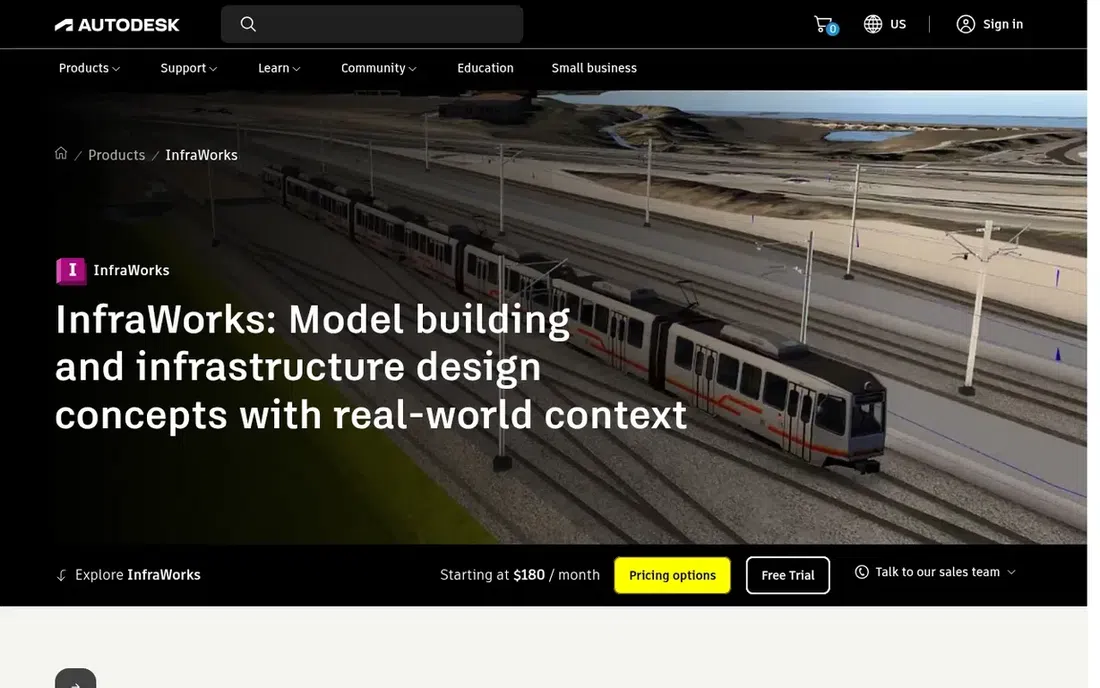
Think of Autodesk InfraWorks for conceptual infrastructure modeling in context. Verify data exchange with your in-depth design software on Autodesk's site. Autodesk InfraWorks lets users model, analyze, and visualize infrastructure design concepts in context.
It is geared toward planning and conceptual phases where teams have to communicate choices and understand how a project suits its surroundings. For everyday use, InfraWorks is oriented toward concepts instead of full in-depth design, so in-depth roadway or drainage work may need another application. Autodesk InfraWorks does not show a starting price in this comparison, so check the vendor site for current pricing. Free access: Not stated.
Limits to weigh: Concept focus may not include in-depth design.
- Examines infrastructure in context
- Models and visualizes design concepts
- Autodesk subscription required
Bentley STAAD.Pro
Best for: Structural analysis and design
Bentley STAAD.Pro is aimed squarely at structural analysis and design. STAAD.Pro is Bentley's structural software for analyzing and designing any structure, straightforward or complicated, and sharing the synchronized model for multidiscipline team collaboration. It is not a roadway or drainage design package, so civil site work needs a different tool.
As for the details, smaller structural teams may find dedicated analysis tools sufficient. On top of that, confirm model exchange with your civil design product and check the current capabilities on Bentley's site. Check the vendor site for Bentley STAAD.Pro pricing; none is listed in this comparison. Free options: Not stated.
Points against: not civil site design.
- Supports multidiscipline collaboration
- Shares synchronized models
- Needs structural engineering knowledge
Bentley OpenRoads Designer
Best for: Roadway and stormwater design
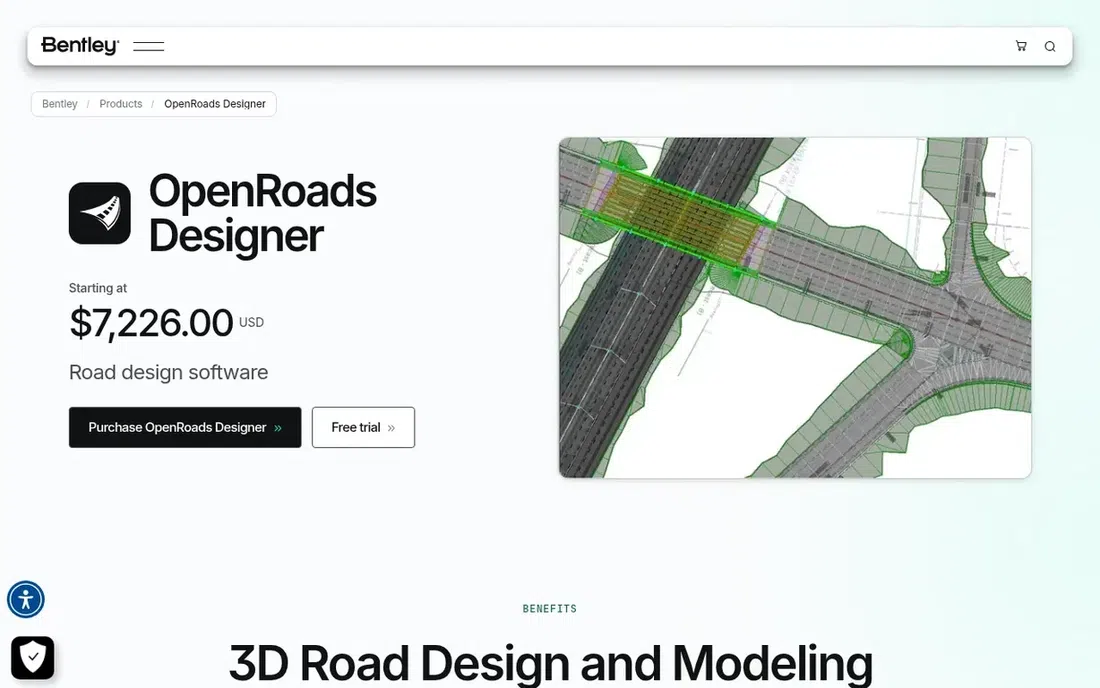
Bentley OpenRoads Designer is a good fit for roadway and stormwater design. Its breadth means a ramp-up time, and smaller businesses may find the module set more than needed.
Confirm module availability and data exchange needs on Bentley's site. Check the vendor site for Bentley OpenRoads Designer pricing; none is listed in this comparison. Free access: Not stated.
What to check first: Needs Bentley ecosystem familiarity.
- Includes surveying, drainage, utilities
- Made for infrastructure corridors
- Wide feature set can overwhelm new users
12d Model
Best for: 3D civil, water, and surveying work
12d Model is built with 3D civil, water, and surveying work in mind. Teams needing capable BIM coordination or structural analysis may pair it with other tools.
Trade-offs to know: Less typical in some markets.
For everyday use, 12d Model is civil engineering, water engineering, and land surveying software presented as 3D modeling made simple. For everyday use, check the current feature set and support choices on the vendor site before deciding. Check the vendor site for 12d Model pricing; none is listed in this comparison. Free plan details: Not stated.
- Comes with land surveying workflows
- Spans civil and water engineering
- Ramp-up time for new users
Bentley MicroStation
Best for: Infrastructure CAD modeling and documentation
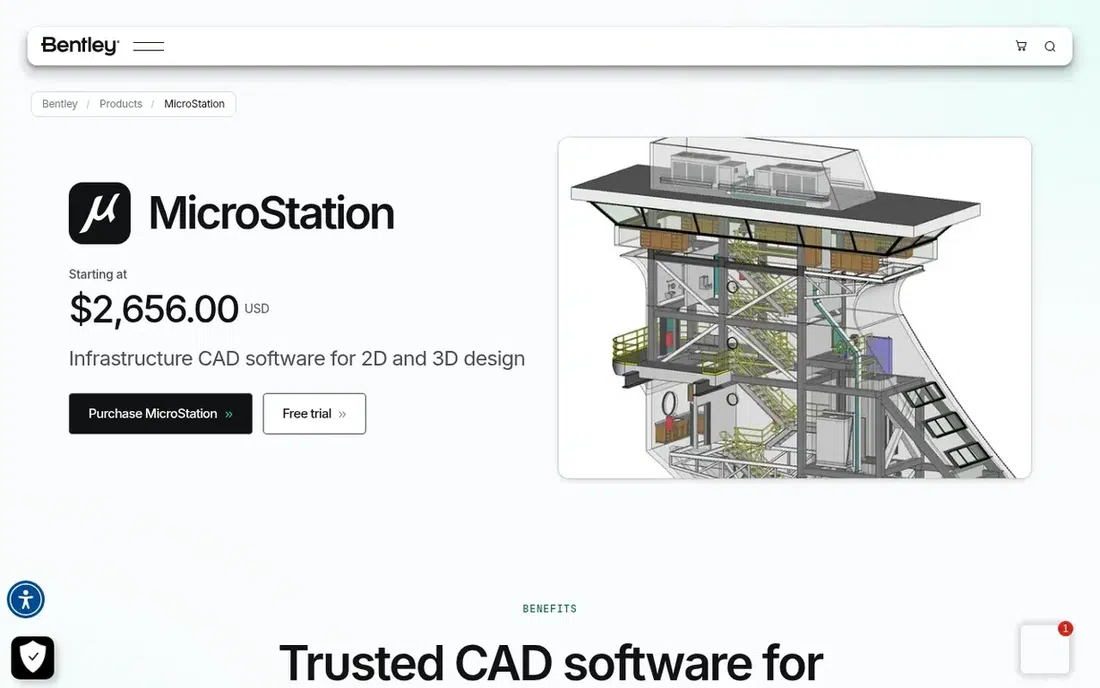
In short, Bentley MicroStation is for infrastructure CAD modeling and documentation. It serves as a typical CAD product for numerous infrastructure workflows, making it a fit for teams that require an adaptable modeling base instead of a single-purpose civil tool.
Where it falls short: not a civil-specific design package.
Since it is a general CAD environment, specialized road or drainage design may require extra Bentley applications. Pricing for Bentley MicroStation is not stated here, so ask the vendor for current figures. On free options: Not stated.
- Scales across project sizes and types
- Supports viewing and visualization
- General CAD
What went into this list
We compared the tools on published pricing, free plan or trial availability, feature coverage for Civil engineering design software, and the limits each vendor documents. Figures are shown as the vendors publish them. Billing terms, seat minimums and add-ons can change the real cost. The order reflects how well each tool fits the most common buying scenario for Civil engineering design software, then price clarity, then free plan access. It is a starting point, not a verdict.
Questions to settle before buying
- Ask each vendor, from Autodesk InfraWorks to Bentley MicroStation, for a written quote; none of them publishes a starting price.
- Before choosing Autodesk InfraWorks, weigh its main limit: concept focus may not handle in-depth design.
- Find out whether the entry plan of Bentley OpenRoads Designer covers your must-haves or only a trimmed-down version.
- Find out what support Autodesk InfraWorks includes on your plan, and whether onboarding help costs extra.
- Ask the daily users to test Bentley MicroStation on a live task before you roll it out to everyone.
FAQ
Does any tool for Civil engineering design software here have a free plan?
No tool in this list, Autodesk InfraWorks and Bentley MicroStation included, has a permanent free plan. Trials and quotes are the usual route, so plan a short evaluation period.
Do these tools publish their prices?
No. None of the tools, from Autodesk InfraWorks to Bentley MicroStation, shows a fixed starting price here, so budget time for quotes.
Is Autodesk InfraWorks the right pick for everyone comparing Civil engineering design software?
No single tool suits every team. Autodesk InfraWorks comes first because it fits conceptual infrastructure modeling in context, while Bentley STAAD.Pro suits structural analysis and design and Bentley OpenRoads Designer suits roadway and stormwater design. Match the tool to your own size, budget and workflow before deciding.
What about structural analysis?
Bentley STAAD.Pro is aimed at structural analysis and design of straightforward or complicated structures and supports model sharing for collaboration. Confirm model exchange with your civil product.
How are the tools for Civil engineering design software ordered?
The order follows typical fit for Civil engineering design software, with Autodesk InfraWorks first and Bentley MicroStation last, then price clarity and free access. It is editorial judgement, not a score, so another team could rank the tools differently.
Sources
- https://www.autodesk.com/products/infraworks
- https://www.bentley.com/software/staad-pro
- https://www.bentley.com/software/openroads-designer
- https://www.12d.com
- https://www.bentley.com/software/microstation