5 Drone Editing Software Worth Shortlisting in 2026
Best drone editing software in 2026: 5 tools with starting prices, free plans and limits. Cost notes and weak points included. Built for quick decisions.
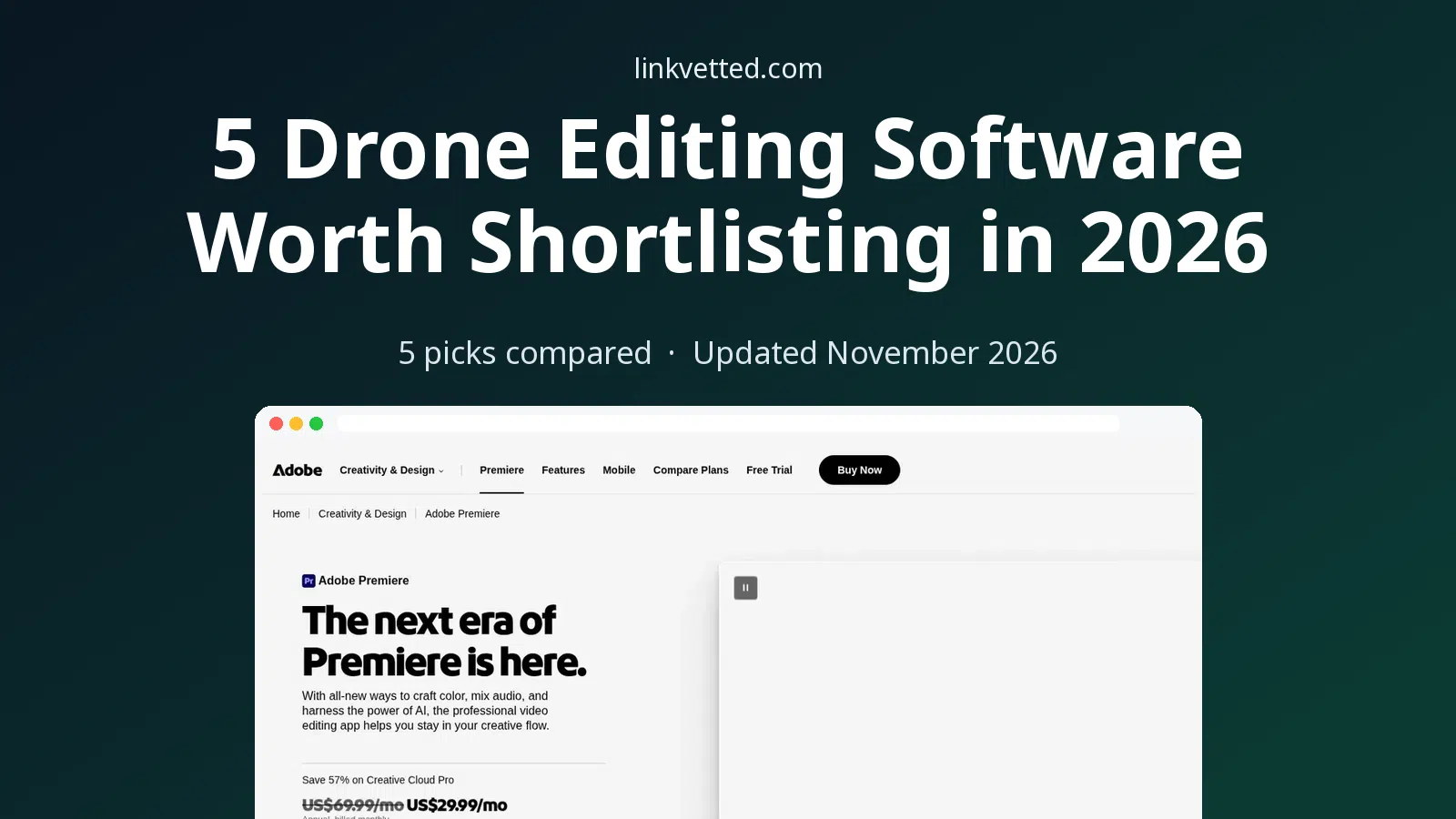
- Editor's choice
 Adobe After Effects
Motion graphics and aerial composites
Starts atPricing on requestVisit adobe.comFull review - Great alternative
 CapCut
Quick social drone clips
Starts atPricing on requestVisit capcut.comFull review - Also consider
 Vegas Pro
Windows editors wanting AI tools
Starts atPricing on requestVisit vegascreativesoftware.comFull review
Direct answer
Adobe After Effects leads the list, best for motion graphics and aerial composites. If your case is different, CapCut suits quick social drone clips and Vegas Pro suits Windows editors wanting AI tools. Free plan facts and limits for all 5 tools follow. None of these vendors publish plan prices, so pricing is on request for every option.
TL;DR:
- This list starts with Adobe After Effects, which is built for motion graphics and aerial composites.
- CapCut comes with a trade-off: less depth for complex finishing.
- Every tool from Adobe After Effects to Final Cut Pro works by quote, with no list price shown.
- For Mac and iPad editors, Final Cut Pro is worth a look.
Last checked November 2026. Pricing on request: vendors did not publish plan prices when this guide was last checked (November 2026), so ask each vendor for a written quote.
Quick comparison
| Tool | Best for | Starts at | Free plan? | |
|---|---|---|---|---|
| Adobe After Effects | Motion graphics and aerial composites | Pricing on request | Not stated | Visit |
| CapCut | Quick social drone clips | Pricing on request | Yes | Visit |
| Vegas Pro | Windows editors wanting AI tools | Pricing on request | Not stated | Visit |
 Adobe Premiere Pro | Wide professional editing workflow | Pricing on request | Not stated | Visit |
 Final Cut Pro | Mac and iPad editors | Pricing on request | Not stated | Visit |
Our 5 picks for drone editing software
Choosing drone editing software usually comes down to price, fit and limits. This LinkVetted guide sets 5 tools side by side on those three points, with the facts kept short and checkable.
Adobe After Effects serves motion graphics and aerial composites. Adobe After Effects is motion graphics software for designing titles, effects and animation for film, TV, video and web.
Where it is weaker: Not a primary cutting tool.
After Effects is not designed as a primary timeline editor for long drone shoots, and effects work can be render-intensive. In drone work it shines for map overlays, callout graphics, tracking elements and cleanup that go beyond a standard cut. Check the vendor site for Adobe After Effects pricing; none is listed in this comparison. On free options: Not stated.
- Industry-standard motion graphics tools
- Solid for titles and visual effects
- Render-heavy for long timelines
Where CapCut fits: quick social drone clips. CapCut is an AI-powered video editor with smart templates and creative effects, available on desktop, mobile and online.
What to check first: Less depth for complicated finishing.
As for the details, pick CapCut when turnaround and shareability matter more than depth. No starting price is listed for CapCut here; confirm pricing on the vendor site. CapCut offers a free plan.
- Fast path to social-ready video
- AI tools and smart templates
- Most useful for shorter content
Vegas Pro serves Windows editors wanting AI tools. Drone editors on Windows get a capable timeline with finishing tools in one package. Its ecosystem is smaller than the largest suites, which can matter for plug-ins and collaboration.
Points against: Windows only.
From a buyer's view, pick it when you are committed to Windows and want a professional editor with AI features. From a buyer's view, Vegas Pro is professional video editing software for Windows with AI tools, color grading, visual effects and audio. Vegas Pro shows no starting price here, so confirm the cost on the vendor site. Free plan details: Not stated.
- AI tools and color grading
- Visual effects and audio support
- Smaller ecosystem than major suites
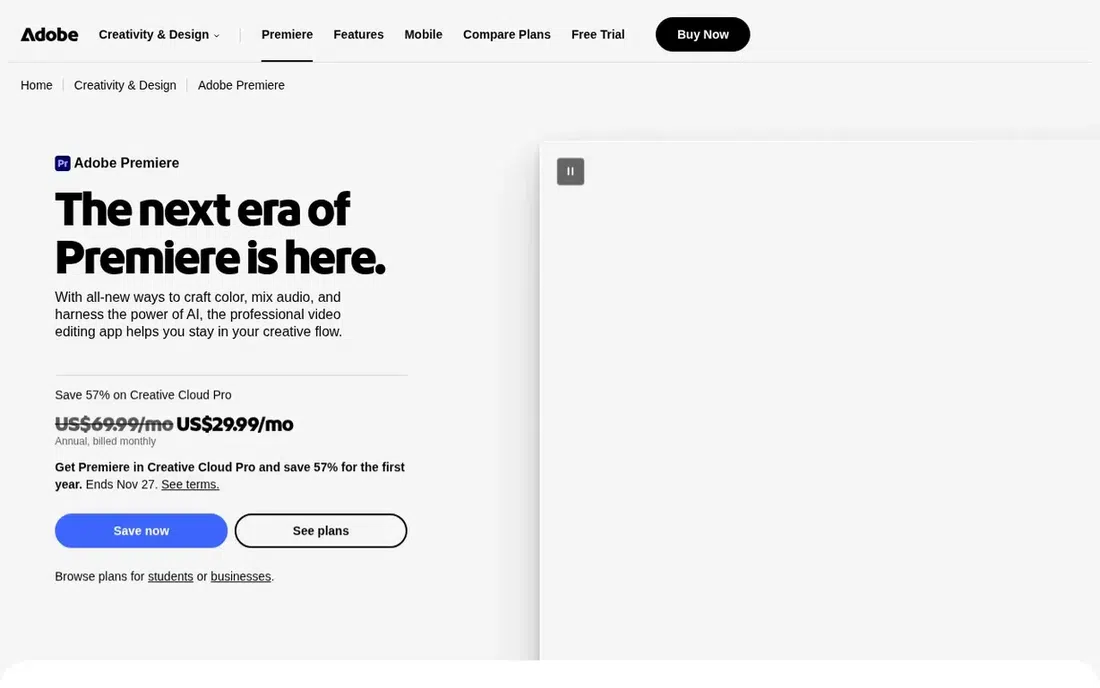
Think of Adobe Premiere Pro for wide professional editing workflow. Adobe Premiere Pro is professional video editing and postproduction software for trimming, effects, audio mixing and more.
The software expects a capable machine and a premium subscription, which may not suit casual hobbyists. In practice, for drone work it suits editors who need an adaptable timeline, wide format handling and room to grow into color and audio finishing. Adobe Premiere Pro shows no starting price here, so confirm the cost on the vendor site. Free plan details: Not stated.
What Adobe Premiere Pro does well: effects and audio toolset.
What to check first: Subscription-based access.
- Wide editing
- Takes care of varied footage formats
- Demanding on hardware
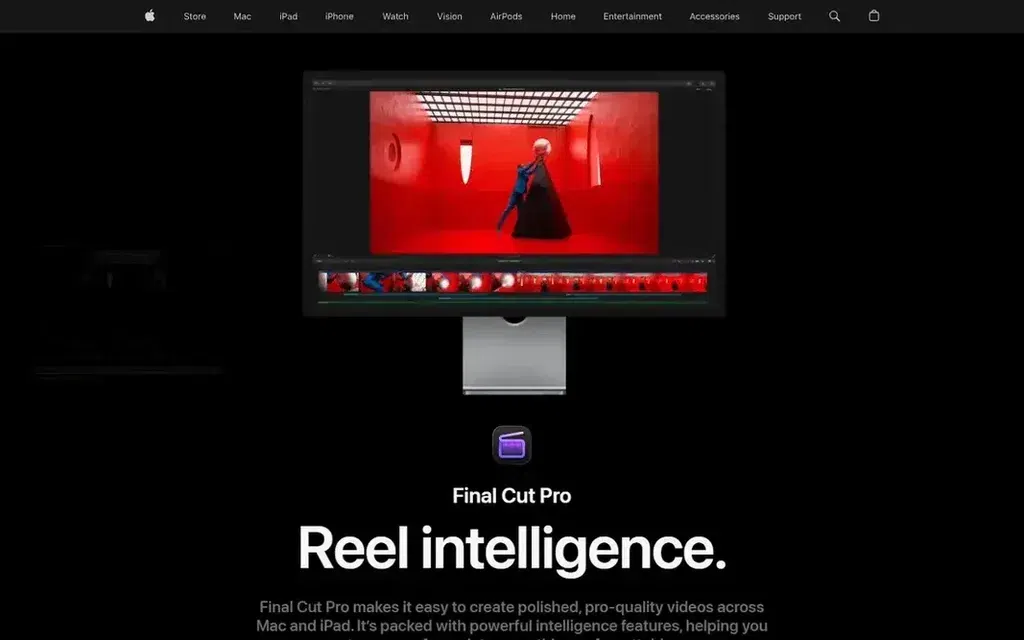
Final Cut Pro makes the most sense for Mac and iPad editors. Final Cut Pro is Apple's professional editing application, packed with intelligence features that aim to make pro-quality video creation simple on Mac and iPad. For everyday use, drone editors on Apple hardware get a responsive workflow and can move between desktop and tablet.
Watch-outs: Apple systems only.
Its magnetic timeline differs from traditional track-based editing and may require an adjustment period. Choose Final Cut Pro when your hardware is Apple and speed of everyday editing is the priority. Final Cut Pro shows no starting price here, so confirm the cost on the vendor site. Trial and free access: Not stated.
- Consistent experience on Mac and iPad
- Optimized for Apple hardware
- Different workflow from track-based editors
Our selection method
A buyer's checklist
- Confirm the entry price with every vendor: no tool from Adobe After Effects to Final Cut Pro shows a fixed starting price.
- Test the free plan from CapCut against your real workload before relying on it.
- Read the limits listed for Adobe After Effects first: not a primary cutting tool.
- Find out what support Final Cut Pro includes on your plan, and whether onboarding help costs extra.
- Compare total cost, not headline price: for Adobe After Effects, add extra seats, add-ons and any usage-based charges.
FAQ
How are the tools for drone editing software ordered?
The order follows typical fit for drone editing software, with Adobe After Effects first and Final Cut Pro last, then price clarity and free access. It is editorial judgement, not a score, so another team could rank the tools differently.
Do these tools publish their prices?
No. None of the tools, from Adobe After Effects to Final Cut Pro, shows a fixed starting price here, so budget time for quotes.
Which options for drone editing software have a free plan?
CapCut is the only tool in this list with a free plan. Free plans usually cap users, projects or features, so check the limits on the vendor page. Each of the 5 options in this Drone editing software guide has its own card above with the price, free plan and limits.
Is Adobe After Effects the right pick for everyone comparing drone editing software?
No single tool suits every team. Adobe After Effects comes first because it fits motion graphics and aerial composites, while CapCut suits fast social drone clips and Vegas Pro suits Windows editors wanting AI tools. Match the tool to your own size, budget and workflow before deciding.
Sources
- https://www.adobe.com/products/aftereffects.html
- https://www.capcut.com
- https://www.vegascreativesoftware.com/us/vegas-pro
- https://www.adobe.com/products/premiere.html
- https://www.apple.com/final-cut-pro