Drone Design Software in 2026: The 6 Best Options Side by Side
Best drone design software, compared. 6 tools with published prices, free plans and limits. Each profile ends with a plain caveat. Skim the table first.

- Editor's choice
 MATLAB
Engineering computation and analysis
Starts atSee websiteVisit mathworks.comFull review - Great alternative
 Onshape
Cloud-native CAD with built-in PDM
Starts at$1,500 per user a yearVisit onshape.comFull review - Also consider
 Autodesk Fusion
Integrated CAD, electronics and manufacturing
Starts atSee websiteVisit autodesk.comFull review
Direct answer
MATLAB comes first here, mainly for engineering computation and analysis. Listed starting prices: Onshape from $1,500 per user a year. Onshape is the stronger choice for cloud-native CAD with built-in PDM, while Autodesk Fusion suits integrated CAD, electronics and manufacturing. Details, prices and limits for the rest of the 6 tools are below.
TL;DR:
- The list opens with MATLAB, aimed at engineering computation and analysis.
- Onshape is the lowest-priced starter here at $1,500 per user per year.
- Only Onshape offers a free plan among these 6 tools.
- The main caution on Autodesk Fusion: wide scope can feel complicated for beginners.
- For PCB design for drone electronics, Altium Designer is worth a look.
Last checked November 2026. Prices and plan details were read from the vendors' own pages in November 2026; vendors change plans often, so confirm the current price on the vendor site before you buy.
Quick comparison
| Tool | Best for | Starts at | Free plan? | |
|---|---|---|---|---|
| MATLAB | Engineering computation and analysis | See website | Not stated | Visit |
| Onshape | Cloud-native CAD with built-in PDM | $1,500 per user a year | Yes | Visit |
| Autodesk Fusion | Integrated CAD, electronics and manufacturing | See website | Not stated | Visit |
| Simulink | Model-based design and control testing | See website | Free trial | Visit |
| Ansys Mechanical | Structural FEA analysis | See website | Not stated | Visit |
| Altium Designer | PCB design for drone electronics | See website | Not stated | Visit |
Our 6 picks for drone design software
LinkVetted put together this guide to drone design software for readers who want a clear shortlist without reading every vendor page. It compares 6 tools on starting price, free plans, who each one suits and where each one falls short.
MATLAB is aimed squarely at engineering computation and analysis. In drone design it supports flight dynamics calculations, control law development and processing test data.
It suits engineers who want a programmable workspace for analysis alongside their CAD and electronics tools. MATLAB shows no starting price here, so confirm the cost on the vendor site. Free plan details: Not stated.
Limits to weigh: Needs programming familiarity.
- Large function library
- Broad numerical computing environment
- Not a CAD or PCB tool
Onshape is aimed squarely at cloud-native CAD with built-in PDM. Onshape is a cloud-native CAD and product development platform with built-in PDM and customization choices, accessible on any device.
Working entirely in the cloud means your process relies on dependable connectivity. Onshape cost at the entry level: $1,500 per user per year. You can start on Onshape without paying.
Honest limits: Cloud dependency for all work.
- Runs in the browser on any device
- Configurable cloud product
- Less coverage of electronics design
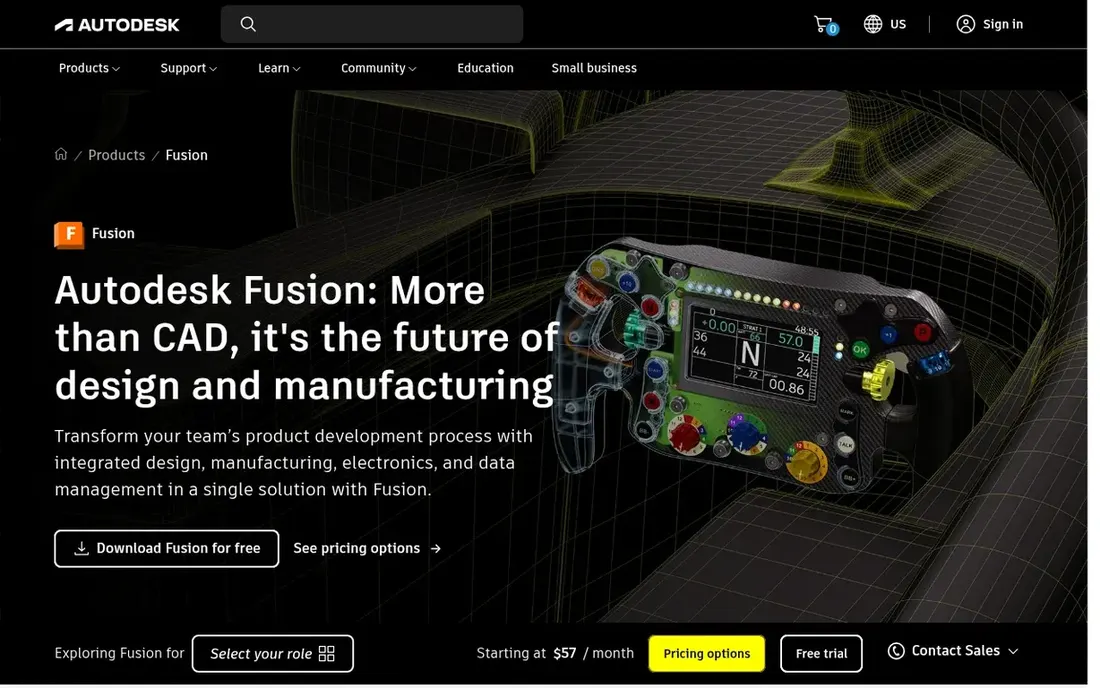
In short, Autodesk Fusion is for integrated CAD, electronics and manufacturing. Autodesk Fusion, formerly Fusion 360, is a cloud-based platform for 3D CAD, modeling, manufacturing, industrial design, electronics and mechanical engineering.
What to check first: Cloud workflow relies on connectivity.
For drone work it is handy when you want airframe modeling, electronics design and manufacturing preparation in one environment instead of stitching separate tools together. Autodesk Fusion does not show a starting price in this comparison, so check the vendor site for current pricing. Free options: Not stated.
- Cloud-based collaboration
- CAE and PCB
- Wide scope can feel complicated for beginners
Simulink
Best for: Model-based design and control testing
Think of Simulink for model-based design and control testing. Simulink is a block diagram environment for model-based design, supporting simulation, automatic code generation and continuous testing of embedded systems. More specifically, Simulink fits best in combination with MATLAB, and its abstract modeling style is not targeted at mechanical geometry.
Where it falls short: Best value alongside MATLAB.
Teams without control-system work may not need it. As for the details, drone flight control is a natural fit: you can model control loops, simulate behavior and create code for embedded targets. On top of that, Select it when simulation and code generation for embedded drone systems are the focus. Pricing for Simulink is not stated here, so ask the vendor for current figures. On free options: Free trial.
Reasons to shortlist it: Continuous testing of embedded systems.
- Block diagram modeling
- Automatic code generation
- Abstract for pure mechanical work
Ansys Mechanical
Best for: Structural FEA analysis
Ansys Mechanical makes the most sense for structural FEA analysis. Ansys Mechanical is structural FEA analysis software for implicit and explicit structural problems.
Points against: Needs simulation expertise.
For drones, it supports checking frame stiffness, stress under load and deformation of components before physical testing. Getting dependable results relies on simulation knowledge and decent model setup. Check the vendor site for Ansys Mechanical pricing; none is listed in this comparison. Free access: Not stated.
- Focused finite element workflow
- Implicit and explicit structural analysis
- Analysis only, not design authoring
Altium Designer
Best for: PCB design for drone electronics

Altium Designer is built with PCB design for drone electronics in mind. Pick it when PCB quality and manufacturing readiness are the priority.
Altium Designer is a PCB design tool including schematics, simulation, layout and manufacturing. Its electronics focus means mechanical engineers may find it outside their daily workflow. Check the vendor site for Altium Designer pricing; none is listed in this comparison. As for free access: Not stated.
Where it is weaker: Specialist scope for electronics only.
- Focused electronics workflow
- Schematics through layout
- Not a mechanical CAD tool
How we chose
What to confirm before you sign up
- Ask MATLAB, Autodesk Fusion, Simulink and others for a written quote, since no starting price is shown.
- Look at the free plan from Onshape closely: its caps decide whether it is usable for real work.
- Run a trial of Simulink with real work before paying for a year; your own workflow is the best test.
- Read the limits listed for MATLAB first: not a CAD or PCB tool.
- Look at the help docs and support options for Simulink before you commit.
- Look at the renewal terms for Autodesk Fusion: auto-renewal, notice periods and price changes can matter more than the first-year price.
FAQ
Do these tools publish their prices?
Not all of them. MATLAB, Autodesk Fusion, Simulink and others publish no starting price, so expect a quote request for those. The rest, Onshape included, show a starting price, though seats and billing terms still change the final cost.
Can I try these options before paying?
Often, yes. Onshape has a free plan and Simulink offers a free trial. Use your own data and a real task during the test, and check what the free tier or trial limits before you rely on it.
What is the cheapest option for drone design software in this list?
On published monthly entry prices, Onshape is the lowest here at $1,500 per user per year. Entry price is only part of the cost, because seats, add-ons and billing terms can change the total. All 6 picks in this Drone design software comparison list a starting price, free plan details and the main limits on their cards above.
Is MATLAB the right pick for everyone comparing drone design software?
No single tool suits every team. MATLAB comes first because it fits engineering computation and analysis, while Onshape suits cloud-native CAD with built-in PDM and Autodesk Fusion suits integrated CAD, electronics and manufacturing. Match the tool to your own size, budget and workflow before deciding.
Sources
- https://www.mathworks.com/products/matlab.html
- https://www.onshape.com
- https://www.autodesk.com/products/fusion-360
- https://www.mathworks.com/products/simulink.html
- https://www.ansys.com/products/structures/ansys-mechanical
- https://www.altium.com/altium-designer