Digital Design Software in 2026: The 5 Best Options Side by Side
Comparing the best digital design software? 5 contenders, each with entry cost, free tier and best-fit buyer. Concise write-ups of every option. Pick by budget.
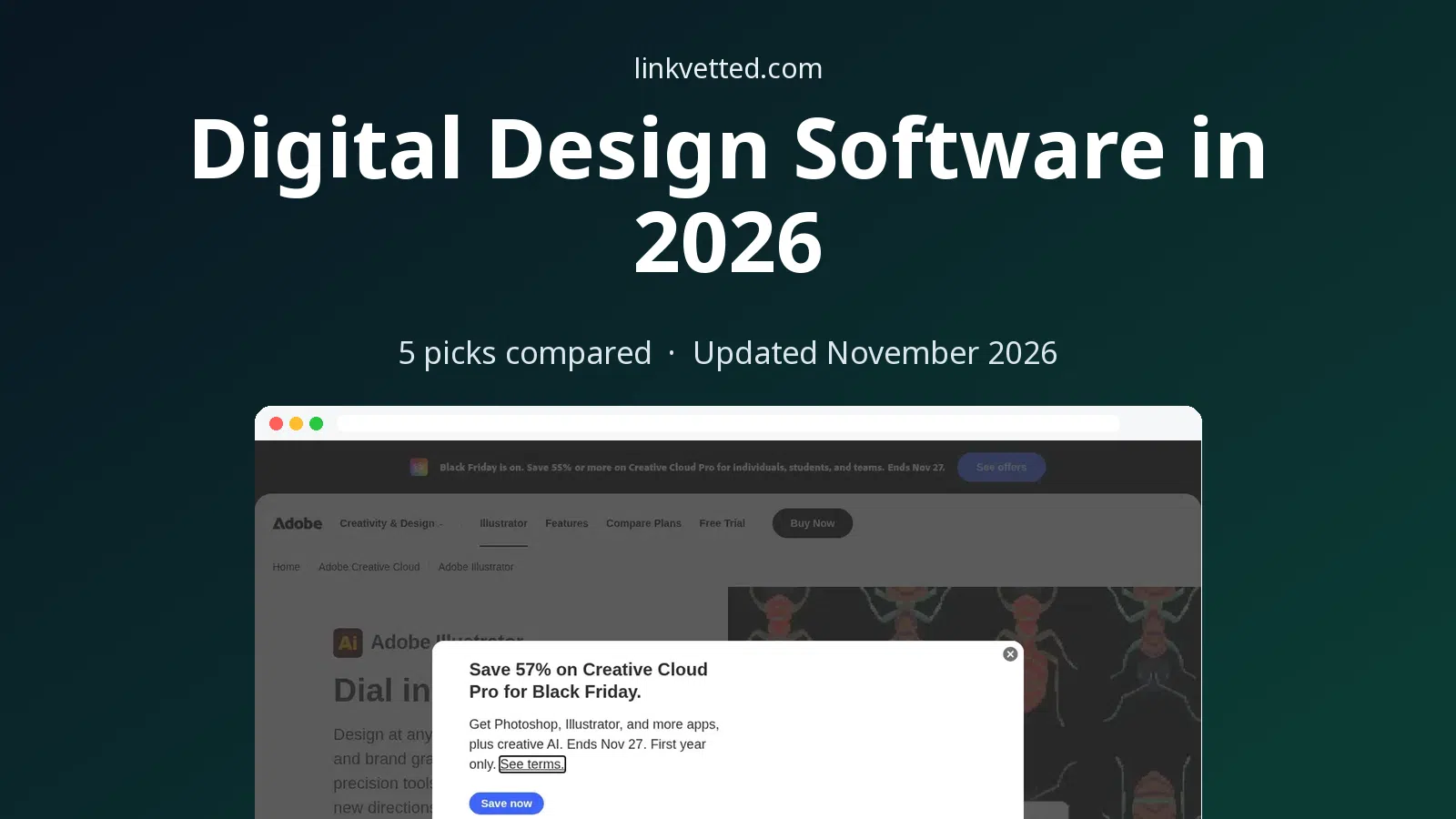
- Editor's choice
 Adobe Illustrator
Vector illustration and logo design
Starts atSee websiteVisit adobe.comFull review - Great alternative
 Affinity Designer
Precise vector art and bold graphics
Starts atSee websiteVisit affinity.serif.comFull review - Also consider
 Figma
Collaborative interface and product design
Starts at$3 a monthVisit figma.comFull review
Direct answer
For vector illustration and logo design, Adobe Illustrator is where this list starts. Listed starting prices: Figma from $3 a month and Sketch from $12 per editor per month. If your case is different, Affinity Designer suits precise vector art and bold graphics and Figma suits collaborative interface and product design. Prices, free plans and limits for all 5 tools follow.
TL;DR:
- The list opens with Adobe Illustrator, aimed at vector illustration and logo design.
- Adobe Illustrator, Adobe Photoshop and the 3 others all need a premium plan or a trial, since no free plan is listed.
- A fair warning about Affinity Designer: smaller third party ecosystem.
- Starting prices begin at $3 per month with Figma.
- Adobe Photoshop suits Photo editing and image compositing.
Last checked November 2026. Prices and plan details were read from the vendors' own pages in November 2026; vendors change plans often, so confirm the current price on the vendor site before you buy.
Quick comparison
| Tool | Best for | Starts at | Free plan? | |
|---|---|---|---|---|
| Adobe Illustrator | Vector illustration and logo design | See website | Not stated | Visit |
| Affinity Designer | Precise vector art and bold graphics | See website | Not stated | Visit |
| Figma | Collaborative interface and product design | $3 a month | Not stated | Visit |
 Sketch | Focused interface design and prototyping | $12 per editor per month | Free trial | Visit |
 Adobe Photoshop | Photo editing and image compositing | See website | Not stated | Visit |
Digital Design Software, one by one
Short on time? The summary and table above give the quick view of 5 tools for digital design software, and the profiles that follow give the detail behind each entry.
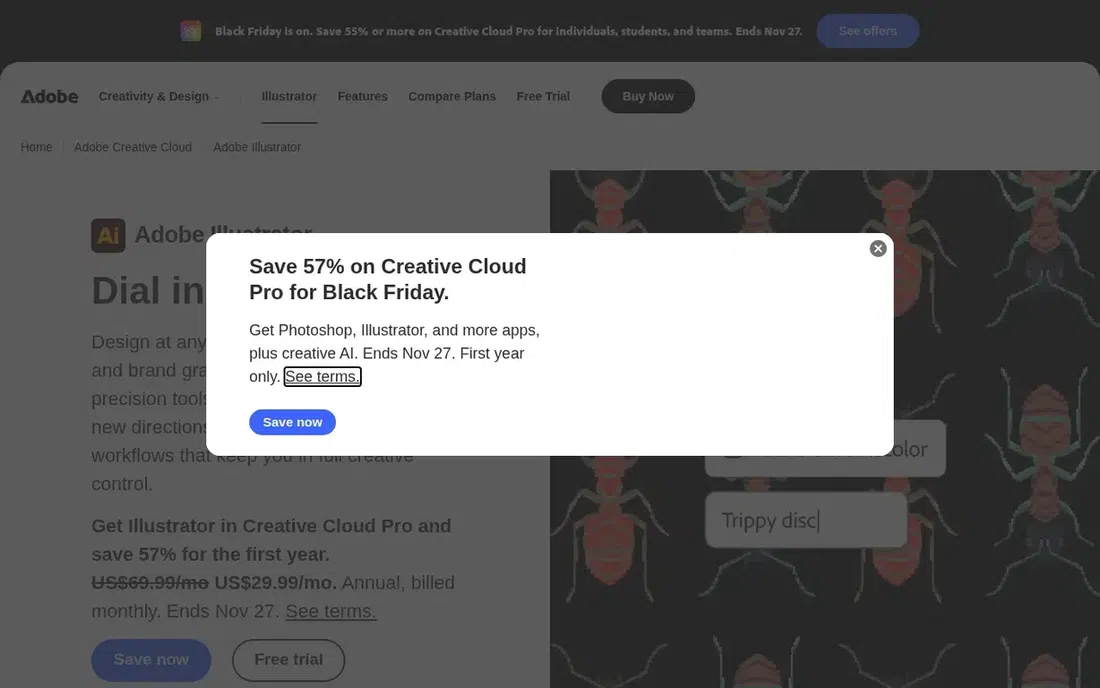
Pick Adobe Illustrator if this describes you: vector illustration and logo design. Beginners may find its precision controls slow at first.
Reasons to shortlist it: Takes care of logos.
Trade-offs to know: Less suited to photo retouching. Also, Illustrator is not designed for heavy photo editing or pixel level retouching, so image work normally moves to a raster editor. For everyday use, Adobe Illustrator is vector graphics software geared toward artwork that must scale cleanly. Adobe Illustrator shows no starting price here, so confirm the cost on the vendor site. On free options: Not stated.
- Generative features turn prompts into vectors
- Purpose aimed at editable vector graphics
- Precision tools need practice
Affinity Designer serves precise vector art and bold graphics. Its homepage stresses designing without limits and producing crisp vector art and bold graphics.
Honest limits: Ramp-up time for advanced features.
Its plugin and template ecosystem is narrower than longer established products. On top of that, pick it when clean vector output and efficient workflows matter more than wide third party add ons. This comparison lists no price for Affinity Designer; ask the vendor. As for free access: Not stated.
- Crisp vector output for graphics
- Fits illustration and layout work
- Smaller third party ecosystem
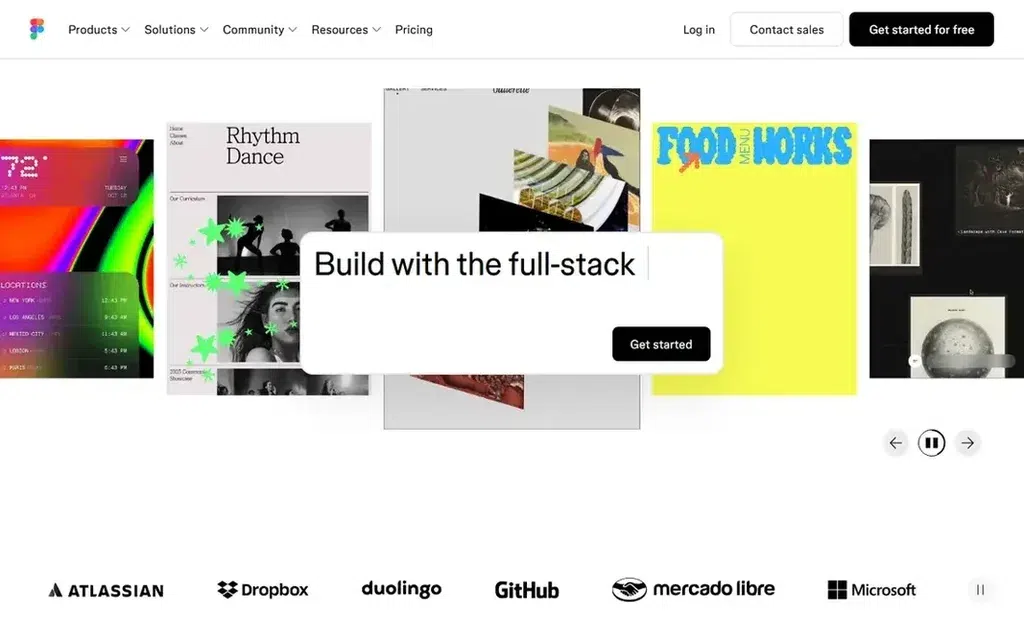
For collaborative interface and product design, Figma is a natural candidate. Pick Figma when shared design work and developer handoff are central. Figma presents itself as a collaborative canvas where design, code and AI come together.
Its homepage emphasizes taking a product from first idea to shipped output with the entire team in one place. Figma is oriented toward interface and product work, so it is not the tool for advanced photo retouching or print heavy vector illustration. On cost, Figma starts like this: $3 per month. Free options: Not stated.
Where it is weaker: Complicated files can need organization.
Best features of Figma: Live collaboration on one canvas.
- Code and AI workflows
- Bridges design
- Not a deep photo editor
Sketch works best for focused interface design and prototyping. Sketch is closely tied to Apple products, so mixed Windows teams may need a different choice.
Upsides: prototype and handoff in one app.
Limits to weigh: Mac centered workflow. It is not intended for photo editing or complicated vector illustration. In daily use, choose it when your work is chiefly digital product screens and you value a focused, designer led tool. Starting cost for Sketch: $12 per editor per month. Free options: Free trial.
- Keeps focus on the artwork
- Design
- Smaller ecosystem than broader suites
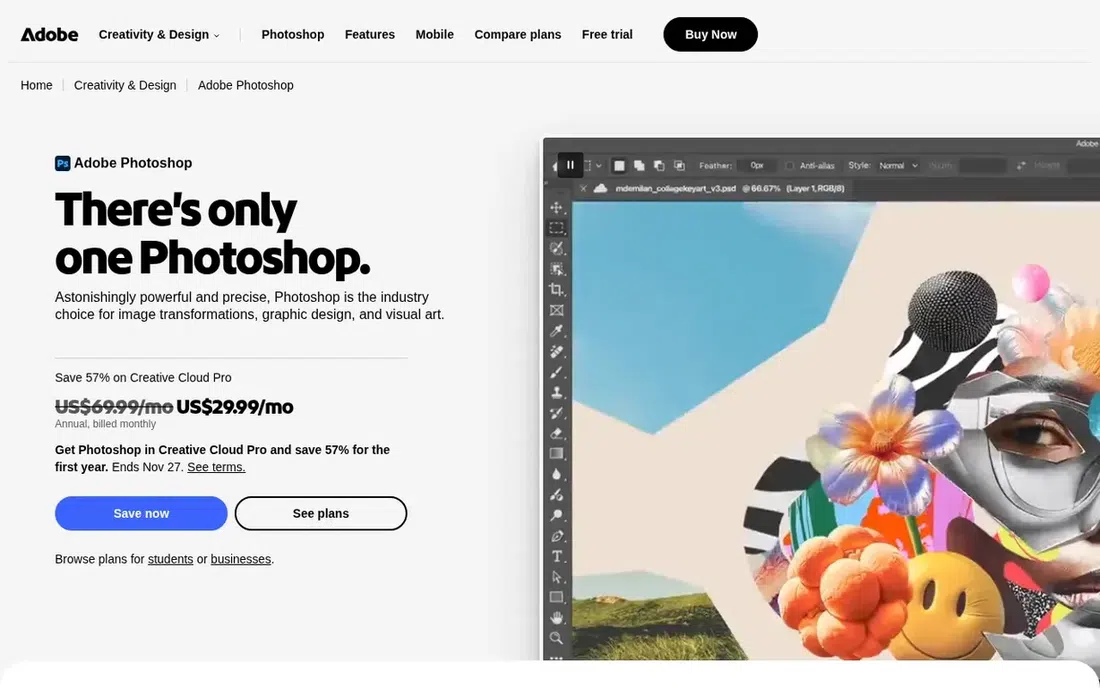
Adobe Photoshop is built with Photo editing and image compositing in mind. Pick Photoshop when image manipulation is central to the work. As for the details, designers focused chiefly on interface layouts or collaborative product design may prefer a dedicated UI tool.
On top of that, Adobe Photoshop is a long standing image editing application built around raster graphics. Its homepage flags fast ways to produce custom scenes, make complicated edits and combine images, whether online or through the mobile app. In practice, Photoshop is not the natural home for scalable logos or clean vector illustration, and its depth can slow down straightforward jobs. Pricing for Adobe Photoshop is not stated here, so ask the vendor for current figures. Free options: Not stated.
Downsides: Can feel heavy for straightforward vector work.
- Available online and on mobile
- Solid raster editing and compositing
- Deep feature set takes time to learn
Selection criteria
We compared the tools on published pricing, free plan or trial availability, feature coverage for digital design software, and the limits each vendor documents. Prices and plan limits come from vendor pages and can change, so confirm them on the vendor site before you buy. Position on the page reflects fit for a typical buyer first, with price clarity and free access breaking ties. Treat it as a guide, not a ruling.
A buyer's checklist
- Ask Adobe Illustrator, Affinity Designer and Adobe Photoshop for a written quote, since no starting price is shown.
- Run a trial of Sketch with real work before paying for a year; your own workflow is the best test.
- Read the limits listed for Adobe Illustrator first: less suited to photo retouching.
- Check whether the features you need in Adobe Photoshop sit on the entry plan or only on higher tiers.
- Get the contract term, renewal terms and any onboarding fees from Figma in writing.
FAQ
What matters most for team based design work?
Figma is built around a collaborative canvas for design, code and AI, whereas Sketch bundles collaboration and handoff in its workflow. Confirm how your team shares and reviews work before deciding.
Can I try these options before paying?
Often, yes. Sketch offers a free trial. Use your own data and a real task during the test, and check what the free tier or trial limits before you rely on it. Prices, free plan details and limits for all 5 tools in this digital design software roundup sit on the individual cards above.
Do these tools publish their prices?
Not all of them. Adobe Illustrator, Affinity Designer and Adobe Photoshop publish no starting price, so expect a quote request for those. The rest, Figma included, show a starting price, though seats and billing terms still change the final cost.
Does any tool for digital design software here have a free plan?
A permanent free plan is not offered by Adobe Illustrator, Adobe Photoshop or the other tools here. Sketch offer a trial. Plan a short evaluation period instead.
What is the cheapest option for digital design software in this list?
On published monthly entry prices, Figma is the lowest here at $3 per month. Entry price is only part of the cost, because seats, add-ons and billing terms can change the total. Each of the 5 options in this digital design software guide has its own card above with the price, free plan and limits.
Sources
- https://www.adobe.com/products/illustrator.html
- https://affinity.serif.com/designer
- https://www.figma.com
- https://www.sketch.com
- https://www.adobe.com/products/photoshop.html