Choosing Digital Painting Software for Illustrators in 2026: 5 Options Compared
Best digital painting software for illustrators, compared. 5 tools with published prices, free plans and limits. Each entry gets a plain verdict. Decide faster.
- Editor's choice
 Clip Studio Paint
Comics, manga, and illustration
Starts atPricing on requestVisit clipstudio.netFull review - Great alternative
 Rebelle
Natural media simulation
Starts atPricing on requestVisit escapemotions.comFull review - Also consider
 Adobe Photoshop
Industry-standard painting and editing
Starts atPricing on requestVisit adobe.comFull review
Direct answer
Clip Studio Paint leads the list, best for Comics, manga, and illustration. Look at Rebelle for natural media simulation, and at Adobe Photoshop for industry-standard painting and editing. All 5 tools are compared below on fit, free plan and limits. None of these vendors publish plan prices, so pricing is on request for every option.
TL;DR:
- Clip Studio Paint takes the first slot, best suited to Comics, manga, and illustration.
- Every tool from Clip Studio Paint to ArtRage works by quote, with no list price shown.
- ArtRage suits artists seeking natural painting tools.
- The main caution on Clip Studio Paint: interface can feel complicated.
Last checked November 2026. Pricing on request: vendors did not publish plan prices when this guide was last checked (November 2026), so ask each vendor for a written quote.
Quick comparison
| Tool | Best for | Starts at | Free plan? | |
|---|---|---|---|---|
| Clip Studio Paint | Comics, manga, and illustration | Pricing on request | Not stated | Visit |
| Rebelle | Natural media simulation | Pricing on request | Not stated | Visit |
| Adobe Photoshop | Industry-standard painting and editing | Pricing on request | Not stated | Visit |
 Procreate | IPad artists wanting pay-once | Pricing on request | Not stated | Visit |
| ArtRage | Artists seeking natural painting tools | Pricing on request | Not stated | Visit |
Every option for digital painting software for illustrators explained
This LinkVetted guide covers 5 digital painting software for illustrators. Each profile lists a starting price, free plan details, strengths and drawbacks, so you can drop poor fits quickly.
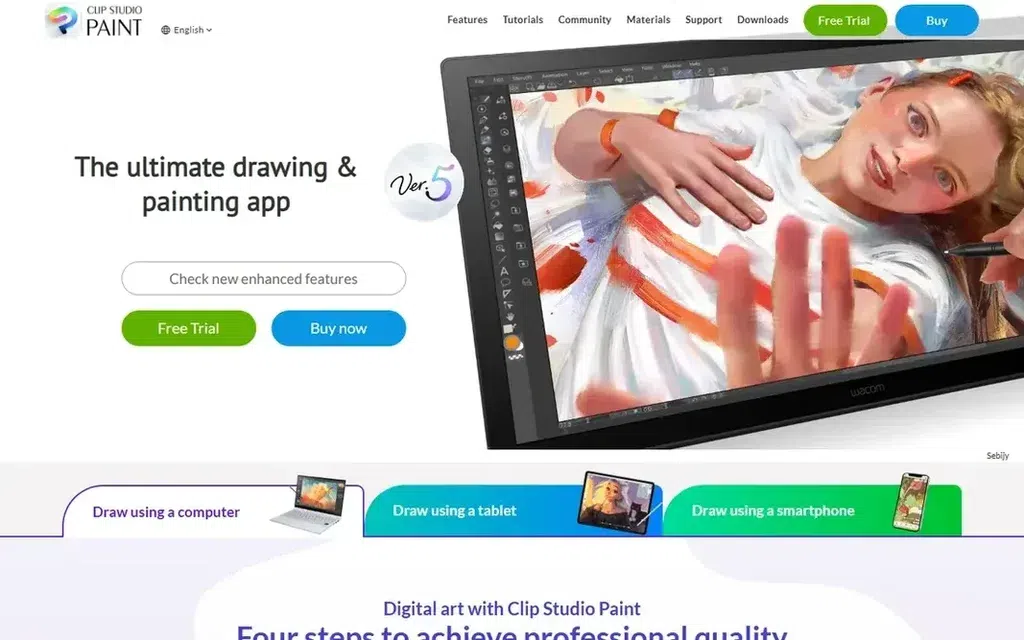
Pick Clip Studio Paint if this describes you: Comics, manga, and illustration. Clip Studio Paint is a painting application tailored to digital illustration, comics, and animation.
On top of that, feature sets can differ between products, so check what is available on your device. If you need wide photo-editing capabilities alongside painting, Photoshop may be a better fit. Clip Studio Paint does not show a starting price in this comparison, so check the vendor site for current pricing. Free plan details: Not stated.
Limits to weigh: Some features vary by system.
- Available on several products
- Purpose-built brushes for line art
- Interface can feel complicated
For natural media simulation, Rebelle is a natural candidate. The software sits alongside other Escape Motions products like Flame Painter and Amberlight, and it targets artists concentrated on painterly results.
Its natural media focus means the workflow differs from standard brush engines, which may need adjustment. Rebelle does not show a starting price in this comparison, so check the vendor site for current pricing. On free options: Not stated.
Watch-outs: Niche compared with general editors.
- Focus on traditional media feel
- Realistic watercolor and paint behavior
- May need learning its specific workflow
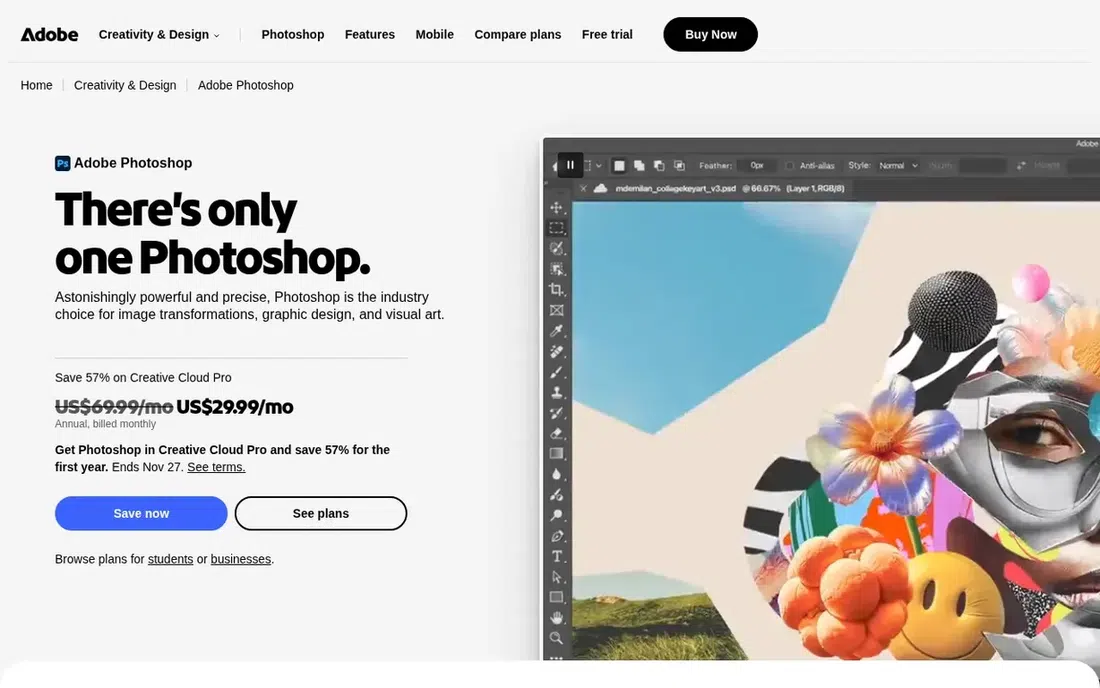
Adobe Photoshop makes the most sense for industry-standard painting and editing. Adobe Photoshop is a long-standing professional image editor that also serves as a capable digital painting environment. It gives you many different brushes, layer controls, and selection tools that suit illustrators who require adaptability across painting and post-processing.
Drawbacks to consider: Subscription-based model.
From a buyer's view, the mobile app extends entry-level editing and creation to phones and tablets. Its deep feature set can feel overwhelming for beginners, and performance relies on your hardware. If you chiefly paint on an iPad and want a more straightforward, pay-once choice, consider Procreate instead. Pricing for Adobe Photoshop is not stated here, so ask the vendor for current figures. On free options: Not stated.
- Broad brush engine
- Smooth integration with design workflows
- Can be resource-intensive
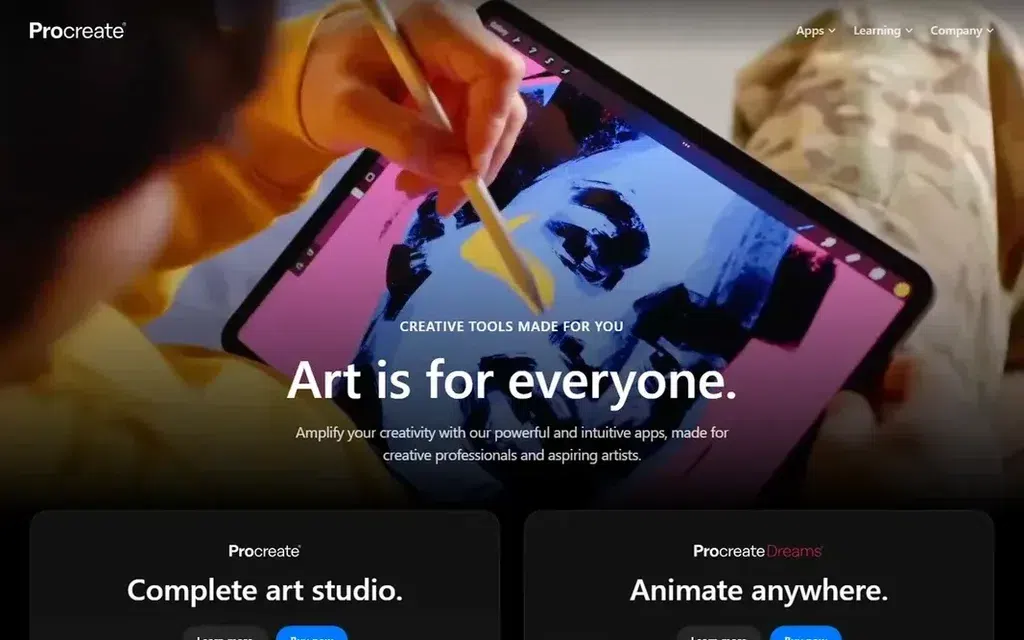
Where Procreate fits: iPad artists wanting pay-once. Procreate is a drawing and animation app aimed at iPad, offering feature-rich and easy-to-use tools for both creative professionals and aspiring artists.
Drawbacks to consider: iPad only.
It contains animation features for straightforward motion work. Procreate does not show a starting price in this comparison, so check the vendor site for current pricing. Trial and free access: Not stated.
- Comes with animation features
- Pay once
- Fewer desktop-class editing tools
ArtRage
Best for: Artists seeking natural painting tools
ArtRage is a good fit for artists seeking natural painting tools. It is aimed at artists who want an easy-to-learn painting experience, with a mix of brushes and canvas textures. ArtRage is less feature-rich for advanced image editing and may not integrate as smoothly with professional design workflows.
Where it is weaker: Restricted integration with other design apps.
Its toolset is centered on painting instead of wide graphic design. If you need deep layer effects or precise photo editing, a more thorough tool like Adobe Photoshop could be a better choice. Pricing for ArtRage is not stated here, so ask the vendor for current figures. As for free access: Not stated.
- Emphasis on traditional art tools
- Right for beginners and hobbyists
- Less known for advanced editing
How the list was put together
Each tool was reviewed on what its vendor publishes: price, plan limits, core features and stated drawbacks. We did not run hands-on tests. Treat prices as a snapshot: vendors change plans often, so check the vendor site for the figure that applies today. The order reflects how well each tool fits the most common buying scenario for digital painting software for illustrators, then price clarity, then free plan access. It is a starting point, not a verdict.
Pre-purchase checklist
- Request quotes from Clip Studio Paint, ArtRage and the others; the list shows no fixed prices.
- Read the limits listed for Clip Studio Paint first: interface can feel complicated.
- Read the plan comparison for Adobe Photoshop carefully; key features often start on a higher tier.
- See whether Clip Studio Paint offers onboarding or training, and whether it is included in the price.
- Before rolling out ArtRage, verify the integrations your workflow depends on.
FAQ
What is the best digital painting software for beginners?
This list starts with Clip Studio Paint, which fits Comics, manga, and illustration. For other needs, Rebelle is aimed at natural media simulation, and Adobe Photoshop at industry-standard painting and editing. Check each tool's price and main limit first.
Can I try these tools before paying?
Not by default. None of the tools, from Clip Studio Paint to ArtRage, lists a free plan or a free trial here, so ask each vendor for a demo before committing.
How are the tools for digital painting software for illustrators ordered?
Clip Studio Paint sits first and ArtRage last because the order follows typical fit for digital painting software for illustrators, then price clarity and free access. It is a judgement call, so read each profile for fit and limits.
Is Clip Studio Paint the right pick for everyone comparing digital painting software for illustrators?
No single tool suits every team. Clip Studio Paint comes first because it fits Comics, manga, and illustration, while Rebelle suits natural media simulation and Adobe Photoshop suits industry-standard painting and editing. Match the tool to your own size, budget and workflow before deciding.
Do these tools publish their prices?
No. None of the tools, from Clip Studio Paint to ArtRage, shows a fixed starting price here, so budget time for quotes.
Sources
- https://www.clipstudio.net
- https://www.escapemotions.com
- https://www.adobe.com/products/photoshop.html
- https://procreate.com
- https://www.artrage.com