Choosing 3D Scanner Software in 2026: 6 Platforms Compared
6 products for the best 3D scanner software, ranked by fit, with starting costs and free tiers. Each tool gets a one-line verdict. Quick comparison inside.
- Editor's choice
 KIRI Engine
Cheap, solid phone photogrammetry
Starts at$6.66/month (Pro, billed annually)Visit kiriengine.appFull review - Great alternative
 Scaniverse
Free on-device phone scanning
Starts atFreeVisit scaniverse.comFull review - Also consider
 Artec Studio
Professional scan-to-CAD on Artec hardware
Starts at$1,700/year (subscription)Visit artec3d.comFull review
Direct answer
KIRI Engine leads the list, best for cheap, capable phone photogrammetry. Scaniverse is the stronger choice for free on-device phone scanning, while Artec Studio suits professional scan-to-CAD on Artec hardware. The remaining 3 options are covered below with prices and limits.
TL;DR:
- KIRI Engine takes the first slot, best suited to cheap, strong phone photogrammetry.
- 4 of 6 tools offer a free plan: KIRI Engine, Scaniverse, 3DF Zephyr, Polycam.
- For the cheapest start, look at KIRI Engine: $6.66/month.
- A fair warning about KIRI Engine: cloud-based processing needs internet.
Quick comparison
| Tool | Best for | Starts at | Free plan? | |
|---|---|---|---|---|
| KIRI Engine | Cheap, solid phone photogrammetry | $6.66/month (Pro, billed annually) | Yes | Visit |
| Scaniverse | Free on-device phone scanning | Free | Yes | Visit |
| Artec Studio | Professional scan-to-CAD on Artec hardware | $1,700/year (subscription) | Free trial | Visit |
 3DF Zephyr | Windows photogrammetry with laser scan support | 199 EUR one-time (Lite) | Yes | Visit |
 Agisoft Metashape | Survey-grade models from any camera | $169 one-time (Standard) | Free trial | Visit |
 Polycam | Phone-based scanning with pro exports | $150/year (Basic) | Yes | Visit |
Every option for 3D scanner software explained
If you are comparing 3D scanner software, this page covers 6 tools in one place: what each is best for, what it costs to start, whether it has a free plan, and the main limit to know about.
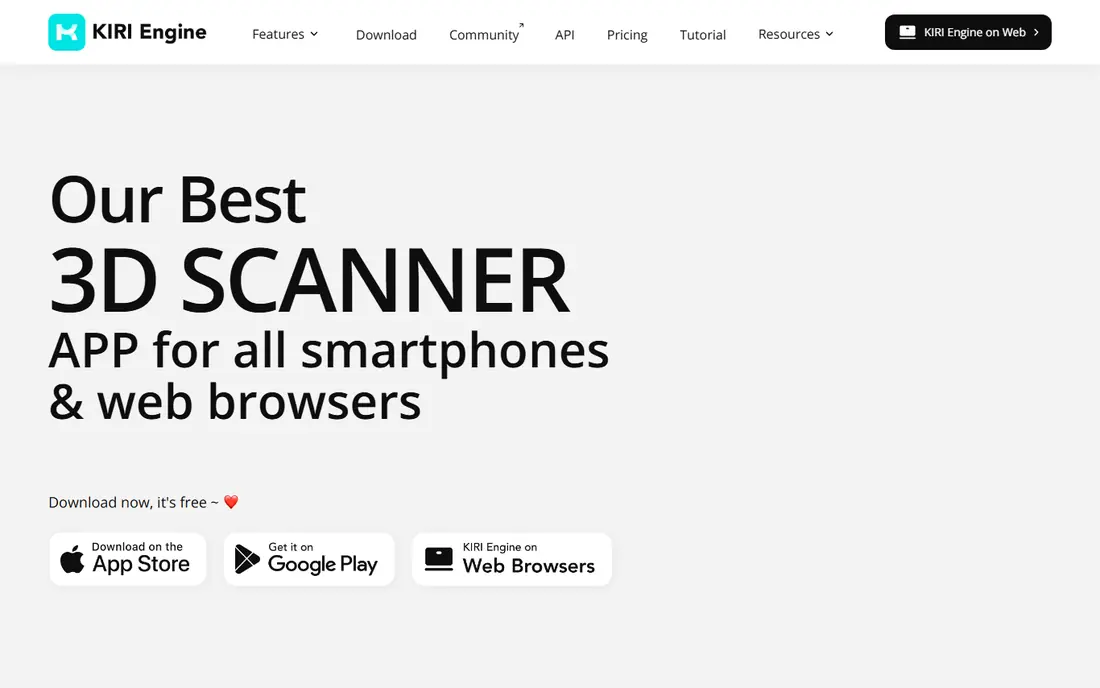
KIRI Engine is designed for cheap, capable phone photogrammetry. KIRI Engine is the phone scanning app for people who actually want to print their scans. It is widely considered the most solid object scanner on Android.
Points against: Free level caps photos per scan.
Its neural reconstruction modes deal with shiny and textureless surfaces that defeat classic photogrammetry. More specifically, for a maker with a phone and a 3D printer, though, KIRI Engine is the shortest path from object to printed copy. The Pro plan at about $6.66 per month billed yearly lifts the photo cap and accelerates processing, which is cheap by any standard. On top of that, processing happens in the cloud, so you need a connection. The app's community and integrations are smaller than Polycam's. What you pay to start with KIRI Engine: $6.66/month. You can start on KIRI Engine without paying.
- Most ample free level for printable exports
- Neural reconstruction modes for tricky surfaces
- Cloud-based processing needs internet
In short, Scaniverse is for free on-device phone scanning. Scaniverse, now part of Niantic Spatial, is the free-first phone scanner. In daily use, if your goal is to learn scanning or to capture fast models at no cost, start here before paying anyone.
Beyond that, the feature set is narrower than Polycam's: fewer export formats, less of an ecosystem. Niantic has added premium levels, Plus at $20 per month and Pro at $50, for cloud processing and commercial features, but the core workflow stays free. Price to start with Scaniverse: Free. Scaniverse includes a free tier.
Points against: Smaller feature set than Polycam.
Reasons to shortlist it: no cloud queue.
- Classic mode is fully free with exports
- Now backed by Niantic
- Premium cloud levels add cost for advanced features
Think of Artec Studio for professional scan-to-CAD on Artec hardware. Artec Studio only works with Artec scanners, and a one-year single license subscription runs about $1,700, with lifetime licenses around $4,300. This is a tool for businesses that bill for scan work, not for hobbyists.
Paired with an Artec scanner like the Eva or Leo, it records geometry at up to 0.05 mm accuracy, then provides you the full pipeline: alignment, meshing, texture mapping, deviation analysis against CAD models, and direct export to STEP, IGES, and other CAD formats. More specifically, Artec Studio is the software that professional metrology and reverse-engineering shops actually run. On cost, Artec Studio starts like this: $1,700/year. Free options: Free trial.
Drawbacks to consider: Tied to Artec scanners.
- Works with the full Artec scanner lineup
- Best-in-class scan-to-CAD tools
- Pricey subscription
Choose 3DF Zephyr for Windows photogrammetry with laser scan support. Unusually for this price level, it also imports and registers laser scan data in native scanner formats.
Limits to weigh: Lite caps GPU count.
Starting cost for 3DF Zephyr: 199 EUR one-time. You can start on 3DF Zephyr without paying.
- Perpetual Lite license at a fair price
- Free edition for learning
- Pro edition jumps to thousands
Think of Agisoft Metashape for survey-grade models from any camera. The price jumps hard for the Professional edition at $3,370, which adds the survey tools most companies actually need. Metashape is also slow to learn and slow to process: large projects can run for numerous hours even on decent hardware.
Drawbacks to consider: Professional edition costs $3,370.
Where Agisoft Metashape stands out: The reference tool for survey and heritage work.
But it runs on Windows, Mac, and Linux, the license never expires. The output quality is the benchmark everything else is compared against. Feed it photos from any camera, drone, or phone, and it produces dense point clouds, textured meshes, orthomosaics, and DEMs with survey-grade controls like ground control points. On cost, Agisoft Metashape starts like this: $169 one-time. Free access: Free trial.
- Runs on Windows, Mac, Linux
- Perpetual licenses
- Slow on large datasets without a capable GPU
Where Polycam fits: phone-based scanning with pro exports. Printable formats like STL and OBJ need the Basic plan at $150 per year or $30 month to month.
What users get: splats in one app.
In daily use, for real-estate walkthroughs, AR props, and fast concept models, it is genuinely decent, and the free level lets you capture and view scans at no cost. In practice, Polycam is the reason phone scanning went mainstream. On cost, Polycam starts like this: $150/year. You can start on Polycam without paying.
Drawbacks to consider: Free level exports glTF only.
- LiDAR, photogrammetry
- Works on iOS, Android, web
- Printable formats need a premium plan
How we built this list
We compared the tools on published pricing, free plan or trial availability, feature coverage for 3D scanner software, and the limits each vendor documents. Treat prices as a snapshot: vendors change plans often, so check the vendor site for the figure that applies today. Tools are placed by general fit for 3D scanner software, with price clarity and free access as tie-breakers. A different team can reasonably rank them differently.
What to confirm before you sign up
- Check the vendor page for the current price: KIRI Engine starts at $6.66/month here, and seats or billing terms can move it.
- Look at free plan limits closely: KIRI Engine, Scaniverse, 3DF Zephyr and Polycam have one, and the caps decide whether it is usable for real work.
- Take the trial from Artec Studio and Agisoft Metashape and push a live task through it before you pay.
- Read the limits listed for KIRI Engine first: cloud-based processing needs internet.
- Ask 3DF Zephyr about contract length, onboarding fees and user minimums before you sign.
- Ask the daily users to test Polycam on a live task before you roll it out to everyone.
FAQ
How are the tools for 3D scanner software ordered?
The order follows typical fit for 3D scanner software, with KIRI Engine first and Polycam last, then price clarity and free access. It is editorial judgement, not a score, so another team could rank the tools differently.
Which options for 3D scanner software have a free plan?
KIRI Engine, Scaniverse, 3DF Zephyr and Polycam offer a free plan in this list. Free plans usually cap users, projects or features, so check the limits on the vendor page. Several others offer a trial instead.
Is KIRI Engine the right pick for everyone comparing 3D scanner software?
No single tool suits every team. KIRI Engine comes first because it fits cheap, strong phone photogrammetry, while Scaniverse suits free on-device phone scanning and Artec Studio suits professional scan-to-CAD on Artec hardware. Match the tool to your own size, budget and workflow before deciding.
Can I try these options before paying?
Often, yes. KIRI Engine, Scaniverse, 3DF Zephyr and Polycam have a free plan and Artec Studio and Agisoft Metashape offer a free trial. Use your own data and a real task during the test, and check what the free tier or trial limits before you rely on it.