5 3D Rendering Software for 3D Printing Worth Shortlisting in 2026
Weighing the best 3D rendering software for 3D printing? We lined up 5 products by cost, free access and fit. Honest caveats for every entry. Choose faster.
- Editor's choiceNetfabb
Additive manufacturing preparation
Starts atPricing on requestVisit autodesk.comFull review - Great alternative
 Meshmixer
Mesh repair and sculpting edits
Starts atPricing on requestVisit meshmixer.comFull review - Also consider
 ZBrush
Digital sculpting of in-depth models
Starts atPricing on requestVisit maxon.netFull review
Direct answer
For Additive manufacturing preparation, Netfabb is where this list starts. Look at Meshmixer for mesh repair and sculpting edits, and at ZBrush for digital sculpting of in-depth models. The other 2 tools in the list cover narrower or pricier cases. None of these vendors publish plan prices, so pricing is on request for every option.
TL;DR:
- Number one here is Netfabb, a fit for Additive manufacturing preparation.
- Cinema 4D is the one to check for motion graphics and rendering.
- No starting price is shown for any of the 5 tools, Netfabb and Cinema 4D included, so plan time for sales calls.
- Netfabb, Cinema 4D and the 3 others all need a premium plan or a trial, since no free plan is listed.
Last checked November 2026. Pricing on request: vendors did not publish plan prices when this guide was last checked (November 2026), so ask each vendor for a written quote.
Quick comparison
| Tool | Best for | Starts at | Free plan? | |
|---|---|---|---|---|
| Netfabb | Additive manufacturing preparation | Pricing on request | Not stated | Visit |
| Meshmixer | Mesh repair and sculpting edits | Pricing on request | Not stated | Visit |
| ZBrush | Digital sculpting of in-depth models | Pricing on request | Not stated | Visit |
 Ultimaker Cura | Slicing and print preparation | Pricing on request | Not stated | Visit |
 Cinema 4D | Motion graphics and rendering | Pricing on request | Not stated | Visit |
Our 5 picks for 3D rendering software for 3D printing
Choosing 3D rendering software for 3D printing usually comes down to price, fit and limits. This LinkVetted guide sets 5 tools side by side on those three points, with the facts kept short and checkable.
Netfabb
Best for: Additive manufacturing preparation
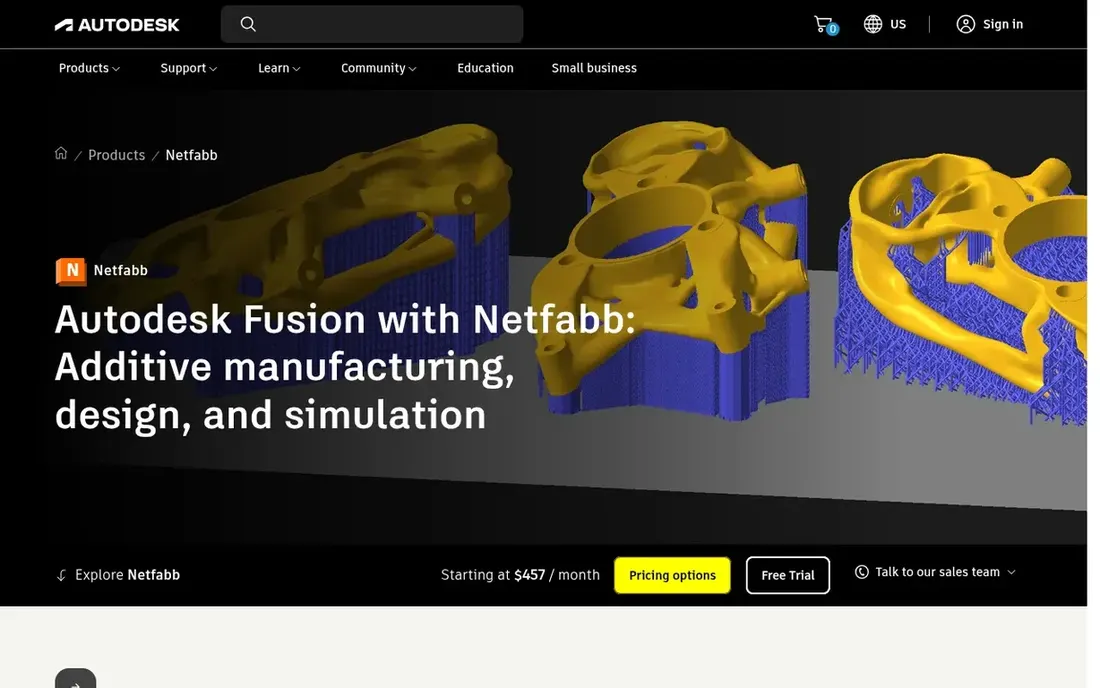
Where Netfabb fits: Additive manufacturing preparation. It is not a general-purpose artistic modeling or rendering package, so creative work normally happens in other tools.
Limits to weigh: Pitched at professional workflows.
No starting price is listed for Netfabb here; confirm pricing on the vendor site. On free options: Not stated.
- Contains simulation features
- Part of the Autodesk Fusion family
- Overkill for straightforward prints
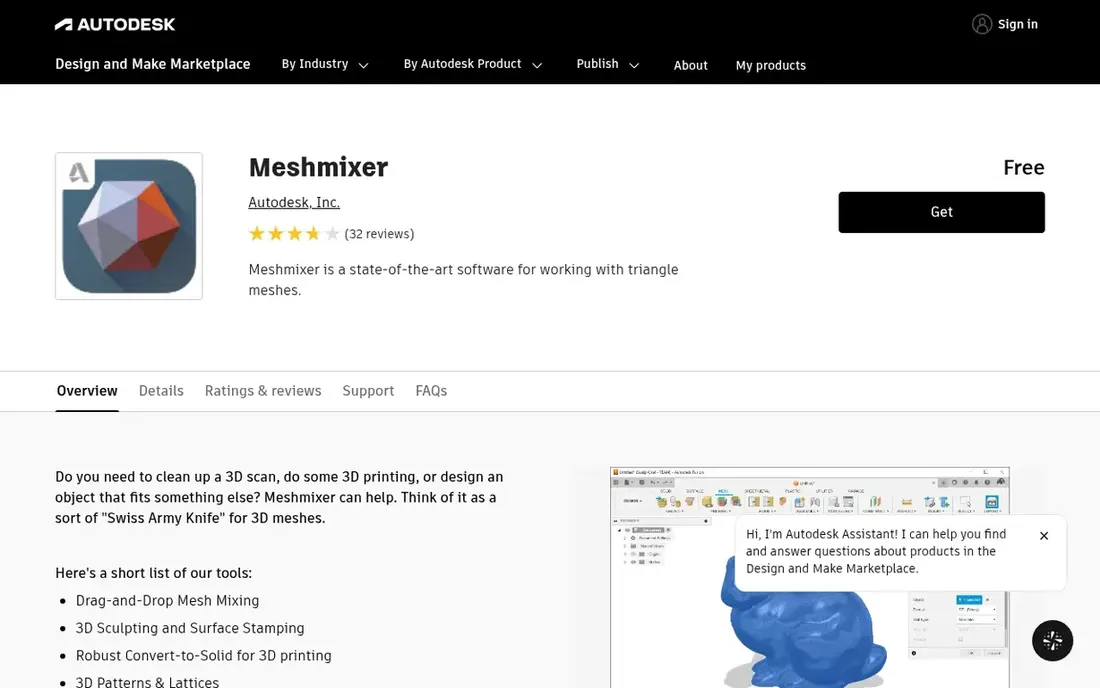
Choose Meshmixer for mesh repair and sculpting edits. Meshmixer is an Autodesk tool associated with the Design and Make Marketplace, and it is widely known for working with triangle meshes.
The main drawbacks: Not a full print slicer.
More specifically, Hobbyists and makers frequently use it to fix problematic geometry and add supports or details that a printer can manage. Its modeling approach is mesh-based instead of parametric, which limits precise engineering work. Pricing for Meshmixer is not stated here, so ask the vendor for current figures. Trial and free access: Not stated.
- Supports sculpt-style adjustments
- Handy for preparing models to print
- Interface can feel dated
ZBrush is a good fit for digital sculpting of in-depth models. As for the details, pick ZBrush when sculpted detail is the priority, and pair it with mesh and slicing tools for the print stage.
On top of that, the tool is oriented toward artistic control and detail instead of engineering precision. Its interface and workflow take time to learn, and it does not manage slicing or print preparation. Pricing for ZBrush is not stated here, so ask the vendor for current figures. Trial and free access: Not stated.
Where it is weaker: Steep ramp-up time.
- Solid sculpting toolset
- Takes care of highly in-depth forms
- Not a print slicer
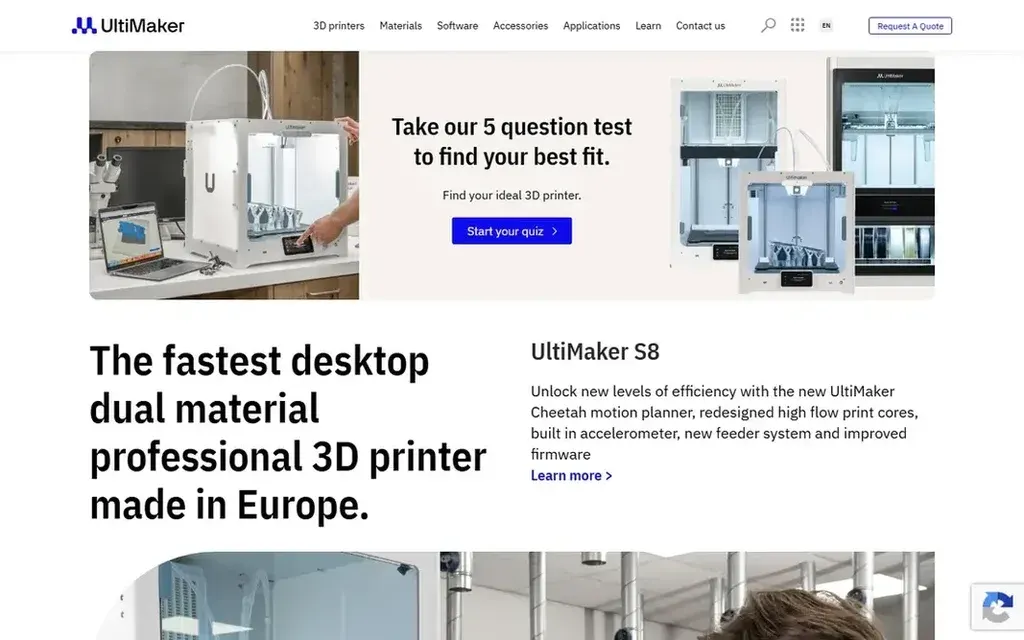
Ultimaker Cura is built with Slicing and print preparation in mind. Ultimaker Cura is slicing software that prepares 3D models for printing by generating the instructions a printer follows.
Watch-outs: Centred on print prep.
What Ultimaker Cura does well: precise slicing. Its strength is the print preparation stage, and users who require advanced mesh repair, simulation or high-end rendering should pair it with a dedicated tool. Pick it when slicing speed and wide printer support matter most. No starting price is listed for Ultimaker Cura here; confirm pricing on the vendor site. On free options: Not stated.
- Works with numerous printers
- Quick
- Restricted advanced modeling
Cinema 4D is designed for motion graphics and rendering. From a buyer's view, pick Cinema 4D when rendering and animation are the goal, and use dedicated mesh and slicing tools to finish parts for printing.
In a 3D printing context, it can deal with the modeling and visualization side before a model is exported for preparation. It does not slice or prepare files for printers, so print-specific work happens elsewhere. This comparison lists no price for Cinema 4D; ask the vendor. On free options: Not stated.
Downsides: Not aimed at printing.
- Well suited to product visualization
- Approachable for designers
- Needs separate print prep
How we chose
The comparison looks at four things: starting price, free access, how well the feature set matches 3D rendering software for 3D printing, and the main limit of each tool. Seat minimums, billing terms and add-ons can move the real cost, so the starting prices here are a guide and not a quote. Tools are placed by general fit for 3D rendering software for 3D printing, with price clarity and free access as tie-breakers. A different team can reasonably rank them differently.
Before you commit
- Request quotes from Netfabb, Cinema 4D and the others; the list shows no fixed prices.
- Before choosing Netfabb, weigh its main limit: geared toward professional workflows.
- Pick one real project and run it in Meshmixer first; a small pilot shows fit faster than a checklist.
- Ask ZBrush whether prices are locked for the first term and what happens at renewal.
- Work out what Cinema 4D costs with your real seat count, add-ons and usage, not just the entry price.
FAQ
Can I use ZBrush or Cinema 4D files for printing?
Yes, models created in these tools can be exported and prepared for printing in other software. They focus on sculpting and rendering, so expect to manage scaling, repair and slicing elsewhere.
Can I try these tools before paying?
Not by default. None of the tools, from Netfabb to Cinema 4D, lists a free plan or a free trial here, so ask each vendor for a demo before committing.
Is Netfabb the right pick for everyone comparing 3D rendering software for 3D printing?
No single tool suits every team. Netfabb comes first because it fits Additive manufacturing preparation, while Meshmixer suits mesh repair and sculpting edits and ZBrush suits digital sculpting of detailed models. Match the tool to your own size, budget and workflow before deciding.
Do these tools publish their prices?
No. None of the tools, from Netfabb to Cinema 4D, shows a fixed starting price here, so budget time for quotes.
Does any tool for 3D rendering software for 3D printing here have a free plan?
No tool in this list, Netfabb and Cinema 4D included, has a permanent free plan. Trials and quotes are the usual route, so plan a short evaluation period.
Sources
- https://www.autodesk.com/products/netfabb
- https://meshmixer.com
- https://www.maxon.net/en/zbrush
- https://ultimaker.com/software/ultimaker-cura
- https://www.maxon.net/en/cinema-4d