Best 3D Rendering Software in 2026: 8 Tools Compared
Compare the best 3D rendering software for photoreal stills, real-time visuals, and animation in 2026, with prices, free plans, and hardware needs now.
- Editor's choice
 Blender
Free complete pipeline
Starts atFreeVisit blender.orgFull review - Great alternative
 V-Ray
Photoreal stills and animation
Starts at$45 per monthVisit chaos.comFull review - Also consider
 Chaos Corona
Friendly photoreal interiors
Starts at$34.50 per monthVisit chaos.comFull review
TL;DR:
- Blender is the best free starting point, with modeling, animation, and rendering in one open-source package.
- V-Ray and Corona lead for photoreal stills, with V-Ray Solo listed at $45 per month billed annually and Corona Solo near $34.50 per month.
- Enscape, Lumion, and Twinmotion lead for real-time client presentations, with Twinmotion free for firms under $1 million in revenue.
- Hardware decides the pick as much as price. Real-time tools need a strong GPU, while offline renderers trade speed for final quality.
Quick comparison
| Tool | Best for | Starts at | Free plan? | |
|---|---|---|---|---|
| Blender | Free complete pipeline | Free | Yes | Visit |
| V-Ray | Photoreal stills and animation | $45 per month | Free trial | Visit |
| Chaos Corona | Friendly photoreal interiors | $34.50 per month | Free trial | Visit |
 Enscape | Real-time walkthroughs in CAD | $47.90 per month | Free trial | Visit |
 Lumion | Fast client presentations | $1,149 per year | Free trial | Visit |
 Twinmotion | Real-time visuals for small firms | Free | Yes | Visit |
 KeyShot | Fast product stills | $1,299 per year | Free trial | Visit |
 OctaneRender | Fast GPU rendering | See website | Yes | Visit |
The best 3D rendering software
We compared vendor pricing pages, feature lists, and public reviews, focusing on output quality, host software, hardware needs, and price. Offline renderers produce high-quality stills slowly. Real-time renderers show changes instantly but need a capable GPU. Choose by project type first, then by price.
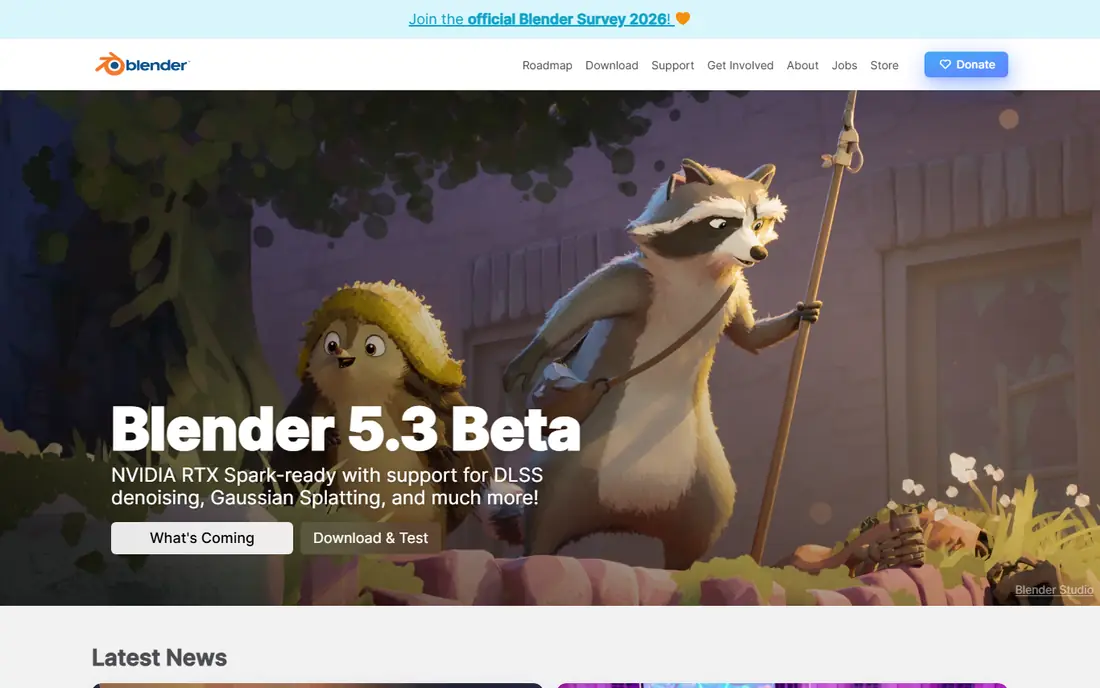
Blender is the sensible default for freelancers, students, and small teams watching every dollar. It costs nothing, runs on Windows, Mac, and Linux, and covers modeling, sculpting, animation, and rendering without buying separate tools. Cycles produces photoreal offline renders, while Eevee gives fast real-time previews for look development.
The learning curve is real. Blender packs a full production pipeline into one interface, so new users should expect weeks of practice before work feels fast. Support is community based, which suits self-directed users but not teams that need a vendor response time. For a no-budget pipeline that can still produce professional work, Blender is unmatched.
- Free and open source
- Modeling, animation, and rendering in one package
- Cycles and Eevee render engines included
- Steep learning curve
- Support comes from community and documentation, not a vendor help desk
- Large scenes need strong hardware

V-Ray, from Chaos, remains the photoreal standard for many studios. It plugs into 3ds Max, Maya, SketchUp, Cinema 4D, Rhino, and Revit, so teams can render inside the modeling tool they already use. Advanced lighting, materials, and camera controls give precise results for marketing stills, product shots, and architectural visuals.
The Solo plan is listed at $45 per month billed annually, or $540 per year, with Premium higher. That price is fair for a studio that sells hero images, but it is high for occasional use. Render times also depend on hardware and scene size, so budget time as well as money. For final-quality stills, V-Ray is our first paid pick.
- Photoreal quality across many host apps
- Advanced lighting and materials
- Cloud rendering options on higher tiers
- Learning curve for full material and lighting control
- Subscription pricing
- Render times grow with scene complexity
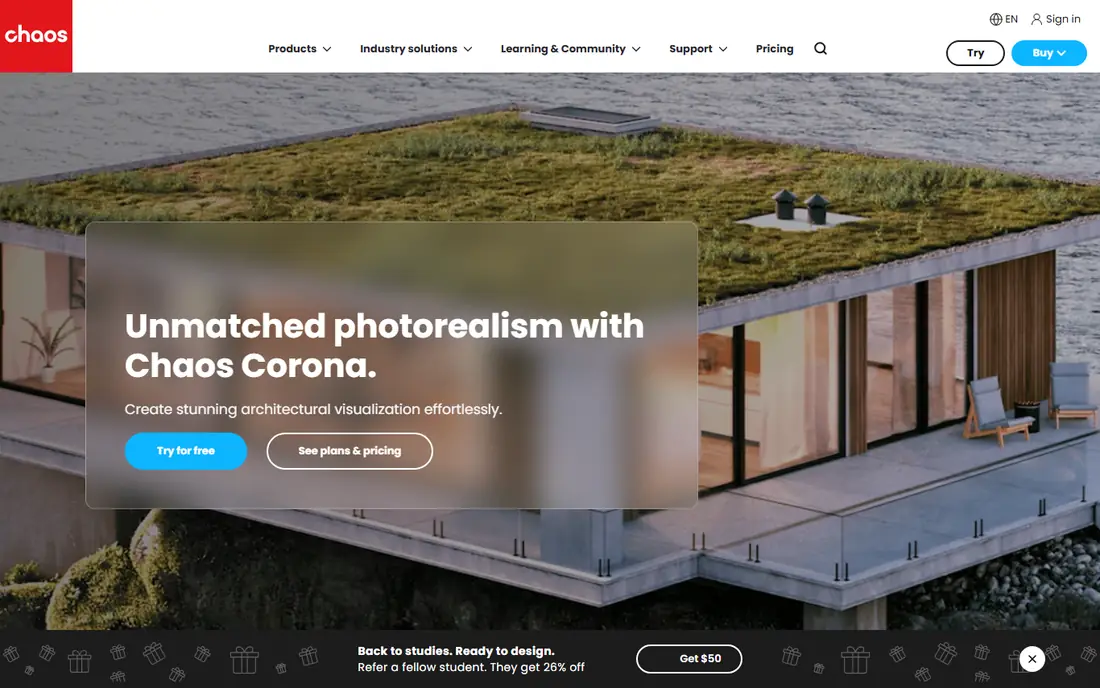
Chaos Corona, also from Chaos, is the friendlier path to photoreal interiors. It produces natural-looking light with less manual tuning than V-Ray, which helps artists who want quality without a long setup. The Cosmos library adds ready-made assets, and recent updates add AI-assisted material tools.
The Solo plan is listed near $34.50 per month billed annually, or about $414 per year, with Premium higher. The main limit is host support: Corona works in 3ds Max and Cinema 4D only. If your studio models in SketchUp or Rhino, V-Ray fits better. For interior work in 3ds Max, Corona is the easiest route to a polished still.
- Fast to learn for photoreal interiors
- Natural lighting with less setup
- Chaos Cosmos asset library included
- Limited to 3ds Max and Cinema 4D
- Subscription only
- Fewer host apps than V-Ray
Enscape renders inside your CAD model, so a design change appears in the visual at once. That live link makes it ideal for design meetings, where a client can ask for a different material or layout and see the result without waiting for a new render. It plugs into Revit, SketchUp, Rhino, Archicad, and Vectorworks.
The Solo plan is listed at $47.90 per month billed annually, or $574.80 per year. You need a GPU with dedicated VRAM for smooth use, so check hardware requirements before buying. Final stills will not match V-Ray at its best, but for design-stage decisions and client walkthroughs, Enscape is fast and convincing.
- Live sync inside Revit, SketchUp, Rhino, Archicad, and Vectorworks
- Instant walkthroughs during design
- Easy for clients to grasp
- Needs a GPU with dedicated VRAM
- Final still quality trails offline renderers
- Subscription pricing
Lumion is built for speed from model to client-ready presentation. Import a model, add trees, people, furniture, and weather effects from a large library, then produce stills and animations quickly. That speed helps firms that must present many options or meet a tight deadline.
The Pro plan is listed at $1,149 per year, with a Studio tier higher, and only a free trial, not a free tier. Lumion Pro runs on Windows, which excludes Mac-only teams. For a firm that sells projects through presentation quality, the price can pay for itself in won work. For a solo artist on a budget, Twinmotion or Blender is a better starting point.
- Large asset library for exteriors and interiors
- Fast real-time rendering
- Polished animations and effects
- Pro is Windows only
- High yearly price
- No free tier, only a trial
Twinmotion, from Epic Games, is the best real-time value for small firms. It is free for businesses under $1 million in annual revenue, with a paid tier listed at $445 per seat per year for larger firms. Direct links from Revit, SketchUp, Archicad, and other tools keep the model and visual in sync, and animation and walkthrough tools are included.
Large scenes still need a capable GPU, and the asset library, while solid, is not as deep as Lumion in every category. For a small studio, a freelancer, or a student, Twinmotion delivers real-time presentation quality at no cost, which is hard to argue against. Test it on your largest project before you rely on it for a deadline.
- Free for firms under $1 million in annual revenue
- Real-time walkthroughs and animation
- Direct links from CAD tools
- Needs strong hardware for large scenes
- Paid tier for larger firms
- Asset library smaller than Lumion in some areas
KeyShot is the product design pick. Import a CAD model, apply materials, set studio lighting, and produce a client-ready still in minutes, without the setup that architectural renderers require. That speed matters for product teams that must show many color and material options.
The price is listed at $1,299 per year, with a 14-day trial. It is not built for large architectural scenes or complex environments in the same way as V-Ray or Lumion. For product stills, packaging, and catalog work, KeyShot saves enough time to justify the cost for a working studio.
- Fastest route from CAD model to studio-quality still
- Simple material and lighting controls
- Strong for product design
- High yearly price
- Less suited to large architectural scenes
- Animation and advanced features vary by tier
OctaneRender, from OTOY, is a GPU renderer known for unbiased, physically based results. It runs fast on NVIDIA hardware, and the free Prime tier covers a single GPU for personal and learning use. Paid plans are listed in euros in several comparisons, near 19.99 euros per month billed annually, so we list the starting price as See website for US buyers.
The main limit is hardware. AMD users and Mac users with Apple silicon should check compatibility carefully, since Octane is strongest on NVIDIA GPUs. For a freelancer with a capable NVIDIA card who wants fast, high-quality renders without a large yearly fee, OctaneRender is a strong specialist pick.
- Fast unbiased GPU rendering
- Free Prime tier for a single GPU
- Strong for freelancers with NVIDIA hardware
- Best on NVIDIA GPUs
- Pricing in euros on some plans
- Learning curve for full material control
How we picked these
We compared vendor pricing pages, feature lists, and public reviews, and we kept renderers that are available today and fit a clear project type: photoreal stills, real-time presentation, product work, or GPU rendering. We noted hardware needs and host app support, since a renderer that does not plug into your modeling tool adds friction. Where pricing varied by currency or tier, we said so.
How to choose a renderer
Match the tool to your dominant project type, not to the most impressive demo. Interiors and hero stills favor V-Ray or Corona. Design meetings and walkthroughs favor Enscape or Twinmotion. Product catalogs favor KeyShot. A free pipeline favors Blender.
Check host, hardware, and output
Confirm that the renderer plugs into your modeling tool, that your GPU meets the stated VRAM needs, and that exports match your deliverable: stills, animation, VR, or interactive walkthroughs. Run a real project, not a sample scene, through a trial, and time the render at final quality.
Count the total cost
Add the modeling tool, the renderer, asset libraries, and any cloud rendering to the yearly total. A free renderer on a slow machine can cost more in time than a paid real-time tool on capable hardware. For a studio, the cost of a missed deadline often exceeds the license fee.
FAQ
What is the best 3D rendering software for beginners?
Blender is the best free starting point, with a full pipeline and many tutorials, though it takes time to learn. Twinmotion is easier for real-time presentations, and Enscape is easiest inside a CAD model you already use. Start with the tool that matches work you already do.
What is the best rendering software for architecture?
V-Ray and Corona lead for final photoreal stills, Enscape and Twinmotion lead for real-time design walkthroughs, and Lumion leads for fast client presentations. Most firms use two: a real-time tool for design and an offline renderer for final images.
Is Blender really free for commercial work?
Yes. Blender is open source and free for commercial use, with no license fee for the software itself. You still need capable hardware and time to learn it. Studios that need vendor support or a specific plugin may still choose a paid renderer for some projects.
Do I need a powerful GPU for 3D rendering?
Real-time tools such as Enscape, Lumion, and Twinmotion need a GPU with dedicated VRAM for smooth work. Offline renderers such as V-Ray and Corona can run on CPU, but render times grow with scene size. Check the vendor hardware page for your exact tool before you buy a license.
Which renderer is best for product design?
KeyShot is the fastest route from a CAD model to a studio-quality product still, with simple materials and lighting. Blender and V-Ray also produce strong product work at lower or different price points. Choose KeyShot when speed across many product variants matters most.