Best 3D Software for Product Visualization (2026): 5 Picks Checked on Vendor Pages
Best 3D software for product visualization: 5 tools compared on price, free plans and fit. Strengths and weak spots are spelled out. Straight answers.
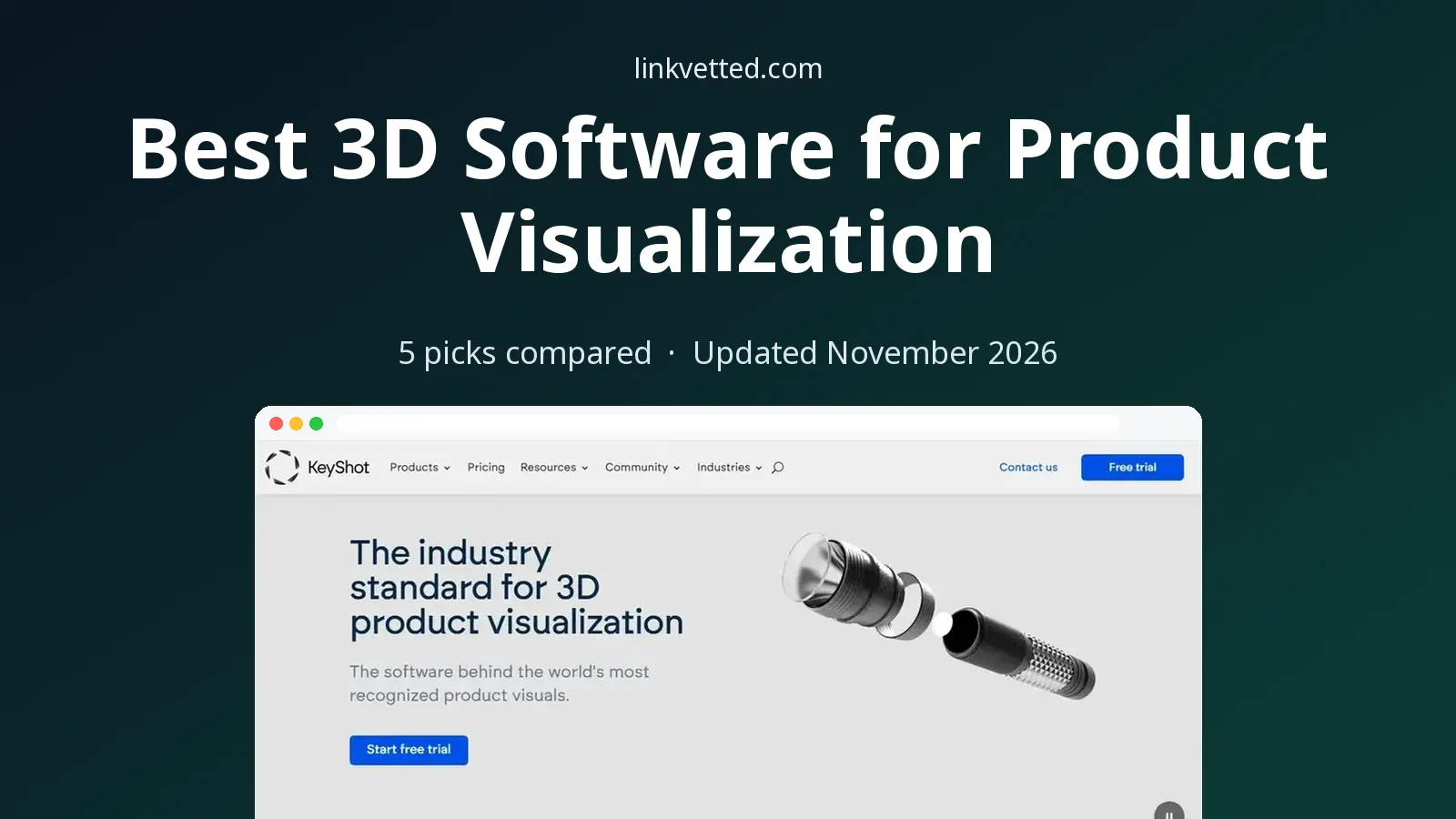
- Editor's choiceSubstance 3D Painter
Live texturing of product assets
Starts atSee websiteVisit adobe.comFull review - Great alternative
 Unreal Engine
Interactive live product presentation
Starts atSee websiteVisit unrealengine.comFull review - Also consider
 KeyShot
Live product rendering and collaboration
Starts at$7.92 a monthVisit keyshot.comFull review
Direct answer
This list puts Substance 3D Painter first for live texturing of product assets. Listed starting prices: KeyShot from $7.92 a month. Look at Unreal Engine for interactive live product presentation, and at KeyShot for live product rendering and collaboration. The remaining 2 options are covered below with prices and limits.
TL;DR:
- Substance 3D Painter is the opening pick, best for live texturing of product assets.
- The lowest published monthly entry price here is $7.92 per month, from KeyShot.
- Neither Substance 3D Painter nor Autodesk 3ds Max, nor any of the other 3 tools, has a permanent free plan; trials and quotes are the norm.
- Before buying Substance 3D Painter, weigh this: Texturing-focused, not a modeling tool.
Last checked November 2026. Prices and plan details were read from the vendors' own pages in November 2026; vendors change plans often, so confirm the current price on the vendor site before you buy.
Quick comparison
| Tool | Best for | Starts at | Free plan? | |
|---|---|---|---|---|
| Substance 3D Painter | Live texturing of product assets | See website | Not stated | Visit |
| Unreal Engine | Interactive live product presentation | See website | Not stated | Visit |
| KeyShot | Live product rendering and collaboration | $7.92 a month | Free trial | Visit |
 Blender | Adaptable open-source 3D pipeline | See website | Not stated | Visit |
 Autodesk 3ds Max | Professional modeling, animation and rendering | See website | Not stated | Visit |
The full 3D software for product visualization list
LinkVetted compared 5 tools for 3D software for product visualization. The goal is a practical shortlist: published prices, free plan facts, best-fit use cases and honest limits for every entry.
Substance 3D Painter
Best for: Live texturing of product assets
Substance 3D Painter targets live texturing of product assets. It is a texturing tool instead of a modeling or rendering environment, so it fits best alongside other 3D software.
Drawbacks to consider: not a modeling tool.
Substance 3D Painter shows no starting price here, so confirm the cost on the vendor site. Free plan details: Not stated.
- Live texture painting
- Applies materials and masks to 3D assets
- Best paired with other 3D software
For interactive live product presentation, Unreal Engine is a natural candidate. It is heavier than needed for straightforward still images and needs capable hardware and setup effort.
Worth adding: choose Unreal Engine when interactivity and live presentation are central, and pair it with dedicated modeling and texturing software. Unreal Engine shows no starting price here, so confirm the cost on the vendor site. Free options: Not stated.
What to check first: Demands capable hardware.
- Live rendering for interactive scenes
- Wide visualization use
- Complicated for still-image work
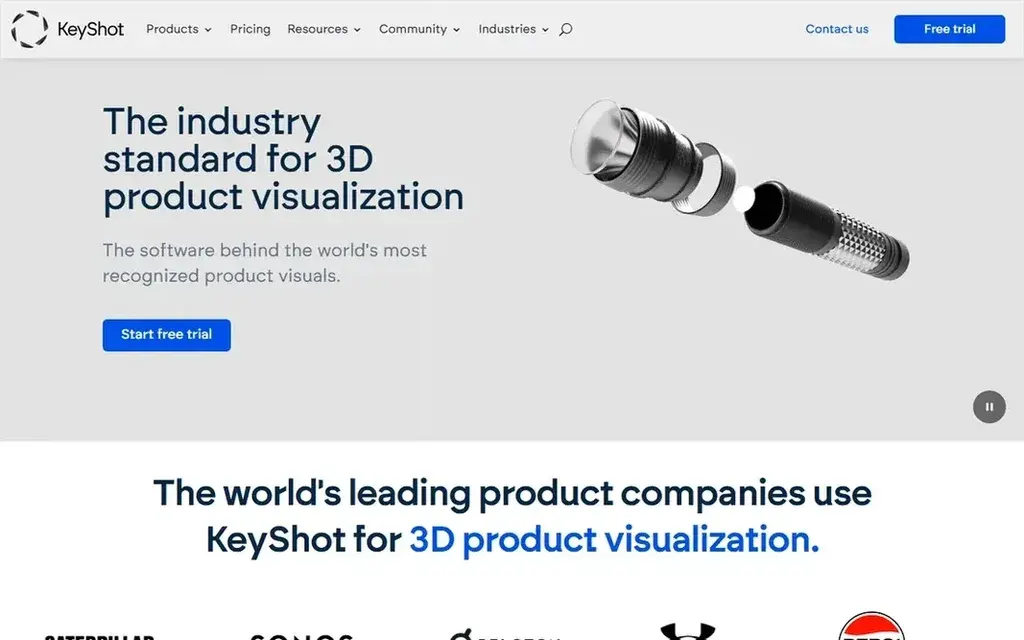
KeyShot is a good fit for live product rendering and collaboration. It suits designers and visualization specialists who want quick visual feedback on product concepts without a heavy general-purpose 3D pipeline.
Beyond that, choose it when product rendering speed and design-focused collaboration matter most. On cost, KeyShot starts like this: $7.92 per month. Free plan details: Free trial.
Points against: Less emphasis on deep modeling tools.
- Aimed at product design teams
- Live rendering focus
- Rendering-centric instead of a full animation suite

For adaptable open-source 3D pipeline, Blender is a natural candidate. It is frequently used alongside dedicated rendering engines and texturing tools. Newcomers may find the interface and workflow take time to learn, and some specialized tasks depend on add-ons.
Blender is a widely known open-source 3D creation suite including modeling, rendering, animation and more in a single application. Choose Blender when adaptability and an open pipeline matter more than a purpose-built product rendering interface. Blender shows no starting price here, so confirm the cost on the vendor site. Trial and free access: Not stated.
Reasons to shortlist it: rendering and animation. Watch-outs: Some workflows need extras or plugins.
- Widely used open-source suite
- Large community and learning resources
- Interface takes adjustment
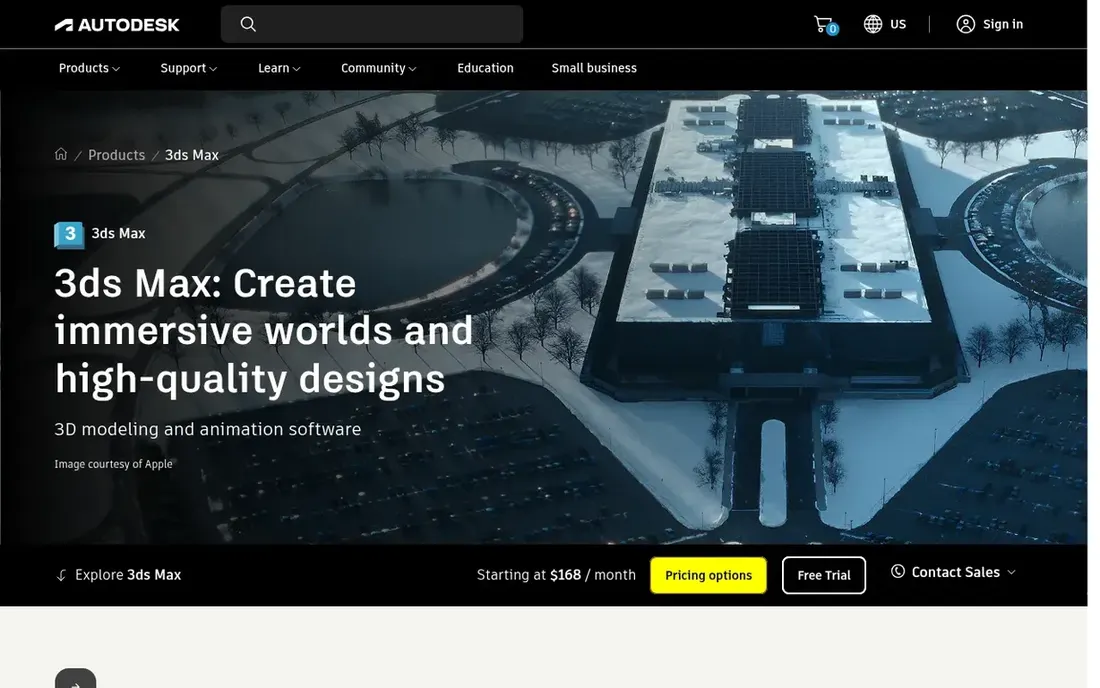
Pick Autodesk 3ds Max if this describes you: professional modeling, animation and rendering. For product visualization, it fits studios that want modeling, scene assembly and rendering in one professional environment, notably when product work sits alongside broader visualization projects.
Check the vendor site for Autodesk 3ds Max pricing; none is listed in this comparison. Free access: Not stated.
Watch-outs: Complicated for straightforward product shots.
- Long-established professional system
- Wide modeling and animation toolset
- Steeper ramp-up time for newcomers
How we built this list
The comparison looks at four things: starting price, free access, how well the feature set matches 3D software for product visualization, and the main limit of each tool. Where a price is missing, the vendor does not list one publicly or ties it to a quote. Always confirm before budgeting. The sequence is a judgement call: typical use case first, then pricing transparency, then free access. Use the profiles to check fit.
A buyer's checklist
- Get a written quote from Substance 3D Painter, Unreal Engine, Blender and Autodesk 3ds Max; the list shows no starting price for them.
- Take the trial from KeyShot and push a live task through it before you pay.
- Before choosing Substance 3D Painter, weigh its main limit: Texturing-focused, not a modeling tool.
- Read the plan comparison for Unreal Engine carefully; key features often start on a higher tier.
- Confirm that KeyShot connects to the apps your team already uses, on the plan you would actually buy.
FAQ
Where does texturing fit in a product visualization pipeline?
Texturing defines materials, labels and surface finishes that make a product look believable. Substance 3D Painter deals with live texture painting and works alongside modeling and rendering tools. So it is typically one part of a broader pipeline.
Can I try these tools before paying?
Often, yes. KeyShot offers a free trial. Use your own data and a real task during the test, and check what the free tier or trial limits before you rely on it. All 5 picks in this 3D software for product Visualization comparison list a starting price, free plan details and the main limits on their cards above.
Is live rendering enough for product visuals?
Real-time rendering for example KeyShot's focus or Unreal Engine's interactive scenes can be efficient for design reviews and presentations. Also, for final marketing imagery, some teams still prefer offline photoreal rendering.
How should a small team choose among these tools?
Start from the deliverable: stills, animation or interactive presentations. A rendering-focused tool may ease product work, whereas a general-purpose suite gives you more adaptability for varied projects.
Does any tool for 3D software for product visualization here have a free plan?
A permanent free plan is not offered by Substance 3D Painter, Autodesk 3ds Max or the other tools here. KeyShot offer a trial. Plan a short evaluation period instead.
How are the tools for 3D software for product visualization ordered?
The order follows typical fit for 3D software for product visualization, with Substance 3D Painter first and Autodesk 3ds Max last, then price clarity and free access. It is editorial judgement, not a score, so another team could rank the tools differently.
Sources
- https://www.adobe.com/products/substance3d-painter.html
- https://www.unrealengine.com
- https://www.keyshot.com
- https://www.blender.org
- https://www.autodesk.com/products/3ds-max