Best 3D Product Rendering Software for 2026: Our 6 Vetted Picks
Comparing the best 3D product rendering software? 6 contenders, each with entry cost, free tier and best-fit buyer. Short verdicts, no fluff. No filler.
- Editor's choiceOctane Render
GPU-accelerated physically correct rendering
Starts atSee websiteVisit home.otoy.comFull review - Great alternativeArnold
Predictable ray-traced production rendering
Starts atSee websiteVisit autodesk.comFull review - Also consider
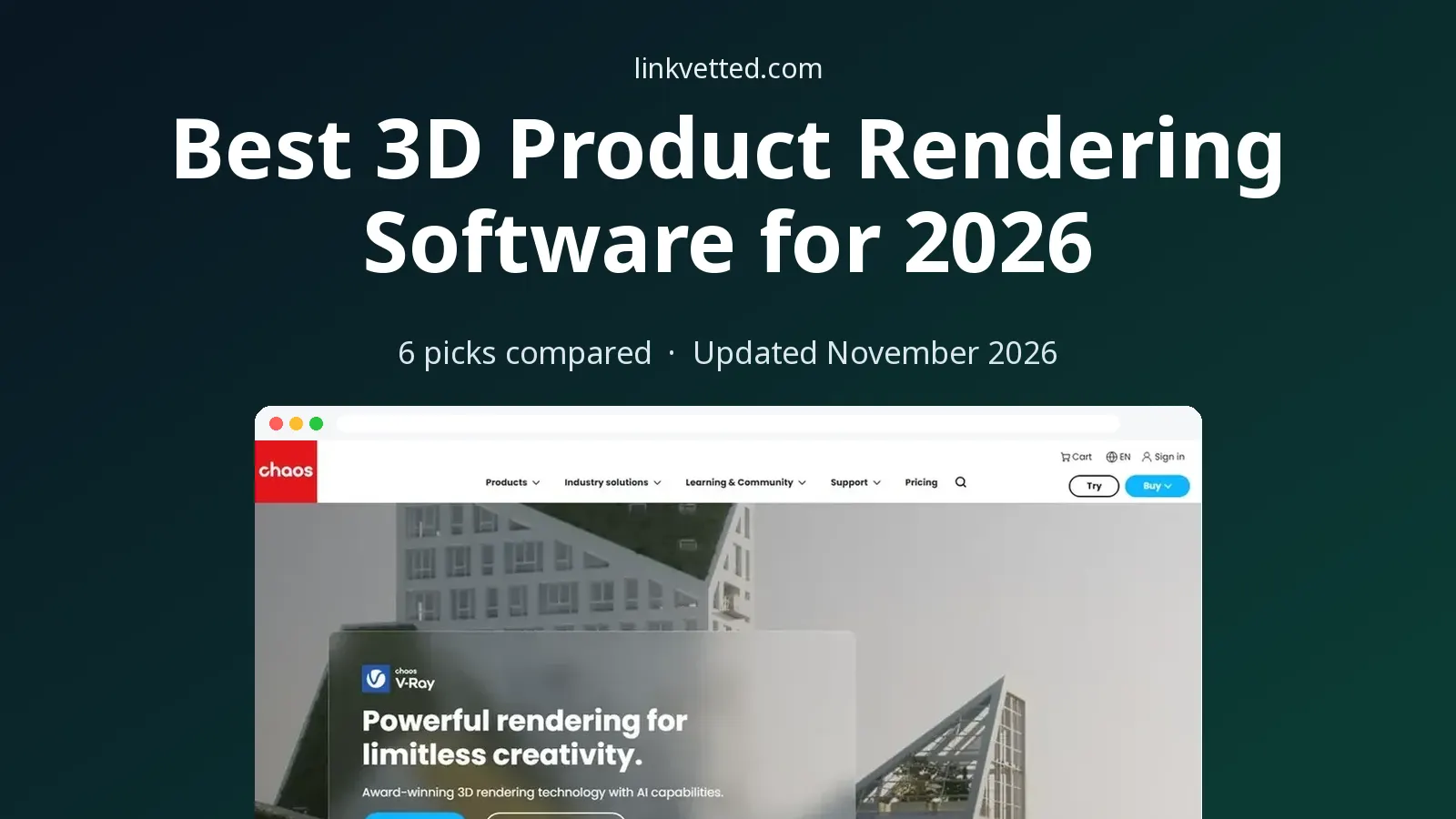
 V-Ray
Photoreal rendering inside design systems
Starts atSee websiteVisit chaos.comFull review
Direct answer
Octane Render comes first here, mainly for GPU-accelerated physically correct rendering. Listed starting prices: KeyShot from $7.92 a month. Alternatives: Arnold for predictable ray-traced production rendering, and V-Ray for Photoreal rendering inside design systems. The other 3 tools in the list cover narrower or pricier cases.
TL;DR:
- This list starts with Octane Render, which is built for GPU-accelerated physically correct rendering.
- Autodesk 3ds Max suits large-scale modeling and animation projects.
- KeyShot has the lowest monthly starting price in this list: $7.92 per month.
- None of the 6 tools, from Octane Render to Autodesk 3ds Max, has a free plan, so budget for a subscription or use a trial.
- The main caution on Cinema 4D: generalist tool with a ramp-up time.
Last checked November 2026. Prices and plan details were read from the vendors' own pages in November 2026; vendors change plans often, so confirm the current price on the vendor site before you buy.
Quick comparison
| Tool | Best for | Starts at | Free plan? | |
|---|---|---|---|---|
| Octane Render | GPU-accelerated physically correct rendering | See website | Not stated | Visit |
| Arnold | Predictable ray-traced production rendering | See website | Not stated | Visit |
| V-Ray | Photoreal rendering inside design systems | See website | Not stated | Visit |
 Cinema 4D | Motion and design-led product visuals | See website | Not stated | Visit |
 KeyShot | Live product design visualization | $7.92 a month | Free trial | Visit |
 Autodesk 3ds Max | Large-scale modeling and animation projects | See website | Not stated | Visit |
The best 3D product rendering software
LinkVetted compared 6 tools for 3D product rendering software. The goal is a practical shortlist: published prices, free plan facts, best-fit use cases and honest limits for every entry.
Octane Render
Best for: GPU-accelerated physically correct rendering
Pick Octane Render if this describes you: GPU-accelerated physically correct rendering. Octane Render from OTOY is described as a GPU-accelerated, unbiased, physically correct renderer.
Drawbacks to consider: Plugin integration varies by host.
Pick a CPU-focused renderer instead if your hardware or pipeline is not built around GPUs. On top of that, integration is generally through host applications, so check your system support first. This comparison lists no price for Octane Render; ask the vendor. On free options: Not stated.
- Physically correct approach
- GPU-accelerated rendering
- Demands capable GPU hardware
Arnold
Best for: Predictable ray-traced production rendering
Arnold serves predictable ray-traced production rendering. Autodesk Arnold is an advanced Monte Carlo ray tracing renderer aimed at predictable results. Choose Arnold when predictable, high-quality final frames matter more than rapid iteration.
Main advantages: Suits professional production work.
On top of that, Ray tracing can be demanding on complicated scenes, so render times may be longer than with GPU-focused alternatives. It generally runs through a supported host application, so check integration. No starting price is listed for Arnold here; confirm pricing on the vendor site. Free options: Not stated.
Where it is weaker: Needs a supported host application.
- Consistent results
- Predictable
- Can be slower on complicated scenes

V-Ray works best for Photoreal rendering inside design products. V-Ray from Chaos is a 3D rendering plugin available for systems including 3ds Max, SketchUp, Rhino, Maya and Blender. On top of that, users new to rendering may find the control set demanding.
Drawbacks to consider: Plugin setup brings complexity.
On top of that, product teams using Rhino or SketchUp for industrial design often pair it with V-Ray for final imagery. Also, pick something else if you want a standalone visualization tool instead of a plugin tied to a modeling platform. This comparison lists no price for V-Ray; ask the vendor. Free plan details: Not stated.
- Works across widely used design products
- Photorealistic rendering focus
- Needs a host application

Pick Cinema 4D if this describes you: motion and design-led product visuals. Consider Cinema 4D when animation and motion design are part of the deliverable.
The main drawbacks: Generalist tool with a ramp-up time.
Cinema 4D from Maxon is a professional 3D modeling, animation and rendering application widely used in motion graphics and design studios. Check the vendor site for Cinema 4D pricing; none is listed in this comparison. Free access: Not stated.
- Wide modeling and animation toolset
- Solid motion graphics reputation
- Rendering needs may vary by workflow
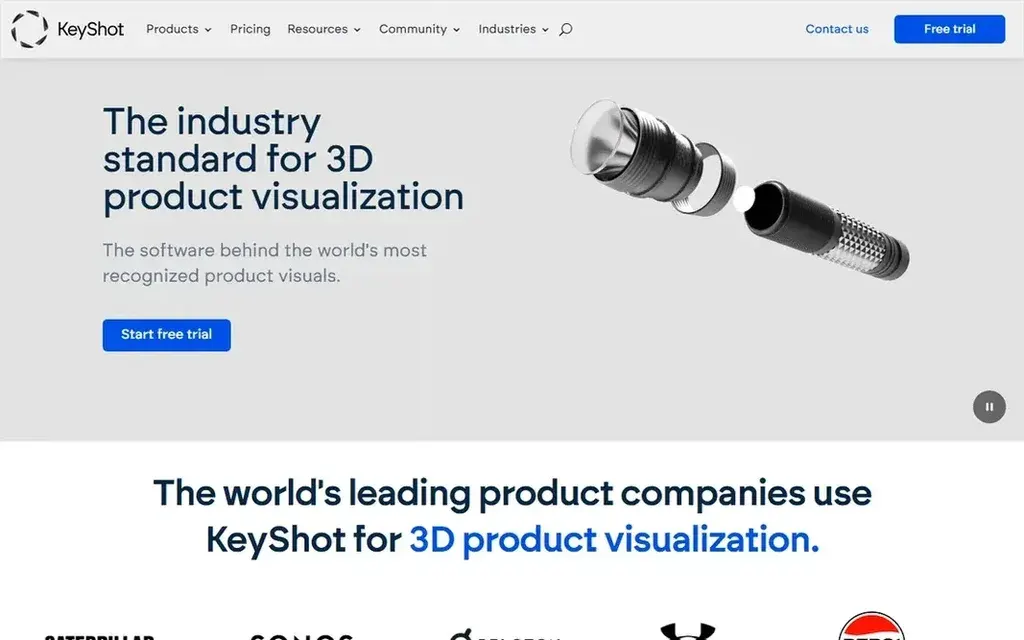
KeyShot is aimed squarely at live product design visualization. KeyShot is 3D rendering and AI visualization software built around live technology, positioned for product design firms working from concept through product launch.
Trade-offs to know: Not a general modeling suite.
Beyond that, teams producing product shots, packaging visuals and design presentations are the natural fit. Choose KeyShot when quick, collaborative product visuals are the priority. Entry price for KeyShot: $7.92 per month. As for free access: Free trial.
- Made for product design collaboration
- Live rendering approach
- Best value relies on your pipeline
Autodesk 3ds Max is built with large-scale modeling and animation projects in mind. Archviz and product teams that model, animate and render in one application find it a natural hub. As for the details, Autodesk 3ds Max is professional 3D modeling, animation and rendering software geared toward creating expansive worlds and high-quality designs.
The toolset is deep, so onboarding takes time, and it is not the lightest choice for fast product stills. Choose 3ds Max when you want a complete modeling and animation environment instead of a focused renderer. Beyond that, studios on other operating systems should check compatibility before committing. Check the vendor site for Autodesk 3ds Max pricing; none is listed in this comparison. Free plan details: Not stated.
The main drawbacks: Windows-only product.
- Long-standing industry presence
- Professional modeling and animation tools
- Deep toolset takes time to master
How we compared the tools
LinkVetted used vendor pricing pages and product documentation as the base, then compared plans, free access and documented limits for 6 tools. Where a vendor does not publish a price, the entry says quote. Where a price depends on seats or billing term, the entry says so. The order reflects how well each tool fits the most common buying scenario for 3D product rendering software, then price clarity, then free plan access. It is a starting point, not a verdict.
Questions to settle before buying
- Ask Octane Render, Arnold, V-Ray and others for a written quote, since no starting price is shown.
- Use real work to test the free trial from KeyShot, rather than a demo project.
- Read the limits listed for Octane Render first: demands capable GPU hardware.
- Ask V-Ray about contract length, onboarding fees and user minimums before you sign.
- Ask Arnold how an export works before you move any records in; an easy exit lowers the risk.
FAQ
How are the tools for 3D product rendering software ordered?
The order follows typical fit for 3D product rendering software, with Octane Render first and Autodesk 3ds Max last, then price clarity and free access. It is editorial judgement, not a score, so another team could rank the tools differently.
Is Octane Render the right pick for everyone comparing 3D product rendering software?
No single tool suits every team. Octane Render comes first because it fits GPU-accelerated physically correct rendering, while Arnold suits predictable ray-traced production rendering and V-Ray suits Photoreal rendering inside design platforms. Match the tool to your own size, budget and workflow before deciding.
Do these tools publish their prices?
Not all of them. Octane Render, Arnold, V-Ray and others publish no starting price, so expect a quote request for those. The rest, KeyShot included, show a starting price, though seats and billing terms still change the final cost.
Which 3D product rendering software is a good match for beginners?
Octane Render comes first here and is built for GPU-accelerated physically correct rendering. Buyers with other needs may prefer Arnold (for predictable ray-traced production rendering) or V-Ray (for Photoreal rendering inside design systems). Compare costs and limits first.
Does any tool for 3D product rendering software here have a free plan?
No tool in this list, Octane Render and Autodesk 3ds Max included, has a permanent free plan. KeyShot offer a trial. Trials and quotes are the usual route, so plan a short evaluation period.
Sources
- https://home.otoy.com/render/octane-render
- https://www.autodesk.com/products/arnold
- https://www.chaos.com/vray
- https://www.maxon.net/en/cinema-4d
- https://www.keyshot.com
- https://www.autodesk.com/products/3ds-max