Best Product Design Rendering Software for 2026: Our 6 Vetted Picks
Best product design rendering software: 6 contenders ranked by fit, with entry costs and free tiers. With pricing notes and limits. Jump to the table.
- Editor's choiceOTOY OctaneRender
GPU-based rendering across creative tools
Starts atSee websiteVisit otoy.comFull review - Great alternativeAutodesk VRED
Automotive design and engineering visualization
Starts atSee websiteVisit autodesk.comFull review - Also considerMaxon Cinema 4D
Motion and design-led 3D workflows
Starts atSee websiteVisit maxon.netFull review
Direct answer
OTOY OctaneRender leads the list, best for GPU-based rendering across creative tools. Listed starting prices: KeyShot from $7.92 a month. Alternatives: Autodesk VRED for automotive design and engineering visualization, and Maxon Cinema 4D for motion and design-led 3D workflows. Details, prices and limits for the rest of the 6 tools are below.
TL;DR:
- Top of the list is OTOY OctaneRender, which targets GPU-based rendering across creative tools.
- Enscape is the one to check for one-click live rendering and VR.
- The main caution on KeyShot: product-centric instead of general-purpose.
- None of the 6 tools, from OTOY OctaneRender to Enscape, has a free plan, so budget for a subscription or use a trial.
Last checked November 2026. Prices and plan details were read from the vendors' own pages in November 2026; vendors change plans often, so confirm the current price on the vendor site before you buy.
Quick comparison
| Tool | Best for | Starts at | Free plan? | |
|---|---|---|---|---|
| OTOY OctaneRender | GPU-based rendering across creative tools | See website | Not stated | Visit |
| Autodesk VRED | Automotive design and engineering visualization | See website | Not stated | Visit |
| Maxon Cinema 4D | Motion and design-led 3D workflows | See website | Not stated | Visit |
 KeyShot | Live product visualization and collaboration | $7.92 a month | Free trial | Visit |
| Chaos V-Ray | Photorealistic rendering inside design systems | See website | Not stated | Visit |
 Enscape | One-click live rendering and VR | See website | Not stated | Visit |
Product Design Rendering Software, one by one
LinkVetted compared 6 tools for product design rendering software. The goal is a practical shortlist: published prices, free plan facts, best-fit use cases and honest limits for every entry.
OTOY OctaneRender
Best for: GPU-based rendering across creative tools
OTOY OctaneRender is a good fit for GPU-based rendering across creative tools. Teams on modest hardware or wanting a more straightforward out-of-the-box product renderer may find alternatives easier to adopt.
OTOY OctaneRender is a widely known GPU renderer that links up with a set of 3D content creation applications. OTOY OctaneRender does not show a starting price in this comparison, so check the vendor site for current pricing. As for free access: Not stated.
Where it is weaker: Setup varies by host application.
- Known for GPU rendering
- Plugs into numerous 3D applications
- GPU hardware demands are significant
Autodesk VRED
Best for: Automotive design and engineering visualization
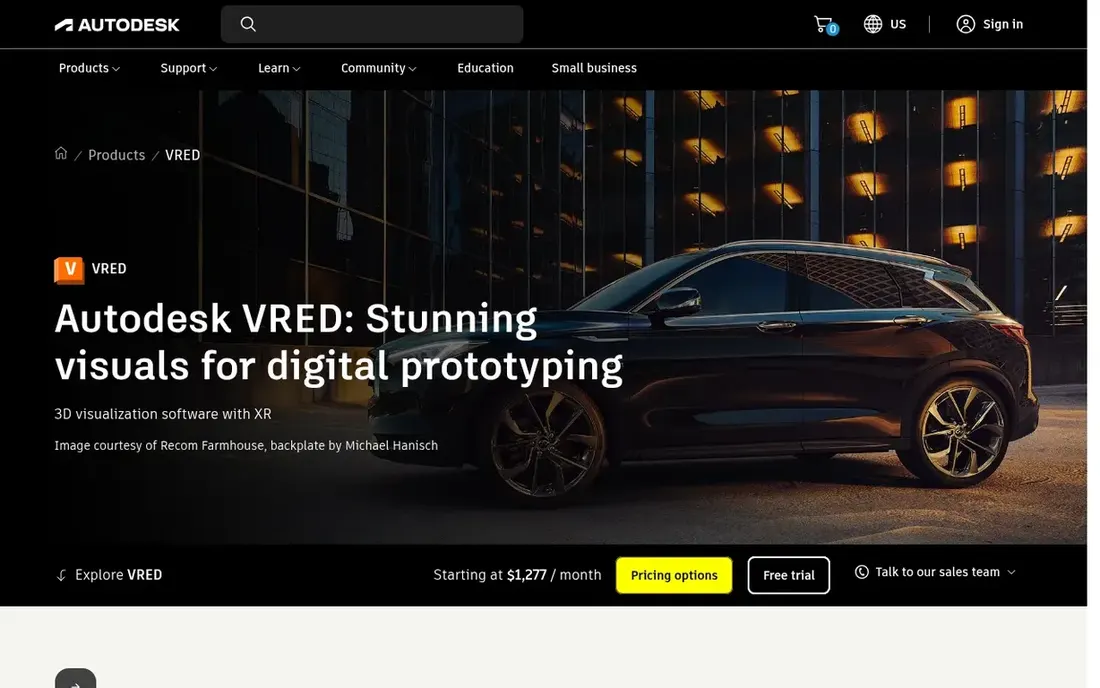
Autodesk VRED is aimed squarely at automotive design and engineering visualization. Autodesk VRED is 3D visualization software that the vendor describes as designed for automotive designers and automotive engineers.
It fits teams in vehicle development who require high-fidelity visualization tied closely to engineering data and review workflows, instead of general consumer product rendering. No starting price is listed for Autodesk VRED here; confirm pricing on the vendor site. Free access: Not stated.
Watch-outs: May be more than general product design needs.
- Targeted at automotive designers and engineers
- Deep visualization focus
- Narrow industry focus
Maxon Cinema 4D
Best for: Motion and design-led 3D workflows
Maxon Cinema 4D is designed for motion and design-led 3D workflows. Maxon Cinema 4D is a well-known 3D modeling, animation and rendering application used across design, motion graphics and visualization work. Product designers who require animated explainers, turntables or stylized visuals alongside still renders commonly find its combined toolset appealing.
Teams that primarily want quick material and lighting previews on CAD-style models may prefer a product-focused tool. For everyday use, as a general-purpose 3D application, Cinema 4D asks more setup than a dedicated product renderer and may be heavier than needed for straightforward still visualization. This comparison lists no price for Maxon Cinema 4D; ask the vendor. Free options: Not stated.
Watch-outs: General 3D app instead of product-only.
- Capable modeling and animation environment
- Pairs with Maxon rendering tools
- Rendering setup can be involved
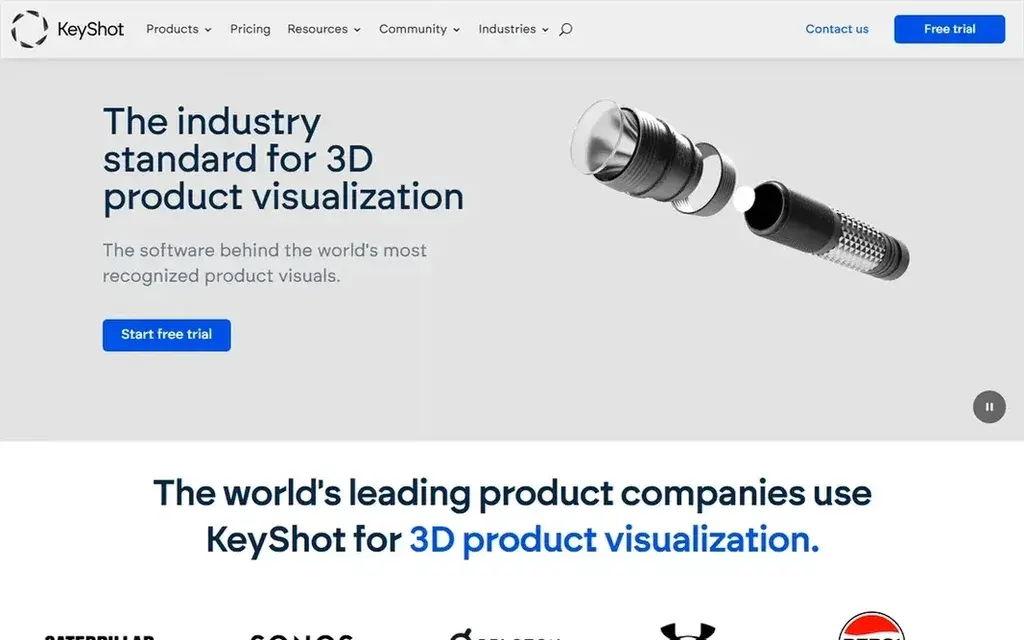
Choose KeyShot for live product visualization and collaboration. KeyShot is described by its vendor as 3D rendering and AI visualization software, with live rendering technology aimed at collaboration from concept through product launch.
Drawbacks to consider: System fit should be checked before committing.
For everyday use, confirm interoperability with your modeling tools on the vendor site before standardizing. KeyShot pricing: $7.92 per month. Free plan details: Free trial.
- Built around product design workflows
- Supports collaboration from concept to launch
- Product-centric instead of general-purpose
Chaos V-Ray
Best for: Photorealistic rendering inside design systems
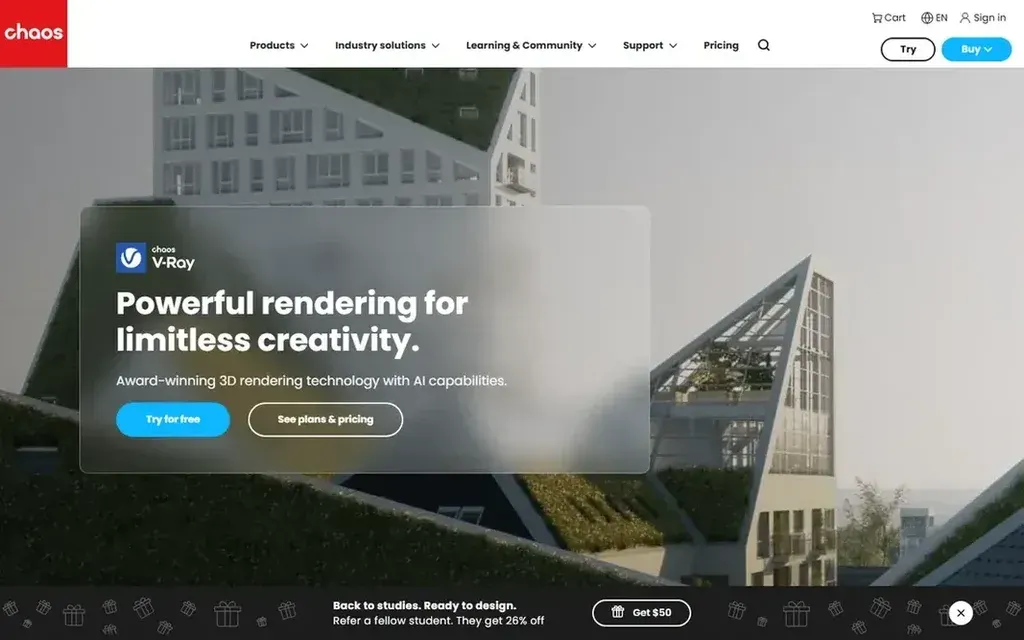
For Photorealistic rendering inside design products, Chaos V-Ray is a natural candidate. Since V-Ray runs inside a host product, it is not a standalone product visualization environment. Teams without a supported modeling tool will need one first.
Those who want a self-contained product rendering app may prefer KeyShot or Substance 3D Stager. Chaos V-Ray is a photorealistic 3D rendering plugin available for widely used design products including 3ds Max, SketchUp, Rhino, Maya and Blender. Chaos V-Ray does not show a starting price in this comparison, so check the vendor site for current pricing. Free access: Not stated.
Trade-offs to know: Needs a compatible host application.
- Photorealistic rendering emphasis
- Wide host application coverage
- Plugin setup brings workflow steps
For one-click live rendering and VR, Enscape is a natural candidate. Enscape gives you live rendering and virtual reality for Revit, SketchUp, Rhino, ArchiCAD and Vectorworks, with a one-click workflow.
Watch-outs: Less focused on product close-ups.
Also, product designers who model in those systems and want fast walkthroughs or contextual presentations can use it to review designs in live. No starting price is listed for Enscape here; confirm pricing on the vendor site. Free options: Not stated.
- One-click rendering workflow
- Live rendering and virtual reality
- Pitched at architecture and interiors
How we built this list
LinkVetted used vendor pricing pages and product documentation as the base, then compared plans, free access and documented limits for 6 tools. Figures are shown as the vendors publish them. Billing terms, seat minimums and add-ons can change the real cost. We ordered the tools by general fit, then by how clearly pricing is shown, then by free access. A buyer with unusual needs may reorder them.
What to confirm before you sign up
- Confirm the entry price on the vendor page. For OTOY OctaneRender, Autodesk VRED, Maxon Cinema 4D and others that means a quote rather than a fixed price.
- Use real work to test the free trial from KeyShot, rather than a demo project.
- Read the limits listed for OTOY OctaneRender first: GPU hardware demands are significant.
- Find out what support KeyShot includes on your plan, and whether onboarding help costs extra.
- Ask Autodesk VRED about contract length, onboarding fees and user minimums before you sign.
FAQ
Do these tools publish their prices?
Not all of them. OTOY OctaneRender, Autodesk VRED, Maxon Cinema 4D and others publish no starting price, so expect a quote request for those. The rest, KeyShot included, show a starting price, though seats and billing terms still change the final cost.
Which rendering software is a good match for product design beginners?
This list starts with OTOY OctaneRender, which fits GPU-based rendering across creative tools. For other needs, Autodesk VRED is aimed at automotive design and engineering visualization, and Maxon Cinema 4D at motion and design-led 3D workflows. Check each tool's price and main limit first.
Can I try these options before paying?
Often, yes. KeyShot offers a free trial. Use your own data and a real task during the test, and check what the free tier or trial limits before you rely on it. Prices, free plan details and limits for all 6 tools in this product design Rendering software roundup sit on the individual cards above.
What is the cheapest option for product design rendering software in this list?
On published monthly entry prices, KeyShot is the lowest here at $7.92 per month. Entry price is only part of the cost, because seats, add-ons and billing terms can change the total. Each of the 6 options in this product design Rendering software guide has its own card above with the price, free plan and limits.
Is OTOY OctaneRender the right pick for everyone comparing product design rendering software?
No single tool suits every team. OTOY OctaneRender comes first because it fits GPU-based rendering across creative tools, while Autodesk VRED suits automotive design and engineering visualization and Maxon Cinema 4D suits motion and design-led 3D workflows. Match the tool to your own size, budget and workflow before deciding.
Sources
- https://www.otoy.com
- https://www.autodesk.com/products/vred
- https://www.maxon.net/en/cinema-4d
- https://www.keyshot.com
- https://www.chaos.com/vray
- https://enscape3d.com