5 Best Icon Design Software for Product Teams for 2026, Vetted and Compared
Compare 5 best icon design software for product teams, with prices, free plans and who each fits. Every entry states what it lacks. Checked this month.
- Editor's choice
 Sketch
Designer-focused icon workflows
Starts at$12 per editor a monthVisit sketch.comFull review - Great alternative
 Procreate
IPad sketching and icon concepts
Starts atSee websiteVisit procreate.comFull review - Also consider
 Adobe Illustrator
Precise vector icon production
Starts atSee websiteVisit adobe.comFull review
Direct answer
Sketch is the first pick on this list for Designer-focused icon workflows. Listed starting prices: Sketch from $12 per editor a month and Figma from $3 a month. Procreate is the stronger choice for iPad sketching and icon concepts, while Adobe Illustrator suits precise vector icon production. All 5 tools are compared below on price, free plan and limits.
TL;DR:
- Sketch sits first on this list: Designer-focused icon workflows.
- What to know about Procreate first: aimed at iPad instead of desktop product workflows.
- For quick precision vector drawing, Affinity Designer is worth a look.
- For the cheapest start, look at Figma: $3 per month.
Last checked November 2026. Prices and plan details were read from the vendors' own pages in November 2026; vendors change plans often, so confirm the current price on the vendor site before you buy.
Quick comparison
| Tool | Best for | Starts at | Free plan? | |
|---|---|---|---|---|
| Sketch | Designer-focused icon workflows | $12 per editor a month | Free trial | Visit |
| Procreate | IPad sketching and icon concepts | See website | Not stated | Visit |
| Adobe Illustrator | Precise vector icon production | See website | Not stated | Visit |
 Figma | Collaborative icon design and handoff | $3 a month | Not stated | Visit |
 Affinity Designer | Quick precision vector drawing | See website | Not stated | Visit |
The 5 tools in detail
Short on time? The summary and table above give the quick view of 5 icon design software for product teams, and the profiles that follow give the detail behind each entry.
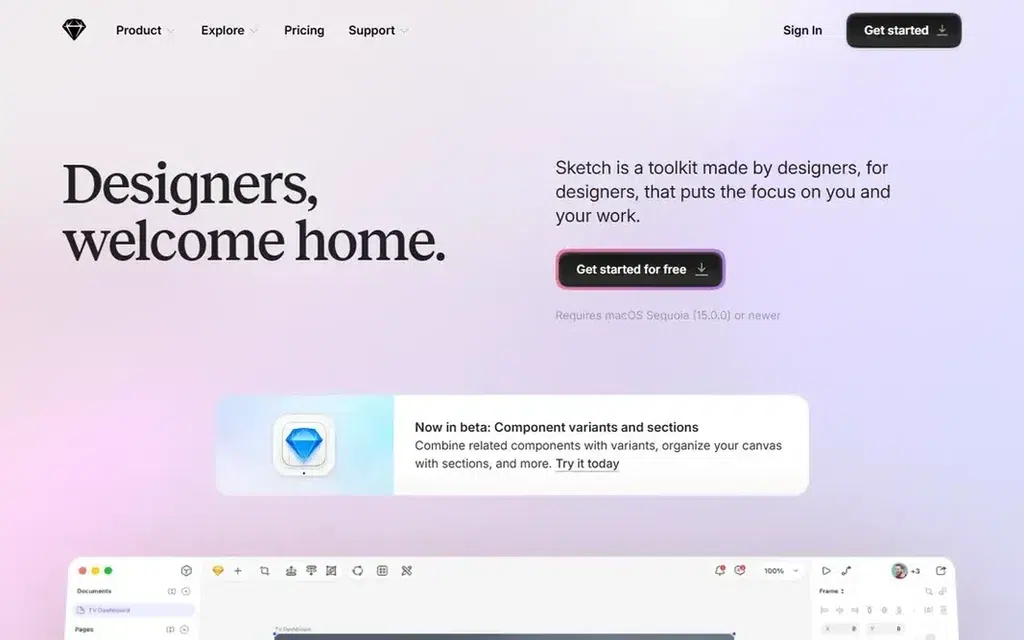
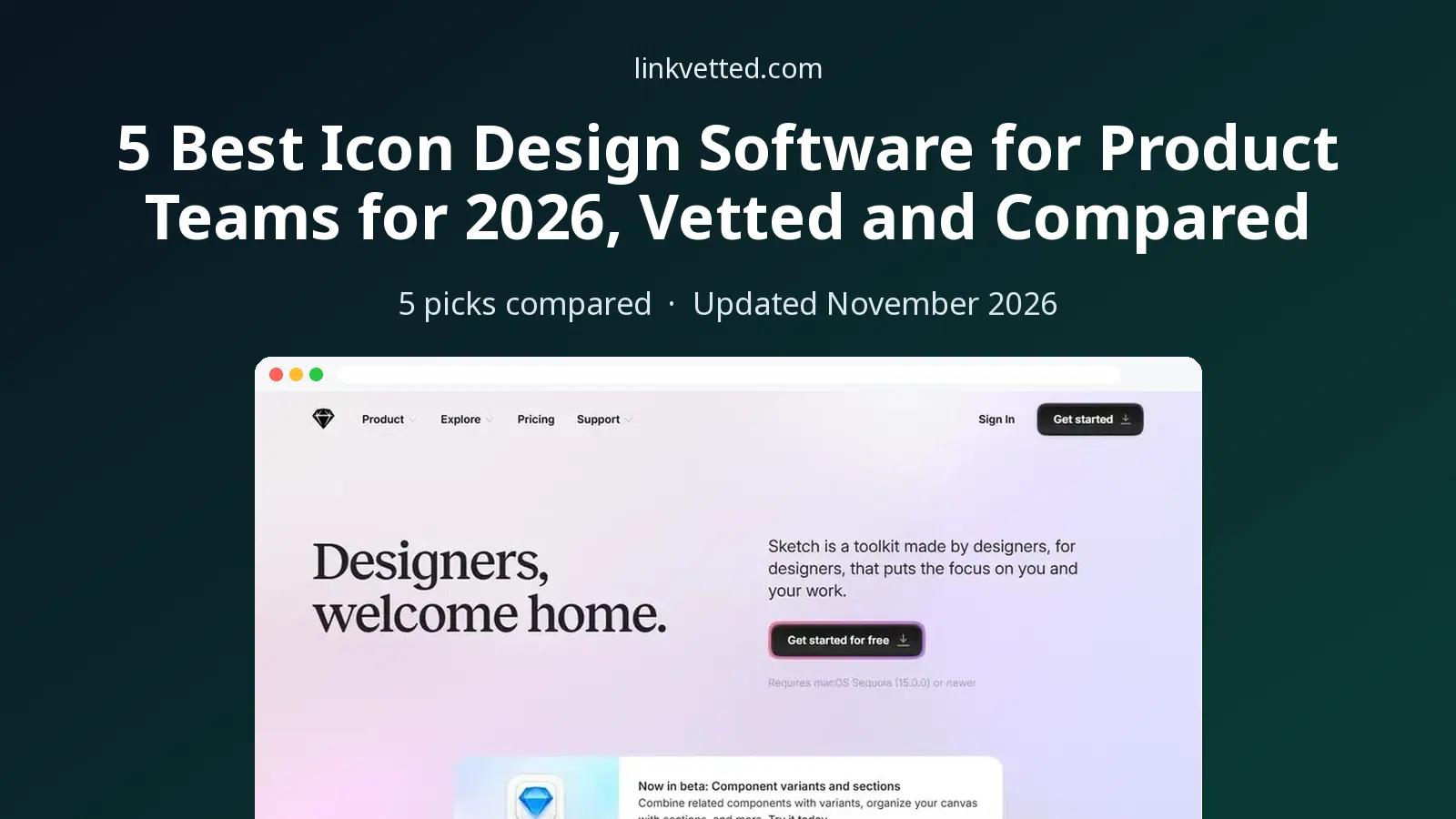
Sketch works best for Designer-focused icon workflows. Sketch presents itself as software that puts the focus back on the designer and the work, made by designers for designers.
What to check first: Vector toolset is pitched at UI work instead of illustration.
In daily use, for product teams, that makes it a practical place to build icon libraries alongside interface work, with handoff features that help developers pick up assets. If live multiplayer editing is the priority, a collaborative canvas may fit better. What you pay to start with Sketch: $12 per editor per month. As for free access: Free trial.
- Made by designers for designers
- Aimed at design, prototype, handoff
- Collaboration model differs from browser-first canvases
Procreate is built with iPad sketching and icon concepts in mind. Teams needing exact vector paths and developer handoff will likely move work into a vector or design app.
The main drawbacks: Less suited to precise UI asset handoff.
Beyond that, Procreate is built around iPad drawing instead of desktop product design and handoff. So it is not a primary tool for producing precise, production-ready icon assets. Pricing for Procreate is not stated here, so ask the vendor for current figures. As for free access: Not stated.
- Feature-rich and easy-to-use drawing apps
- Made for professionals and aspiring artists
- Aimed at iPad instead of desktop product workflows
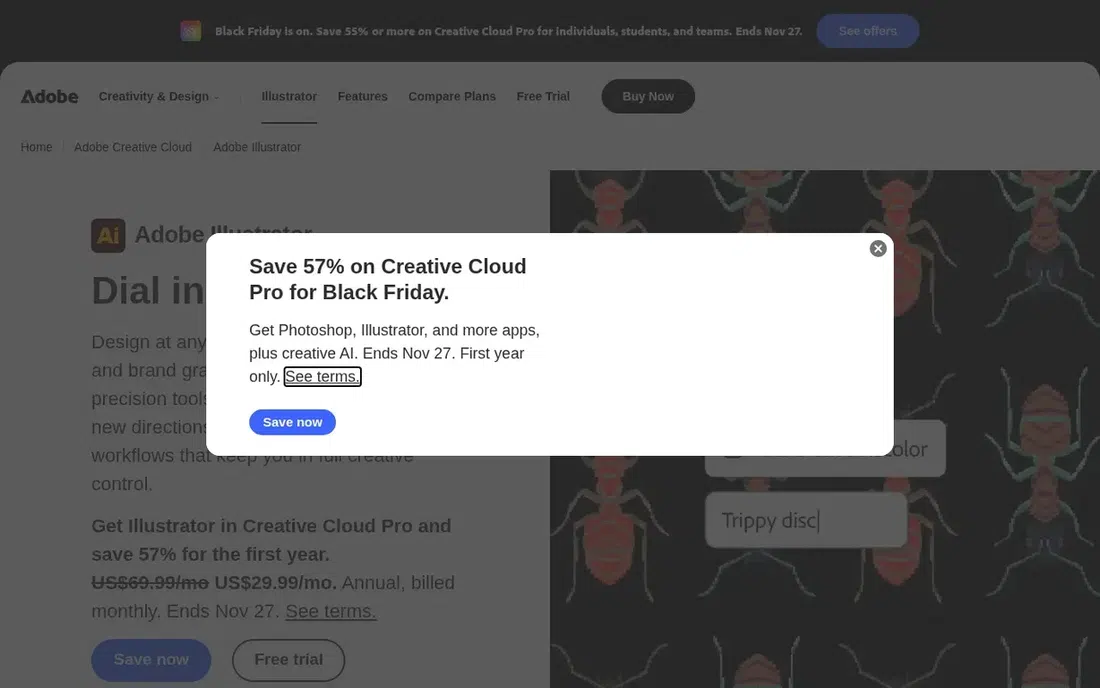
For precise vector icon production, Adobe Illustrator is a natural candidate. Adobe Illustrator is a vector graphics application positioned as industry-leading software for drawing and editing vector art. Its homepage highlights generative AI that can transform a text prompt into a completely editable vector graphic.
In practice, Illustrator carries a deep toolset, which can slow down straightforward icon tasks and add a ramp-up time for new team members. On top of that, if your team prioritizes live co-design over precision vector editing, a collaborative design canvas may be a better primary tool. Adobe Illustrator does not show a starting price in this comparison, so check the vendor site for current pricing. Free access: Not stated.
Trade-offs to know: Needs deliberate file organization for team handoff.
- Industry-standard vector toolset
- Capable path and shape control
- Full feature set can feel heavy for straightforward icons
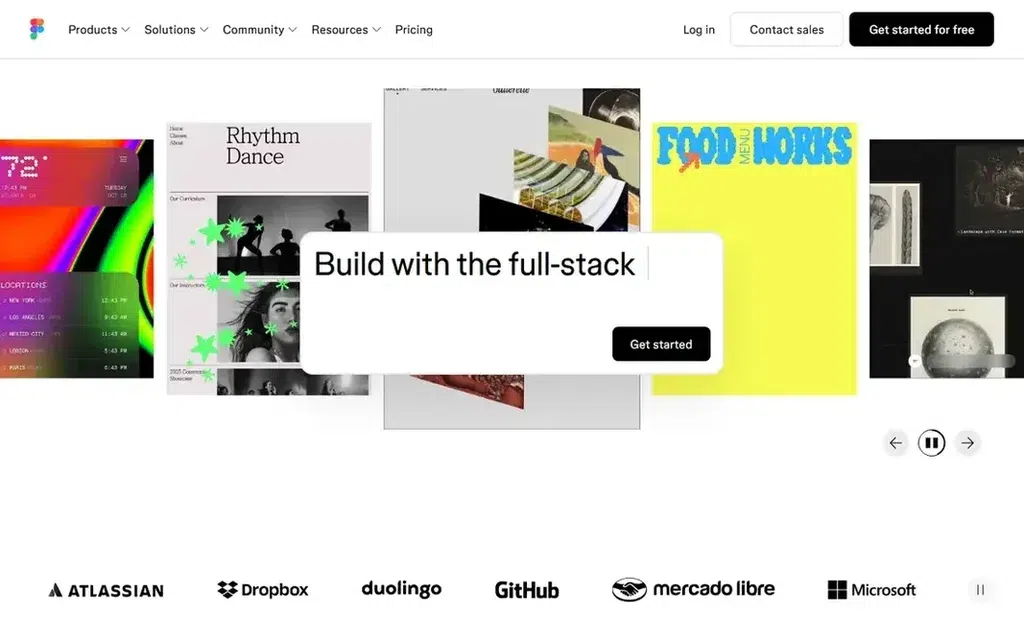
Figma works best for collaborative icon design and handoff. Figma describes itself as the canvas where design, code, and AI come together, taking teams from first idea to shipped product in one place. As for the details, for product teams, that shared space is handy for icon sets that must stay consistent across screens and components.
Teams that primarily need offline, single-designer vector editing may find a focused design app more direct. More specifically, designers, developers, and stakeholders can work from the same source, which cuts handoff friction and keeps icon decisions visible to everyone involved. Beyond that, very in-depth or print-oriented vector work may call for a separate illustration tool. The starting price for Figma: $3 per month. On free options: Not stated.
Honest limits: Complicated icon systems need careful component organization.
- Bridges design, code, AI
- Supports concept-to-production workflow
- Vector editing depth is lighter than dedicated illustration apps
Affinity Designer makes the most sense for quick precision vector drawing. It supports crisp vector art and bold graphics, which fits icon work that needs clean geometry and reliable scaling. In daily use, Affinity Designer is oriented toward individual design craft, so team collaboration and handoff are less central than in shared-canvas tools.
From a buyer's view, teams that require live co-editing across disciplines may prefer a collaborative system. It is a capable choice when the priority is precise vector output instead of multiplayer workflow. Product teams can use it to craft icon sets with careful control over shapes and strokes. Pricing for Affinity Designer is not stated here, so ask the vendor for current figures. As for free access: Not stated.
Where it is weaker: Collaboration features are less central than in canvas tools.
- Deals with both vector art and bold graphics
- Designed for precision and speed
- Smaller ecosystem of team-oriented plugins
How we compared the tools
Selection started from tools commonly considered for icon design software for product teams, then narrowed to 5 that have clear pricing information or a clear quote process. Seat minimums, billing terms and add-ons can move the real cost, so the starting prices here are a guide and not a quote. The sequence is a judgement call: typical use case first, then pricing transparency, then free access. Use the profiles to check fit.
Pre-purchase checklist
- Confirm the entry price on the vendor page. For Procreate, Adobe Illustrator and Affinity Designer that means a quote rather than a fixed price.
- Run a trial of Sketch with real work before paying for a year; your own workflow is the best test.
- Read the limits listed for Sketch first: collaboration model differs from browser-first canvases.
- Add up seats, add-ons and usage charges for Procreate before comparing it with cheaper entries.
- Run a one or two week pilot of Adobe Illustrator with the people who will use it every day.
FAQ
How should a product team choose between Illustrator and Figma for icons?
Adobe Illustrator gives you deep vector control and generative AI that turns prompts into editable vector graphics, which fits precise icon production. Teams that require in-depth vector craft may lean toward Illustrator, whereas teams prioritizing shared workflow may prefer Figma.
Can I try these tools before paying?
Often, yes. Sketch offers a free trial. Use your own data and a real task during the test, and check what the free tier or trial limits before you rely on it. For the full picture, the cards above cover all 5 entries of this Icon design software for product teams list, including price, free plan and limits.
Which tool is a good match for collaborative icon design?
Sketch comes first here and is built for Designer-focused icon workflows. Buyers with other needs may prefer Procreate (for iPad sketching and icon concepts) or Adobe Illustrator (for precise vector icon production). Compare costs and limits first.
Can I design icons entirely in a raster tool like Photoshop?
Photoshop is capable for image editing, mockups, and finishing work, but it is raster-first. For everyday use, icons that must scale cleanly are typically better built in vector software for example Adobe Illustrator or Affinity Designer.
Is Sketch the right pick for everyone comparing icon design software for product teams?
No single tool suits every team. Sketch comes first because it fits Designer-focused icon workflows, while Procreate suits iPad sketching and icon concepts and Adobe Illustrator suits precise vector icon production. Match the tool to your own size, budget and workflow before deciding.
Do these tools publish their prices?
Not all of them. Procreate, Adobe Illustrator and Affinity Designer publish no starting price, so expect a quote request for those. The rest, Sketch included, show a starting price, though seats and billing terms still change the final cost.
Sources
- https://www.sketch.com
- https://procreate.com
- https://www.adobe.com/products/illustrator.html
- https://www.figma.com
- https://affinity.serif.com/en-us/designer