5 Best Graphic Design Software for Logo for 2026, Vetted and Compared
Compare 5 picks for the best graphic design software for logo, with prices, free plans and who each fits. Weak spots flagged for every entry. No hype.
- Editor's choice
 Affinity Designer
Precise vector art with creative freedom
Starts atSee websiteVisit affinity.serif.comFull review - Great alternative
 Adobe Photoshop
Image editing around logo concepts
Starts atSee websiteVisit adobe.comFull review - Also consider
 Figma
Team collaboration on design concepts
Starts at$3 a monthVisit figma.comFull review
Direct answer
Affinity Designer leads the list, best for precise vector art with creative freedom. Listed starting prices: Figma from $3 a month and Sketch from $12 per editor a month. Adobe Photoshop is better for image editing around logo concepts, and Figma is better for team collaboration on design concepts. The full list of 5 tools follows, with prices and free plan facts.
TL;DR:
- This list starts with Affinity Designer, which is built for precise vector art with creative freedom.
- Neither Affinity Designer nor Sketch, nor any of the other 3 tools, has a permanent free plan; trials and quotes are the norm.
- Sketch is the one to check for designers centred on their own workflow.
- Affinity Designer comes with a trade-off: smaller plugin and template ecosystem.
Last checked November 2026. Prices and plan details were read from the vendors' own pages in November 2026; vendors change plans often, so confirm the current price on the vendor site before you buy.
Quick comparison
| Tool | Best for | Starts at | Free plan? | |
|---|---|---|---|---|
| Affinity Designer | Precise vector art with creative freedom | See website | Not stated | Visit |
| Adobe Photoshop | Image editing around logo concepts | See website | Not stated | Visit |
| Figma | Team collaboration on design concepts | $3 a month | Not stated | Visit |
 Adobe Illustrator | Professional vector logo creation | See website | Not stated | Visit |
 Sketch | Designers centred on their own workflow | $12 per editor a month | Free trial | Visit |
Graphic Design Software for Logo, one by one
Short on time? The summary and table above give the quick view of 5 tools for graphic design software for logo, and the profiles that follow give the detail behind each entry.
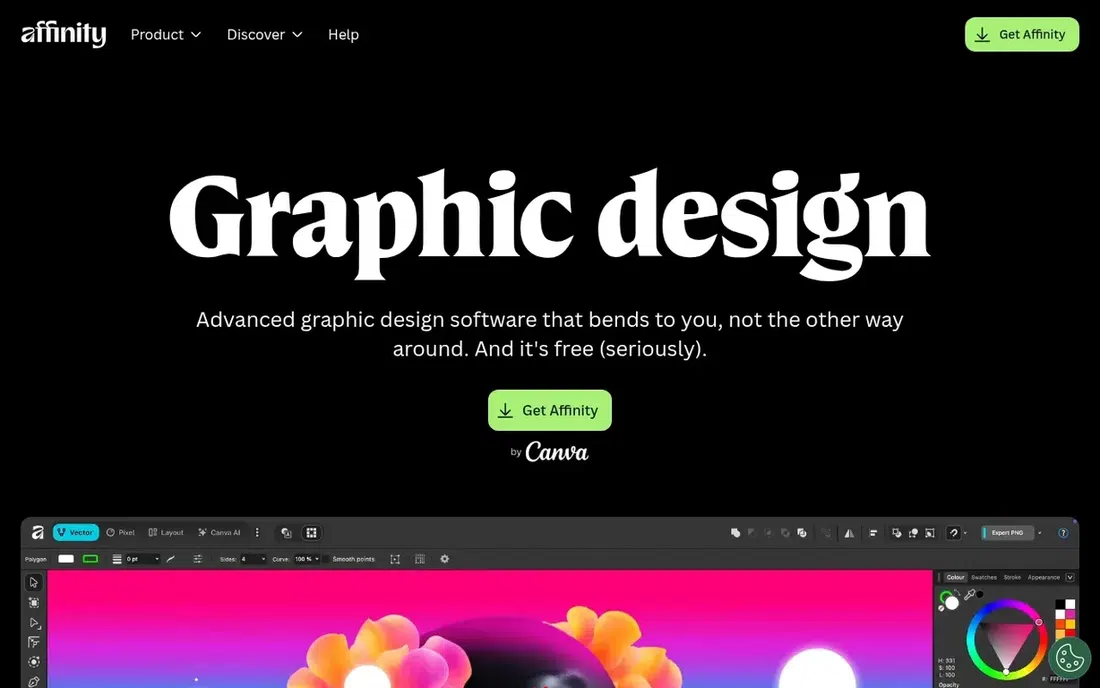
Affinity Designer serves precise vector art with creative freedom. That positioning makes it a natural fit for logo construction, where clean curves and exact shapes matter.
Trade-offs to know: Smaller plugin and template ecosystem.
If your workflow relies on shared files and comments across a team, a collaborative canvas may serve you better. No starting price is listed for Affinity Designer here; confirm pricing on the vendor site. Trial and free access: Not stated.
- Deals with vector and graphic work
- Aimed at precision and speed
- Fewer collaboration features
Adobe Photoshop is a good fit for image editing around logo concepts. In logo work it is most handy around the edges: building presentation mockups, retouching imagery for brand boards and creating visual scenes that display a mark in context.
As for the details, Photoshop is raster-based, so it is not the right place to build a scalable final logo; vector editors manage that better. Use Photoshop for imagery and mockups, and keep the master logo file in a vector application to preserve quality at any size. Adobe Photoshop shows no starting price here, so confirm the cost on the vendor site. Free plan details: Not stated.
Honest limits: Raster-based.
- Solid image compositing and editing
- Plugs into Adobe workflows
- Not well suited to scalable marks
Figma targets team collaboration on design concepts. Figma describes itself as the canvas where design, code and AI come together, taking a project from first idea to shipped product with the entire team in one place.
In daily use, for logo projects, that means shared files, live feedback and simple presentation of concepts to stakeholders. In daily use, pick Figma when collaboration and iteration speed matter more than print output, and pair it with a vector tool for final artwork. Figma cost at the entry level: $3 per month. As for free access: Not stated.
Drawbacks to consider: Browser-based workflow may not suit everyone.
- Code and AI
- Concept to production in one place
- Not built primarily for print vector output
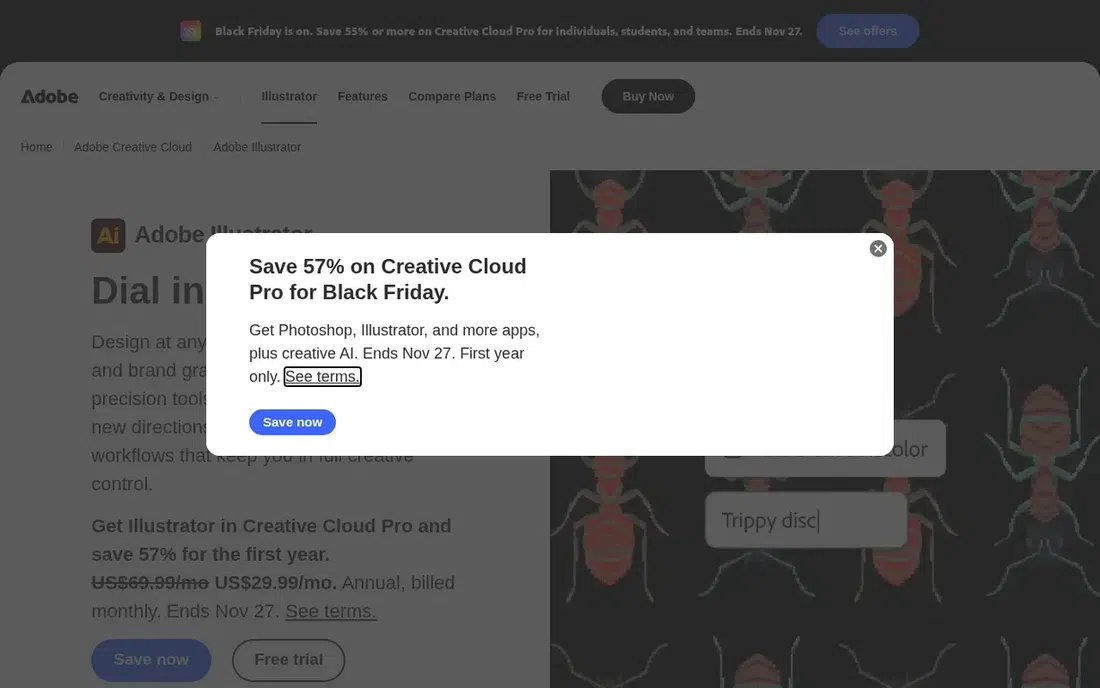
Adobe Illustrator is designed for professional vector logo creation. Its homepage flags generative AI that can turn a text prompt into a completely editable vector graphic, which helps with early concept exploration.
What to check first: Dense interface for beginners.
The ramp-up time is real, and the interface packs numerous panels that casual users may not need. Also, access runs through an Adobe subscription instead of a one-time purchase. This comparison lists no price for Adobe Illustrator; ask the vendor. Free access: Not stated.
- Precise path and shape control
- Generative AI to vector feature
- Subscription-based access
Choose Sketch for designers centred on their own workflow. Sketch is a design, prototyping and collaboration tool whose homepage says it puts the focus back on you and your work, made by designers for designers. It manages interface and product design well, and its prototyping and handoff features help move a design toward development.
On top of that, for logo work, it can serve as a place to explore marks and present them, particularly within a product design context. Sketch is closely tied to the Apple ecosystem, which limits choices for Windows-based teams. The starting price for Sketch: $12 per editor per month. Free access: Free trial.
Honest limits: Less suited to print-heavy logo production.
Where Sketch stands out: distraction-free workspace; Made by designers.
- Prototype and handoff in one
- For designers
- Mac-oriented platform
Our selection method
Selection started from tools commonly considered for graphic design software for logo, then narrowed to 5 that have clear pricing information or a clear quote process. Figures are shown as the vendors publish them. Billing terms, seat minimums and add-ons can change the real cost. The ranking is editorial: typical fit first, then clear pricing, then free access. If your needs are unusual, read the profiles rather than relying on position.
Questions to settle before buying
- Ask Affinity Designer, Adobe Photoshop and Adobe Illustrator for a written quote, since no starting price is shown.
- Use real work to test the free trial from Sketch, rather than a demo project.
- Before choosing Affinity Designer, weigh its main limit: smaller plugin and template ecosystem.
- Pick one real project and run it in Adobe Illustrator first; a small pilot shows fit faster than a checklist.
- Get the contract term, renewal terms and any onboarding fees from Affinity Designer in writing.
FAQ
Does any tool for graphic design software for logo here have a free plan?
No tool in this list, Affinity Designer and Sketch included, has a permanent free plan. Sketch offer a trial. Trials and quotes are the usual route, so plan a short evaluation period. For the full picture, the cards above cover all 5 entries of this Graphic design software for logo list, including price, free plan and limits.
Do these tools publish their prices?
Not all of them. Affinity Designer, Adobe Photoshop and Adobe Illustrator publish no starting price, so expect a quote request for those. The rest, Figma included, show a starting price, though seats and billing terms still change the final cost.
What is the cheapest option for graphic design software for logo in this list?
On published monthly entry prices, Figma is the lowest here at $3 per month. Entry price is only part of the cost, because seats, add-ons and billing terms can change the total. Prices, free plan details and limits for all 5 tools in this Graphic design software for logo roundup sit on the individual cards above.
Can I try these tools before paying?
Often, yes. Sketch offers a free trial. Use your own data and a real task during the test, and check what the free tier or trial limits before you rely on it. Each of the 5 options in this Graphic design software for logo guide has its own card above with the price, free plan and limits.
Sources
- https://affinity.serif.com/en-us/designer
- https://www.adobe.com/products/photoshop.html
- https://www.figma.com
- https://www.adobe.com/products/illustrator.html
- https://www.sketch.com