5 Best Editor Software for 2026, Vetted and Compared
Need the best editor software? We compare 5 tools on cost, free access and who each suits. Plain-spoken summaries throughout. Pricing and limits included.
- Editor's choice
 Visual Studio
Microsoft-centric app development
Starts at$45 per user a monthVisit visualstudio.microsoft.comFull review - Great alternative
 WebStorm
JavaScript and TypeScript projects
Starts atSee websiteVisit jetbrains.comFull review - Also consider
 Visual Studio Code
General-purpose coding with extensions
Starts atSee websiteVisit code.visualstudio.comFull review
Direct answer
For Microsoft-centric app development, Visual Studio is where this list starts. Listed starting prices: Visual Studio from $45 per user a month and UltraEdit from $94.96 a year. WebStorm is the stronger choice for JavaScript and TypeScript projects, while Visual Studio Code suits general-purpose coding with extensions. Prices, free plans and limits for all 5 tools follow.
TL;DR:
- Top of the list is Visual Studio, which targets Microsoft-centric app development.
- Visual Studio has the lowest monthly starting price in this list: $45 per user per month.
- What to know about Sublime Text first: fewer built-in IDE features.
- UltraEdit suits large files and hex editing.
- None of the 5 tools, from Visual Studio to UltraEdit, has a free plan, so budget for a subscription or use a trial.
Last checked November 2026. Prices and plan details were read from the vendors' own pages in November 2026; vendors change plans often, so confirm the current price on the vendor site before you buy.
Quick comparison
| Tool | Best for | Starts at | Free plan? | |
|---|---|---|---|---|
| Visual Studio | Microsoft-centric app development | $45 per user a month | Not stated | Visit |
| WebStorm | JavaScript and TypeScript projects | See website | Not stated | Visit |
| Visual Studio Code | General-purpose coding with extensions | See website | Not stated | Visit |
 Sublime Text | Quick, light text editing | See website | Not stated | Visit |
| UltraEdit | Large files and hex editing | $94.96 a year | No | Visit |
The full editor software list
This LinkVetted guide covers 5 options for editor software. Each profile lists a starting price, free plan details, strengths and drawbacks, so you can drop poor fits quickly.
For Microsoft-centric app development, Visual Studio is a natural candidate. Its homepage emphasizes developing anywhere and with a free editor or IDE.
In daily use, developers outside the Microsoft stack may find Visual Studio Code or a language-specific IDE like WebStorm a lighter starting point. Entry price for Visual Studio: $45 per user per month. Trial and free access: Not stated.
Drawbacks to consider: Windows-first experience.
- Free editor and IDE choices
- Integrated debugging and profiling
- Can be heavy for straightforward edits
Pick WebStorm if this describes you: JavaScript and TypeScript projects. WebStorm is JetBrains' IDE for JavaScript and TypeScript, built to help you prompt an agent or write code yourself and then verify it.
Trade-offs to know: Heavier than a plain editor.
It suits front-end and full-stack developers who want deep language support, refactoring, and integrated testing tools in one environment. Check the vendor site for WebStorm pricing; none is listed in this comparison. Free options: Not stated.
- Solid JS and TS code intelligence
- Built-in testing and debugging
- Concentrated on web languages
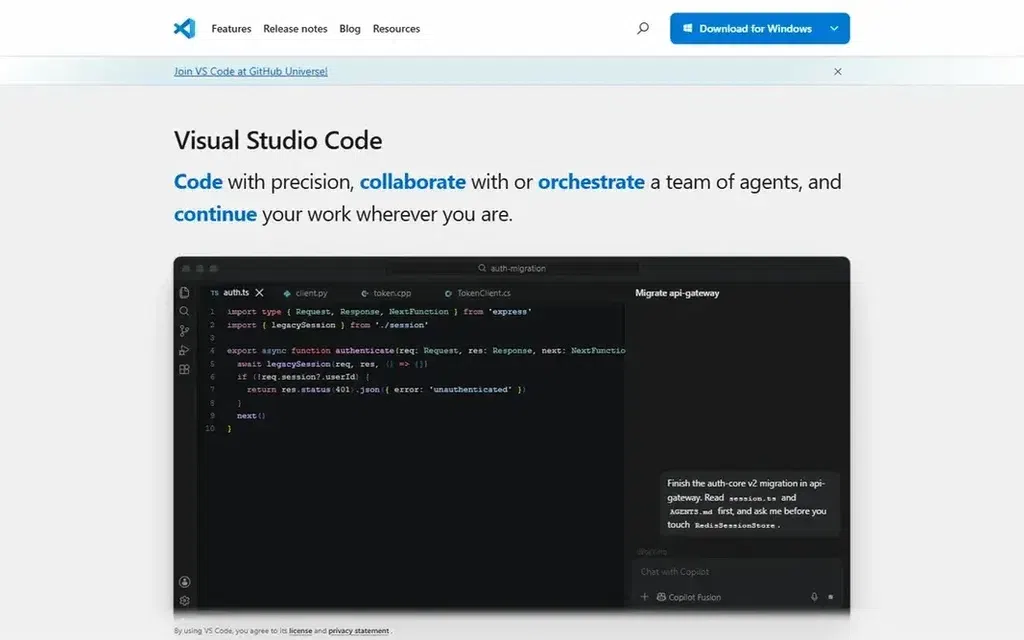
Visual Studio Code works best for general-purpose coding with extensions. Since much of its power comes from extensions, a heavily customized setup can slow startup and add configuration overhead.
Pricing for Visual Studio Code is not stated here, so ask the vendor for current figures. On free options: Not stated.
Trade-offs to know: Settings can grow complicated.
- Cross-platform support
- Built-in Git and debugging
- Can feel heavy with numerous extensions
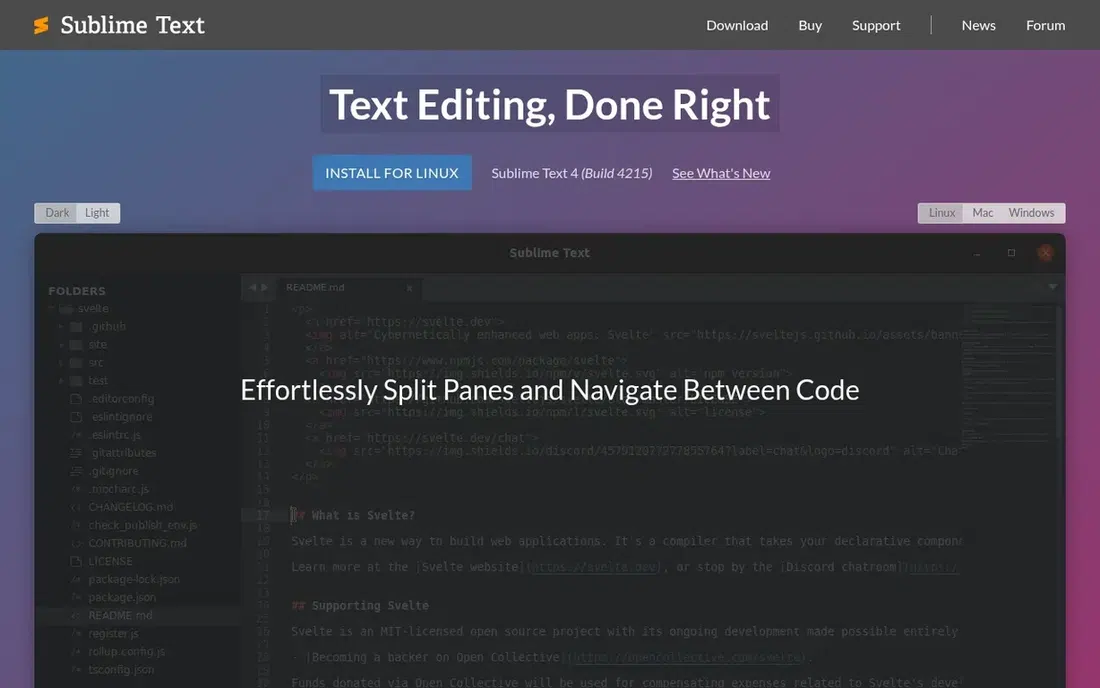
Sublime Text works best for quick, light text editing. Sublime Text is a sophisticated text editor for code, markup, and prose, as described on its homepage. It is noted for a quick, light feel and a clean interface that keeps focus on the text.
Downsides: Fewer built-in IDE features.
It gives you fewer built-in IDE capabilities than full environments, so debugging, refactoring, and project management commonly rely on packages. If you need deep language intelligence and integrated tooling without assembling plugins, a dedicated IDE may be a better fit. No starting price is listed for Sublime Text here; confirm pricing on the vendor site. On free options: Not stated.
- Clean
- Takes care of code, markup, prose
- Depends on packages for extras
UltraEdit
Best for: Large files and hex editing
For large files and hex editing, UltraEdit is a natural candidate. It suits users who routinely open massive logs, data dumps, or binary files and need a tool that stays responsive, along with developers who want a capable editor without a full IDE.
It emphasizes file handling and editing over deep language intelligence, so refactoring and framework support are lighter than in dedicated IDEs. Entry price for UltraEdit: $94.96 per year. UltraEdit has no free plan.
Honest limits: Less concentrated on language intelligence.
Where it shines: hex editing.
- Takes care of very large files
- Available on Windows, macOS, Linux
- Interface feels more utilitarian
How we compared the tools
The comparison looks at four things: starting price, free access, how well the feature set matches editor software, and the main limit of each tool. Treat prices as a snapshot: vendors change plans often, so check the vendor site for the figure that applies today. Position on the page reflects fit for a typical buyer first, with price clarity and free access breaking ties. Treat it as a guide, not a ruling.
Pre-purchase checklist
- Ask WebStorm, Visual Studio Code and Sublime Text for a written quote, since no starting price is shown.
- Read the limits listed for Visual Studio first: Windows-first experience.
- Check the integration list for Visual Studio against the tools you run today, and note which ones need a higher plan.
- Ask UltraEdit whether prices are locked for the first term and what happens at renewal.
- Check how data leaves Sublime Text: formats, limits and whether exports are available on every plan.
FAQ
Which editor is best for beginners?
Visual Studio is the pick this page puts first, mainly for Microsoft-centric app development. If your situation differs, WebStorm suits JavaScript and TypeScript projects, and Visual Studio Code suits general-purpose coding with extensions. Compare price and limits before you decide.
Is Visual Studio the right pick for everyone comparing editor software?
No single tool suits every team. Visual Studio comes first because it fits Microsoft-centric app development, while WebStorm suits JavaScript and TypeScript projects and Visual Studio Code suits general-purpose coding with extensions. Match the tool to your own size, budget and workflow before deciding.
Are there free choices among these editors?
WebStorm notes it is free for non-commercial use, and JetBrains tools usually offer ways to try them. Check each vendor site for current licensing details.
How are the tools for editor software ordered?
The order follows typical fit for editor software, with Visual Studio first and UltraEdit last, then price clarity and free access. It is editorial judgement, not a score, so another team could rank the tools differently.
Does any tool for editor software here have a free plan?
A permanent free plan is not offered by Visual Studio, UltraEdit or the other tools here. Plan a short evaluation period instead.
Do these tools publish their prices?
Not all of them. WebStorm, Visual Studio Code and Sublime Text publish no starting price, so expect a quote request for those. The rest, Visual Studio included, show a starting price, though seats and billing terms still change the final cost.
Sources
- https://visualstudio.microsoft.com
- https://www.jetbrains.com/webstorm
- https://code.visualstudio.com
- https://www.sublimetext.com
- https://www.ultraedit.com