5 Best Companies for Video Repurposing for 2026, Vetted and Compared
Compare 5 picks for the best companies for video repurposing, with prices, free plans and who each fits. Caveats come with every verdict. Full profiles inside.
- Editor's choiceVidyo.ai
Long videos into short captioned clips
Starts at$174 a yearVisit vidyo.aiFull review - Great alternativeWaymark
Quick sample commercials and spec creative
Starts at$350.00 a monthVisit waymark.comFull review - Also consider
 Pictory
Script, URL, or audio to planned video
Starts at$12.50 a month, billed yearlyVisit pictory.aiFull review
Direct answer
If you need long videos into short captioned clips, Vidyo.ai is the first tool to look at here. Listed starting prices: Vidyo.ai from $174 a year, Waymark from $350.00 a month and Pictory from $12.50 a month, billed yearly. For a different need, Waymark covers quick sample commercials and spec creative and Pictory covers script, URL, or audio to planned video. Prices, free plans and limits for all 5 tools follow.
TL;DR:
- This list starts with Vidyo.ai, which is built for long videos into short captioned clips.
- The cheapest monthly starting price in the list is $12.50 per month, billed annually, offered by Pictory.
- 3 of 5 tools offer a free plan: Vidyo.ai, Kapwing, Descript.
- A fair warning about Vidyo.ai: centred on short-form output.
Last checked November 2026. Prices and plan details were read from the vendors' own pages in November 2026; vendors change plans often, so confirm the current price on the vendor site before you buy.
Quick comparison
| Tool | Best for | Starts at | Free plan? | |
|---|---|---|---|---|
| Vidyo.ai | Long videos into short captioned clips | $174 a year | Yes | Visit |
| Waymark | Quick sample commercials and spec creative | $350.00 a month | Free trial | Visit |
| Pictory | Script, URL, or audio to planned video | $12.50 a month, billed yearly | Free trial | Visit |
 Kapwing | Prompt-driven project creation and channel growth | $16 per month | Yes | Visit |
 Descript | Transcript-based editing and repurposing | $16 per person per month | Yes | Visit |
The best companies for video repurposing
If you are comparing companies for video repurposing, this page covers 5 tools in one place: what each is best for, what it costs to start, whether it has a free plan, and the main limit to know about.
Vidyo.ai
Best for: Long videos into short captioned clips
Vidyo.ai targets long videos into short captioned clips. Vidyo.ai, presented as quso.ai, turns long videos, podcasts, and streams into short captioned clips formatted for TikTok, Reels, and Shorts, then schedules and posts them. That makes it a direct fit for creators with hours of footage and a steady short-form calendar.
It is the most purpose-built choice here for the clip-extraction step. The product is centered on short-form output, so full-length editing and complicated projects belong elsewhere. Worth adding: automatic clip choices are worth reviewing before publishing, and a broader editor may be needed alongside it. Starting cost for Vidyo.ai: $174 per year. Vidyo.ai includes a free tier.
Downsides: Clip selection benefits from a human review pass.
- Brings captions for TikTok, Reels, Shorts
- Schedules and posts clips for you
- Concentrated on short-form output
Waymark
Best for: Quick sample commercials and spec creative
Where Waymark fits: fast sample commercials and spec creative. Within a repurposing strategy, it suits the step where existing brand footage or messaging becomes a short ad concept.
Downsides: Narrow focus on commercial-style output.
As for the details, Waymark is specialized around commercial creation instead of wide editing. So it is not the tool for slicing a long webinar into numerous clips. Waymark cost at the entry level: $350.00 per month. Free access: Free trial.
- Aimed at spec creative in prospect meetings
- Accelerates ad concept iteration
- Not a general repurposing editor
Pictory works best for script, URL, or audio to planned video. If you need frame-level control or transcript-based cuts, a dedicated editor will serve you better.
The starting price for Pictory: $12.50 per month, billed annually. As for free access: Free trial.
What works well: or audio. Points against: Less suited to timeline-heavy editing.
- Start from a script, URL, PowerPoint
- AI agent plans scenes for review
- Scene plans need manual refinement
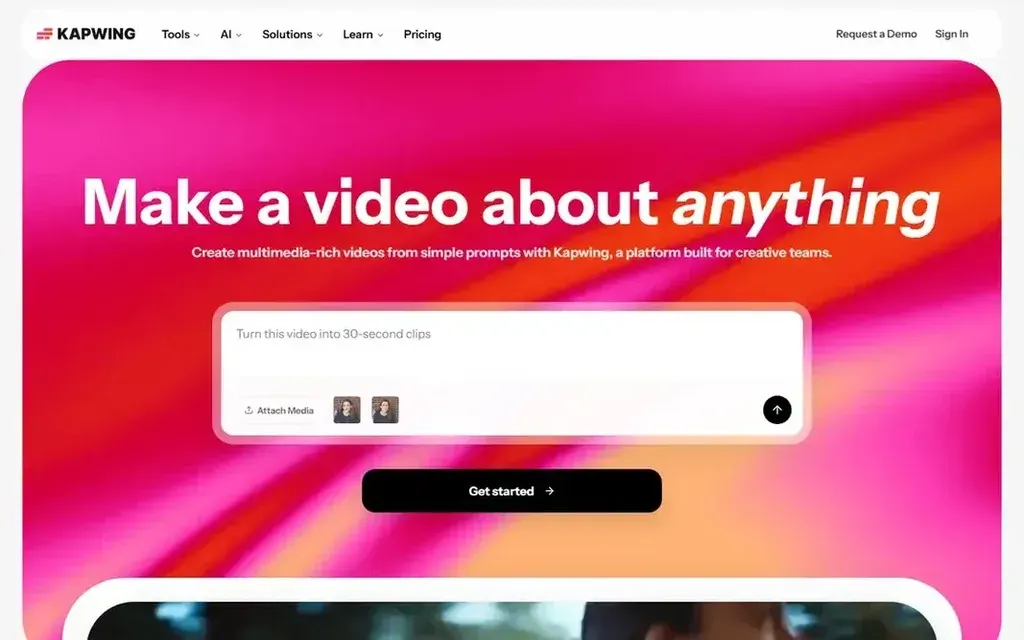
Choose Kapwing for prompt-driven project creation and channel growth. Kapwing positions itself as a place to make a video about anything, generating full projects from a single prompt and supporting creation, editing, and channel growth. It appeals to creators who publish across multiple platforms.
Watch-outs: Prompt-led output still needs review.
Main advantages: Produce full video projects from a single prompt. If your repurposing relies on precise transcript edits of long interviews, a text-based editor is the better fit. On top of that, generated projects are a starting point, so expect to refine pacing, captions, and branding yourself. Price to start with Kapwing: $16 per month. You can start on Kapwing without paying.
- Grow content for every channel
- Pitched at modern creators
- Less concentrated on transcript editing
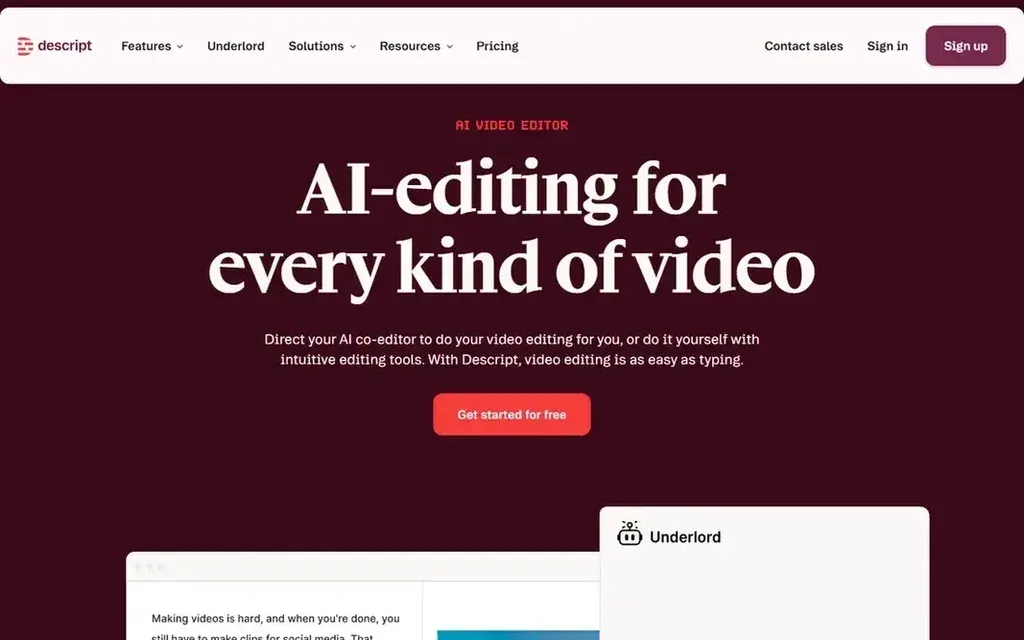
Choose Descript for Transcript-based editing and repurposing. Descript is an AI video and audio editor built around transcripts, so editing the text edits the underlying footage. Since the transcript drives the edit, highly visual sequences and complicated motion work may need additional attention or a different editor.
Highlights: Edit video by editing text; publish in one place.
Also, if your repurposing is largely graphic-heavy promos instead of spoken content, a template-driven tool may suit you better. Teams that already work from scripts or transcripts will find the ramp-up time gentle. Price to start with Descript: $16 per person per month. You can start on Descript without paying.
Drawbacks to consider: Advanced work can need more manual cleanup.
- Deals with both audio and video projects
- Record, transcribe
- Text-first workflow may feel unusual to timeline editors
How the list was put together
The comparison looks at four things: starting price, free access, how well the feature set matches companies for video repurposing, and the main limit of each tool. Seat minimums, billing terms and add-ons can move the real cost, so the starting prices here are a guide and not a quote. Tools are placed by general fit for companies for video repurposing, with price clarity and free access as tie-breakers. A different team can reasonably rank them differently.
Pre-purchase checklist
- Prices are a starting point; Pictory shows $12.50 per month, billed annually to start, so verify what your seat count would cost.
- Look at free plan limits closely: Vidyo.ai, Kapwing and Descript have one, and the caps decide whether it is usable for real work.
- Use real work to test the free trial from Waymark and Pictory, rather than a demo project.
- Read the limits listed for Vidyo.ai first: focused on short-form output.
- Pick one real project and run it in Kapwing first; a small pilot shows fit faster than a checklist.
- List the apps you already depend on and check that Waymark supports each one on the plan you would buy.
FAQ
Is Vidyo.ai the right pick for everyone comparing companies for video repurposing?
No single tool suits every team. Vidyo.ai comes first because it fits long videos into short captioned clips, while Waymark suits fast sample commercials and spec creative and Pictory suits script, URL, or audio to planned video. Match the tool to your own size, budget and workflow before deciding.
How are the tools for companies for video repurposing ordered?
The order follows typical fit for companies for video repurposing, with Vidyo.ai first and Descript last, then price clarity and free access. It is editorial judgement, not a score, so another team could rank the tools differently.
Do these tools publish their prices?
Yes. Every tool from Vidyo.ai to Descript shows a starting price, though seats, add-ons and billing terms still change the final cost.
Which options for companies for video repurposing have a free plan?
On this list, Vidyo.ai, Kapwing and Descript include a free plan. Caps on seats, usage or features are common, so test the free plan against your real workload. Several others offer a trial instead.
What does video repurposing mean in practice?
It means reusing existing footage, like webinars, podcasts, interviews, or demos, to build new content like short clips, captioned social posts, or ad concepts.
Sources
- https://vidyo.ai
- https://waymark.com
- https://pictory.ai
- https://www.kapwing.com
- https://www.descript.com