5 Best Animation Software for Laptop for 2026, Vetted and Compared
5 tools for the best animation software for laptop, compared on pricing, free plans and best-fit use. Honest caveats for every entry. Reviewed this month.
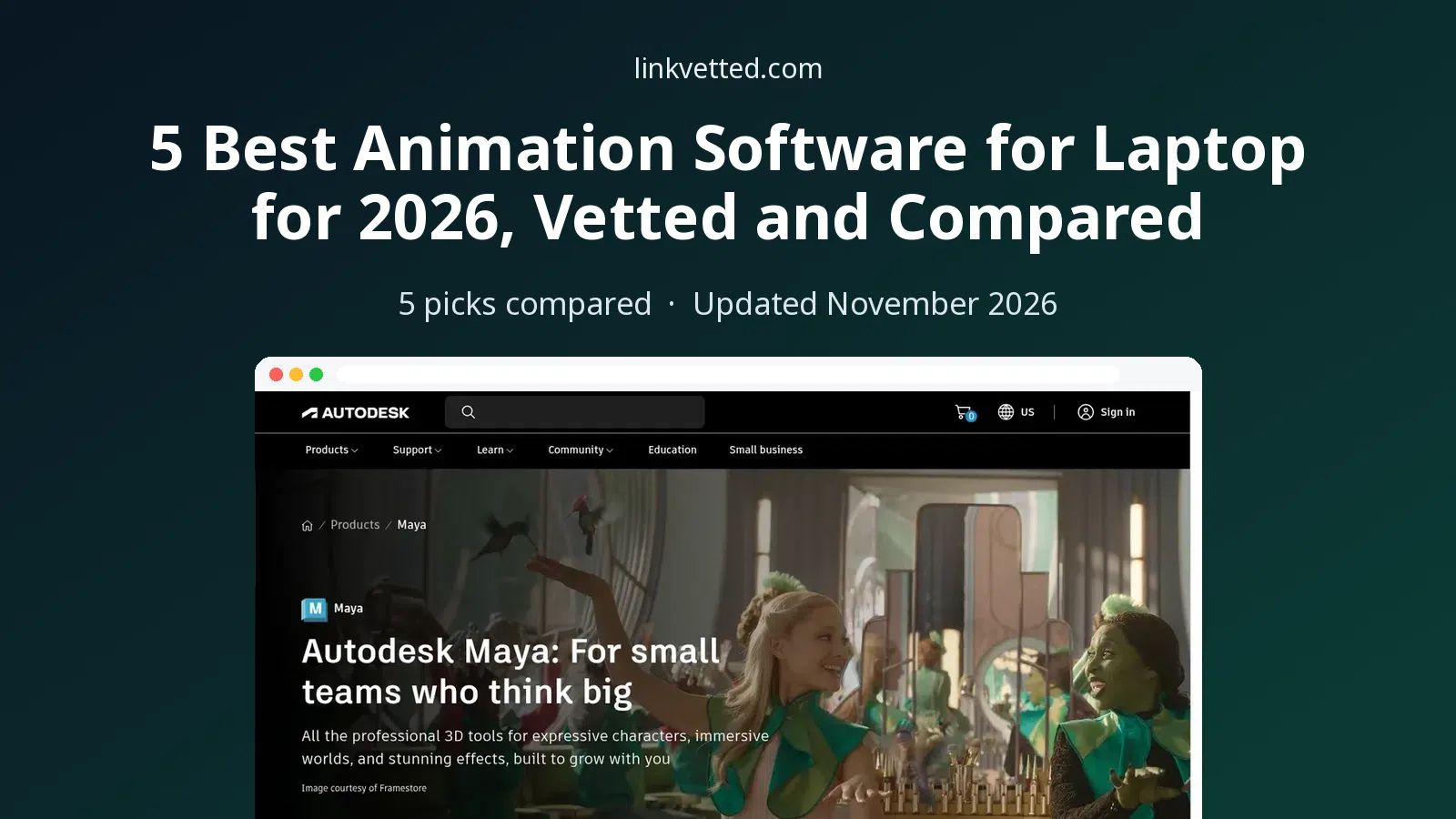
- Editor's choice
 Autodesk Maya
Professional 3D animation and VFX
Starts atPricing on requestVisit autodesk.comFull review - Great alternative
 Cavalry
Live 2D motion design
Starts atPricing on requestVisit cavalry.scenegroup.coFull review - Also consider
 Moho
Efficient 2D character animation
Starts atPricing on requestVisit moho.lostmarble.comFull review
Direct answer
Autodesk Maya is the first pick on this list for professional 3D animation and VFX. Cavalry fits live 2D motion design; Moho fits efficient 2D character animation. All 5 tools are compared below on fit, free plan and limits. None of these vendors publish plan prices, so pricing is on request for every option.
TL;DR:
- The list opens with Autodesk Maya, aimed at professional 3D animation and VFX.
- Adobe After Effects suits motion graphics and compositing.
- None of the 5 tools, from Autodesk Maya to Adobe After Effects, has a free plan, so budget for a subscription or use a trial.
- A fair warning about Maxon Cinema 4D: restricted character animation tools.
Last checked November 2026. Pricing on request: vendors did not publish plan prices when this guide was last checked (November 2026), so ask each vendor for a written quote.
Quick comparison
| Tool | Best for | Starts at | Free plan? | |
|---|---|---|---|---|
| Autodesk Maya | Professional 3D animation and VFX | Pricing on request | Not stated | Visit |
| Cavalry | Live 2D motion design | Pricing on request | Not stated | Visit |
| Moho | Efficient 2D character animation | Pricing on request | Not stated | Visit |
| Maxon Cinema 4D | 3D motion graphics and visualization | Pricing on request | Not stated | Visit |
 Adobe After Effects | Motion graphics and compositing | Pricing on request | Not stated | Visit |
Animation Software for Laptop compared in detail
This LinkVetted guide covers 5 options for animation software for laptop. Each profile lists a starting price, free plan details, strengths and drawbacks, so you can drop poor fits quickly.

Where Autodesk Maya fits: professional 3D animation and VFX. For more straightforward 3D tasks, consider Cinema 4D.
It is widely used in film and game production, making it a good match for animators who require advanced 3D capabilities on a laptop, provided the hardware meets its demands. This comparison lists no price for Autodesk Maya; ask the vendor. On free options: Not stated.
Trade-offs to know: High system requirements.
- Capable character rigging tools
- Industry-standard for VFX
- Steep ramp-up time
Think of Cavalry for live 2D motion design. Cavalry is free 2D animation and motion graphics software for Mac and Windows, offering live animation, motion design, and data-driven workflows. It is aimed at animators and motion designers who want quick, procedural 2D animation on a laptop.
As a newer tool, Cavalry has a smaller community and fewer learning resources than established software. For everyday use, pick Cavalry for modern, live motion design. Check the vendor site for Cavalry pricing; none is listed in this comparison. Trial and free access: Not stated.
Watch-outs: Newer to the market.
- Data-driven workflows
- Live animation engine
- Smaller community
Moho is designed for efficient 2D character animation. Moho is professional 2D animation software that is perfect for hobbyists and professional animators looking for a more efficient alternative when creating quality animations.
Points against: Steeper ramp-up time for advanced features.
It is a complete program for creating 2D movies, films, and commercials, and it does well on laptops. Moho does not show a starting price in this comparison, so check the vendor site for current pricing. On free options: Not stated.
- Efficient workflow
- A good match for hobbyists and pros
- Less industry standard than Harmony
Maxon Cinema 4D
Best for: 3D motion graphics and visualization
Maxon Cinema 4D works best for 3D motion graphics and visualization. If you need complicated character work, consider Maya.
It is a widely used choice for designers creating 3D elements for broadcast, film, and web, and it can run on laptops with adequate specifications. Pricing for Maxon Cinema 4D is not stated here, so ask the vendor for current figures. Trial and free access: Not stated.
Limits to weigh: Subscription-based.
- Approachable 3D interface
- Solid motion graphics tools
- Restricted character animation tools
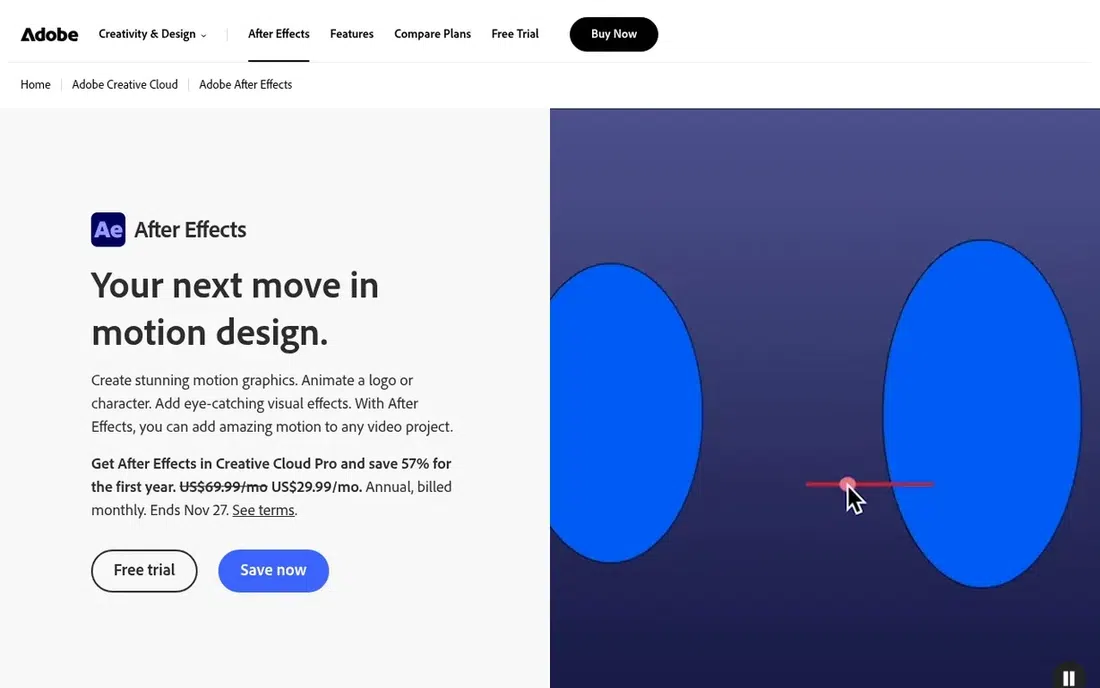
Adobe After Effects makes the most sense for motion graphics and compositing. Adobe After Effects is a motion graphics software for film, TV, video, and web. It excels at compositing, animation, and visual effects, making it a top choice for motion designers and video editors who require a versatile tool on a laptop.
Downsides: Can be demanding on laptop hardware.
Its broad adoption means many tutorials and resources are available. Even so, After Effects can be resource-intensive, so a laptop with a dedicated GPU and ample RAM is recommended. Worth adding: choose After Effects for wide motion graphics work. Adobe After Effects does not show a starting price in this comparison, so check the vendor site for current pricing. Free access: Not stated.
- Deep effects and plugins
- Industry-standard motion graphics tool
- Subscription required
Our selection method
The comparison looks at four things: starting price, free access, how well the feature set matches animation software for laptop, and the main limit of each tool. Seat minimums, billing terms and add-ons can move the real cost, so the starting prices here are a guide and not a quote. The sequence is a judgement call: typical use case first, then pricing transparency, then free access. Use the profiles to check fit.
Pre-purchase checklist
- Request quotes from Autodesk Maya, Adobe After Effects and the others; the list shows no fixed prices.
- Read the limits listed for Autodesk Maya first: steep ramp-up time.
- Run a one or two week pilot of Autodesk Maya with the people who will use it every day.
- Ask Moho how an export works before you move any records in; an easy exit lowers the risk.
- List the apps you already depend on and check that Cavalry supports each one on the plan you would buy.
FAQ
Can I try these tools before paying?
Not by default. None of the tools, from Autodesk Maya to Adobe After Effects, lists a free plan or a free trial here, so ask each vendor for a demo before committing.
Do these tools publish their prices?
No. None of the tools, from Autodesk Maya to Adobe After Effects, shows a fixed starting price here, so budget time for quotes.
Is Autodesk Maya the right pick for everyone comparing animation software for laptop?
No single tool suits every team. Autodesk Maya comes first because it fits professional 3D animation and VFX, while Cavalry suits real-time 2D motion design and Moho suits efficient 2D character animation. Match the tool to your own size, budget and workflow before deciding.
Which software is best for 2D character animation on a laptop?
For most readers this guide would start with Autodesk Maya, built for professional 3D animation and VFX. Cavalry is the alternative for live 2D motion design, and Moho for efficient 2D character animation. The right answer depends on budget and workflow.
Does any tool for animation software for laptop here have a free plan?
A permanent free plan is not offered by Autodesk Maya, Adobe After Effects or the other tools here. Plan a short evaluation period instead.
Sources
- https://www.autodesk.com/products/maya/overview
- https://cavalry.scenegroup.co
- https://moho.lostmarble.com
- https://www.maxon.net/en/cinema-4d
- https://www.adobe.com/products/aftereffects.html