Video Editing Software for Laptop in 2026: The 5 Best Options Side by Side
Shortlisting the best video editing software for laptop? 5 products compared on cost, free access and ideal buyer. Honest caveats for every entry. Easy to scan.
- Editor's choice
 DaVinci Resolve
Color and finishing work
Starts atSee websiteVisit blackmagicdesign.comFull review - Great alternative
 CapCut
Quick social media edits
Starts atSee websiteVisit capcut.comFull review - Also consider
 Final Cut Pro
Mac and iPad editors
Starts atSee websiteVisit apple.comFull review
Direct answer
This list puts DaVinci Resolve first for color and finishing work. Listed starting prices: CyberLink PowerDirector from $54.99 per month. CapCut fits quick social media edits; Final Cut Pro fits Mac and iPad editors. The other 2 tools in the list cover narrower or pricier cases.
TL;DR:
- DaVinci Resolve takes the first slot, best suited to color and finishing work.
- CapCut stands alone as the one tool in this list with a free plan.
- Starting prices begin at $54.99 per month with CyberLink PowerDirector.
- Check the limits for Final Cut Pro before you commit: restricted to Apple devices.
Last checked November 2026. Prices and plan details were read from the vendors' own pages in November 2026; vendors change plans often, so confirm the current price on the vendor site before you buy.
Quick comparison
| Tool | Best for | Starts at | Free plan? | |
|---|---|---|---|---|
| DaVinci Resolve | Color and finishing work | See website | Not stated | Visit |
| CapCut | Quick social media edits | See website | Yes | Visit |
| Final Cut Pro | Mac and iPad editors | See website | Not stated | Visit |
 CyberLink PowerDirector | AI tools with effects library | $54.99 per month | Not stated | Visit |
 Adobe Premiere Pro | Professional editing across formats | See website | Not stated | Visit |
The best video editing software for laptop
Choosing video editing software for laptop usually comes down to price, fit and limits. This LinkVetted guide sets 5 tools side by side on those three points, with the facts kept short and checkable.
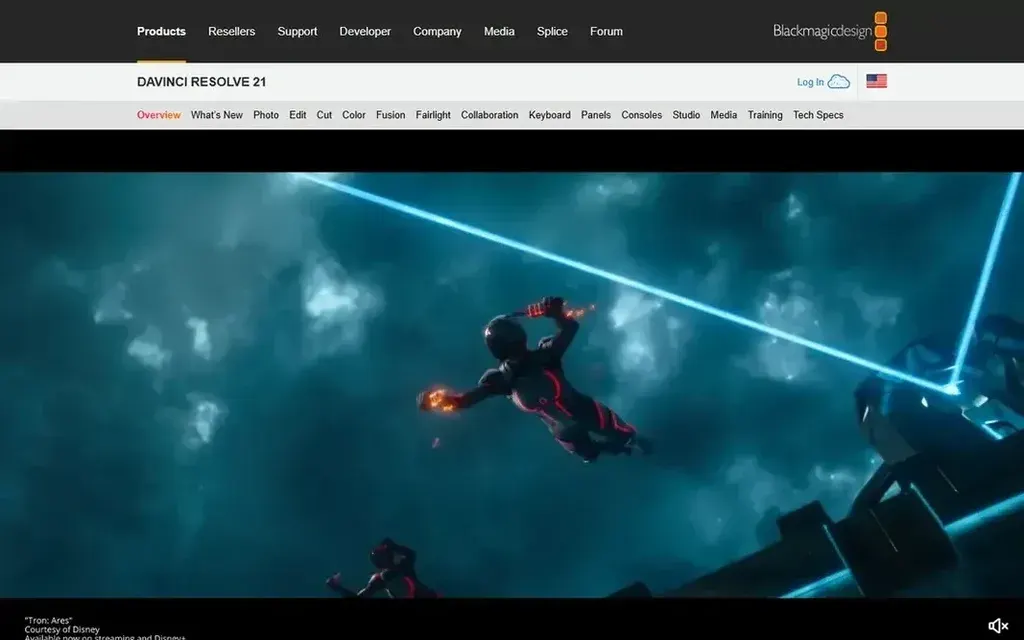
DaVinci Resolve is aimed squarely at color and finishing work. DaVinci Resolve merges professional editing, color correction, visual effects and audio postproduction in a single application. It runs on Mac, Windows and Linux.
The breadth of modules makes the interface dense, and color grading and effects work benefit from a capable laptop. Also, the vendor supplies both free and premium versions, so laptop users can start with the core application. This comparison lists no price for DaVinci Resolve; ask the vendor. On free options: Not stated.
Downsides: Feature-rich interface can overwhelm beginners.
- Free and premium versions offered
- Available for Mac
- Color work benefits from solid hardware
CapCut serves quick social media edits. CapCut is an AI video editor for YouTube and Instagram content, offering smart templates and creative effects. It is available on desktop, mobile and online, which fits creators who move between a laptop and a phone.
Strengths: mobile and online access.
Drawbacks to consider: Geared toward short-form social video.
For everyday use, editors working on narrative or broadcast-style content should consider Premiere Pro or DaVinci Resolve. CapCut leans toward short-form social video, so long-form projects needing granular color or audio control may outgrow it. This comparison lists no price for CapCut; ask the vendor. A free plan is available with CapCut.
- Smart templates and effects
- Desktop
- Fewer deep finishing controls
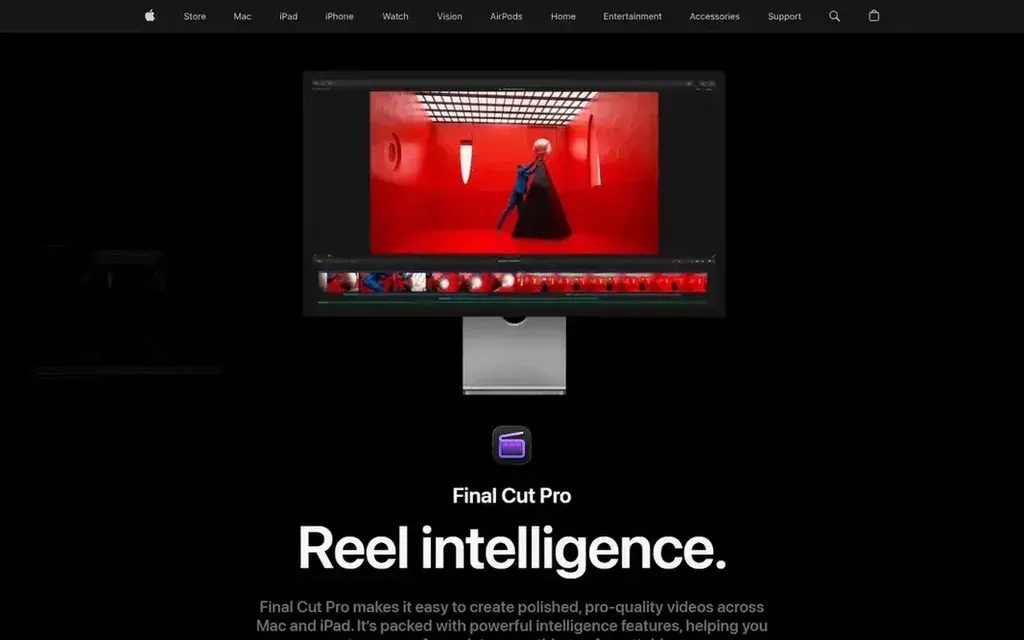
Final Cut Pro was built for Mac and iPad editors. It suits editors already working in the Apple ecosystem who want a native-feeling tool for laptop and tablet editing.
Beyond that, editors who want cross-platform adaptability or Linux support should look at DaVinci Resolve or another multiplatform tool instead. Final Cut Pro does not show a starting price in this comparison, so check the vendor site for current pricing. Free options: Not stated.
Points against: Not targeted at Windows laptops.
- Intelligence features built in
- Made for Mac and iPad
- Restricted to Apple devices
CyberLink PowerDirector is designed for AI tools with effects library. On top of that, the range of features and assets can feel dense for newcomers.
Trade-offs to know: Asset library may not suit every style.
The bundled library may not match every creative style. CyberLink PowerDirector cost at the entry level: $54.99 per month. As for free access: Not stated.
- AI tools for quicker edits
- Pro-grade effects included
- Feature density can overwhelm newcomers
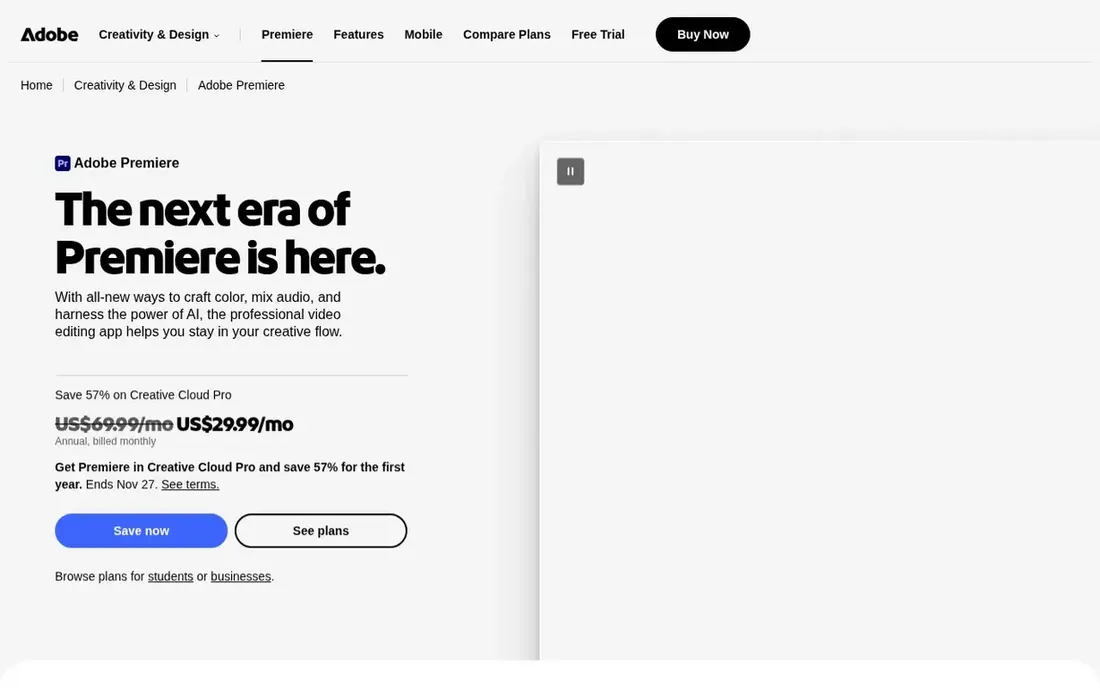
Adobe Premiere Pro is designed for professional editing across formats. Adobe Premiere Pro is professional video editing and postproduction software for trimming, effects, audio mixing and more.
As for the details, the depth of the toolset includes a ramp-up time, and laptop users may notice slower playback on heavy projects. If you want a lighter interface or more straightforward path from raw clips to finished video, a more simplified editor may suit you better. This comparison lists no price for Adobe Premiere Pro; ask the vendor. Free options: Not stated.
Where it is weaker: Subscription-based access. Best features of Adobe Premiere Pro: Extends video workflows further.
- Audio mixing built in
- Full editing
- Demanding on laptop hardware
How we chose
What to confirm before you sign up
- Confirm the entry price on the vendor page. For DaVinci Resolve, CapCut, Final Cut Pro and Adobe Premiere Pro that means a quote rather than a fixed price.
- Look at the free plan from CapCut closely: its caps decide whether it is usable for real work.
- Read the limits listed for DaVinci Resolve first: feature-rich interface can overwhelm beginners.
- Find out whether the entry plan of Adobe Premiere Pro covers your must-haves or only a trimmed-down version.
- Confirm minimum seats and billing terms with CapCut before you commit to an annual plan.
FAQ
How are the tools for video editing software for laptop ordered?
DaVinci Resolve sits first and Adobe Premiere Pro last because the order follows typical fit for video editing software for laptop, then price clarity and free access. It is a judgement call, so read each profile for fit and limits.
Do these tools publish their prices?
Not all of them. DaVinci Resolve, CapCut, Final Cut Pro and Adobe Premiere Pro publish no starting price, so expect a quote request for those. The rest, CyberLink PowerDirector included, show a starting price, though seats and billing terms still change the final cost.
Which options for video editing software for laptop have a free plan?
CapCut is the only tool in this list with a free plan. Free plans usually cap users, projects or features, so check the limits on the vendor page. Each of the 5 options in this video editing software for laptop guide has its own card above with the price, free plan and limits.
Can a laptop manage professional editing software?
Premiere Pro, DaVinci Resolve and Final Cut Pro all run on laptops, but performance relies on processor, memory and graphics. Check vendor system requirements and consider proxy workflows for demanding footage before committing.
Which laptop video editor is a good match for beginners?
DaVinci Resolve is the pick this page puts first, mainly for color and finishing work. If your situation differs, CapCut suits fast social media edits, and Final Cut Pro suits Mac and iPad editors. Compare price and limits before you decide.
Can I try these tools before paying?
Often, yes. CapCut has a free plan. Use your own data and a real task during the test, and check what the free tier or trial limits before you rely on it. All 5 picks in this video editing software for laptop comparison list a starting price, free plan details and the main limits on their cards above.
Sources
- https://www.blackmagicdesign.com/products/davinciresolve
- https://www.capcut.com
- https://www.apple.com/final-cut-pro
- https://www.cyberlink.com/products/powerdirector-ultimate/overview_en_US.html
- https://www.adobe.com/products/premiere.html