Web Design Software for Smart Devices in 2026: The 6 Best Options Side by Side
Best web design software for smart devices in 2026: 6 tools with starting prices, free plans and limits. The catches are listed up front. Read before you buy.
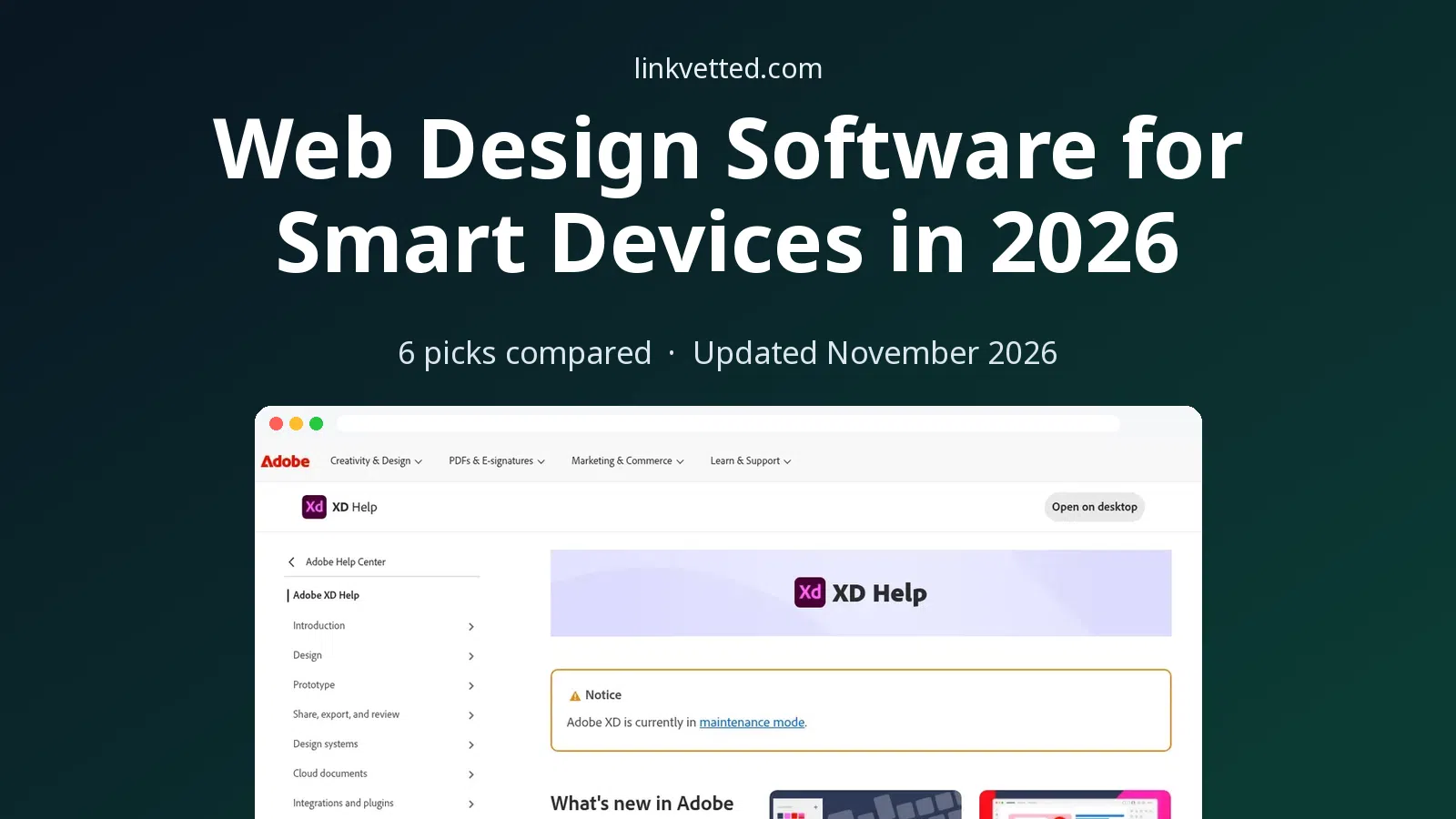
- Editor's choice
 Adobe XD
Designers already inside Adobe workflows
Starts atSee websiteVisit adobe.comFull review - Great alternative
 Sketch
Mac designers wanting a focused workflow
Starts at$12 per editor a monthVisit sketch.comFull review - Also consider
 Figma
Collaborative multi-device design and handoff
Starts at$3 per monthVisit figma.comFull review
Direct answer
Adobe XD comes first here, mainly for designers already inside Adobe workflows. Listed starting prices: Sketch from $12 per editor a month, Figma from $3 per month and Framer from $10 a month. For a different need, Sketch covers Mac designers wanting a focused workflow and Figma covers collaborative multi-device design and handoff. All 6 tools are compared below on price, free plan and limits.
TL;DR:
- This list starts with Adobe XD, which is built for designers already inside Adobe workflows.
- Check the limits for Figma before you commit: browser-based work relies on connection.
- Webflow suits designing and publishing production sites.
- The lowest published monthly entry price here is $3 per month, from Figma.
- A free plan is available from 2 of the 6 tools: Framer, Webflow.
Last checked November 2026. Prices and plan details were read from the vendors' own pages in November 2026; vendors change plans often, so confirm the current price on the vendor site before you buy.
Quick comparison
| Tool | Best for | Starts at | Free plan? | |
|---|---|---|---|---|
| Adobe XD | Designers already inside Adobe workflows | See website | Not stated | Visit |
| Sketch | Mac designers wanting a focused workflow | $12 per editor a month | Free trial | Visit |
| Figma | Collaborative multi-device design and handoff | $3 per month | Not stated | Visit |
 Adobe Dreamweaver | Hand-coding responsive pages with live preview | See website | Not stated | Visit |
 Framer | Quick idea-to-launch responsive sites | $10 a month | Yes | Visit |
 Webflow | Designing and publishing production sites | $15 per month | Yes | Visit |
6 web design software for smart devices in detail
Choosing web design software for smart devices usually comes down to price, fit and limits. This LinkVetted guide sets 6 tools side by side on those three points, with the facts kept short and checkable.
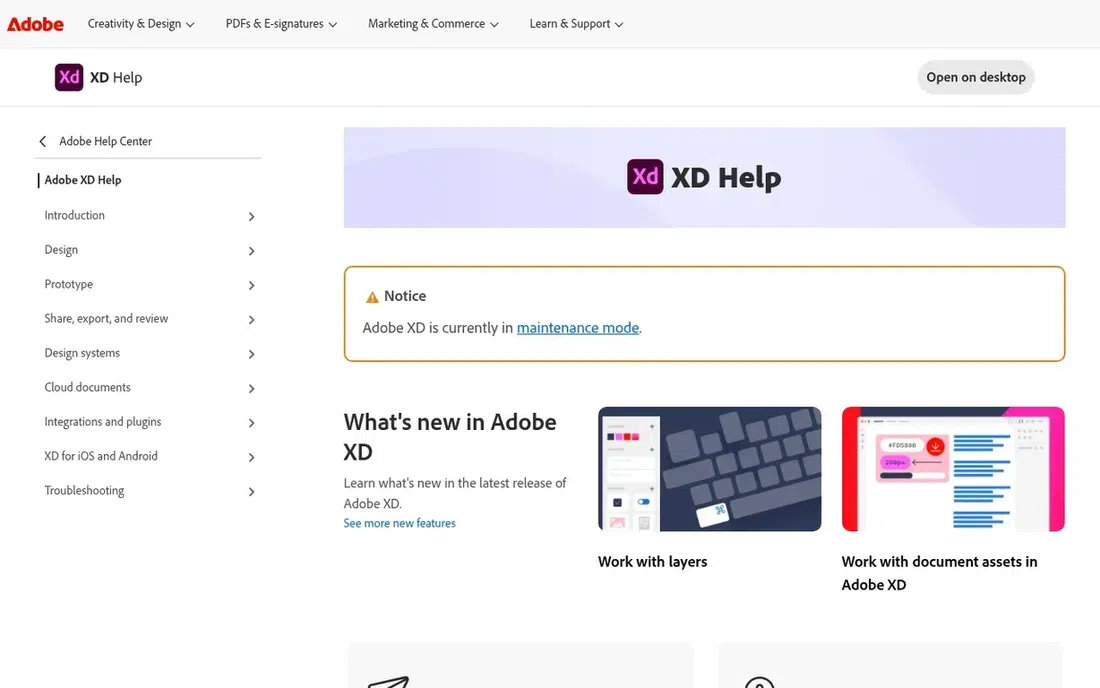
Adobe XD is built with designers already inside Adobe workflows in mind. Teams already working inside Adobe's ecosystem can keep assets and workflows close together. It remains a reasonable choice for prototyping app and responsive web screens for smart devices.
More specifically, Adobe XD is Adobe's interface and experience design tool, used to lay out screens, build interactive prototypes, and prepare specs for development. Consider it primarily when you are already invested in Adobe tools and want continuity. XD has seen less active development than some newer competitors, so teams that rely on fast-moving collaboration features may prefer a different canvas. No starting price is listed for Adobe XD here; confirm pricing on the vendor site. Free plan details: Not stated.
Trade-offs to know: Less momentum than newer collaborative tools.
- Familiar interface for Adobe users
- Prototyping and design in one workspace
- Shared editing is not its most solid suit
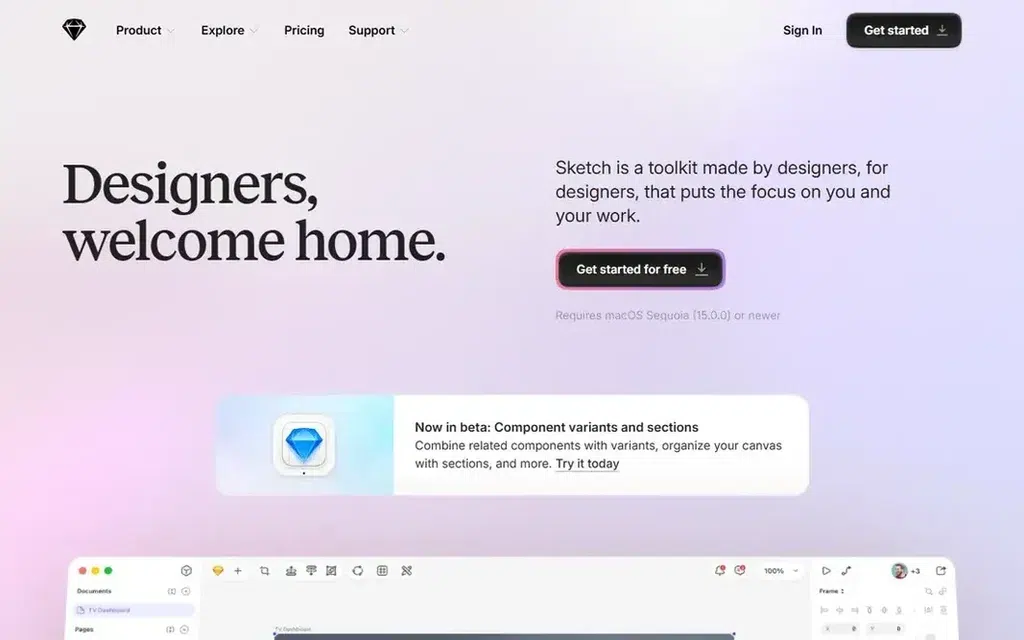
Sketch was built for Mac designers wanting a focused workflow. Sketch is a design and prototyping app aimed at Mac, described as made by designers for designers, with design, prototyping, collaboration, and handoff in one place. It performs well for laying out responsive screens and reusable components for smart devices.
Drawbacks to consider: Mac-only, which limits team adaptability.
Its focused interface appeals to designers who want fewer distractions. Teams that require many people in one file at once may look elsewhere. For everyday use, the Mac-only requirement can be a real constraint for mixed teams, and browser-first tools tend to make shared editing simpler. Entry price for Sketch: $12 per editor per month. Free options: Free trial.
- Designer-first interface and toolset
- Handoff in one app
- Collaboration is less central than in browser tools
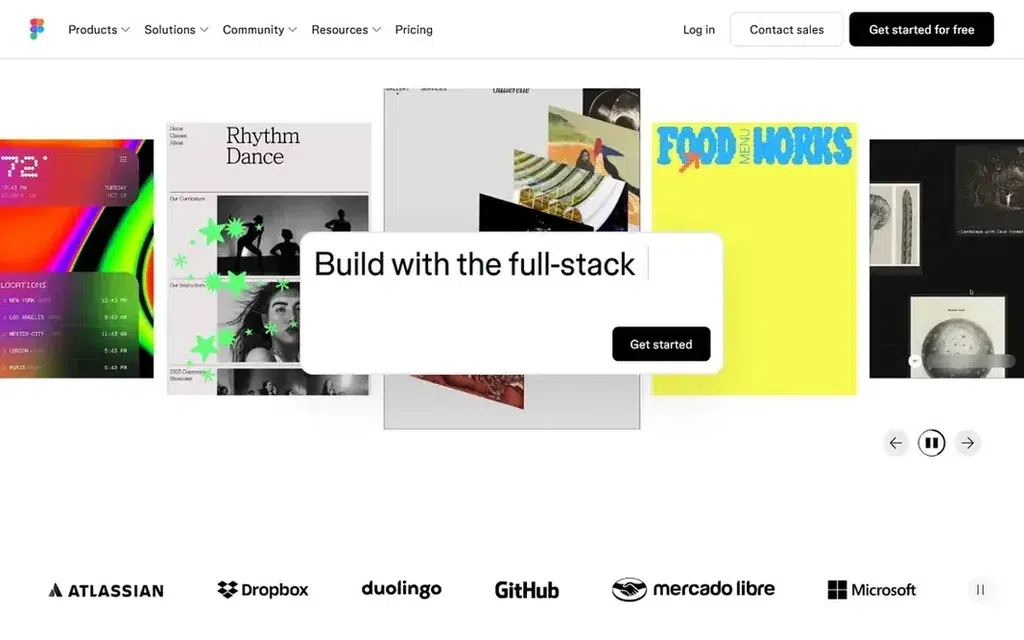
Figma serves collaborative multi-device design and handoff. Figma presents itself as a collaborative canvas where design, code, and AI come together, carrying a project from first idea to shipped product with the entire team in one place. Since the work lives in a shared online canvas, teams with strict offline or on-premises requirements may have to plan around that.
Drawbacks to consider: Browser-based work relies on connection.
For smart device work, that shared space helps teams keep responsive layouts, components, and specs aligned across phone, tablet, and desktop frames. Choose Figma when collaboration and a single source of truth for device layouts matter most. The starting price for Figma: $3 per month. Free plan details: Not stated.
- Solid fit for shared component libraries
- Design, code
- Large files can feel heavy on older hardware
Adobe Dreamweaver works best for hand-coding responsive pages with live preview. Adobe Dreamweaver is website design software for creating and publishing responsive pages, supporting HTML, CSS, JavaScript, and more.
What works well: Responsive design tooling built in.
From a buyer's view, Dreamweaver is code-centric, so designers expecting a purely visual canvas may find it slower for early exploration. Worth adding: choose it when hand-coded, responsive output and direct markup control are what you need. This comparison lists no price for Adobe Dreamweaver; ask the vendor. Trial and free access: Not stated.
Trade-offs to know: Code-centric.
- Publish pages from within the app
- JavaScript straight
- Less visual than canvas tools
Pick Framer if this describes you: quick idea-to-launch responsive sites. Framer is a website builder with a design agent that takes a project from idea to launch, keeping changes editable whereas including hosting, CMS, analytics, and search optimization. Pick Framer when speed to a refined, responsive published site is the priority.
Complicated sites can still need time to learn the system. For everyday use, Framer is oriented toward websites instead of deep app prototyping, so product teams building native interfaces may need another tool. Entry price for Framer: $10 per month. Free access exists with Framer.
Points against: Less suited to in-depth app prototyping.
- Hosting, CMS
- Design agent helps move from idea to site
- Advanced features take time to learn
For designing and publishing production sites, Webflow is a natural candidate. Webflow is a visual web product for designing, building, optimizing, and ranking sites, with CMS, hosting, and enterprise-grade security built in. Worth adding: for smart device audiences, its responsive design controls let teams shape layouts across breakpoints and publish straight rather than handing off to developers.
Worth adding: the product has a ramp-up time, notably for complicated interactions and CMS structures. It is targeted at websites instead of native app interfaces. Webflow pricing: $15 per month. Webflow offers a free plan.
Honest limits: Ramp-up time for advanced interactions.
- Well suited to responsive marketing sites
- Visual design plus CMS and hosting
- Less suited to native app design
How we compared the tools
LinkVetted looked at what each vendor publishes: pricing, plan limits, feature coverage for web design software for smart devices and stated drawbacks. No hands-on testing is claimed. Treat prices as a snapshot: vendors change plans often, so check the vendor site for the figure that applies today. We ordered the tools by general fit, then by how clearly pricing is shown, then by free access. A buyer with unusual needs may reorder them.
A buyer's checklist
- Get a written quote from Adobe XD and Adobe Dreamweaver; the list shows no starting price for them.
- Read the fine print on the free plans from Framer and Webflow; seat, project and feature caps differ.
- Run a trial of Sketch with real work before paying for a year; your own workflow is the best test.
- Read the limits listed for Adobe XD first: less momentum than newer collaborative tools.
- Ask Adobe XD which support channels and response times come with the plan you would buy.
- Check whether Adobe Dreamweaver bills monthly or annually, and what cancelling early costs.
FAQ
How are the tools for web design software for smart devices ordered?
Adobe XD sits first and Webflow last because the order follows typical fit for web design software for smart devices, then price clarity and free access. It is a judgement call, so read each profile for fit and limits.
What is the cheapest option for web design software for smart devices in this list?
On published monthly entry prices, Figma is the lowest here at $3 per month. Entry price is only part of the cost, because seats, add-ons and billing terms can change the total. All 6 picks in this web design software for smart devices comparison list a starting price, free plan details and the main limits on their cards above.
How should a small team choose between these choices?
Start with how you will collaborate and whether you have to publish. A small Mac-based studio might prefer Sketch, whereas a distributed team frequently benefits from a browser-based canvas.
Which options for web design software for smart devices have a free plan?
Framer and Webflow offer a free plan in this list. Free plans usually cap users, projects or features, so check the limits on the vendor page. One other tool offers a trial instead. For the full picture, the cards above cover all 6 entries of this web design software for smart devices list, including price, free plan and limits.
Is Adobe XD the right pick for everyone comparing web design software for smart devices?
No single tool suits every team. Adobe XD comes first because it fits designers already inside Adobe workflows, while Sketch suits Mac designers wanting a focused workflow and Figma suits collaborative multi-device design and handoff. Match the tool to your own size, budget and workflow before deciding.
Sources
- https://www.adobe.com/products/xd.html
- https://www.sketch.com
- https://www.figma.com
- https://www.adobe.com/products/dreamweaver.html
- https://www.framer.com
- https://webflow.com