Best Web Design Software in 2026: 8 Tools Compared
Compare the best web design software for small businesses, designers and stores, with pricing, templates, ecommerce and ease of use explained in plain terms.
- Editor's choice
 Webflow
Designers who want full visual control
Starts at$14 per monthVisit webflow.comFull review - Great alternative
 Wix
Small businesses that want an all-in-one site
Starts at$17 per monthVisit wix.comFull review - Also consider
 Squarespace
Design-led portfolios and small stores
Starts at$16 per monthVisit squarespace.comFull review
TL;DR:
- Webflow and Framer suit designers who want visual control, while Wix and Squarespace suit small businesses that want speed.
- WordPress suits content sites that need plugins and control, while Shopify suits stores that put selling first.
- Check the total cost, including hosting, domain, templates, and transaction fees, not just the monthly plan price.
- Test the mobile view before launch, since most visitors will see the site on a phone first.
Quick comparison
| Tool | Best for | Starts at | Free plan? | |
|---|---|---|---|---|
| Webflow | Designers who want full visual control | $14 per month | Yes | Visit |
| Wix | Small businesses that want an all-in-one site | $17 per month | Yes | Visit |
| Squarespace | Design-led portfolios and small stores | $16 per month | Free trial | Visit |
 WordPress.com | Bloggers and content sites that want control | $4 per month | Yes | Visit |
 Framer | Modern marketing sites with animation | $5 per month | Yes | Visit |
 Duda | Agencies building many client sites | $19 per month | Free trial | Visit |
 Shopify | Stores that put selling first | $29 per month | Free trial | Visit |
 Adobe Dreamweaver | Designers who code and want visual help | See website | Free trial | Visit |
The best web design software
We compared official pricing pages, feature lists, and public documentation for best web design software, and we focused on what a regular buyer will actually use week to week. The list below mixes well-known leaders with strong smaller options, so you can match a tool to your budget and skill level, not just to brand fame.
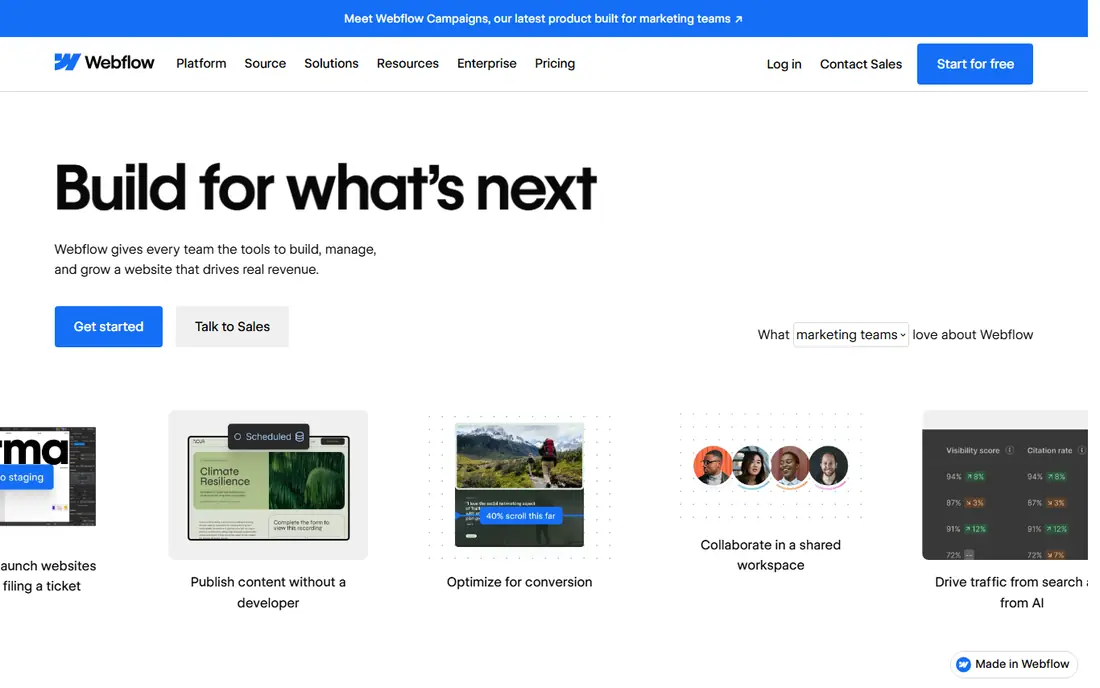
Webflow is the designer choice on this list. It gives visual control over layout, CMS content, and interactions, while producing clean code that developers can work with.
For a marketing site or portfolio, that control matters. A designer can build a custom layout without writing code, yet still control spacing, breakpoints, and animations precisely.
The catch is learning time and pricing. Webflow takes longer to learn than a drag and drop builder, and site plans plus workspace plans need careful reading before choosing a tier.
- Visual design with CMS and interactions
- Clean code output
- Strong templates
- Learning curve is steeper than Wix
- Site and workspace plans can confuse pricing

Wix is the all-in-one choice for small businesses. A drag and drop editor, AI site builder, hosting, and an app marketplace sit in one account, so a site can launch quickly.
For a shop, restaurant, or service business, that breadth helps. Booking, stores, and forms can be added without a separate tool, and support is available around the clock.
The downside is template lock-in. A template cannot be switched after a site is published without rebuilding, so a business should choose carefully at the start.
- Drag and drop editor with AI site builder
- Large app marketplace
- Hosting included
- Templates cannot be switched after publishing
- Costs grow with apps and features
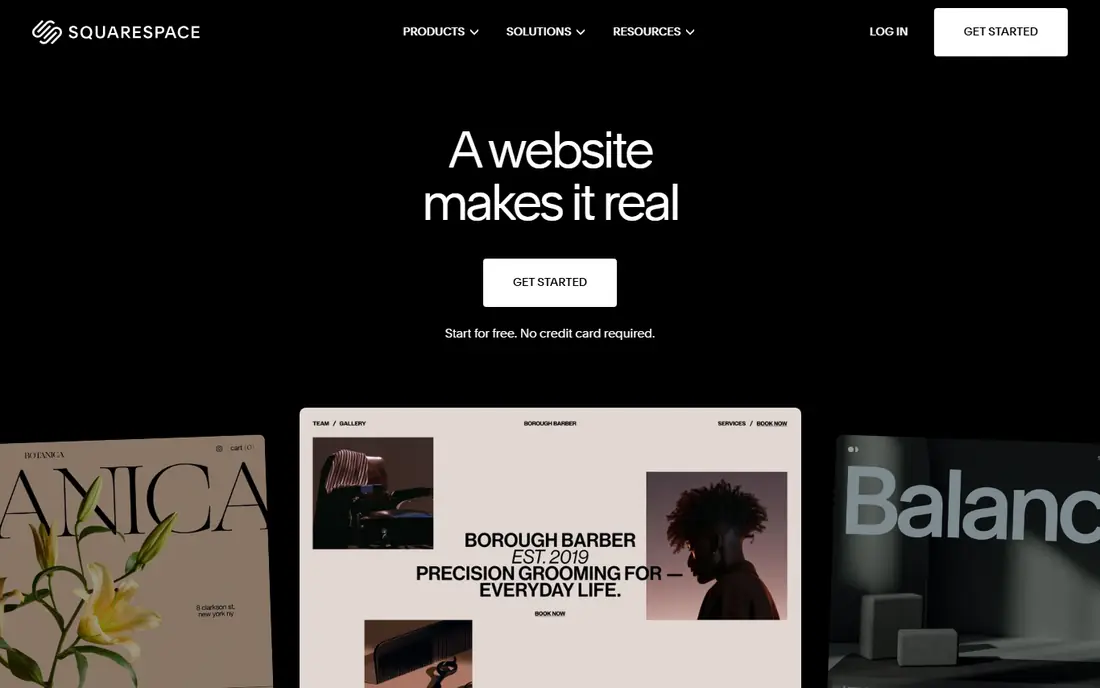
Squarespace is known for polished templates. A portfolio, blog, or small store can look refined with little design skill, because templates handle spacing, type, and images well.
For creative businesses, that polish is the point. A photographer or designer can publish a site that looks professional without hiring a developer.
The catch is flexibility and price. There is no free plan, only a trial, and deep customisation is harder than in Webflow, so a business with very specific layout needs may feel constrained.
- Polished templates with strong visual design
- Built-in blogging and store tools
- Hosting included
- No free plan, only a trial
- Customisation is less flexible than Webflow
WordPress.com is the content-first choice. It powers blogs, news sites, and business sites with a huge theme and plugin range, and the free plan lets a writer start without paying.
For a site that will grow content over years, that ecosystem matters. SEO tools, newsletters, and store plugins can be added as needs change.
The downside is effort. Full plugin access needs a higher plan, and design and maintenance take more time than in Wix or Squarespace, so a busy owner should budget for that work.
- WordPress publishing with plugins on higher plans
- Large theme range
- Free plan for starting
- Full plugin access needs higher plans
- Design and maintenance take more time
Framer suits startups and designers who want a modern marketing site fast. Designs can be built visually, animated, and published as a live site without a separate developer step.
Animation is its edge. Scroll effects and transitions can be added visually, so a landing page feels alive rather than static.
The catch is selling. Framer has no built-in store for serious ecommerce, and pricing is per site, so a business with many sites or a large store should look at Shopify or Webflow.
- Fast design-to-site workflow
- Strong animation
- Good templates for startups
- No built-in store for serious ecommerce
- Site pricing is per site
Duda is built for agencies and freelancers who build sites for clients. Client management, white label options, and team tools sit alongside a fast site builder.
For an agency, that workflow saves time. Sites can be managed, reviewed, and handed over in one system, instead of juggling separate tools for each client.
The downside is single-site value. The price is high for one personal site, and a solo owner may find Wix or Squarespace a better fit for a single project.
- Client management and white label tools
- Fast site building
- Team collaboration
- Price is higher for a single site
- Less suited to a one-off personal site
Shopify is the store-first choice. Product pages, payments, shipping, and discounts are built in, with an app store for almost any selling need.
For a business that sells online, that focus pays off. Checkout, inventory, and marketing tools work together, and hosting is reliable at scale.
The catch is total cost. The monthly plan plus transaction fees and paid apps can add up, and deep design changes may need a paid theme or a developer.
- Strong ecommerce tools, payments, and apps
- Scalable for growing stores
- Reliable hosting
- Monthly cost plus transaction fees
- Design customisation needs themes or code
Dreamweaver suits designers who code. It combines visual editing with code editing, so a user can adjust HTML and CSS by hand while seeing the result.
For a custom site, that control matters. A designer can build exactly what a client needs, without the limits of a template builder.
The downside is skill and scope. Dreamweaver needs coding knowledge, it does not include hosting, and it is not a drag and drop builder, so a non-coder should choose Wix or Squarespace instead.
- Visual and code editing in one app
- HTML, CSS, and JavaScript support
- Adobe integration
- Subscription cost
- Needs coding skill
- No hosting or drag and drop site builder
How we picked these
We started with products that exist and work today, and that truly fit best web design software. We checked each vendor official homepage, pricing page, and feature list, and we left out products that were discontinued, that only partly fit the topic, or that had no clear official home. Where we could not verify a price, we wrote See website rather than guessing.
We also weighed fit for different buyers. A tool can be excellent for one person and wrong for another, so we looked at ease of use, core features, free options, and honest limits. That is why the list includes free tools, mid-priced tools, and enterprise options, instead of only the most famous names.
How to choose web design software
Start with the job, not the feature list
Write down the one job you need done most often, and the one job you need done second. A tool that does those two jobs well will serve you better than a tool with a long feature list that misses your main need. Test that job in a free plan or trial before paying, and bring a real example from your own work, not just a demo file.
Check total cost and limits before you commit
Look past the headline price. Check seat costs, per-secret or per-site charges, renewal prices, and what happens when you hit a limit. A free plan that caps your main job is not really free, and a low monthly price that renews much higher can surprise you in year two. Read the pricing page and the limits page together.
Test the everyday workflow, not just the demo
A demo can hide friction. Try the steps you will repeat, such as adding a new item, sharing with a teammate, or exporting a file. If those steps feel slow or confusing in a trial, they will feel worse after a year of daily use. Ask a teammate to try the same steps, since a second view often catches problems the first user missed.
Plan for growth and for leaving
Choose a tool that can grow with you, but also check how you can export your data if you leave. A tool that locks your work inside a closed format can cost more later than a slightly pricier tool with open export. Keep a copy of your key data outside the tool, and note the export steps before you build a large project in it.
FAQ
What is the best option for best web design software?
There is no single best option for every buyer, because best web design software covers different budgets and skill levels. For most people, the first product on this list is a safe starting point, while a specialist need may point to a later product. Start with your main job, test a free plan or trial, and compare total cost before you commit.
Is there a free option for best web design software?
Yes, several products on this list offer a free plan or a free trial, and we note that in the comparison table. A free plan is often enough for a small project or a test, but it may limit features, storage, or team size. Check the free limits before you build a large project on a free tier.
How much should I expect to pay?
Prices range from free to quote-based enterprise plans, and the right price depends on team size, volume, and features. A solo user can often start free or at a low monthly price, while a team or a business with strict controls will pay more. Compare the total annual cost, including seats and add-ons, not just the monthly headline.
How do I avoid picking the wrong tool?
Define your main job, test it in a trial, and check export options before you commit. Read recent user reviews for problems that affect your use case, and avoid tools that hide pricing or lock your data. If a tool feels confusing in a trial, it will rarely feel simpler after you pay.
Can I switch tools later if I change my mind?
In most cases, yes, but switching takes time, especially if you have built a large project or a large collection. Check export formats and migration guides before you start, and keep a backup of your key data. A tool with clear export options is safer than one that makes leaving hard.