Video Editing Software for Church Media Teams in 2026: The 5 Best Options Side by Side
Best video editing software for church media teams: 5 tools compared on price, free plans and fit. Every pick includes one clear drawback. Decide faster.
- Editor's choice
 DaVinci Resolve
Color, audio and editing in one app
Starts atPricing on requestVisit blackmagicdesign.comFull review - Great alternative
 CapCut
AI-assisted social video clips
Starts atPricing on requestVisit capcut.comFull review - Also consider
 Final Cut Pro
Mac and iPad editing teams
Starts atPricing on requestVisit apple.comFull review
Direct answer
Our first pick is DaVinci Resolve, best for color, audio and editing in one app. Alternatives: CapCut for AI-assisted social video clips, and Final Cut Pro for Mac and iPad editing teams. The other 2 tools in the list cover narrower or pricier cases. None of these vendors publish plan prices, so pricing is on request for every option.
TL;DR:
- This list starts with DaVinci Resolve, which is built for color, audio and editing in one app.
- Just one of the 5 tools, CapCut, has a free plan.
- Adobe Premiere Pro is the one to check for full-service editing and postproduction.
- Check the limits for Filmora before you commit: advanced workflows are more limited.
- Every tool from DaVinci Resolve to Adobe Premiere Pro works by quote, with no list price shown.
Last checked November 2026. Pricing on request: vendors did not publish plan prices when this guide was last checked (November 2026), so ask each vendor for a written quote.
Quick comparison
| Tool | Best for | Starts at | Free plan? | |
|---|---|---|---|---|
| DaVinci Resolve | Color, audio and editing in one app | Pricing on request | Not stated | Visit |
| CapCut | AI-assisted social video clips | Pricing on request | Yes | Visit |
| Final Cut Pro | Mac and iPad editing teams | Pricing on request | Not stated | Visit |
 Filmora | Friendly timeline editing with AI help | Pricing on request | Not stated | Visit |
 Adobe Premiere Pro | Full-service editing and postproduction | Pricing on request | Not stated | Visit |
The full video editing software for church media teams list
If you are comparing video editing software for church media teams, this page covers 5 tools in one place: what each is best for, what it costs to start, whether it has a free plan, and the main limit to know about.
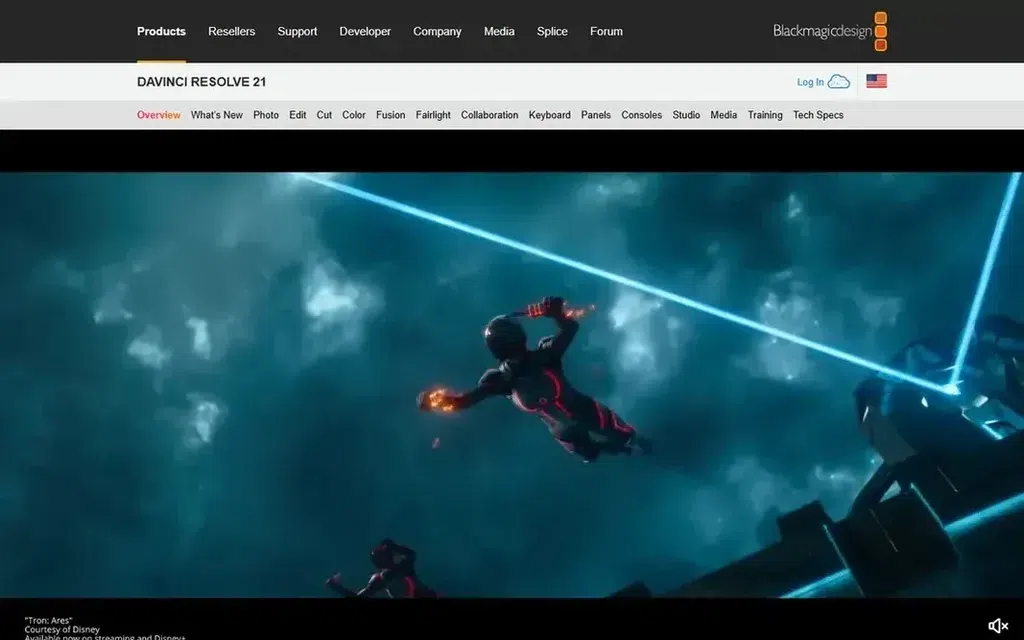
DaVinci Resolve makes the most sense for color, audio and editing in one app. As for the details, heavier color and effects work also rewards a well-specced machine.
Strengths: Windows and Linux.
Mixed-computer teams benefit since the same workflow is available across the major desktop systems. Check the vendor site for DaVinci Resolve pricing; none is listed in this comparison. Free options: Not stated.
The main drawbacks: Demanding projects need solid hardware.
- Fits teams with mixed computers
- Effects and audio together
- Plenty of panels can overwhelm beginners
CapCut is designed for AI-assisted social video clips. CapCut is an AI video editor geared toward YouTube and Instagram style content, with smart templates and creative effects, available on desktop, mobile and online. Church media teams can use it to turn sermon moments and event footage into short vertical clips for social channels.
Best features of CapCut: Desktop.
As for the details, templates help volunteers with little editing background produce consistent posts rapidly. Keep CapCut for the social layer and use a desktop suite for the central service production. Teams needing detailed color or audio work should pair it with a fuller editor. No starting price is listed for CapCut here; confirm pricing on the vendor site. Free access exists with CapCut. Honest limits: Less suited to long-form projects.
- Mobile and online editing
- Smart templates and creative effects
- Template style can feel repetitive
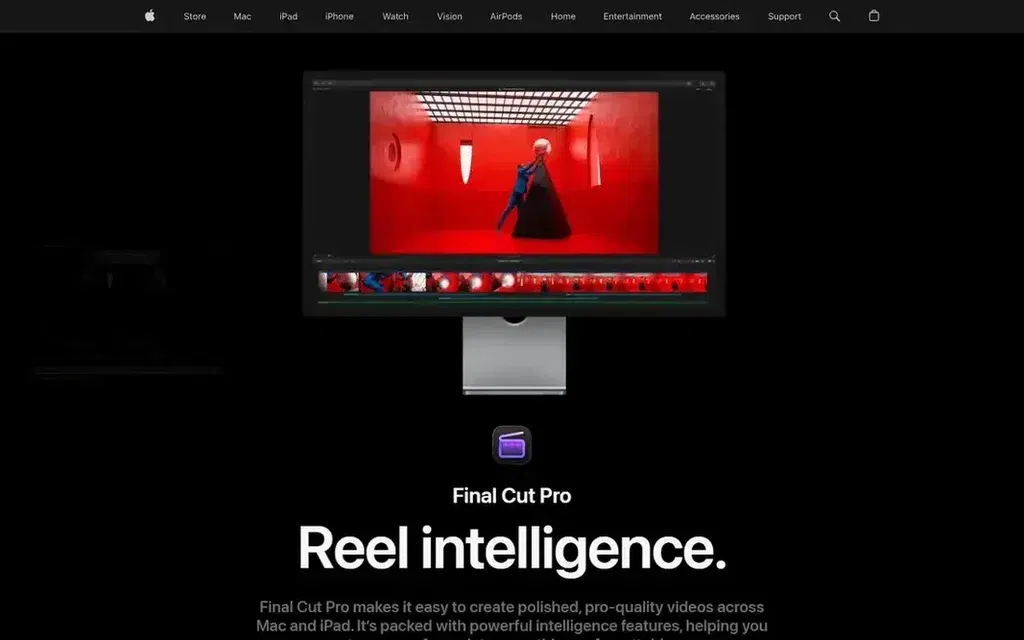
Final Cut Pro serves Mac and iPad editing teams. Final Cut Pro is Apple's editing application, packed with capable intelligence features that aim to make pro-quality video creation and editing simple on Mac and iPad. Worth adding: if your media team is not standardized on Apple devices, look at a cross-platform editor instead.
Worth adding: church teams already working on Apple hardware can move between desktop and tablet for fast turnaround edits. Very large projects also benefit from newer Apple machines. This comparison lists no price for Final Cut Pro; ask the vendor. On free options: Not stated.
Where it is weaker: Tied to Apple hardware.
- Editing on Mac and iPad
- Pro-quality creation made approachable
- Not a choice for Windows teams
Filmora was built for friendly timeline editing with AI help. Filmora from Wondershare is AI-powered video editing software for desktop and mobile, with easy-to-learn timeline tools plus AI features, effects, captions and audio tools.
On top of that, church media teams with volunteer editors commonly appreciate the gentler ramp-up time and built-in captioning for sermon clips. Pricing for Filmora is not stated here, so ask the vendor for current figures. Trial and free access: Not stated.
Where it falls short: Advanced workflows are more restricted.
- Desktop and mobile versions
- Easy-to-learn timeline tools
- Effects can distract new editors
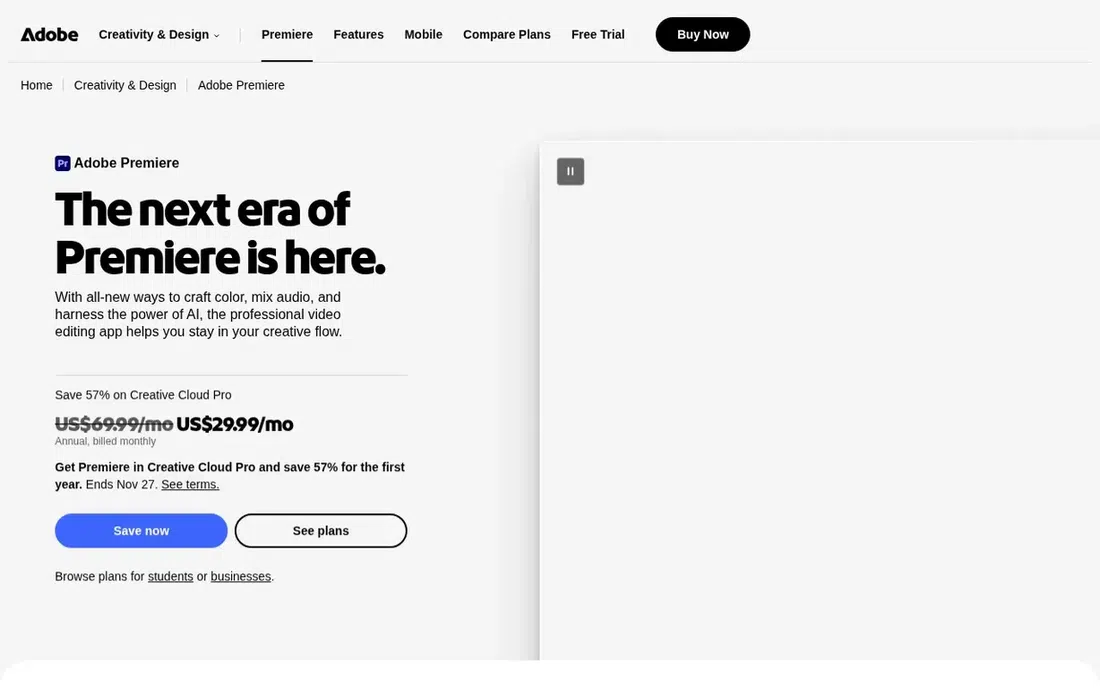
Adobe Premiere Pro is a good fit for full-service editing and postproduction. Adobe Premiere Pro is professional video editing and postproduction software for trimming and editing footage, adding effects, mixing audio and extending video. It tends to fit teams with a minimum of one experienced editor who can set templates and guide volunteers through a repeatable workflow.
As for the details, the depth includes complexity, and new volunteers may need time before they are comfortable on the timeline. Beyond that, if your team largely cuts short social clips, a more straightforward editor may be the better starting point. For everyday use, machines also need enough power for smooth playback of bigger projects. Adobe Premiere Pro does not show a starting price in this comparison, so check the vendor site for current pricing. Free access: Not stated.
Honest limits: Deeper ramp-up time for volunteers.
- Effects
- Audio mixing and video extension
- Needs a capable editing machine
How the list was put together
The comparison looks at four things: starting price, free access, how well the feature set matches video editing software for church media teams, and the main limit of each tool. Where a price is missing, the vendor does not list one publicly or ties it to a quote. Always confirm before budgeting. The ranking is editorial: typical fit first, then clear pricing, then free access. If your needs are unusual, read the profiles rather than relying on position.
What to confirm before you sign up
- Request quotes from DaVinci Resolve, Adobe Premiere Pro and the others; the list shows no fixed prices.
- Look at the free plan from CapCut closely: its caps decide whether it is usable for real work.
- Read the limits listed for DaVinci Resolve first: plenty of panels can overwhelm beginners.
- Involve the people who will use Adobe Premiere Pro daily; a short pilot beats a long feature checklist.
- Check whether the features you need in DaVinci Resolve sit on the entry plan or only on higher tiers.
FAQ
How are the tools for video editing software for church media teams ordered?
DaVinci Resolve sits first and Adobe Premiere Pro last because the order follows typical fit for video editing software for church media teams, then price clarity and free access. It is a judgement call, so read each profile for fit and limits.
Is DaVinci Resolve the right pick for everyone comparing video editing software for church media teams?
No single tool suits every team. DaVinci Resolve comes first because it fits color, audio and editing in one app, while CapCut suits AI-assisted social video clips and Final Cut Pro suits Mac and iPad editing teams. Match the tool to your own size, budget and workflow before deciding.
Can I try these tools before paying?
Often, yes. CapCut has a free plan. Use your own data and a real task during the test, and check what the free tier or trial limits before you rely on it. Each of the 5 options in this video editing software for Church media teams guide has its own card above with the price, free plan and limits.
Do these tools publish their prices?
No. None of the tools, from DaVinci Resolve to Adobe Premiere Pro, shows a fixed starting price here, so budget time for quotes. All 5 picks in this video editing software for Church media teams comparison list a starting price, free plan details and the main limits on their cards above.
Sources
- https://www.blackmagicdesign.com/products/davinciresolve
- https://www.capcut.com
- https://www.apple.com/final-cut-pro
- https://filmora.wondershare.com
- https://www.adobe.com/products/premiere.html