Top 5 Video Editing Software for Church Live Streams for 2026 (Prices and Free Plans)
Best video editing software for church live streams: 5 contenders ranked by fit, with entry costs and free tiers. Pros and cons for every tool. Easy to scan.
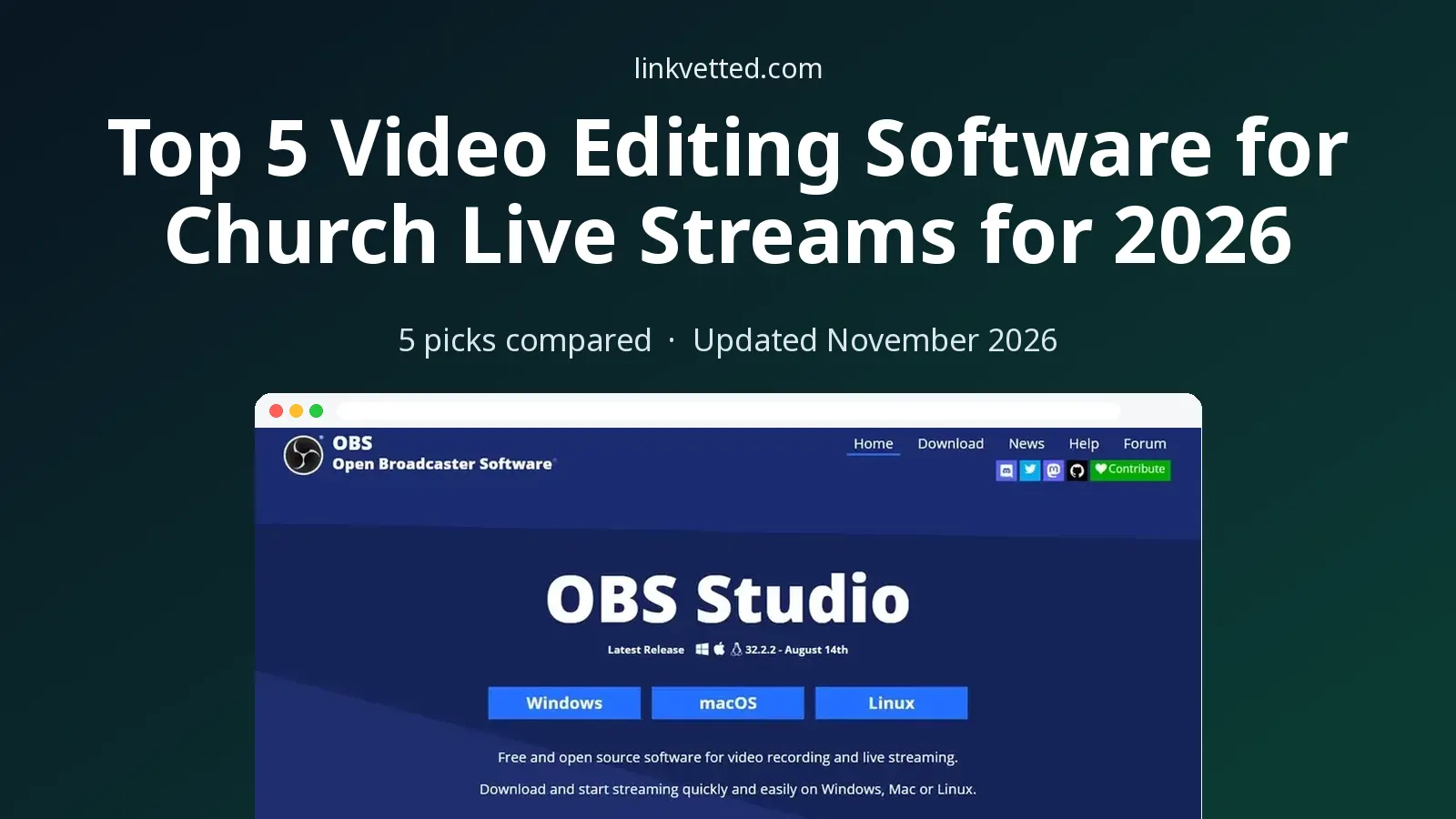
- Editor's choice
 Adobe Premiere Pro
Professional post-production editing
Starts atSee websiteVisit adobe.comFull review - Great alternativeVimeo Livestream
Browser-based event streaming
Starts atSee websiteVisit vimeo.comFull review - Also consider
 OBS Studio
Free live streaming and recording
Starts atSee websiteVisit obsproject.comFull review
Direct answer
Start with Adobe Premiere Pro if you need professional post-production editing. Listed starting prices: Wirecast from $34 a month. Look at Vimeo Livestream for browser-based event streaming, and at OBS Studio for free live streaming and recording. All 5 tools are compared below on price, free plan and limits.
TL;DR:
- Adobe Premiere Pro is the opening pick, best for professional post-production editing.
- Wirecast is the lowest-priced starter here at $34 per month.
- For all-in-one editing and color, DaVinci Resolve is worth a look.
- Just one of the 5 tools, Vimeo Livestream, has a free plan.
Last checked November 2026. Prices and plan details were read from the vendors' own pages in November 2026; vendors change plans often, so confirm the current price on the vendor site before you buy.
Quick comparison
| Tool | Best for | Starts at | Free plan? | |
|---|---|---|---|---|
| Adobe Premiere Pro | Professional post-production editing | See website | Not stated | Visit |
| Vimeo Livestream | Browser-based event streaming | See website | Yes | Visit |
| OBS Studio | Free live streaming and recording | See website | Not stated | Visit |
 Wirecast | Mac and PC streaming with guests | $34 a month | Free trial | Visit |
 DaVinci Resolve | All-in-one editing and color | See website | Not stated | Visit |
The 5 tools in detail
This LinkVetted guide covers 5 video editing software for church live streams. Each profile lists a starting price, free plan details, strengths and drawbacks, so you can drop poor fits quickly.
Adobe Premiere Pro was built for professional post-production editing. Adobe Premiere Pro is professional video editing and postproduction software. In practice, churches that record services and later produce sermon clips, announcements, or recap videos commonly use Premiere Pro for refined editing, notably when they already work within Adobe's creative ecosystem.
Premiere Pro is aimed at editing instead of live streaming, so it does not replace a switcher for Sunday services. It also needs a subscription, which may not suit every church budget. No starting price is listed for Adobe Premiere Pro here; confirm pricing on the vendor site. As for free access: Not stated.
Where it is weaker: Subscription-based access.
- Add effects and mix audio
- Extend video with connected tools
- Not built for live switching
Vimeo Livestream
Best for: Browser-based event streaming
Think of Vimeo Livestream for browser-based event streaming. Vimeo Livestream lets you live stream online from your browser or the Vimeo app. Worth adding: churches that want a straightforward way to broadcast services or special events without managing complicated software may appreciate the browser-based approach and built-in audience engagement features.
Honest limits: Depends on internet connection.
Reasons to shortlist it: High-quality.
It also relies on a stable internet connection. Also, if your church needs in-depth live production control, pair it with a dedicated switcher or choose another choice. Pricing for Vimeo Livestream is not stated here, so ask the vendor for current figures. Vimeo Livestream has a free plan.
- Engagement tools for live events
- Stream from browser or app
- Restricted production switching features
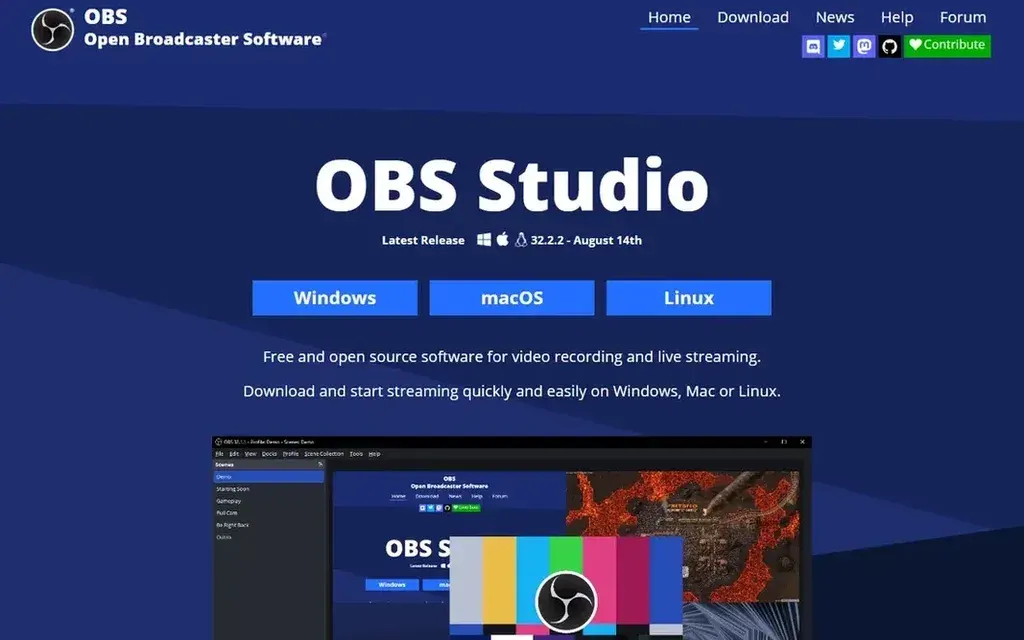
OBS Studio serves free live streaming and recording. OBS Studio is free and open source software for video recording and live streaming. It lets you stream to Twitch, YouTube, and numerous other providers or record your own videos with high-quality H264 and AAC encoding.
Honest limits: Interface can feel technical for beginners.
Worth adding: OBS Studio concentrates on live production instead of deep editing. So it may not replace a dedicated editor for sermon recaps or highlight videos. Churches with a volunteer tech team commonly choose OBS for its adaptability and scene management, making it a solid fit for weekly services that require dependable live output without licensing complexity. Pricing for OBS Studio is not stated here, so ask the vendor for current figures. Free access: Not stated.
- High-quality H264 and AAC encoding
- Streams to plenty of providers
- Restricted built-in post-production editing
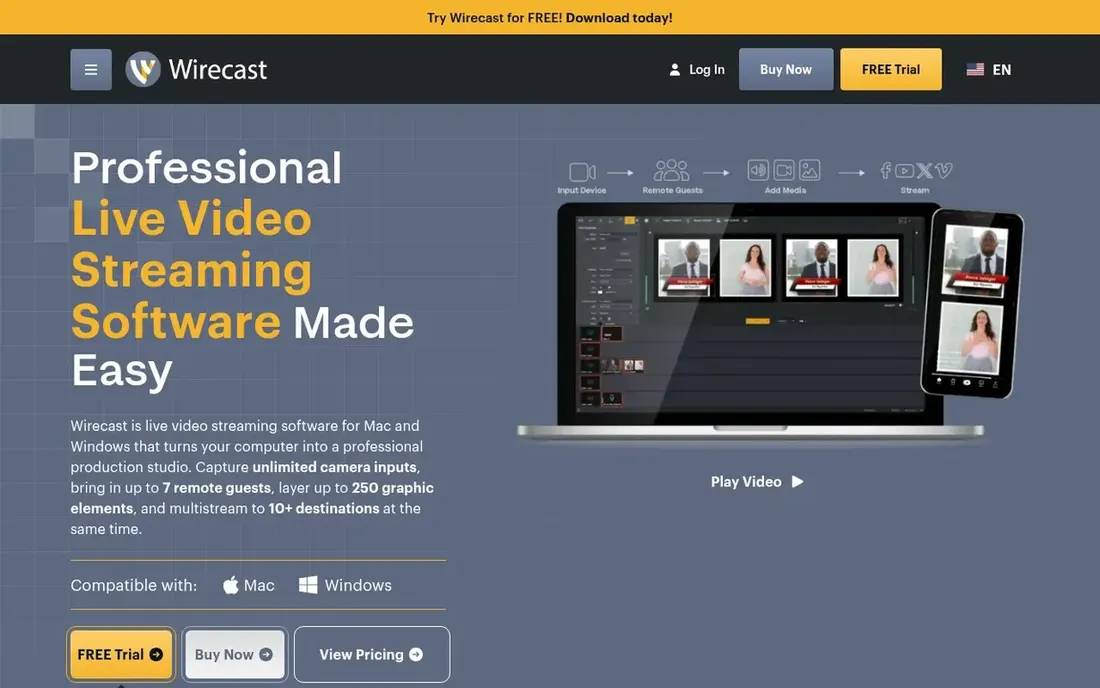
Wirecast targets Mac and PC streaming with guests. The software also benefits from a capable computer.
Drawbacks to consider: Ramp-up time for new operators.
Beyond that, churches that contain remote speakers, missionaries, or guest worship leaders may appreciate the remote guest support, whereas the capacity to multistream helps reach congregants across multiple online destinations. Price to start with Wirecast: $34 per month. Free plan details: Free trial.
- Switch unlimited cameras
- Multistream to every system
- May need a capable machine
Where DaVinci Resolve fits: all-in-one editing and color. DaVinci Resolve is professional video editing, color correction, visual effects, and audio post production all in a single application. It provides free and premium versions for Mac, Windows, and Linux.
Resolve's depth can be intimidating for volunteers who only need entry-level cuts, and its advanced features may demand a well-equipped computer. It is not a live streaming switcher, so it complements instead of replaces live production tools. For everyday use, if your team needs straightforward editing, a lighter choice may be simpler. This comparison lists no price for DaVinci Resolve; ask the vendor. Free plan details: Not stated.
Points against: Demanding on hardware.
- Audio in one app
- Free and premium versions
- Advanced features can overwhelm beginners
Our selection method
The comparison looks at four things: starting price, free access, how well the feature set matches video editing software for church live streams, and the main limit of each tool. Seat minimums, billing terms and add-ons can move the real cost, so the starting prices here are a guide and not a quote. We ordered the tools by general fit, then by how clearly pricing is shown, then by free access. A buyer with unusual needs may reorder them.
Questions to settle before buying
- Get a written quote from Adobe Premiere Pro, Vimeo Livestream, OBS Studio and DaVinci Resolve; the list shows no starting price for them.
- Look at the free plan from Vimeo Livestream closely: its caps decide whether it is usable for real work.
- Run a trial of Wirecast with real work before paying for a year; your own workflow is the best test.
- Before choosing Adobe Premiere Pro, weigh its main limit: subscription-based access.
- Confirm the exact Vimeo Livestream plan that includes your must-have features.
- Before rolling out Wirecast, verify the integrations your workflow depends on.
FAQ
Is Adobe Premiere Pro the right pick for everyone comparing video editing software for church live streams?
No single tool suits every team. Adobe Premiere Pro comes first because it fits professional post-production editing, while Vimeo Livestream suits browser-based event streaming and OBS Studio suits free live streaming and recording. Match the tool to your own size, budget and workflow before deciding.
Can I try these tools before paying?
Often, yes. Vimeo Livestream has a free plan and Wirecast offers a free trial. Use your own data and a real task during the test, and check what the free tier or trial limits before you rely on it.
Do these tools publish their prices?
Not all of them. Adobe Premiere Pro, Vimeo Livestream, OBS Studio and DaVinci Resolve publish no starting price, so expect a quote request for those. The rest, Wirecast included, show a starting price, though seats and billing terms still change the final cost.
What is the cheapest option for video editing software for church live streams in this list?
On published monthly entry prices, Wirecast is the lowest here at $34 per month. Entry price is only part of the cost, because seats, add-ons and billing terms can change the total. All 5 picks in this video editing software for Church live streams comparison list a starting price, free plan details and the main limits on their cards above.
Sources
- https://www.adobe.com/products/premiere.html
- https://vimeo.com/livestream
- https://obsproject.com
- https://www.telestream.net/wirecast
- https://www.blackmagicdesign.com/products/davinciresolve