Top 5 Vector Design Software for Startups for 2026 (Prices and Free Plans)
Shortlisting the best vector design software for startups? 5 products compared on cost, free access and ideal buyer. Honest caveats for every entry. No hype.
- Editor's choiceVectornator
AI-driven campaign asset generation
Starts at$8 a monthVisit vectornator.ioFull review - Great alternative
 Canva
Fast marketing and social graphics
Starts atSee websiteVisit canva.comFull review - Also consider
 Adobe Illustrator
Advanced vector illustration and branding
Starts atSee websiteVisit adobe.comFull review
Direct answer
For AI-driven campaign asset generation, Vectornator is where this list starts. Listed starting prices: Vectornator from $8 a month, Figma from $3 a month and Sketch from $12 per editor a month. Look at Canva for fast marketing and social graphics, and at Adobe Illustrator for advanced vector illustration and branding. Prices, free plans and limits for all 5 tools follow.
TL;DR:
- Top of the list is Vectornator, which targets AI-driven campaign asset generation.
- Sketch is the one to check for Mac-based UI and product design.
- For the cheapest start, look at Figma: $3 per month.
- Only Vectornator offers a free plan among these 5 tools.
Last checked November 2026. Prices and plan details were read from the vendors' own pages in November 2026; vendors change plans often, so confirm the current price on the vendor site before you buy.
Quick comparison
| Tool | Best for | Starts at | Free plan? | |
|---|---|---|---|---|
| Vectornator | AI-driven campaign asset generation | $8 a month | Yes | Visit |
| Canva | Fast marketing and social graphics | See website | Not stated | Visit |
| Adobe Illustrator | Advanced vector illustration and branding | See website | Not stated | Visit |
 Figma | Collaborative design and prototyping | $3 a month | Not stated | Visit |
 Sketch | Mac-based UI and product design | $12 per editor a month | Free trial | Visit |
The full vector design software for startups list
LinkVetted put together this guide to vector design software for startups for readers who want a clear shortlist without reading every vendor page. It compares 5 tools on starting price, free plans, who each one suits and where each one falls short.
Vectornator
Best for: AI-driven campaign asset generation
Vectornator is built with AI-driven campaign asset generation in mind. Vectornator, now part of Linearity, gives you an AI design generator that turns one prompt into a full set of editable, on-brand campaign assets for every format and channel.
Limits to weigh: May need adaptation for custom workflows.
From a buyer's view, consider it as a complement to traditional vector tools rather than a complete replacement. The tool emphasizes automation and speed, reducing manual design time for campaign rollouts. Vectornator starts at: $8 per month. Vectornator includes a free tier.
- AI creates editable campaign assets
- Supports several formats
- Less established as a traditional vector editor
Canva makes the most sense for fast marketing and social graphics. Canva is a free-to-use online graphic design tool for creating social media posts, presentations, posters, videos, logos, and more.
Limits to weigh: Less control for complicated illustrations.
It also depends on templates, which can result in generic designs. Canva shows no starting price here, so confirm the cost on the vendor site. Free options: Not stated.
- Web-based and collaborative
- Simple drag-and-drop interface
- Restricted precision vector editing
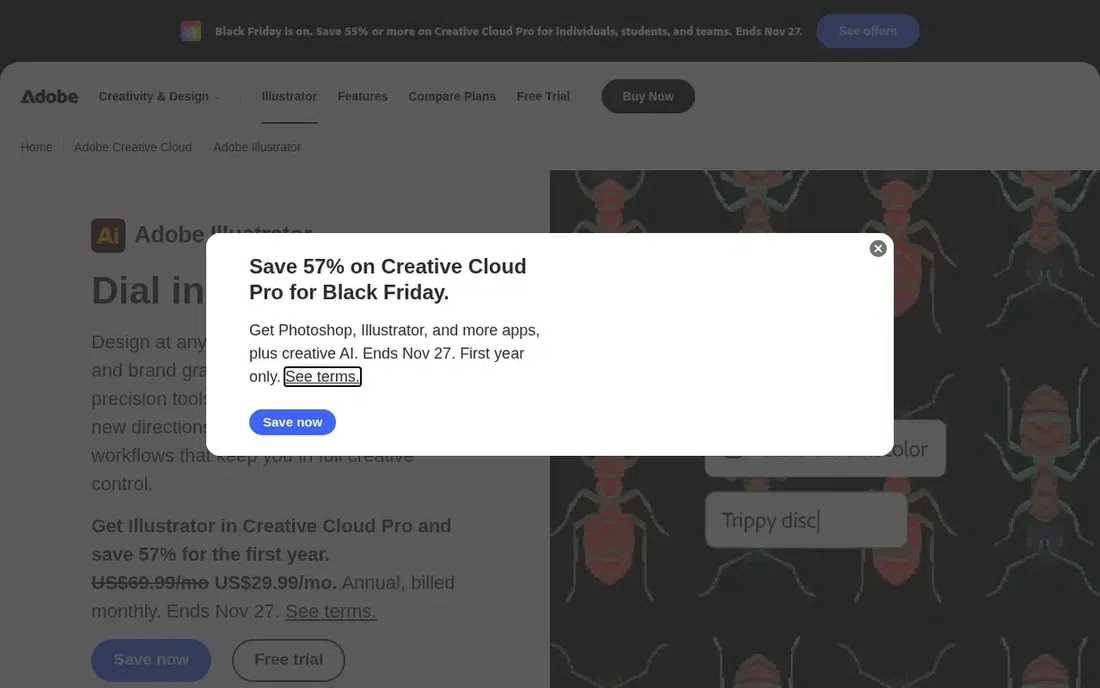
Adobe Illustrator is designed for advanced vector illustration and branding. Adobe Illustrator is a professional vector graphics application used for illustration, branding, and print design. Its generative AI feature can transform a text prompt into a completely editable vector graphic, which helps startups rapidly prototype visual identities.
Honest limits: Can be complicated for beginners.
The software has a steep ramp-up time and may overwhelm founders without design experience. It also needs a subscription, which layers on to startup costs. No starting price is listed for Adobe Illustrator here; confirm pricing on the vendor site. As for free access: Not stated.
- Generative AI turns text into editable vectors
- Industry-standard vector graphics software
- Needs a subscription
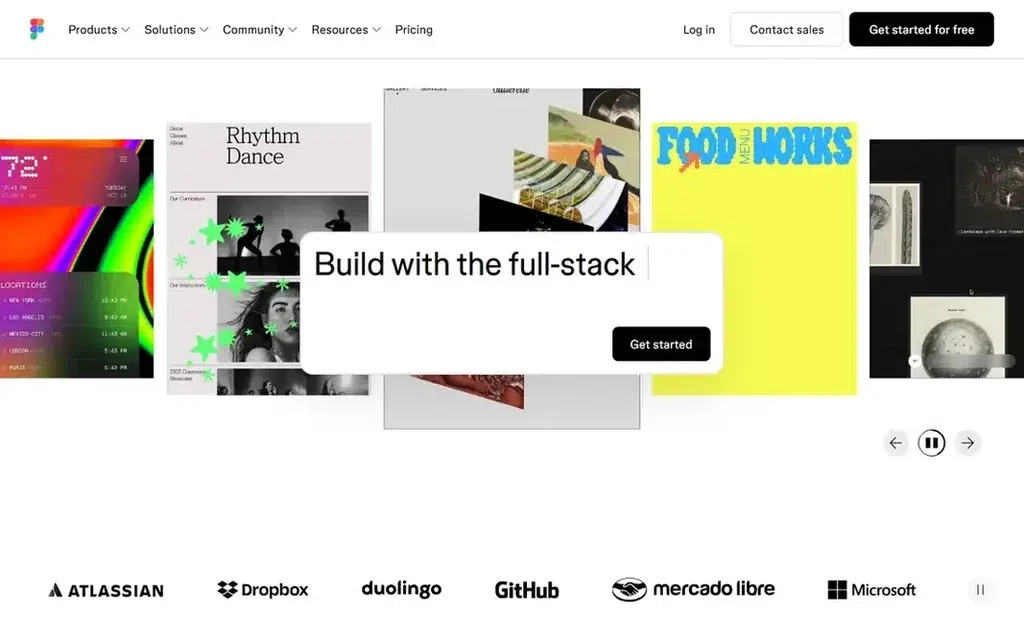
Figma was built for collaborative design and prototyping. It excels at interface design, prototyping, and design system management, making it a strong match for startups building digital products.
Watch-outs: Restricted advanced vector illustration tools.
Startups concentrated on complicated print or packaging design might pair Figma with a more specialized vector editor. Whereas Figma manages vector editing, it lacks the deep illustration capabilities of dedicated tools like Illustrator. On cost, Figma starts like this: $3 per month. Free options: Not stated.
- Browser-based with handoff features
- Live collaboration for teams
- Needs internet for full functionality
Where Sketch fits: Mac-based UI and product design. Sketch is a design tool made by designers, for designers, focusing on interface and product design with prototyping and collaboration features.
Limits to weigh: Restricted vector illustration depth.
Sketch is exclusive to macOS, which restricts cross-platform teams. The starting price for Sketch: $12 per editor per month. Free access: Free trial.
- Clean
- Made for digital product design
- Mac-only system
How we built this list
Questions to settle before buying
- Confirm the entry price on the vendor page. For Canva and Adobe Illustrator that means a quote rather than a fixed price.
- Test the free plan from Vectornator against your real workload before relying on it.
- Run a trial of Sketch with real work before paying for a year; your own workflow is the best test.
- Before choosing Vectornator, weigh its main limit: less established as a traditional vector editor.
- Price Vectornator for your actual team size; headline prices rarely include add-ons or overage.
- Find out what support Sketch includes on your plan, and whether onboarding help costs extra.
FAQ
Which options for vector design software for startups have a free plan?
Vectornator is the only tool in this list with a free plan. Free plans usually cap users, projects or features, so check the limits on the vendor page. One other tool offers a trial instead. Prices, free plan details and limits for all 5 tools in this vector design software for startups roundup sit on the individual cards above.
How are the tools for vector design software for startups ordered?
Vectornator sits first and Sketch last because the order follows typical fit for vector design software for startups, then price clarity and free access. It is a judgement call, so read each profile for fit and limits.
What is the best vector design software for startups on a budget?
Vectornator is the pick this page puts first, mainly for AI-driven campaign asset generation. If your situation differs, Canva suits fast marketing and social graphics, and Adobe Illustrator suits advanced vector illustration and branding. Compare price and limits before you decide.
Can Figma replace Adobe Illustrator for vector design?
Figma excels at collaborative interface design and prototyping but has restricted advanced vector illustration tools. Illustrator remains more solid for complicated artwork and print. Plenty of startups use both together.
What is the cheapest option for vector design software for startups in this list?
On published monthly entry prices, Figma is the lowest here at $3 per month. Entry price is only part of the cost, because seats, add-ons and billing terms can change the total. Each of the 5 options in this vector design software for startups guide has its own card above with the price, free plan and limits.
Is Vectornator the right pick for everyone comparing vector design software for startups?
No single tool suits every team. Vectornator comes first because it fits AI-driven campaign asset generation, while Canva suits quick marketing and social graphics and Adobe Illustrator suits advanced vector illustration and branding. Match the tool to your own size, budget and workflow before deciding.
Sources
- https://www.vectornator.io
- https://www.canva.com
- https://www.adobe.com/products/illustrator.html
- https://www.figma.com
- https://www.sketch.com