Top 5 UX Software for Prototyping for 2026 (Prices and Free Plans)
Top UX software for prototyping in 2026: 5 contenders with entry costs and free tiers. Each listing flags where it falls short. Current for November 2026.
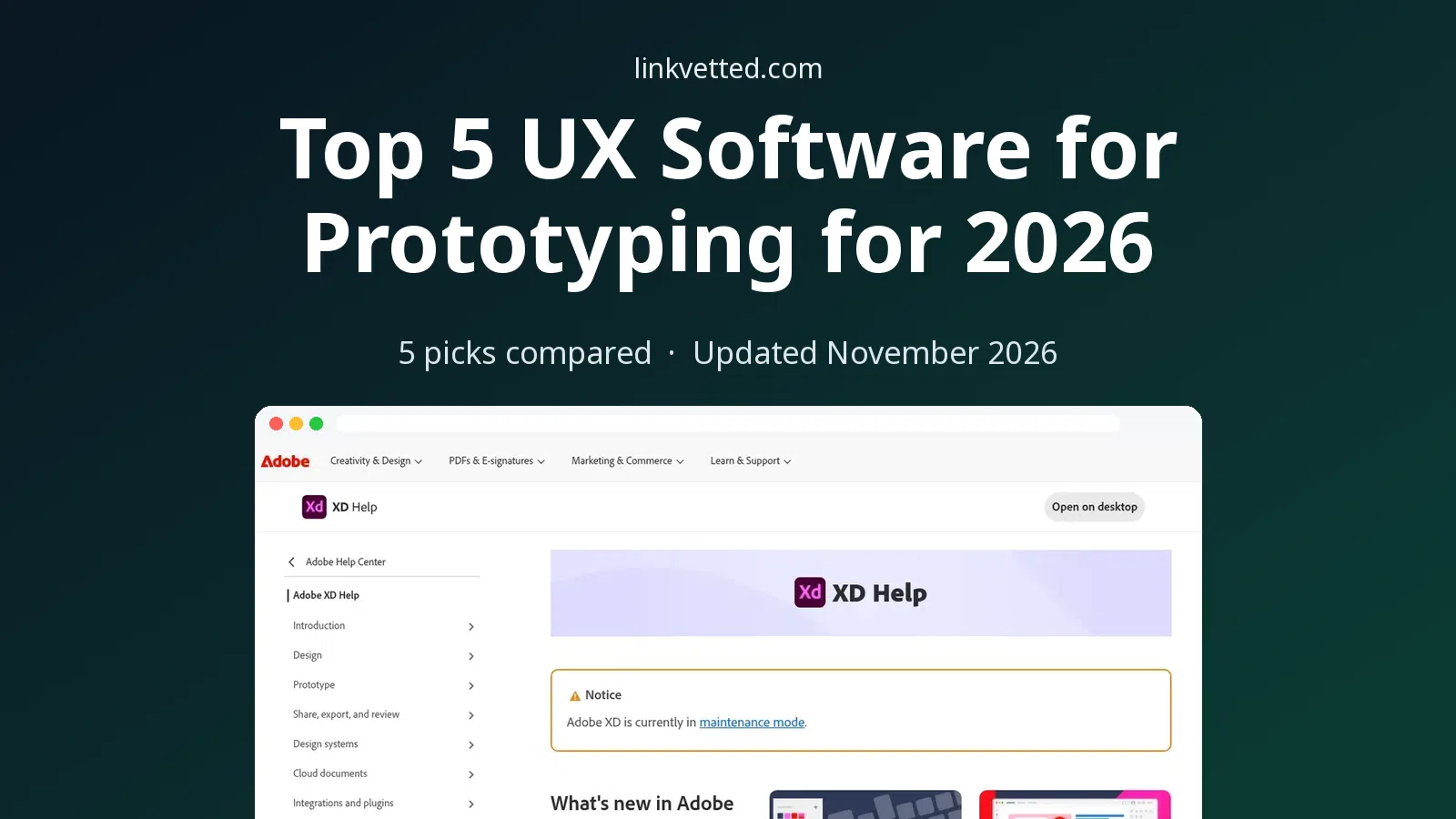
- Editor's choice
 Adobe XD
Designers within the Adobe ecosystem
Starts atSee websiteVisit adobe.comFull review - Great alternative
 Axure RP
In-depth specifications and complicated prototypes
Starts at$29 per user a monthVisit axure.comFull review - Also consider
 Sketch
Mac designers who value a native app
Starts at$12 per editor per monthVisit sketch.comFull review
Direct answer
Our first pick is Adobe XD, best for designers within the Adobe ecosystem. Listed starting prices: Axure RP from $29 per user a month, Sketch from $12 per editor per month and Balsamiq from $16 per editor a month. Axure RP is better for in-depth specifications and complicated prototypes, and Sketch is better for Mac designers who value a native app. Prices, free plans and limits for all 5 tools follow.
TL;DR:
- This list starts with Adobe XD, which is built for designers within the Adobe ecosystem.
- Figma fits collaborative end-to-end product design.
- Figma is the lowest-priced starter here at $3 per month.
- Sketch comes with a trade-off: restricted to the Apple ecosystem.
Last checked November 2026. Prices and plan details were read from the vendors' own pages in November 2026; vendors change plans often, so confirm the current price on the vendor site before you buy.
Quick comparison
| Tool | Best for | Starts at | Free plan? | |
|---|---|---|---|---|
| Adobe XD | Designers within the Adobe ecosystem | See website | Not stated | Visit |
| Axure RP | In-depth specifications and complicated prototypes | $29 per user a month | Not stated | Visit |
| Sketch | Mac designers who value a native app | $12 per editor per month | Free trial | Visit |
 Balsamiq | Quick, low-fidelity wireframing | $16 per editor a month | Free trial | Visit |
 Figma | Collaborative end-to-end product design | $3 a month | Not stated | Visit |
UX Software for Prototyping compared in detail
Short on time? The summary and table above give the quick view of 5 tools for UX software for prototyping, and the profiles that follow give the detail behind each entry.
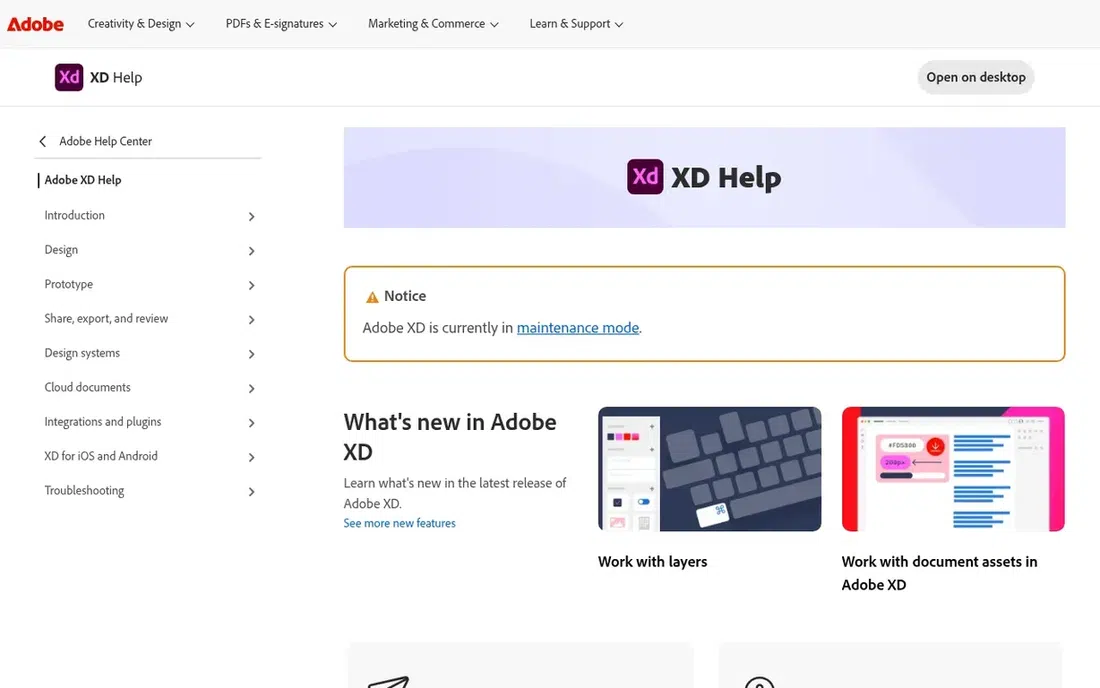
Think of Adobe XD for designers within the Adobe ecosystem. Adobe XD is an UI and UX design tool from Adobe that supports wireframing, prototyping, and design handoff. It is widely known for fitting into the broader Adobe Creative Cloud ecosystem, which makes it a natural choice for designers already using Adobe applications.
On top of that, Adobe XD has seen slower feature development compared to some newer competitors. Its real-time collaboration is less mature than browser-first choices. As for the details, designers who require modern prototyping interactions may want to evaluate alternatives. No starting price is listed for Adobe XD here; confirm pricing on the vendor site. Free options: Not stated.
Downsides: Some collaboration features trail browser-based rivals.
- Familiar interface for Adobe users
- Supports UI design and prototyping
- Development momentum has slowed in recent years
Axure RP is a good fit for in-depth specifications and complicated prototypes. Axure RP is an all-in-one software design tool for creating prototypes, specifications, and diagrams, based on its homepage. It is noted for supporting in-depth, interactive prototypes with complicated logic and for generating specification documents alongside designs.
What to check first: Interface can feel heavy for straightforward wireframes.
This makes it a solid fit for UX professionals who require to document behavior precisely and hand off in-depth requirements to developers. Consider Axure RP when your prototypes need advanced interactivity and thorough documentation. As for the details, Axure RP has a steeper ramp-up time than lighter wireframing tools. Its interface can feel heavy for fast, low-fidelity work. Axure RP cost at the entry level: $29 per user per month. Free options: Not stated.
- Merges prototypes, specifications, diagrams
- Supports rich conditional logic
- Steeper ramp-up time
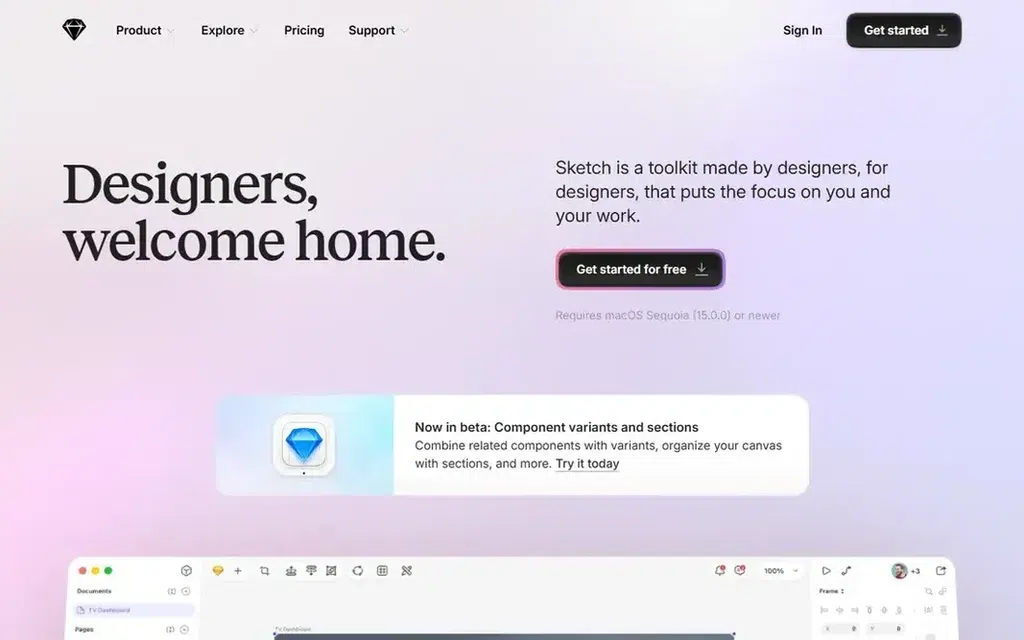
Sketch works best for Mac designers who value a native app. Sketch is a design and prototyping tool made by designers, for designers, as stated on its homepage. This appeals to individual designers and teams already embedded in the Apple ecosystem who prefer a dedicated desktop tool over a browser-based one.
Drawbacks to consider: Limited to the Apple ecosystem.
In practice, Sketch is not available on Windows or Linux, so cross-platform teams may face friction. Pick Sketch when you want a focused, native Mac design environment and your team works primarily on Apple hardware. What you pay to start with Sketch: $12 per editor per month. As for free access: Free trial.
- Native Mac experience
- Built by designers for designers
- Collaboration features are less live than browser tools
Balsamiq was built for quick, low-fidelity wireframing. The tool's low-fidelity approach helps teams focus on structure and flow instead of visual polish, making it handy for early-stage ideation and stakeholder feedback.
What you pay to start with Balsamiq: $16 per editor per month. Free plan details: Free trial.
Limits to weigh: Restricted high-fidelity prototyping.
- Helps sketch and test UI ideas early
- Centres on wireframes without visual distraction
- Not intended for final visual design
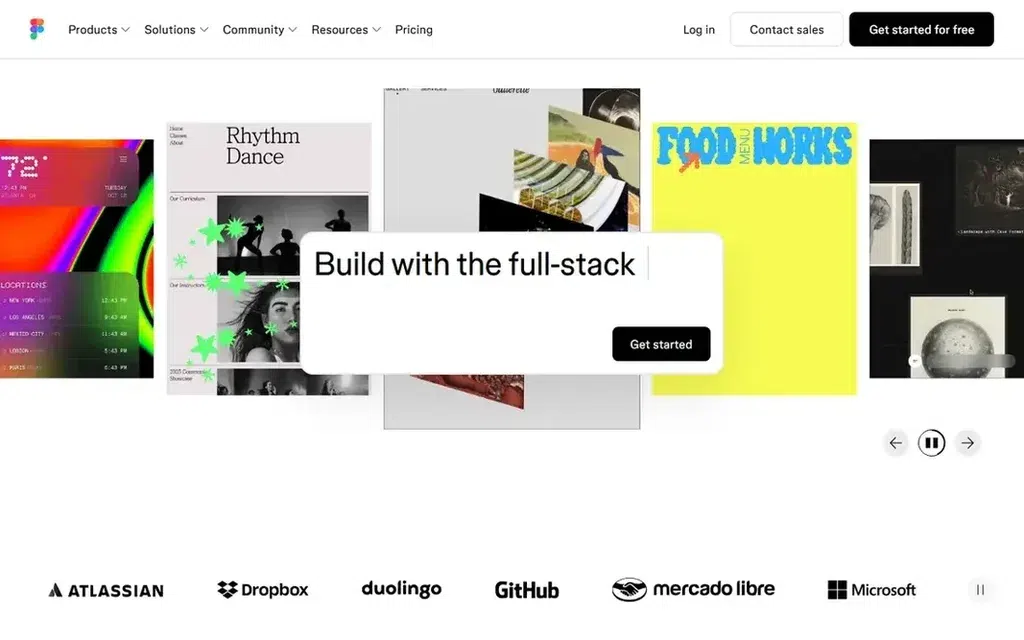
Figma targets collaborative end-to-end product design. It supports the whole journey from first idea to shipped product, letting teams work in one place.
Downsides: Advanced prototyping may need extra plugins.
Highlights: AI workflows.
Designers, developers, and product managers can all contribute within the same environment, reducing handoff friction. From a buyer's view, since Figma is browser-based, it relies on a dependable connection for live collaboration and file access. Entry price for Figma: $3 per month. Free access: Not stated.
- Supports concept-to-production handoff
- Live collaboration in one shared canvas
- Needs a stable internet connection for full use
How we chose
Pre-purchase checklist
- Confirm the entry price on the vendor page. For Adobe XD that means a quote rather than a fixed price.
- Run a trial of Sketch and Balsamiq with real work before paying for a year; your own workflow is the best test.
- Before choosing Adobe XD, weigh its main limit: development momentum has slowed in recent years.
- Make sure Sketch lets you export your data in a format another tool can read.
- Ask the daily users to test Balsamiq on a live task before you roll it out to everyone.
FAQ
Do these tools publish their prices?
Not all of them. Adobe XD publishes no starting price, so expect a quote request for it. The rest, Axure RP included, show a starting price, though seats and billing terms still change the final cost. Prices, free plan details and limits for all 5 tools in this UX software for Prototyping roundup sit on the individual cards above.
Can I try these tools before paying?
Often, yes. Sketch and Balsamiq offer a free trial. Use your own data and a real task during the test, and check what the free tier or trial limits before you rely on it. Each of the 5 options in this UX software for Prototyping guide has its own card above with the price, free plan and limits.
How are the tools for UX software for prototyping ordered?
The order follows typical fit for UX software for prototyping, with Adobe XD first and Figma last, then price clarity and free access. It is editorial judgement, not a score, so another team could rank the tools differently.
Is Adobe XD the right pick for everyone comparing UX software for prototyping?
No single tool suits every team. Adobe XD comes first because it fits designers within the Adobe ecosystem, while Axure RP suits detailed specifications and complex prototypes and Sketch suits Mac designers who value a native app. Match the tool to your own size, budget and workflow before deciding.
What is the best UX software for prototyping for beginners?
Adobe XD comes first here and is built for designers within the Adobe ecosystem. Buyers with other needs may prefer Axure RP (for in-depth specifications and complicated prototypes) or Sketch (for Mac designers who value a native app). Compare costs and limits first.
Sources
- https://www.adobe.com/products/xd.html
- https://www.axure.com
- https://www.sketch.com
- https://balsamiq.com
- https://www.figma.com