Best Collaborative Design Apps for Prototyping for 2026: Our 5 Vetted Picks
Best collaborative design apps for prototyping, compared. 5 tools with published prices, free plans and limits. Hidden costs and gaps are flagged. No hype.
- Editor's choice
 Balsamiq
Quick, low-fidelity wireframing
Starts at$16 per editor a monthVisit balsamiq.comFull review - Great alternative
 ProtoPie
Advanced, realistic interaction prototypes
Starts atSee websiteVisit protopie.ioFull review - Also consider
 Figma
All-in-one team design and prototyping
Starts at$3 a monthVisit figma.comFull review
Direct answer
Balsamiq leads the list, best for fast, low-fidelity wireframing. Listed starting prices: Balsamiq from $16 per editor a month, Figma from $3 a month and Sketch from $12 per editor a month. ProtoPie fits advanced, realistic interaction prototypes; Figma fits all-in-one team design and prototyping. All 5 tools are compared below on price, free plan and limits.
TL;DR:
- Balsamiq takes the first slot, best suited to quick, low-fidelity wireframing.
- The lowest published monthly entry price here is $3 per month, from Figma.
- Before buying Balsamiq, weigh this: not made for high-fidelity visuals.
- For Wireframe to user test in one place, Marvel is worth a look.
Last checked November 2026. Prices and plan details were read from the vendors' own pages in November 2026; vendors change plans often, so confirm the current price on the vendor site before you buy.
Quick comparison
| Tool | Best for | Starts at | Free plan? | |
|---|---|---|---|---|
| Balsamiq | Quick, low-fidelity wireframing | $16 per editor a month | Free trial | Visit |
| ProtoPie | Advanced, realistic interaction prototypes | See website | Not stated | Visit |
| Figma | All-in-one team design and prototyping | $3 a month | Not stated | Visit |
 Sketch | Mac designers who value focused workflow | $12 per editor a month | Free trial | Visit |
| Marvel | Wireframe to user test in one place | See website | Yes | Visit |
Every option for collaborative design apps for prototyping explained
This LinkVetted guide covers 5 options for collaborative design apps for prototyping. Each profile lists a starting price, free plan details, strengths and drawbacks, so you can drop poor fits quickly.
Pick Balsamiq if this describes you: quick, low-fidelity wireframing. Balsamiq centres on wireframes and prototypes without the friction, positioning itself for product, tech and business minds who want to sketch, test and refine an UI rapidly. The intentionally straightforward wireframe aesthetic keeps conversations about structure instead of pixel detail.
It performs well for early concept exploration and cross-team discussion. On top of that, Balsamiq is not intended for high-fidelity visual design or complex interaction prototyping. So teams will eventually move to another tool for refined work. Beyond that, pick Balsamiq when speed and clarity of early ideas matter more than visual finish. Balsamiq cost at the entry level: $16 per editor per month. Free options: Free trial.
Where it is weaker: Restricted advanced interaction design.
- Fast to sketch and refine UI
- Deliberately straightforward wireframe style
- Not made for high-fidelity visuals
ProtoPie is designed for advanced, realistic interaction prototypes. ProtoPie is an AI-driven prototyping system that helps teams produce interactions, refine them, and hand off clean specs. For everyday use, pick ProtoPie when the fidelity of the interaction, not the speed of the mockup, is what your testing relies on.
Points against: Centred on prototyping, not full design.
ProtoPie concentrates on prototyping instead of full interface design, so most teams still need a separate design tool for visual work. Advanced interaction logic takes time to learn. ProtoPie does not show a starting price in this comparison, so check the vendor site for current pricing. Free options: Not stated.
- Clean specification output
- AI-assisted interaction generation
- Advanced features take time to learn
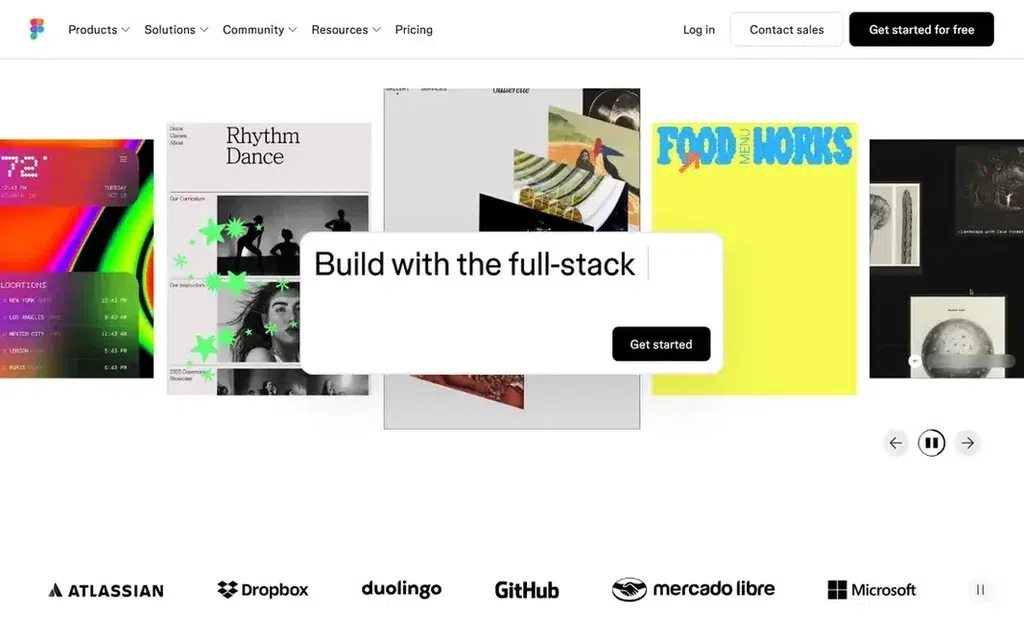
In short, Figma is for all-in-one team design and prototyping. Figma is a shared canvas where design, code and AI come together, pitched at teams that want to move from first idea to shipped product in one place.
Trade-offs to know: Needs a stable connection for live work.
Highlights: Design. More specifically, choose Figma when collaboration and end-to-end workflow matter more than minimalism. The starting price for Figma: $3 per month. Free options: Not stated.
- Code and AI in one canvas
- Moves from concept to production
- Broad feature set can feel dense
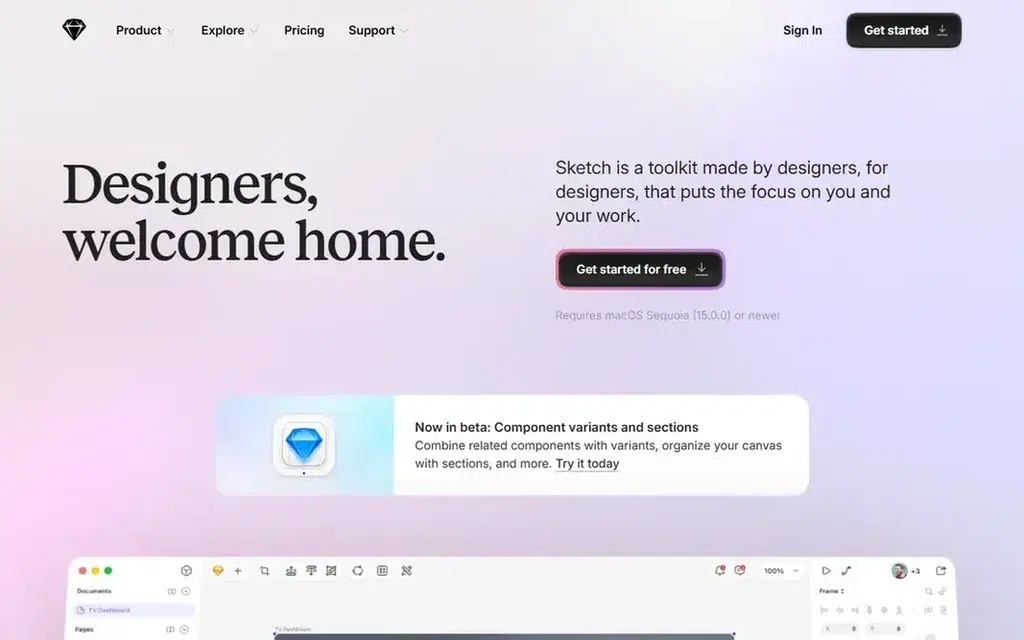
Sketch serves Mac designers who value focused workflow. The emphasis is on the designer's own process, so individuals and small studios commonly feel at home here.
Trade-offs to know: Collaboration is less live centric.
Sketch cost at the entry level: $12 per editor per month. On free options: Free trial.
- Prototyping and handoff included
- Focused editing experience
- Mac-only product limits mixed teams
Marvel
Best for: Wireframe to user test in one place
Pick Marvel if this describes you: Wireframe to user test in one place. An API lets integrations for teams with existing tooling. In daily use, designers needing fine-grained visual control may pair it with a more solid design app.
Marvel describes itself as a collaborative design product for digital products, handling wireframing, prototyping, user testing, design and inspection in one place. Marvel is less deep than dedicated interaction tools when prototypes need intricate logic or advanced animation. As for the details, choose Marvel when a straightforward path from wireframe to user test is the priority. Marvel does not show a starting price in this comparison, so check the vendor site for current pricing. Free access exists with Marvel.
What to check first: Fewer advanced design controls.
Where Marvel stands out: Design and inspect in one product.
- API integration available
- Prototype and test together
- Less depth for complicated interactions
Selection criteria
The comparison looks at four things: starting price, free access, how well the feature set matches collaborative design apps for prototyping, and the main limit of each tool. Where a vendor does not publish a price, the entry says quote. Where a price depends on seats or billing term, the entry says so. Tools are placed by general fit for collaborative design apps for prototyping, with price clarity and free access as tie-breakers. A different team can reasonably rank them differently.
Pre-purchase checklist
- Confirm the entry price on the vendor page. For ProtoPie and Marvel that means a quote rather than a fixed price.
- Look at the free plan from Marvel closely: its caps decide whether it is usable for real work.
- Use real work to test the free trial from Balsamiq and Sketch, rather than a demo project.
- Read the limits listed for Balsamiq first: not aimed at high-fidelity visuals.
- Look at which plan of Marvel unlocks the features you need; entry tiers are often cut down.
- A short pilot of Sketch with your real workflow tells you more than a feature table.
FAQ
What is the cheapest option for collaborative design apps for prototyping in this list?
On published monthly entry prices, Figma is the lowest here at $3 per month. Entry price is only part of the cost, because seats, add-ons and billing terms can change the total. All 5 picks in this collaborative design apps for Prototyping comparison list a starting price, free plan details and the main limits on their cards above.
Which options for collaborative design apps for prototyping have a free plan?
Marvel is the only tool in this list with a free plan. Free plans usually cap users, projects or features, so check the limits on the vendor page. Several others offer a trial instead.
Do these tools publish their prices?
Not all of them. ProtoPie and Marvel publish no starting price, so expect a quote request for those. The rest, Balsamiq included, show a starting price, though seats and billing terms still change the final cost.
Can I try these tools before paying?
Often, yes. Marvel has a free plan and Balsamiq and Sketch offer a free trial. Use your own data and a real task during the test, and check what the free tier or trial limits before you rely on it.
Sources
- https://balsamiq.com
- https://www.protopie.io
- https://www.figma.com
- https://www.sketch.com
- https://marvelapp.com