Best Collaborative Design Software for Remote Teams in 2026: 6 Tools Compared
Best collaborative design software for remote teams, compared. 6 tools with published prices, free plans and limits. Short verdicts, no fluff. Pick by budget.

- Editor's choice
 Canva
Fast visual content creation for non-designers
Starts atSee websiteVisit canva.comFull review - Great alternative
 FigJam
Collaborative whiteboarding and brainstorming
Starts atSee websiteVisit figma.comFull review - Also consider
 Sketch
Focused design and prototyping for designers
Starts at$12 per editor per monthVisit sketch.comFull review
Direct answer
This list puts Canva first for fast visual content creation for non-designers. Listed starting prices: Sketch from $12 per editor per month, Miro from $8 per member a month and Mural from $9.99 per member per month. If your case is different, FigJam suits collaborative whiteboarding and brainstorming and Sketch suits focused design and prototyping for designers. The remaining 3 options are covered below with prices and limits.
TL;DR:
- This list starts with Canva, which is built for fast visual content creation for non-designers.
- For collaborative interface design and prototyping, Figma is worth a look.
- A free plan is available from 2 of the 6 tools: Miro, Mural.
- The cheapest monthly starting price in the list is $3 per month, offered by Figma.
Last checked November 2026. Prices and plan details were read from the vendors' own pages in November 2026; vendors change plans often, so confirm the current price on the vendor site before you buy.
Quick comparison
| Tool | Best for | Starts at | Free plan? | |
|---|---|---|---|---|
| Canva | Fast visual content creation for non-designers | See website | Not stated | Visit |
| FigJam | Collaborative whiteboarding and brainstorming | See website | Not stated | Visit |
| Sketch | Focused design and prototyping for designers | $12 per editor per month | Free trial | Visit |
 Miro | Visual collaboration and brainstorming | $8 per member a month | Yes | Visit |
 Mural | AI-powered visual collaboration and strategy | $9.99 per member per month | Yes | Visit |
 Figma | Collaborative interface design and prototyping | $3 per month | Not stated | Visit |
Collaborative Design Software for Remote Teams profiles
If you are comparing collaborative design software for remote teams, this page covers 6 tools in one place: what each is best for, what it costs to start, whether it has a free plan, and the main limit to know about.
Where Canva fits: fast visual content creation for non-designers. Canva is a free-to-use online graphic design tool for creating social media posts, presentations, posters, videos, logos, and more. Canva is well suited to marketing teams and non-designers who require to produce refined visuals rapidly and collaboratively.
In practice, Canva lacks the precision and advanced controls needed for professional interface design. It is not a replacement for dedicated UI tools like Figma or Sketch. Canva does not show a starting price in this comparison, so check the vendor site for current pricing. Free access: Not stated.
Watch-outs: Restricted advanced design controls.
- Broad range of visual content types
- Straightforward to use with templates
- Less precision for UI design
FigJam is aimed squarely at collaborative whiteboarding and brainstorming. FigJam is an online collaborative whiteboard where teams can diagram, brainstorm, and organize ideas together. It is a visual collaborative space built for remote teams to think and create in live.
Limits to weigh: Needs Figma account.
For everyday use, FigJam does well for design teams already using Figma, as it integrates closely with the design workflow and supports early-stage ideation. On top of that, if you need a dedicated whiteboard without Figma integration, Miro or Mural may be more suitable. Check the vendor site for FigJam pricing; none is listed in this comparison. Free plan details: Not stated.
- Live collaborative whiteboard
- A good match for diagramming and ideation
- Restricted advanced design features
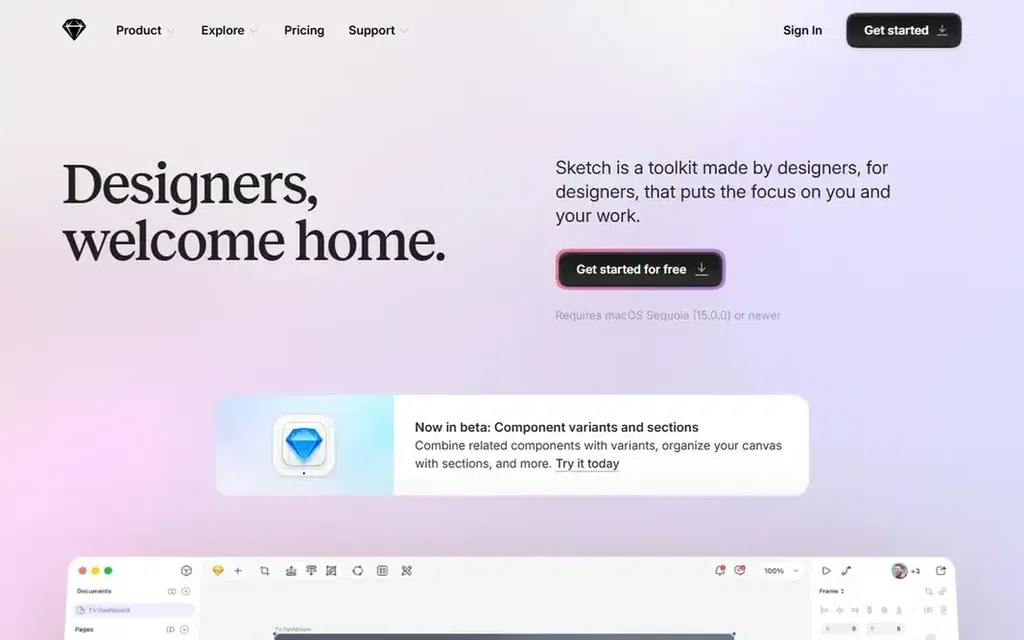
Sketch makes the most sense for focused design and prototyping for designers. It puts the focus back on you and your work, offering a clean environment for creating interfaces and prototypes.
Sketch is only available on macOS, which limits cross-platform collaboration. If your team contains Windows users or needs smooth multiplayer editing, consider Figma instead. Sketch starts at: $12 per editor per month. Free plan details: Free trial.
What to check first: Less live collaboration than some rivals.
Highlights: Collaboration and handoff features.
- Focused interface
- Clean
- Mac-only system

Miro targets visual collaboration and brainstorming. Miro is an AI-powered visual workspace built to accelerate product development from ideation to launch.
In practice, remote teams use Miro for brainstorming, planning, and visual project management, making it a good fit for cross-functional collaboration. Starting cost for Miro: $8 per member per month. Miro includes a free tier.
What to check first: Can become cluttered with heavy use.
- Supports ideation to launch
- AI-powered visual workspace
- May need training for advanced features
Pick Mural if this describes you: AI-powered visual collaboration and strategy. Pick Mural when visual collaboration and strategic planning are the central goals.
Where it is weaker: Less suited for in-depth UI design.
Worth adding: remote teams use Mural for workshops, brainstorming, and visual planning, making it a good fit for collaborative strategy sessions and design thinking exercises. Worth adding: Mural is an AI-powered visual workspace for team collaboration, helping teams plan, strategize, and execute projects smoothly on one easy-to-learn tool. On cost, Mural starts like this: $9.99 per member per month. Mural offers a free plan.
- Easy-to-learn for team collaboration
- Supports planning and execution
- Can be overwhelming for new users
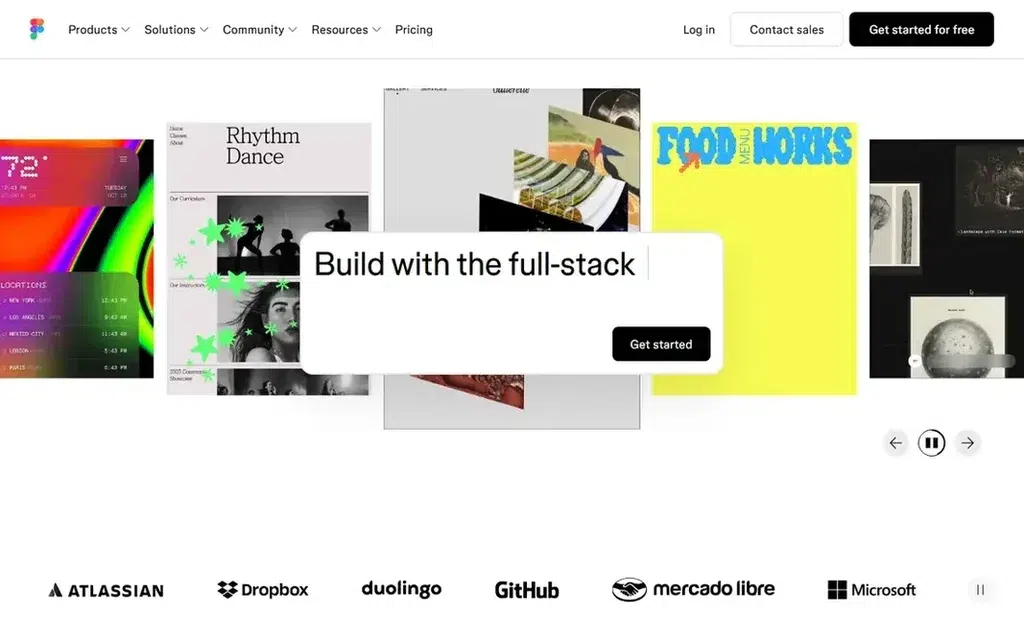
Figma is a good fit for collaborative interface design and prototyping. If you primarily need whiteboarding instead of interface design, consider dedicated whiteboard tools instead. It supports live collaboration, allowing remote teams to work on the same file simultaneously.
Figma can be complicated for beginners and may need a ramp-up time for non-designers. Its reliance on internet connectivity means teams with unstable connections might face disruptions. Entry price for Figma: $3 per month. Free plan details: Not stated.
What to check first: Complicated for non-designers.
- Integrated design, code, AI
- Browser-based with no install
- Needs stable internet connection
How the list was put together
We compared the tools on published pricing, free plan or trial availability, feature coverage for collaborative design software for remote teams, and the limits each vendor documents. Where a vendor does not publish a price, the entry says quote. Where a price depends on seats or billing term, the entry says so. Tools are placed by general fit for collaborative design software for remote teams, with price clarity and free access as tie-breakers. A different team can reasonably rank them differently.
Questions to settle before buying
- Get a written quote from Canva and FigJam; the list shows no starting price for them.
- Look at free plan limits closely: Miro and Mural have one, and the caps decide whether it is usable for real work.
- Use real work to test the free trial from Sketch, rather than a demo project.
- Read the limits listed for Canva first: less precision for UI design.
- Test how quickly Figma answers a pre-sales question; it hints at how support will feel later.
- Look at which plan of FigJam unlocks the features you need; entry tiers are often cut down.
FAQ
How does FigJam differ from Miro?
FigJam is tightly integrated with Figma and is a strong match for teams already using Figma for design. Both are solid for whiteboarding, but FigJam is more design-centric.
Is Canva the right pick for everyone comparing collaborative design software for remote teams?
No single tool suits every team. Canva comes first because it fits quick visual content creation for non-designers, while FigJam suits collaborative whiteboarding and brainstorming and Sketch suits focused design and prototyping for designers. Match the tool to your own size, budget and workflow before deciding.
Can remote teams use Sketch for live collaboration?
Sketch supplies collaboration features, but its live multiplayer editing is less smooth than browser-based tools like Figma. It is best suited for teams that prioritize a focused design environment and are comfortable with macOS.
How are the tools for collaborative design software for remote teams ordered?
The order follows typical fit for collaborative design software for remote teams, with Canva first and Figma last, then price clarity and free access. It is editorial judgement, not a score, so another team could rank the tools differently.
Can I try these tools before paying?
Often, yes. Miro and Mural have a free plan and Sketch offers a free trial. Use your own data and a real task during the test, and check what the free tier or trial limits before you rely on it.
What is the cheapest option for collaborative design software for remote teams in this list?
On published monthly entry prices, Figma is the lowest here at $3 per month. Entry price is only part of the cost, because seats, add-ons and billing terms can change the total. For the full picture, the cards above cover all 6 entries of this collaborative design software for remote teams list, including price, free plan and limits.
Sources
- https://www.canva.com
- https://www.figma.com/figjam
- https://www.sketch.com
- https://miro.com
- https://www.mural.co
- https://www.figma.com